
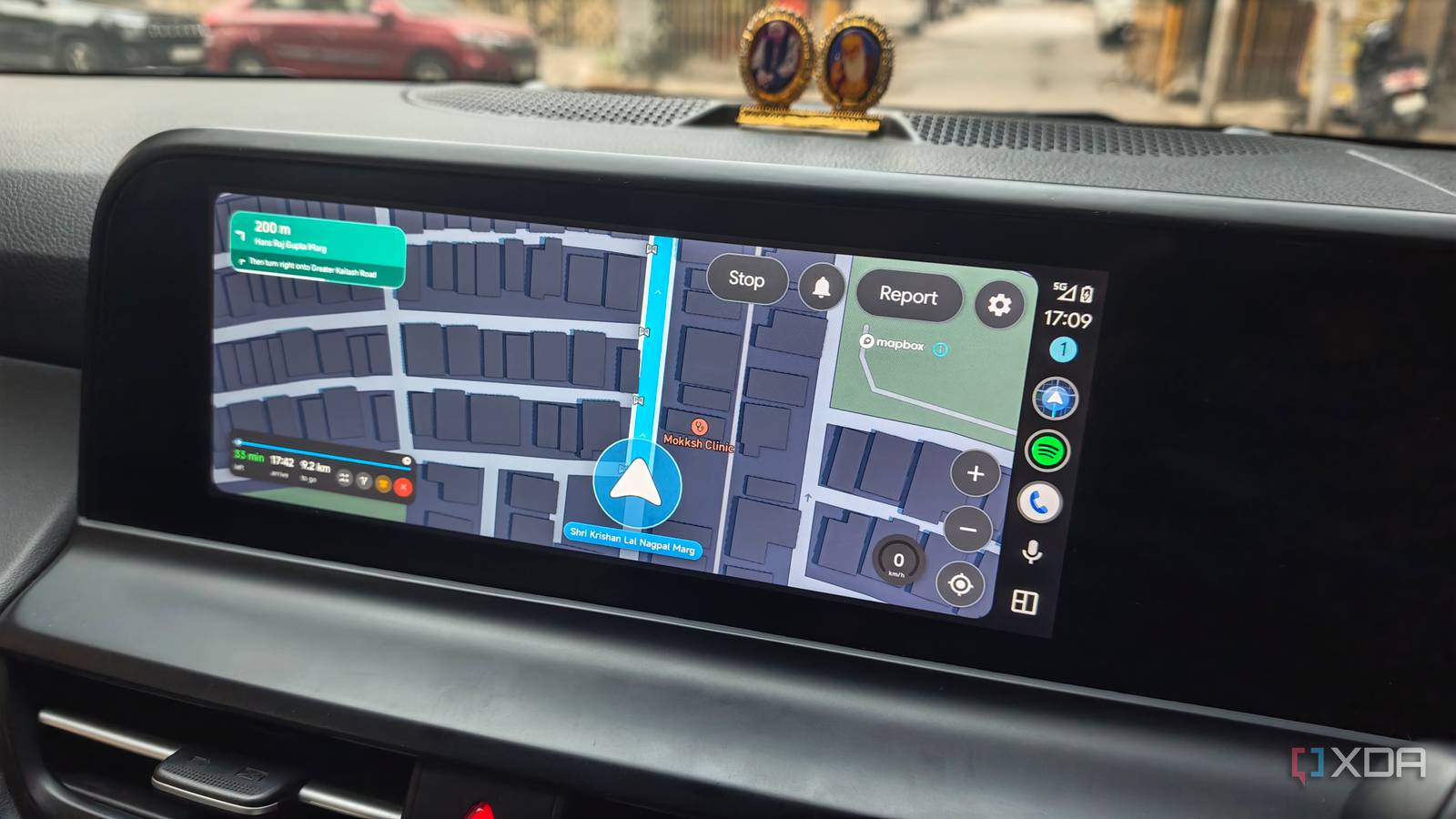
Published Nov 23, 2026, 4:00 PM EST Anurag is an experienced journalist and author who’s been covering tech for the past 5 years, with a focus on Windows, Android, and Apple. He’s written for sites like Android Police, Neowin, Dexerto, and MakeTechEasier. Anurag’s always pumped about tech and loves getting his hands on the latest gadgets. When he's not procrastinating, you’ll probably find him catching the newest movies in theaters or scrolling through Twitter from his bed. I use Android Auto for almost everything when I'm driving, from navigation and music to checking the weather and even controlling my Home Assistant devices. It already supports a decent selection of apps, and I've managed to add a few more capabilities to my setup using third-party tools. Recently, I wanted to see if I could take things further by using Claude Code to build my own Android Auto app. I've used coding agents for plenty of other projects, so I figured I'd give this a shot too. I ended up building an app that can look at my to-do list and find places where I can complete errands along my route. For instance, if I need to pick up groceries or dog food on my way home, the app finds relevant stores and calculates how much extra driving time each stop would add. I wanted my to-do list to understand my route Finding convenient stops along the way Most of my errands don't have a fixed destination. If I need to buy batteries, pick up cleaning supplies, or refuel my car, I don't particularly care which store I visit. I just want to get the job done without going too far out of my way. Google Maps already lets you search for places along your route, but you still need to search for each place manually. I figured an app that could check my errands and suggest relevant stops would be pretty useful. The idea was to keep things simple — I'd add my errands to a list on my phone and save my regular destinations, such as home and work. The Android Auto app would then look at my route and search for businesses where I can complete those tasks. If I need fuel, for example, it will find gas stations along my commute. The app also calculates how much extra driving time each stop would add. After all, a store that's only a couple of miles away can still require a considerable detour, whereas one farther away might be directly on my route. Comparing the journey with and without each stop helps me figure out which option makes the most sense. Once I select a location, Google Maps handles the navigation as usual. The app also lets me mark errands as complete, so I can keep track of what is left to do. Claude Code handles most of the development But connecting everything took some work I started with a small brief of what I had in my mind, and Claude expanded it into a full-blown app. Developing for Android Auto is a little different from building a regular Android app. Google restricts the types of apps that can appear on your car's screen, and developers have to use interfaces designed for driving. Fortunately, Android Auto supports point-of-interest apps, which can display businesses and other locations on a map. For the actual functionality, I used two Google Maps Platform services. The Routes API calculates the journey between my saved locations, and the Places API searches for businesses along that route. This is particularly useful because it can find places based on the route I'm taking instead of simply looking for businesses near my current location. It takes another step to calculate the detour time. The app compares the duration of my original journey with the time it would take if I added a particular store as a stop. The difference tells me how many additional minutes I'd spend driving. Claude Code handled the API integrations, the calculations, and the logic for matching errands with relevant businesses. Claude also built separate interfaces for my phone and Android Auto. I can add and manage errands on my phone, then use the car's screen to browse suggested stops. The Android for Cars App Library provides templates for displaying these locations, so I didn't have to build a custom dashboard interface from scratch. Android Auto has room for experimentation There's plenty more I can build Android Auto still leaves out a surprising number of useful apps. You can't install just any Android app on your car's dashboard, and Google's restrictions on supported app categories rule out plenty of utilities that would be useful during a commute. Even something as simple as adding custom widgets or accessing a web browser requires workarounds. I've already experimented with apps like AA Browser, Widgets for Auto, and other sideloaded tools to get more functionality out of Android Auto. These let me access websites, check information from different apps, and customize my dashboard beyond what Google officially supports. However, I'm still dependent on other developers to build the features I want. Claude Code lets me build those features myself. I can describe what I want an app to do, have the agent put together the code, and make changes as I go. The errand planner is one example, but there are plenty of other things worth trying. I could build an app that tracks my commute history, remembers potholes and other road hazards along my regular routes, or creates location-based reminders for things I need to do. These are exactly the kinds of small, personalized tools that coding agents make practical to build. I'd rather touch the screen less Most of my Android Auto experiments have involved finding ways to put more things on the dashboard. This project gives me a better goal: reduce the number of things I need to do there. I'd like my errands and suggested stops ready before I even start driving.
I used a coding agent to build the commute tool I kept wishing Android Auto had
Full Article
Original Source
Read the full article at Xda-developers →KhanList aggregates and links to publicly available news content. We do not host full articles from third-party sources. Always verify important information with original sources.