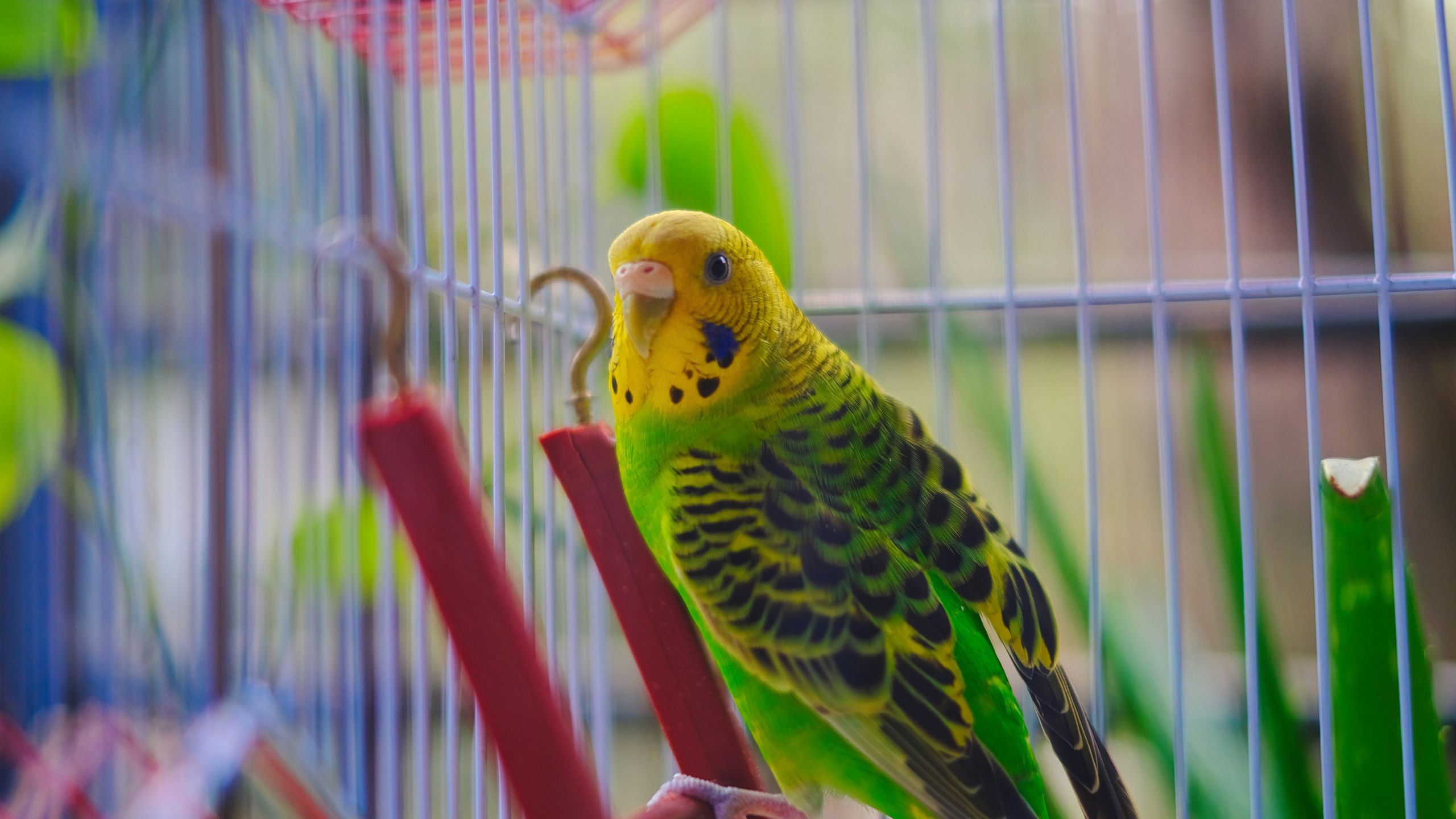
(Image credit: Shutterstock/Surja Sen Das Raj) By lunchtime, ChatGPT has usually helped me research an AI story, brainstorm ideas, answer a question from one of my kids and figure out what's for dinner. As a power user, I've found it useful to not think for me, but alongside me to help my day run smoother.The downside is that after bouncing between so many different topics, my own thinking can start to feel cluttered. I don't always want work ideas mixing with personal projects or creative brainstorming bleeding into research for an article.That's why I started using what I call the "bird cage" prompt. It doesn't unlock a hidden feature in ChatGPT, and it isn't an official prompt from OpenAI. It's also not an alternative to ChatGPT Projects. It's a mental framework I use to keep individual conversations focused, whether I'm working inside a Project or not. I use it for queries that start small, but could easily be moved into an actual ChatGPT Project later. It sounds almost too simple, but it's become one of the few prompts I use every single day.What is the 'bird cage' promptThe bird cage prompt: Imagine every project I work on lives inside its own bird cage. We are now entering the [Project Name] cage. While we're inside this cage: Only use information that belongs to this project, don't mix in ideas, examples or assumptions from my other projects unless I specifically ask, if I mention something that seems to belong in another cage, stop and ask whether I want to switch cages before using it, stay inside this cage until I tell you we've left it. Treat this cage as a dedicated workspace with clear boundaries.Why not just use ChatGPT Projects? (Image credit: Future)If you're a ChatGPT Plus user, you might be wondering why I don't simply create a Project for everything. I do use Projects for long-running work. They're great for keeping related chats, uploaded files and custom instructions together in one place.The bird cage prompt serves a different purpose. I can use it inside a Project or in a regular chat whenever I want ChatGPT to consciously stay inside one line of thinking. It's less about organizing conversations and more about framing the conversation that's happening right now.Get instant access to breaking news, the hottest reviews, great deals and helpful tips.Sometimes I'm exploring an idea that may never become a Project. Other times I'm working inside an existing Project but still want ChatGPT to treat one task as its own dedicated workspace. The bird cage prompt gives me that extra layer of focus without creating another folder. And, for those free tier users, it's a good option when ChatGPT Projects isn't available.Why the bird cage prompt works (Image credit: Shutterstock)One of the biggest strengths of ChatGPT is its ability to maintain context. That's usually helpful, but sometimes I want the opposite. When I'm writing an article, I don't need ideas from my grocery list or vacation planning sneaking into the conversation. The bird cage prompt creates clear boundaries by stopping me if I get off track.Instead of treating every conversation as one giant workspace, I tell ChatGPT we're entering a specific cage. While we're there, it should only use information that belongs to that project. If I accidentally introduce something from another project, it stops asks whether I want to switch cages or get out entirely.The prompt doesn't create separate memories or technically isolate your projects. ChatGPT still works the same way behind the scenes. What changes is the instruction you're giving it. By defining clear boundaries for the conversation, you're encouraging the model to stay focused on one task instead of wandering into related ideas or assumptions.I've found that my conversations feel cleaner, more organized and much easier to pick back up later.How I use itI use the bird cage prompt daily for brainstorming because ideas that work today aren't worth an entire ChatGPT Project. I just want to focus on them for a short time. For long-term research, that's when I would open an official Project.What I like is that it's helpful to stay focused particularly for creative work. When my thoughts start to stray or I want to ask something completely unrelated, ChatGPT helps me stay on task. Sure, I can always start a new chat for recipes, vacation planning or something else, but when I'm "in the cage," I am more likely to stay focused. As someone with diagnosed ADHD, this is a game changer. If everything is together in the same "cage," in the morning and I need to reference it later in the day, I can open it back up. Again, I don't need a Project for something like this, I just need to keep everything organized for the day. Sure, this tactic isn't going to be useful for everyone, especially for those people with greater attention spans than myself, but I find it incredibly useful.The takeawayThere are plenty of prompt libraries filled with useful, but often complicated instructions. The bird cage prompt is the opposite. I find it's easy to remember and within seconds, I can come back to what I was working on rather than scrolling through chats.If you regularly jump between work, hobbies and personal projects like I do, it can make your conversations feel much more focused. Give it a try and let me know what you think in the comments. Follow Tom's Guide on Google News and add us as a preferred source to get our up-to-date news, analysis, and reviews in your feeds. Subscribe to Tom's Guide on YouTube and follow us on TikTok. Finally, you can visit our dedicated Tom's Guide Savings Squad hub for expert help on getting the best products for less. More from Tom's GuideThe smartest AI trick isn't a prompt — it's your Google DriveI found ChatGPT's secret menu — these 9 features change everythingClaude has 4 built-in skills I use constantly — here’s how to find them Amanda Caswell is the AI Editor at Tom's Guide and one of today’s leading voices in AI and technology. A celebrated contributor to various news outlets, her sharp insights and relatable storytelling have earned her a loyal readership. Amanda’s work has been recognized with prestigious honors, including outstanding contribution to media.Known for her ability to bring clarity to even the most complex topics, Amanda seamlessly blends innovation and creativity, inspiring readers to embrace the power of AI and emerging technologies. As a certified prompt engineer, she continues to push the boundaries of how humans and AI can work together.Beyond her journalism career, Amanda is a long-distance runner and mom of three. She lives in New Jersey.
I use the 'bird cage' prompt to keep my ChatGPT projects separate — now I can't work without it
Full Article
Original Source
Read the full article at Tomsguide →KhanList aggregates and links to publicly available news content. We do not host full articles from third-party sources. Always verify important information with original sources.