
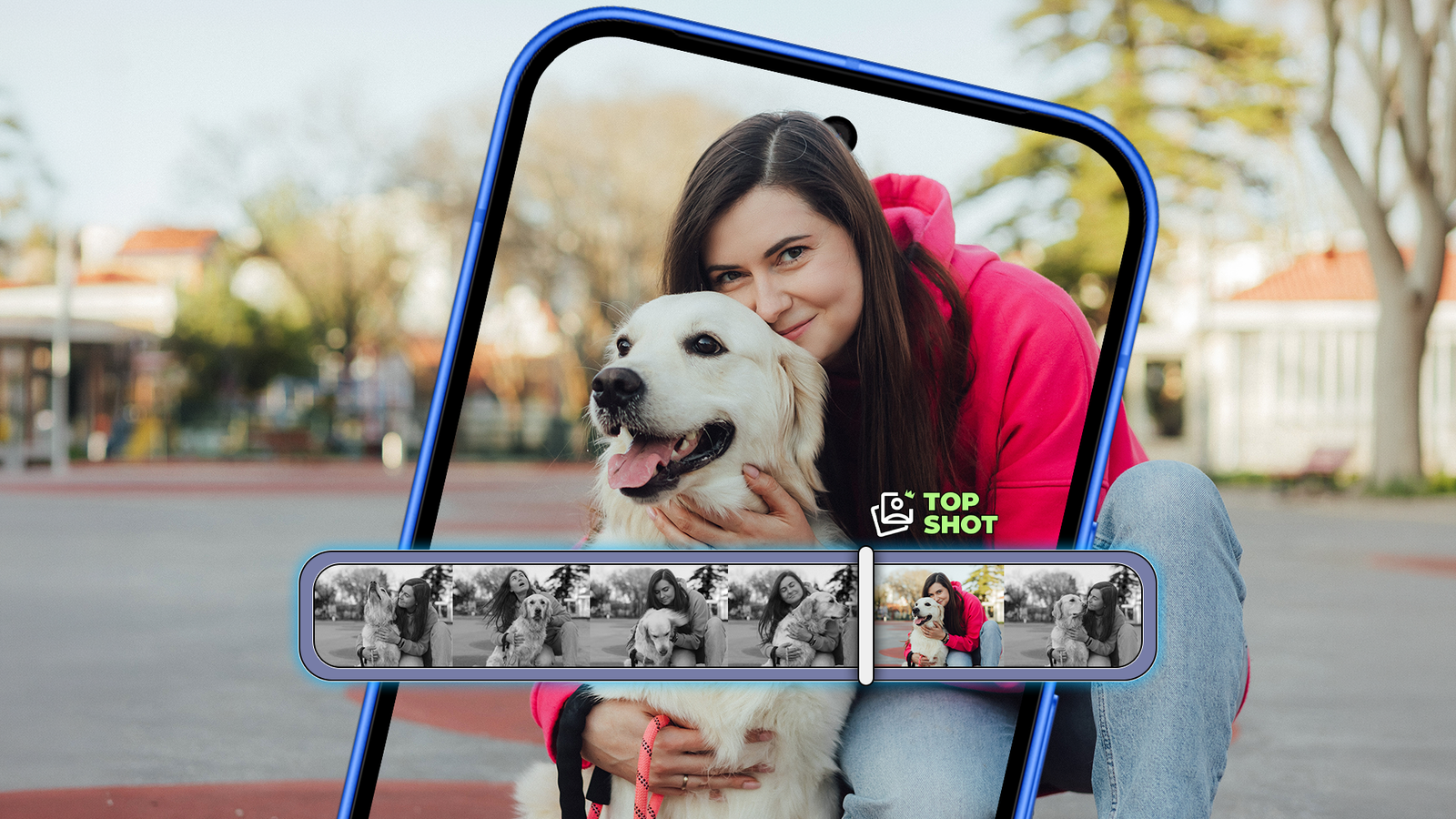
Credit: Lucas Gouveia / Android Police | Forewer / Shutterstock Published Nov 14, 2026, 6:30 AM EST Irene Okpanachi is a Features writer covering Android devices, laptops, portable projectors, VR headsets, software, and AI recorders for Android Police and Talk Android. She has five years' experience across the Tech, E-commerce, and Food niches, with over 1,000 posts published. The Tech space is where she geeks out most, particularly Android. Irene holds certifications in Graphic Design (HerTechTrail), Writing in Plain Language (LinkedIn), and English for IT (Cisco Networking Academy). Beyond writing, Irene is a gamer, singer/songwriter, food lover, and a Jack of all trades. Live Photos are a luxury I've enjoyed on my iPhones since they became popular in 2015. My shaky hands are usually a threat to my photos, but it comforts me to know the shots can be redeemed. I was happier when Google introduced its Top Shot variation on Google Pixel phones. But not every rosy garden is without thorns. I quickly realized I wouldn't be keeping the feature on for long with my limited storage. Here's why. Tight spaces are the fairest tests of storage habits My smallest Pixel shows how fast moving pictures consume space One benefit of Google Pixel phones is that they're the closest Android gets to an iPhone in simplicity among the broader pool of Android phones. Even with their own form of bloat, you're not overwhelmed by customization and buried settings. My Pixel 8 is relatively new to my device collection and has the least storage of any Android I own, while my main OEM phone has 512GB. A few extra gigabytes of moving pictures would've been a drop in the ocean, and I'd never have felt the cost. The Pixel made the perfect candidate for testing whether I really needed Top Shot, given the tight 128GB space. The feature is a camera setting that saves a short video clip of the moments before and after you press the shutter. Android software combines the clip with the still image into one file called a Motion Photo. In the Pixel Camera app, tap the settings cog in the lower-left corner. Then use the buttons beside Top Shot to get started. Swipe up on a Motion Photo in Google Photos to see the clip. You can set Top Shot to Auto or On. Auto activates only when the camera detects motion, while On records every shot. However, neither mode guarantees you'll always capture movement. If the moment you want falls outside a short window, or every frame is blurry, Top Shot won't work. Plus, the photos are always larger. In one of my weekly tests, one Motion Photo averaged about 6.2MB, compared with about 2MB for a regular shot. Combined with RAW, you'd accumulate roughly 22MB every time you press the shutter. I tested my best shots with every setting under watch One forgotten toggle can make files twice as heavy Testing Top Shot was an interesting and intricate process that required me to be mindful of every camera setting. First, I shot 100 photos with Top Shot set to On and made sure every shot saved as a Motion Photo. You'll see a Motion button above the photo when you open it in Google Photos. Regular images don't have it. Tap it, and the short clip plays. For my next test round, I turned it off and shot another 100 pictures. I kept the subjects similar across both batches, with people, my hands waving into the frame, and moving scenes on YouTube. Then I moved each batch into its own folder on the phone, which let me check the total size and file count in the Google Files app. The average size of a Pixel photo is about 2MB. It was an important reference point to keep in mind beforehand so I could spot abnormalities. On one occasion, my non-motion folder showed 2.05GB across 226 files, about 9MB per file, which is too heavy for a regular JPEG. It was because my folder held 226 files instead of 100. I had forgotten to turn off the RAW setting, so every shot was saved twice, once as a JPEG and once as a much larger Digital Negative (DNG) file. Normally, I leave RAW on because I like having the extra detail when editing. But it isn't necessary, and I find that my Pixel's JPEGs are clear enough, thanks to Google's processing. To avoid skewing my test, I removed the DNG files and trimmed both folders to 100 JPEGs. The numbers behind every motion were concerning Top Shot tripled my storage for a handful of memories With Top Shot off, my 100 photos took up 202MB of space, about 2MB each. With Top Shot on, the same number of shots consumed 615MB, about 6.2MB each, and three times the storage. I also shot 100 photos with Top Shot on Auto. They amounted to 285MB, or about 3MB each. It's roughly 40% more than when it was off and less than half of what it used when it was on. With Top Shot off, I missed roughly 16 moments, mostly because of blurs and bad timing. Otherwise, my pictures were largely intentional and well-timed. Turning off the feature saved 413MB per 100 photos. I'd say leaving it on isn't worth it. If I use it at all, I’d much rather rely on Auto mode. I'd need about 11,000 Motion Photos to fill my remaining 68GB of storage completely, which won't happen for months. But the feature isn't a storage saver's best friend if they have other things going on with their phone, like app updates, offline downloads, chat media, and system updates. These things grow without you even noticing. Media files are among the biggest storage hoarders, so it's best to monitor them as they grow. You'd be forced to clean up later when your phone warns you it's running out of space. Although I'm setting Top Shot aside for now, it's not the only way to rescue a bad shot on a Pixel. Best Take swaps blinking or turned-away faces in group photos, and Photo Unblur in Google Photos sharpens shaky pictures. They're part of the tricks transforming my phone usage habits every day.
I turned off my Pixel's Motion Photo for a week and weighed the storage gain against missed shots
Full Article
Original Source
Read the full article at Androidpolice →KhanList aggregates and links to publicly available news content. We do not host full articles from third-party sources. Always verify important information with original sources.