
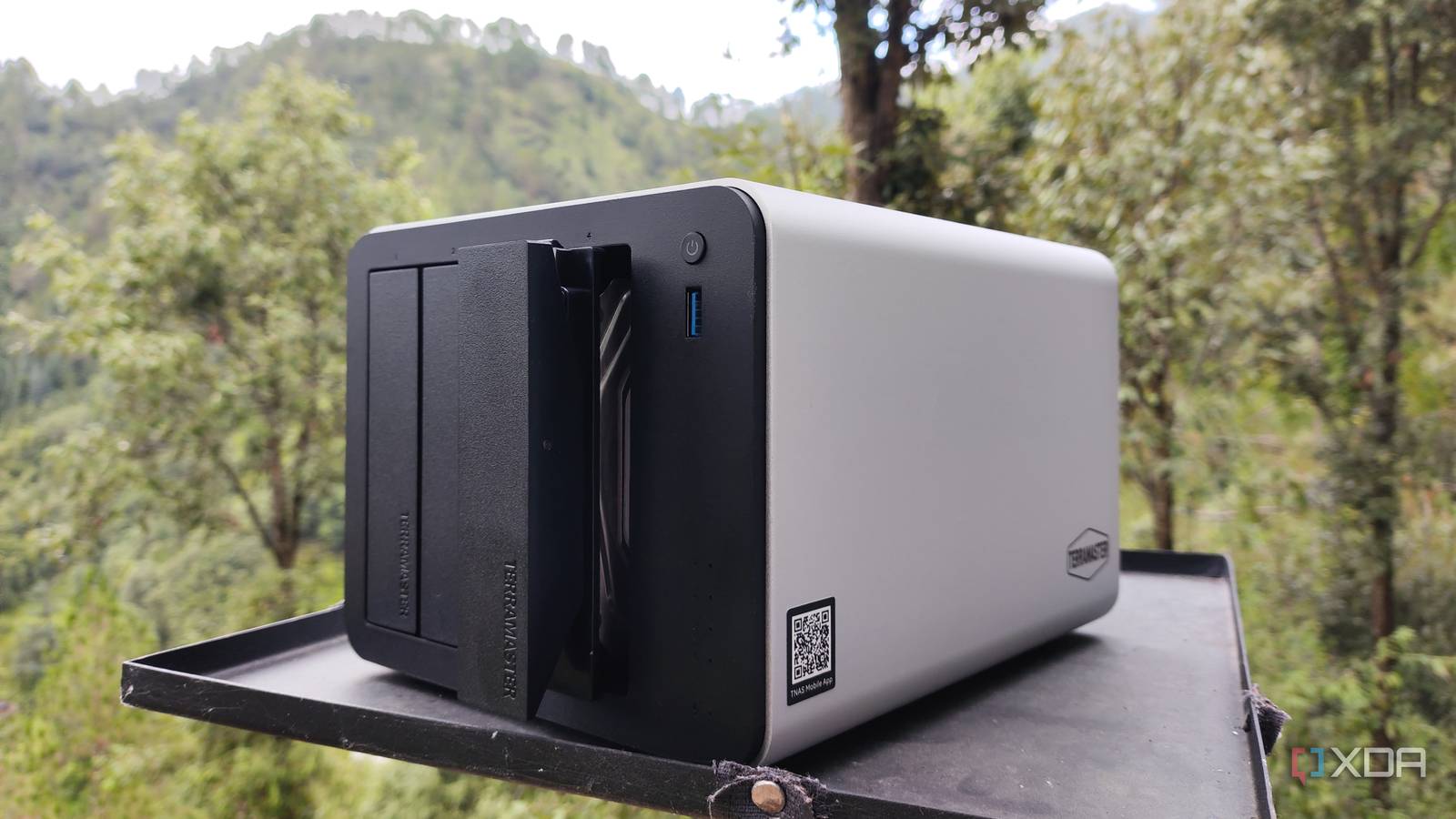
Published Aug 28, 2026, 2:30 PM EDT Ayush Pande is a PC hardware and gaming writer. When he's not working on a new article, you can find him with his head stuck inside a PC or tinkering with a server operating system. Besides computing, his interests include spending hours in long RPGs, yelling at his friends in co-op games, and practicing guitar. Although there’s a lot of overlap between home servers and Network-Attached Storage rigs, I keep my Proxmox experimentation nodes and TrueNAS backup systems separate for the most part. Sure, I may occasionally deploy OpenMediaVault on a Proxmox node just to tinker with cool features released in newer updates, but when it comes to storing backups or archiving old media, I stick to a separate TrueNAS machine that routinely syncs essential files with another remote rig armed with the same distro. That said, I recently experimented with a hybrid setup on my TerraMaster F4-425 Pro, where I deployed TrueNAS as a virtual machine within Proxmox, instead of simply arming the pre-built chassis with the former. And to my surprise, this setup works decently well, provided I don’t go too insane with my tinkering escapades on the underlying Proxmox instance. Truth be told, I was somewhat wary of this setup In my defense, I’d heard plenty of horror stories about broken drive pools on TrueNAS VMs Call me paranoid if you must, but I used to avoid such a setup like the plague, and for good reason. For one, running my TrueNAS VM on Proxmox could render the former unusable if my experiments end up affecting the PVE host. Worse still, I’d end up losing access to my backup rig if things go south during my virtualization projects. However, these problems are somewhat easy to solve, as I can just move my wacky experiments to another Proxmox node. But what really frightened me were the horror stories I’d heard every so often about TrueNAS virtual machines breaking out of nowhere on Proxmox. Even with entire drives passed to the TrueNAS virtual machine, it’s entirely possible for the setup to fall apart without any prior warning. And not because of faulty drives, mind you. After digging quite deep into this rabbit hole, I realized this problem only occurs if you ignore SATA controller passthrough... Passing the SATA controller to the TrueNAS VM was a cakewalk It’s the most vital step for running a ZFS-powered distro as a VM Unlike other NAS distributions, TrueNAS relies exclusively on ZFS as its file system. Although ZFS has plenty of cool perks going for it, it needs raw control over the hard drives, so I can’t just create virtual drives with fixed capacity as I would with a regular Proxmox-powered VM. But even if I were to pass entire drives to my TrueNAS virtual machine, Proxmox still virtualizes the HDDs internally, so the TrueNAS virtual machine can’t interact with them directly. As such, TrueNAS can’t detect the S.M.A.R.T. data. Nor can it interact with the disk cache as well as it could on a bare-metal setup. Worse still, if the extra layer of virtualization changes the order of write operations, it could render my TrueNAS storage pools unusable. That’s why iXsystems recommends passing the entire SATA controller to the TrueNAS virtual machine, as it grants my VM the same control over the hard drives as a bare-metal setup. As for my setup, I created a 50GB virtual drive from a separate NVMe SSD for the boot pool on my TrueNAS VM. That’s because I can always reinstall the distribution and connect it to the same HDDs without losing any data. But for the HDDs where I planned to store my essential files and backups, I had to configure PCI passthrough for both SATA controllers on my F4-425 Pro. First, I had to enable the IOMMU provisions within the /etc/default/grub file. To do this, I added the intel_iommu=on parameter after the quiet flag on the GRUB_CMDLINE_LINUX_DEFAULT="quiet" line before running update-grub to regenerate the boot menu profile with the new settings. With that, I added the following lines to the /etc/modules file: vfiovfio_iommu_type1vfio_pcivfio_virqfd For the SATA controllers themselves, I first grabbed their device IDs using the lspci -nn command, which turned out to be 8086:54d3 for the Alder Lake-N SATA AHCI Controller and 1b21:0612 for the ASM1061/ASM1062 Serial ATA Controller. To complete this process, I added the options vfio-pci ids=8086:54d3,1b21:0612 line to the /etc/modprobe.d/vfio.conf file. After adding these controllers to my TrueNAS VM from the PCI Devices option of the Hardware settings, the virtual machine detected them, the HDDs they managed, as well as the drive metrics immediately. Running TrueNAS within Proxmox turned out better than I expected That said, I wouldn’t build wacky projects on this node The biggest benefit of using both Proxmox and TrueNAS on the same machine lies in its sheer versatility. Despite TrueNAS improving its container and VM-hosting provisions, I find Proxmox significantly easier for managing my virtual guests. Customizing LXCs is rather hard on TrueNAS, and even with the App Store including Docker templates for essential FOSS tools, I still prefer Proxmox’s detailed web UI for my self-hosted containers and VMs. This way, I can get the same virtual guest deployment features of Proxmox alongside TrueNAS’ terrific data protection services for my essential data without spending money on two separate machines. As for the downsides, I can’t go too wild with my PVE tinkering escapades. Even if I can still recover data from my hard drives if the TrueNAS or Proxmox boot pools become unavailable, I’d not deal with the extra NAS downtime caused by botched Proxmox experiments. TrueNAS SCALE
I turned my TrueNAS server into a Proxmox VM, and one machine now does what used to take two
Full Article
Original Source
Read the full article at Xda-developers →KhanList aggregates and links to publicly available news content. We do not host full articles from third-party sources. Always verify important information with original sources.