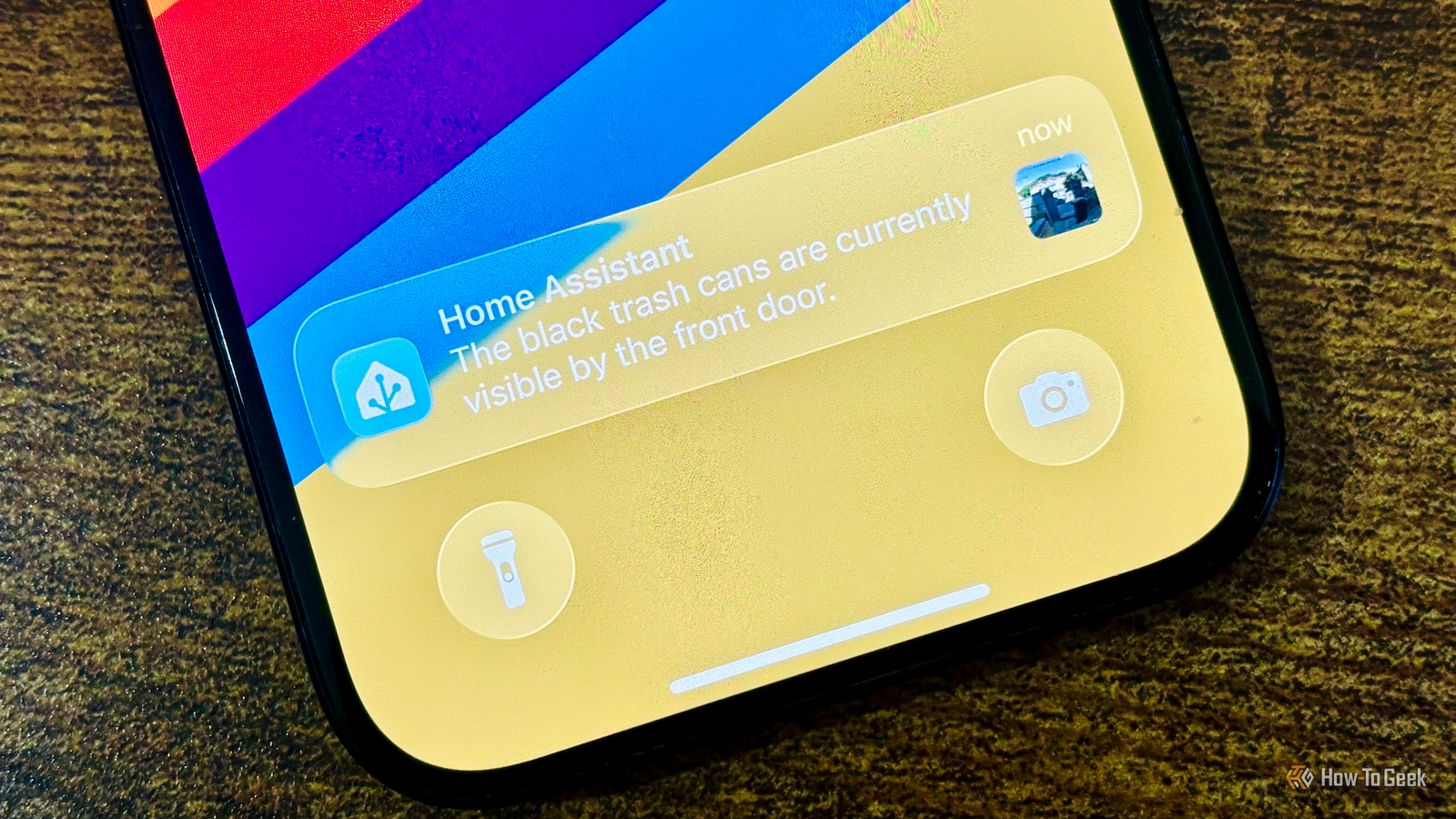
Published Aug 9, 2026, 6:30 AM EDT Adam has a degree in Engineering and has a life-long interest in technology. He has been writing for over a decade for various print and online publications, with a focus on consumer tech. He joined How-To Geek in 2024 while working at Pocket-lint. As well as being a long-term fan of Apple products, he also has a strong interest in smart home tech, running a Home Assistant server at home to automate all his smart home devices. He believes that the ideal smart home should work with minimal interaction from the user, with automations running as if by magic rather than requiring you to push buttons on a control panel. You can find more of his work on Muck Rack. Security cameras are great at recording what's happening inside and outside your home, but on the whole, you still need to look at the video yourself to understand what's going on. Some cameras have object recognition that can detect people, animals, cars, or packages, but there's an open-source tool that can do a whole lot more. Your cameras can finally tell you what they're seeing It's much smarter than simple object detection Credit: Adam Davidson / How-to Geek With Home Assistant, you can use tools such as Frigate to store video from your security cameras and video doorbells and use object detection to identify what they see. Frigate’s default model can recognize things such as people, cars and motorcycles, dogs and cats, and common household objects such as chairs, TVs, laptops, and phones, although you need to configure which objects you want it to track. LLM Vision is a free, open-source Home Assistant integration that lets an AI model examine the images from your cameras and describe what is happening in those images. LLM Vision doesn't replace systems like Frigate; it builds on top of them. Instead of just getting a notification that a person is detected, the AI model can describe what the person is doing, whether they're carrying a package, which direction they're going, whether they're doing anything unusual, and even describe the person and what they're wearing. Using LLM Vision, you can get information that object recognition just can't give you. It works with still images, video clips, live camera streams, and even Frigate events. You can ask questions about any camera snapshot Don't just find out if the delivery driver left a package, find out where One of the most useful things about LLM Vision is that it doesn't rely on predefined prompts that examine every image or video in exactly the same way. When you pass an image or video to LLM Vision, you also get to send your own prompt, allowing you to ask whatever you want about the visual data that you're sending. For example, if a person is detected with a package, you can send the video to LLM Vision and ask whether the person left with it or, if not, exactly where they put the package before they left. You can then get a notification saying, "A delivery driver left a package behind the flowerpot on the front porch." Your automations become far more intelligent React to context instead of just motion Using LLM Vision means you can create automations that are more useful, because they can be based on context rather than just object detection. For example, if you have an automation that alerts you when someone is detected by your video doorbell, you can set it up so that if someone comes to the door carrying a flyer and leaves without it, you don't get notified, since a junk mail delivery doesn't warrant a notification. The evening before your trash collection is due, you can ask LLM Vision to tell you if the trash cans are out in front of your home. You can even ask whether it sees the blue recycling cart or the black trash cart. You can then receive a notification telling you if you still need to put the trash out or if you've put out the wrong collection. There's also a very useful Timeline Card for Home Assistant dashboards that can display recent events analyzed and remembered by LLM Vision. You can use this to see the last time your cat was spotted or what time a package was delivered. You can use local models, too You don't have to send your camera feed to the cloud LLM Vision doesn't handle the AI processing itself. You pass the images and videos on to an AI provider which handles the visual analysis. LLM Vision works with a wide range of AI providers, including OpenAI, Anthropic, Google, OpenRouter, and Groq. Many of these providers are paid services that charge small fees for each analysis, although options such as Groq give you free usage within limits. These AI providers grant access to powerful models and fast inference, but there is a significant downside. To use them, you need to send your images and videos to those services. This means that the recordings from the cameras inside and outside your home end up on third-party servers, which isn't ideal in terms of privacy. The good news is that you can also use LLM Vision with local LLMs. If you run local models in Ollama, Open WebUI, or LocalAI, you can point LLM Vision at these models, and the analysis will all take place on your local hardware, without any of your images or videos leaving your home. The quality and speed of the responses will depend on the models you're running and the hardware you're running them on. If you have relatively weak hardware, don’t despair; you can now use a beta version of Glimpse-v1, a lightweight, open vision-language model that you can run in Ollama. It has 4 billion parameters and is designed to run efficiently with limited memory. LLM Vision can make your smart cameras smarter Smart cameras and video doorbells are useful, but a lot of the time you're forced to do the hard work yourself by looking at the recordings to see what's happened. LLM Vision can take that job off your hands. You can even use it to roast the people who come to your door, if that's your bag.
I turned my security cameras into AI assistants with this open-source tool
Full Article
Original Source
Read the full article at Howtogeek →KhanList aggregates and links to publicly available news content. We do not host full articles from third-party sources. Always verify important information with original sources.