
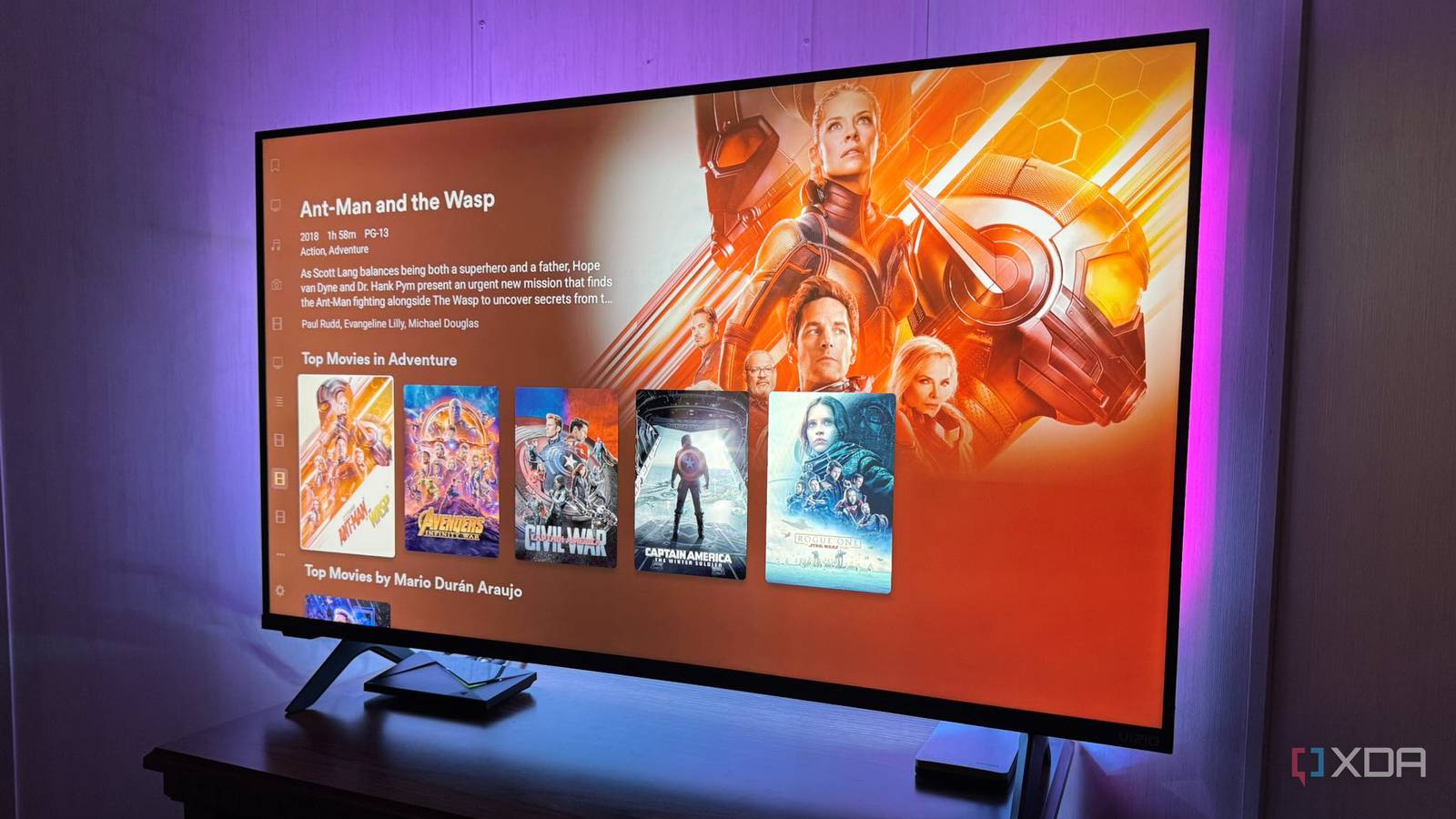
Published Sep 26, 2026, 11:30 AM EDT Based in rural Minnesota, Brian Burgess worked in IT for 10 years before finding his passion for writing about consumer technology. Brian earned his degree in computer and network technology in 2000. He held various IT positions, including help desk support, router installations for IBM, database administration, and other associate network administration roles. He's been a personal technology journalist for 18 years and has written thousands of articles about Microsoft products and services, Android, iOS, streaming, and more. He has written for notable tech sites including XDA, InformationWeek, How-To Geek, Byte, groovyPost, and others. When he is away from the keyboard, you will hear him playing guitar, working outdoors, and watching Star Trek. The Nvidia Shield TV Pro is seven years old now; where did the time go? I was thinking it might be time to retire my Shield TV Pro from being my main streaming device and switch to a simple streaming stick. However, a Roku or Fire TV Stick just doesn't cut it. Nvidia's seven-year-old streaming box is still hanging in there and outmatches any new streaming stick or box. The high-end Fire TV Stick 4K Max or a Roku Ultra can't match the power of the future-proof Shield TV Pro. The sticks are more like disposable devices now, while the Shield TV Pro can still easily be my primary streaming device. It's still a workhorse. Sticks for streaming clients My Shield TV Pro is still the centralized media device I'll start by giving streaming sticks their due. A Roku or Fire TV Stick is handy when I want a faster streaming experience on a TV. Plus, if you grab an Amazon stick with Fire OS, you still get some Android-style customizability. However, when I need to connect a drive or play my Plex media library, the Shield TV Pro is a must-have device. Specs aside, you can connect a cheap stick and install a companion client app to view your media library, but the Shield TV Pro still runs in the background. You can't beat having a built-in server and USB 3.0 ports to swap out a drive or add a peripheral device. However, the sticks are cheap, and they stream just fine. Despite the obnoxious advertising, they can work as Kodi, Plex, Jellyfin, and Emby clients and have plenty of mainstream streaming apps. Many Smart TVs come with older-generation processors, and the experience is slow. I also like Vizio smart TVs, but I don't want to deal with Vizio OS, and I can swap in a Roku stick for straightforward, fast performance. Plex clients can't replace the server and media storage I've set up my home theater experience around my Shield TV Pro. I know a stick can stream Netflix, but the Roku and Fire TV Stick don't fit in with what I've been building for the past seven years. I have patiently backed up my DVDs, 1080p Blu-ray, and UHD 4K Blu-ray discs so Plex can serve the content. I've spent a lot of time and effort creating a media experience around my Shield TV Pro. However, the sticks seem out of place. I also lose connectivity to local media libraries stored on separate disks. The sticks can play my Plex media library, but they can't replace what my Shield TV Pro does in my media setup, including acting as a self-hosting server. Even replacing the Shield TV Pro with a stick would mean running another device as the server for my media libraries. Retiring the Shield TV Pro for a stick wouldn't be a fair swap. I would be changing the media experience I have had for nearly a decade, and I'd need to restructure the media setup I have been building around the media I own. Streaming boxes need a hub Android TV boxes come close to Plex's self-hosted media, but need extra hardware I tried Android-powered streaming boxes, and they fell short too. To semi-match the Shield TV Pro, the Android boxes I've tried still need a powered USB hub for connecting local media libraries. I was pleasantly surprised when I got my budget Android TV box, and it came with a USB-A port. It's a legacy 2.0 port, but it lets you connect local media drives. The Google TV Streamer can also connect a powered USB-C hub to the power port. The Onn's port is still a generation behind, and the Google TV Streamer adds complications with its USB-C port. However, the boxes also can't compete since they can't act as a self-hosting server. I got them to work as local media servers by installing Kodi and connecting them to a powered hub. Even with the hub and attached external drives, both boxes act as a self-hosted, local-media streaming server via UPnP/DLNA, and if a well-documented storage bug were resolved, they might feel like a true media server like the Shield TV Pro. If the boxes could get the Shield TV Pro's media-server functionality — or, better yet, a stick with USB 3.0 ports and Plex server — my media-device swap story would be different. Retiring my Nvidia Shield Pro isn't happening yet I figured I could just get a decent streaming stick and retire the Shield TV Pro, but it isn't that easy. I thought I could do without the USB and Ethernet ports and rely on my Jellyfin server. However, so many media files are integrated into Plex, and I often find myself needing to connect a drive to find a movie or show. I can't do that with a stick. So, for now, the Shield TV Pro will remain my central media hub.
I tried retiring my 7-year-old Shield TV Pro, but newer streaming devices fall short
Full Article
Original Source
Read the full article at Xda-developers →KhanList aggregates and links to publicly available news content. We do not host full articles from third-party sources. Always verify important information with original sources.