
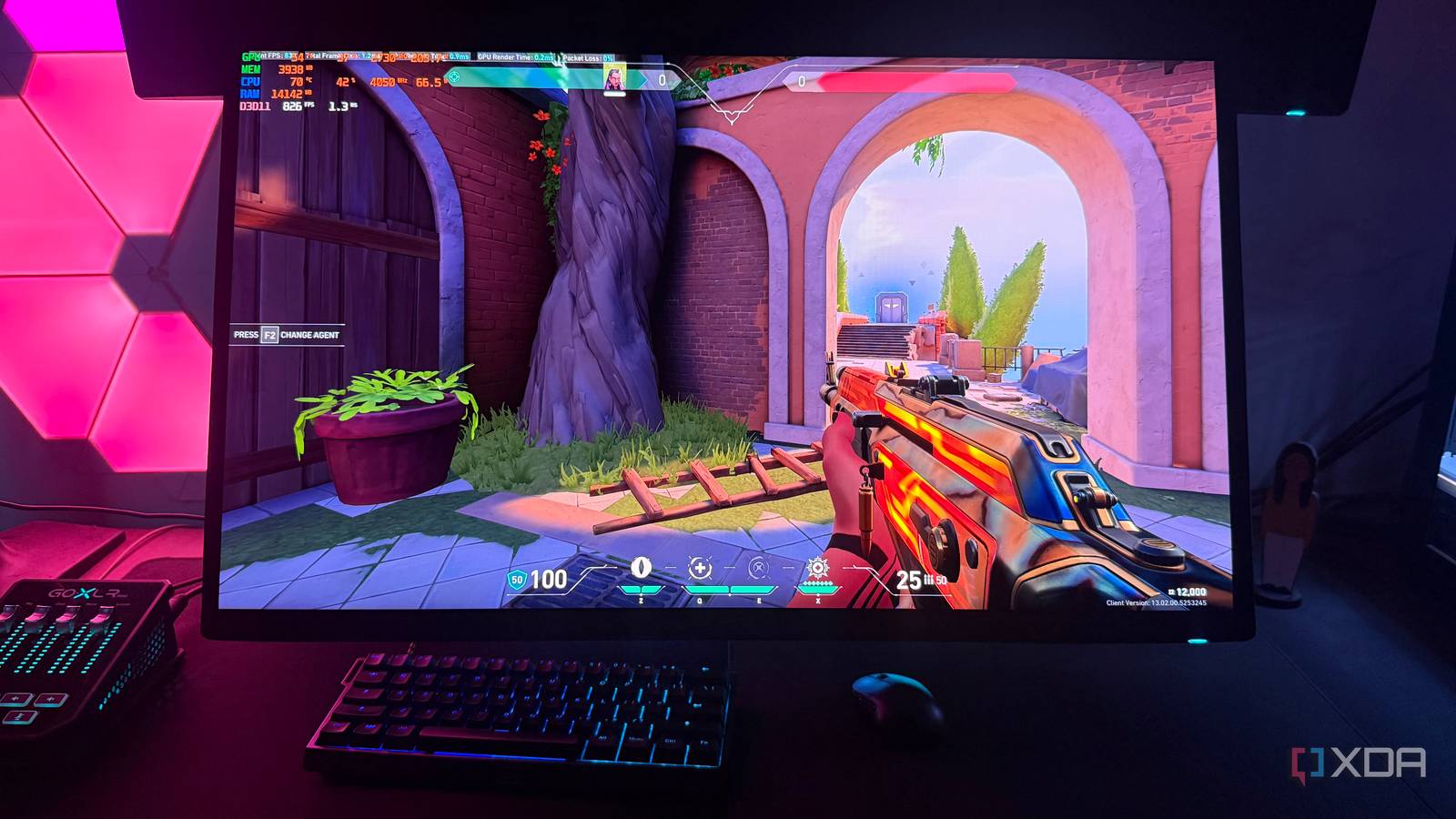
Published Aug 11, 2026, 10:00 AM EDT Hamlin has been in the tech field for over nine years. Since 2017, his work has appeared on MakeUseOf, Android Police, OSXDaily, Beebom, and more. He served as the Senior Editor at Valnet's MakeUseOf for over two years before joining XDA. He uses a high-end gaming rig for desktop use and a MacBook for traveling, but dislikes some of the quirks of macOS. You're more likely to catch him at the gym or on a flight than anywhere else. I'm sure you all know about frame generation by now. It has been around since the RTX 40-series launched in 2022, and now we have Multi Frame Generation and Dynamic Multi Frame Generation with RTX 50-series GPUs. Whether you love it or hate it, there's no denying that frame generation can make games look significantly smoother with no need more raw horsepower. The problem is that you can only take advantage of it in games that actually support the feature, which leaves countless older titles out of the equation. That's where Nvidia's Smooth Motion comes in: unlike frame generation, which needs to be integrated into the game itself, it works entirely at the driver level. So you can enable it for almost any game you want from the Nvidia App, as long as you have an RTX 40-series or 50-series GPU. I tried it in a few older games, including esports titles, even though I know that's the worst-case scenario for a feature like this. And just like frame generation, it only makes sense when you don't really need those extra frames. Smooth Motion doesn't make games more responsive I wasn't surprised by this at all, given my experience with frame generation. Even though my frame rates nearly doubled in games like Halo Infinite and Valorant, they didn't suddenly feel twice as responsive. That's because responsiveness is still tied to your base frame rate, and all the extra frames Smooth Motion inserts between real frames are there for visual smoothness. For instance, if you were getting around 60FPS natively and 120FPS with Smooth Motion, you'll still feel you're gaming closer to 60FPS than to 120FPS when you move your mouse. Inputs feeling slightly off has always been one of the biggest reasons to avoid frame generation, and Smooth Motion is no different in that regard. I noticed this almost immediately in Valorant, where it's much easier to pick up the difference when you're constantly flicking your mouse around. Of course, I wouldn't recommend using Smooth Motion in a competitive shooter, but it was a way to expose one of the feature's biggest weaknesses. In slower-paced games like Halo Infinite's campaign, it's easier to ignore the responsiveness penalty and simply enjoy the added visual smoothness. Your game needs to feel responsive enough before you even enable Smooth Motion, and for that, you need to have a solid base frame rate to begin with. Smooth Motion is more prone to artifacts Unlike frame generation, it doesn't get motion vectors from the game There's a reason games need to support frame generation, and you can't simply enable it through the Nvidia App at the driver level. When a game natively supports frame generation, your GPU gets motion vectors and depth data directly from the game engine, so it has a better idea of what's happening in the scene and where objects are moving between two rendered frames. But since Smooth Motion works at the driver level, just like Lossless Scaling that costs $7, the game has no clue that you're even using it and can't provide the same information. This means Smooth Motion has less data to generate those frames, so the prediction will be less accurate. When I tested Smooth Motion in games that also supported frame generation, like Cyberpunk 2077 and Battlefield 6, I noticed more artifacts, especially around moving objects and UI elements. That said, if your base frame rate is high enough, most of these artifacts are easy to ignore unless you're actively looking for them. There isn't as much movement taking place between each rendered frame, so Smooth Motion has a smaller gap to fill when generating the one in between. Performance was never a problem in older games But it still makes sense on entry-level RTX GPUs Now that we've established that Smooth Motion is only practical when you're already getting a native frame rate, you can see where I'm going with this. In older titles, especially with RTX 40-series and 50-series cards that support this feature, performance is almost never a problem. You're already getting solid frame rates even in the most demanding AAA titles from that time, like Red Dead Redemption 2 and Resident Evil Village, so using Smooth Motion seems unnecessary unless you really want that extra smoothness. Yes, there's the off chance that a game caps you at 60FPS at the engine level, like Elden Ring, but that's a rare exception. Of course, that's easy for me to say when I'm using an RTX 4090. But if you have an entry-level GPU like an RTX 4060 or 5060, Smooth Motion can be worth it in the titles where you're already getting slightly over 60 FPS but want to push toward triple digits for a smoother experience. Sure, responsiveness is a factor, but that's not a dealbreaker in single-player games where you're just focusing on the story or playing with a controller, anyway. You don't necessarily need those extra frames from a performance standpoint, but if you have a high-refresh-rate monitor, I can see why you'd want them. I like having the option, even if I don't really need it Smooth Motion may be a slightly worse implementation of frame generation, but it's still nice to have a feature that doesn't require a game to natively support it. Now that I have a 360Hz monitor, I can see it being worthwhile in a handful of older AAA titles to make better use of my monitor's refresh rate. But that's coming from a place where I'm already getting more than enough performance with my RTX 4090. I don't really need Red Dead Redemption 2 to run at 300FPS instead of 150FPS, because that improvement won't make or break my experience. But earlier, if you have an entry-level card, you'll get more use out of it than I did. For everyone else, treat it as a bonus that hides in the Nvidia App until you need it. NVIDIA App The Nvidia App isn't just for updating your graphics drivers. You can use it to optimize games, fine-tune DLSS settings, and enable handy features like Smooth Motion and RTX HDR.
I tried Nvidia's Smooth Motion in older games, and it works best when I don't need it
Full Article
Original Source
Read the full article at Xda-developers →KhanList aggregates and links to publicly available news content. We do not host full articles from third-party sources. Always verify important information with original sources.