
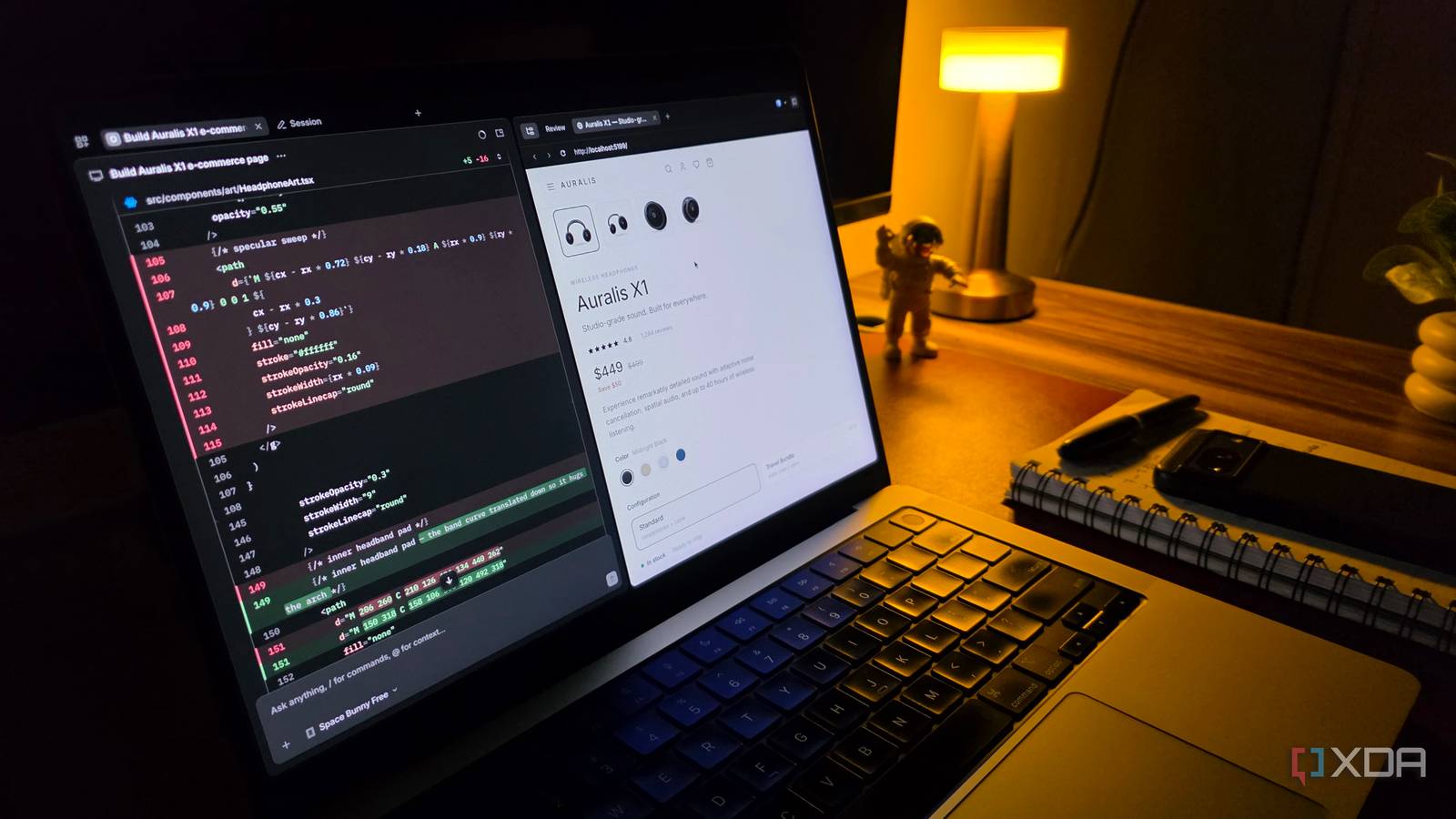
Published Sep 28, 2026, 11:30 AM EDT Parth, a seasoned tech writer, wields the keyboard (or pen) with finesse to unravel the intricacies of both Windows and Mac operating systems. He has covered evergreen content on mobile devices and computers for multiple publications over the last six years. You can find his work on AndroidPolice, GuidingTech and TechWiser. Whether it’s demystifying system updates, deciphering error codes, or exploring hidden features, Parth’s prose guides readers through the binary maze. When not immersed in tech jargon, you’ll find him sipping chai, pondering the next software review, and occasionally indulging in a friendly debate about mechanical keyboards. I have tested more Claude Code alternatives than I can keep track of, and most of them follow the same pattern: I install one, get excited about a few standout features, use it for several days, and eventually go back to something else. OpenCode is one of the rare exceptions. No matter how many alternatives I install, test, and compare, I keep coming back to OpenCode. It doesn’t try to overwhelm me with flashy extras or lock me into a specific AI provider. OpenCode gives me coding freedom without the lock-in I can use the models I already pay for OpenCode doesn’t force me to build my entire workflow around a single AI provider. Claude Code, Codex, and other tools naturally revolve around their parent company’s models, whereas OpenCode gives me far more freedom. It supports 75+ providers through Models.dev, including models from OpenAI, Anthropic, Google, and even local setups. I can use a powerful reasoning model when I am dealing with a complicated codebase, switch to something faster for smaller edits, or experiment with a completely different model without changing my coding tool. I am basically keeping the same interface and workflow while swapping out the intelligence behind it. That also makes OpenCode feel much more future-proof. AI models are improving quickly, and I don’t want my coding workflow tied permanently to whichever company happens to have the best model today. With OpenCode, the agent stays the same while I decide what powers it. OpenCode can connect to existing services such as ChatGPT Plus or Pro and GitHub Copilot, alongside API-based providers and other models. That means I don’t necessarily need to add yet another dedicated AI subscription just to use my coding agent. I also like that I don’t have to burn my premium usage on every little experiment. OpenCode includes access to free models, which are perfectly fine for many of the temporary tasks I throw at it. Recently, I created a client website mockup with a detailed prompt using the Space Bunny model, and it worked like a charm. I was able to present it during the meeting and get a rough idea about the client’s taste around the theme and sections. I would rather save my paid tokens and stronger models for work where they actually make a difference, such as debugging a complicated problem, refactoring a larger project, or working through something that requires deeper reasoning. It doesn’t force me to live in the terminal Terminal, an extension, and a desktop app OpenCode may be a terminal-first coding agent, but I like that it doesn’t force me to stay there all day. I can use it through the terminal when I want a fast, distraction-free workflow, but there is also a proper desktop app and an IDE extension. OpenCode officially supports editors such as VS Code, Cursor, Devin Desktop (previously known as Windsurf), and VSCodium, so I can keep the agent close to the code I am already working on. This flexibility makes a bigger difference than I expected. If I am already deep inside VS Code or Cursor, I don’t want to constantly jump between separate windows just to give an AI agent more context. The OpenCode extension can automatically work with my current selection or tab, which makes the workflow feel much more natural. Then there are times when I simply don’t feel like working inside a terminal interface. That’s where the desktop app comes in. OpenCode offers dedicated desktop builds for macOS, Windows, and Linux. I can use the terminal when it makes sense, stay inside my IDE when I am actively coding, or switch to the desktop app when I want something more visual. The open-source nature actually matters here Has the extensibility I expect from a power user tool I normally don’t care whether a coding tool is open-source if the experience itself isn’t good, but OpenCode is one of those cases where it matters to me. Being open-source gives me more confidence about using it long term. OpenCode also gives me plenty of features to go beyond the default setup. I can create custom agents for specific jobs, define my own commands for repetitive tasks, adjust permissions, and even decide which model a particular agent should use. Then there is support for MCP servers, custom tools, and plugins, which takes things much further. I can connect external services, add my own functionality, and build integrations around the tools I already use. The coding agent worth keeping The more Claude Code alternatives I test, the more I appreciate tools that stay out of my way and let me work the way I want. That is where OpenCode stands out for me. It gives me the agentic coding experience I am looking for, but without trying everything in one model, one provider, or one rigid workflow. I can keep experimenting with new models and new setups without leaving the tool itself. I will probably keep trying new coding agents as they appear, but OpenCode has become the one that they all need to convince me to leave. OpenCode OpenCode is an open-source alternative to Codex and Claude Code.
I tried dozens of Claude Code alternatives and I keep coming back to this open-source tool
Full Article
Original Source
Read the full article at Xda-developers →KhanList aggregates and links to publicly available news content. We do not host full articles from third-party sources. Always verify important information with original sources.