
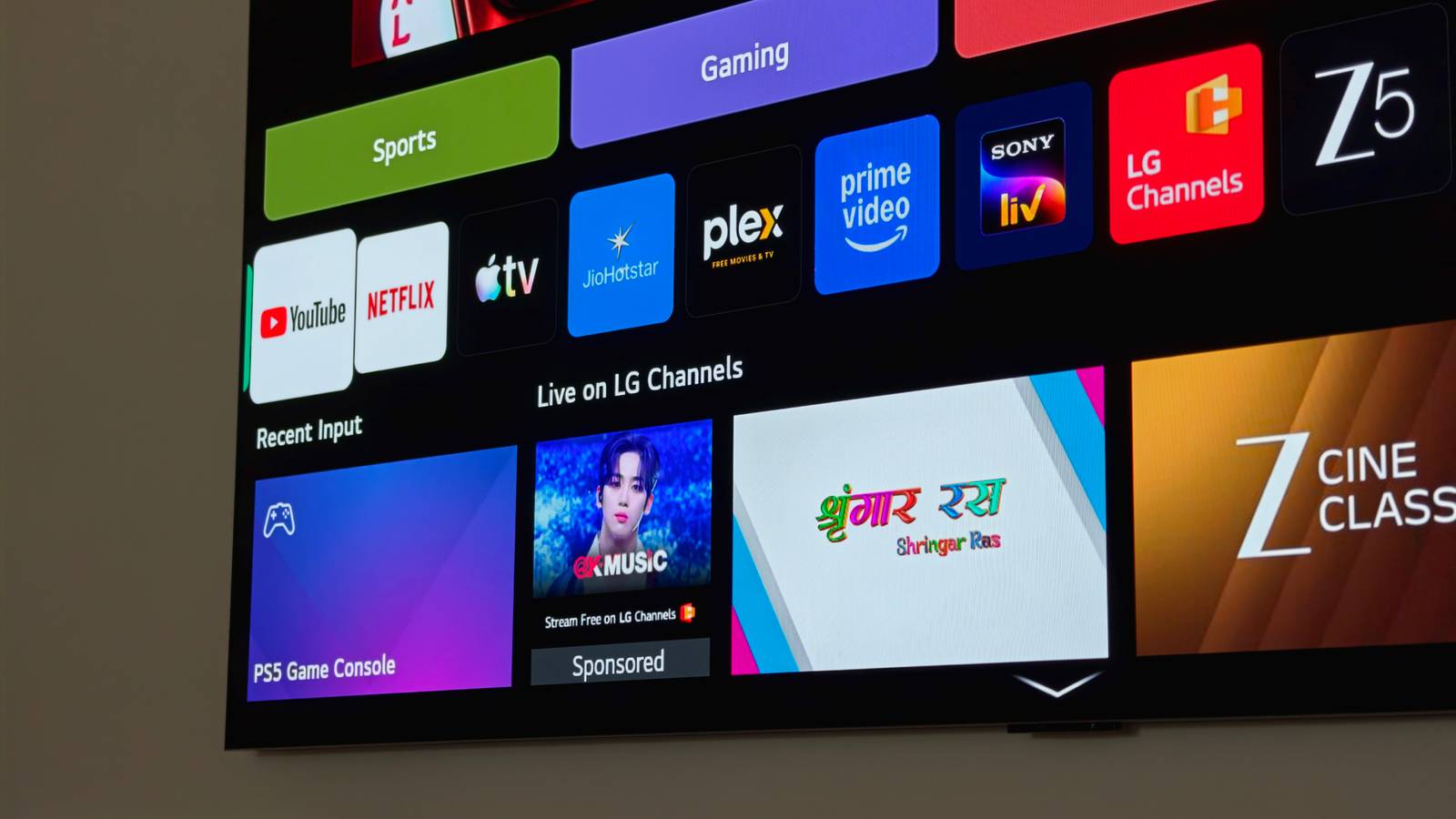
Published Aug 17, 2026, 8:30 AM EDT Dhruv Bhutani has been writing about consumer technology since 2008, offering deep insights into the personal technology landscape through features and opinion pieces. He writes for XDA-Developers, where he focuses on topics like productivity, networking, self-hosting, and more. Over the years, his work has also appeared in leading publications such as Android Police, Android Authority, CNET, PCMag, and more. Outside of his professional work, Dhruv is an avid fan of horror media spanning films and literature, enjoys fitness activities, collects vinyl records, and plays the guitar. More than once, I've tried ditching Plex to switch to Jellyfin or Emby. The server platforms have matured enough that I wouldn't miss any major features, and the open-source nature is obviously appealing. But every single time I seriously consider making the move, there's one thing holding me back — my TV. The reason Plex is popular is because it's everywhere. My LG OLED TV has an app for it, and so does my Samsung TV. For older televisions, I run a combination of Apple TVs and Fire Sticks, which also have dedicated Plex apps. Even my game consoles support Plex. Jellyfin has come a long way with proper platform support for several smart television platforms, but it's far from the "everywhere" it needs to be a true alternative. Moreover, unlike Plex, which maintains a more or less uniform look and feel across devices, Jellyfin's look varies a lot. Plex just works A polished experience without giving up self-hosting For all the criticism that Plex gets, the company has done an incredible job at creating a piece of software that looks, feels and, more importantly, works reliably like a commercial piece of software, while giving you the flexibility of self-hosting. When I sit down on my couch and turn on the TV, I want to find something to watch, not troubleshoot an app. If an app isn't available, I can't be bothered scrolling through a DLNA server or casting a video to my television. The fact is that Plex just works, and that seamless experience is what it has been working toward for a decade. Familiarity is just as important. When I hand over the remote to family and friends, the Plex interface is easy to understand and consistent across every platform. Reducing the learning curve without having to deal with theming is a big upsell for me. Look, my media collection spans two different servers and is large enough that scrolling through folders is an absolute no-go for me. I need Plex to pull up accurate metadata and turn the files on my NAS into something I can instantly scroll through on my couch. My music servers need to be my hub for movies, TV shows, and even music. The same goes for essential features. I should be able to continue watching whatever I was watching on my devices. These are table stakes because all streaming services offer this. That's not to say that Jellyfin can't handle these tasks. It absolutely can. But Plex has consistently been more reliable for me, and as an everyday consumer, there's just no reason for me to switch when it works. The little features that keep me on Plex One watchlist to do it all The other aspect that's important to me is data portability. Yes, Jellyfin is on most platforms, but it isn't on every platform. Plex is everywhere I need it to be. If I replace my TV next year, chances are that there'll be an app for it. For a self-hosted setup, that level of support makes a big difference. And now that Plex is more or less entirely a commercial product, I have someone to blame if an app doesn't work, rather than expecting a lone developer to support an obscure target. Moreover, it doesn't hurt that Plex's feature set is borderline perfect out of the box. Be it skip intro for, well, skipping intros, or skip credits. I use it all the time to get past title sequences. Once again, not a unique feature, but what matters is how reliably and consistently it works. Plex's watchlist feature is also something I've surprisingly come to enjoy. If I come across an interesting trailer, I just add it to my watchlist, and Plex notifies me if it pops up on one of the streaming services I subscribe to. If not, there's always the self-hosted route. This, as it turns out, solves another major problem with my setup. As large as my collection is, it's impossible to have everything. And with hard drive prices being what they are, I'm becoming more cautious with my storage consumption. If something is on streaming, I'd rather watch it there. Plex's watchlists combine these two disparate experiences into one spot and are better for it. Similarly, Plex Discover is another feature that I've started enjoying. While I still discover most of my movies on dedicated film threads, Plex can scan my library and viewing habits and give me finely tuned recommendations that have been surprisingly good. While I stick with Plex for the app support and reliability, I can't ignore these conveniences either. When it comes to media, convenience matters Look, I'd be lying if I said I don't like Jellyfin. If I didn't have a Plex lifetime pass, this could have been a different conversation. But for a home setup, the priority isn't about standing up for the open-source cause, or creating the most technically proficient setup. It's all about convenience and simplicity. Plex meets and exceeds those expectations. For one, it actually supports my TV, unlike Jellyfin. But beyond that, the quality-of-life features make a big enough difference that I don't feel the need to switch to something else. OS Windows, macOS, Linux Individual pricing Free, $6.99/month, $250/lifetime Plex is the premier home media server software for replacing your streaming subscriptions.
I tried ditching Plex for Jellyfin, but my TV brought me right back
Full Article
Original Source
Read the full article at Xda-developers →KhanList aggregates and links to publicly available news content. We do not host full articles from third-party sources. Always verify important information with original sources.