
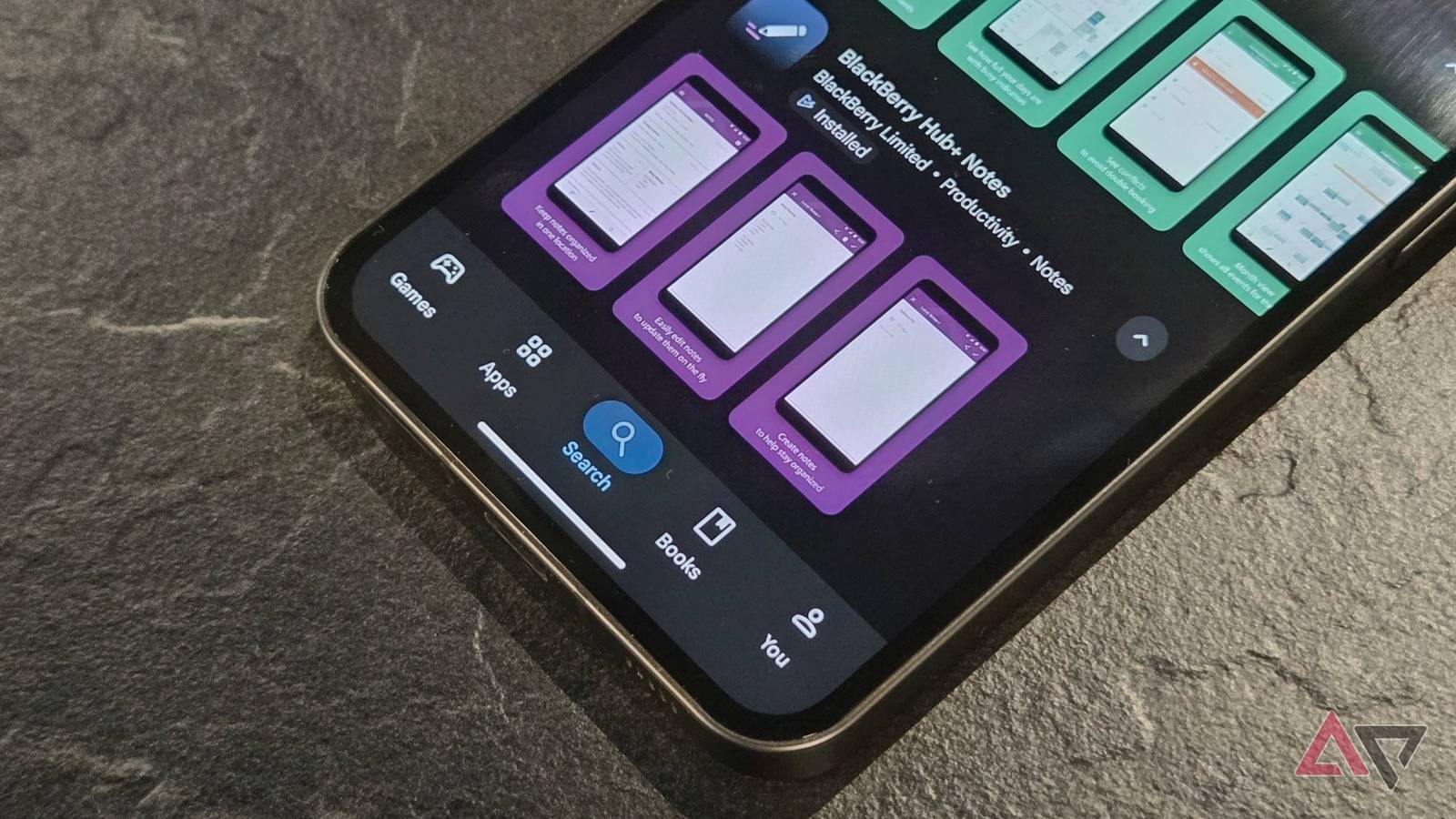
Published Nov 28, 2026, 11:56 AM EST Marvin is a Features Author for Android Police. His media career began as an editorial assistant at the now-defunct print publications of Men's Health and Hardware Magazine. He has since transitioned to digital media as an editor of GadgetMatch, attended technology events in over 10 countries, and earned his master's degree in journalism. Marvin has also contributed to Android Authority and Headphonesty. He enjoys film photography, outdoor running, and alternative coffee brewing during his leisure time. Nearly a decade after launching its last Android smartphone, BlackBerry still actively updates its suite of Android apps on Google Play. I stumbled on BlackBerry Limited's official developer page while searching Google Play for new productivity apps to replace Google Keep and Calendar. I expected a graveyard of abandoned apps but was instead greeted by a surprisingly functional software suite. It gave me a jolt of nostalgia, so I decided to download them all. Although most of BlackBerry's Android apps feel trapped in the past, I've found a couple of them quite useful. They're AI-free alternatives to the bloated productivity apps plaguing Google Play. What's left of BlackBerry's Play Store page Some are totally unusable BlackBerry pivoted to enterprise-level cybersecurity software and services before shutting down legacy BlackBerry OS in 2022. Corporate clients use BlackBerry UEM (Unified Endpoint Management), which includes the company's Android apps. Consumers are also able to download BlackBerry's productivity suite of apps for themselves. The main app, BlackBerry Hub+ Services, is required to install the rest. As its name suggests, Hub+ Services is a central hub for BlackBerry's Android apps. You still have to download the apps themselves from Google Play, but you can access them directly from the central app. BlackBerry Hub+ Services has a persistent notification to indicate it's running in the background. This can only be turned off by entering Android's main Settings > Apps > BlackBerry Hub+ Services > Notifications and toggling App is running in the background. There are currently over 10 apps listed on BlackBerry's Google Play page. The exact number depends on your phone model and region. A lot of these apps are limited to enterprise users, while the others can be installed by regular consumers. Of the consumer apps, Password Keeper has already been discontinued. BlackBerry said it stopped receiving updates as of February 2022, even though it recently received an update in November 2026, according to Google Play. Two other apps, BlackBerry Launcher and Keyboard, have limited Android availability. They won't appear on Google Play at all if your device doesn't support them. BlackBerry Hub+ Inbox, Calendar, and Contacts are readily available to download, but they're shells of their past selves. They feel like blank canvases with no real functionality. That leaves us with the two productivity apps that are worth installing: BlackBerry Hub+ Notes and Tasks. They still receive software updates and are fully functional, albeit with a few caveats. Only 2 BlackBerry apps are worth installing The rest are too outdated After installing and testing every available app, I ended up keeping only two of them: BlackBerry Hub+ Notes and Tasks. They share the same design; only their color palettes differ. BlackBerry Hub+ Notes is a note-taking app, whereas Tasks handles daily reminders. They work independently of each other and can store their data locally. They're both lightweight, weighing in at less than 15MB each. You can go straight to adding individual notes and tasks to the two apps without signing in or completing walkthroughs. If not for the BlackBerry logo, they'd pass for open source apps. Both Notes and Tasks offer a minimalist user interface with basic settings to configure. They open instantaneously and do nothing else except capture text and deadlines. They carry BlackBerry's subtle design DNA, reminiscent of its old-school apps like BlackBerry Messenger. BlackBerry Hub+ Notes and Tasks offer automatic color coding for your tags. Add tags of the same name to related notes or tasks to categorize them under the same color. While I initially downloaded the apps purely for nostalgia, I ended up using Notes and Tasks for over a week for actual daily activities. Their simplicity won me over. However, the honeymoon phase gradually faded the more I used BlackBerry Hub+ Services. First, the hub app is mandatory, and it's always working in the background, even with its persistent notification turned off. Second, BlackBerry imposes a 30-day free trial before injecting its apps with ads or asking for a $1 monthly subscription. It's not much, but it's also not worth spending on something with limited functionality. Lastly, there's no synchronization with third-party apps. There's also no way of collaborating with others on a single note like on Google Keep. The final straw came when I discovered the lack of home screen widgets for quicker access. I plan on exhausting the 30-day trial period before uninstalling the two apps. I doubt BlackBerry will convince me to stay, considering how the lack of widgets and cloud synchronization makes a $1 price tag look like a bad deal. BlackBerry's Android apps should be preserved purely for nostalgic reasons I have fond memories of my BlackBerry Priv in 2015. There was nothing quite like its combination of Android software and the sliding physical keyboard. Going through BlackBerry's Google Play page was a nostalgic trip. It reminded me of how complete the company's software suite used to be, centered around the beloved BlackBerry Messenger. BlackBerry's Android apps no longer own the productivity edge they once had. They now feel disjointed and ready for their own software graveyard. At the same time, two of BlackBerry's Android apps serve a genuine purpose. Their shared bloat- and distraction-free interface is a reminder of how clean productivity apps should be.
I tried all of BlackBerry's Android apps; only two were worth keeping
Full Article
Original Source
Read the full article at Androidpolice →KhanList aggregates and links to publicly available news content. We do not host full articles from third-party sources. Always verify important information with original sources.