
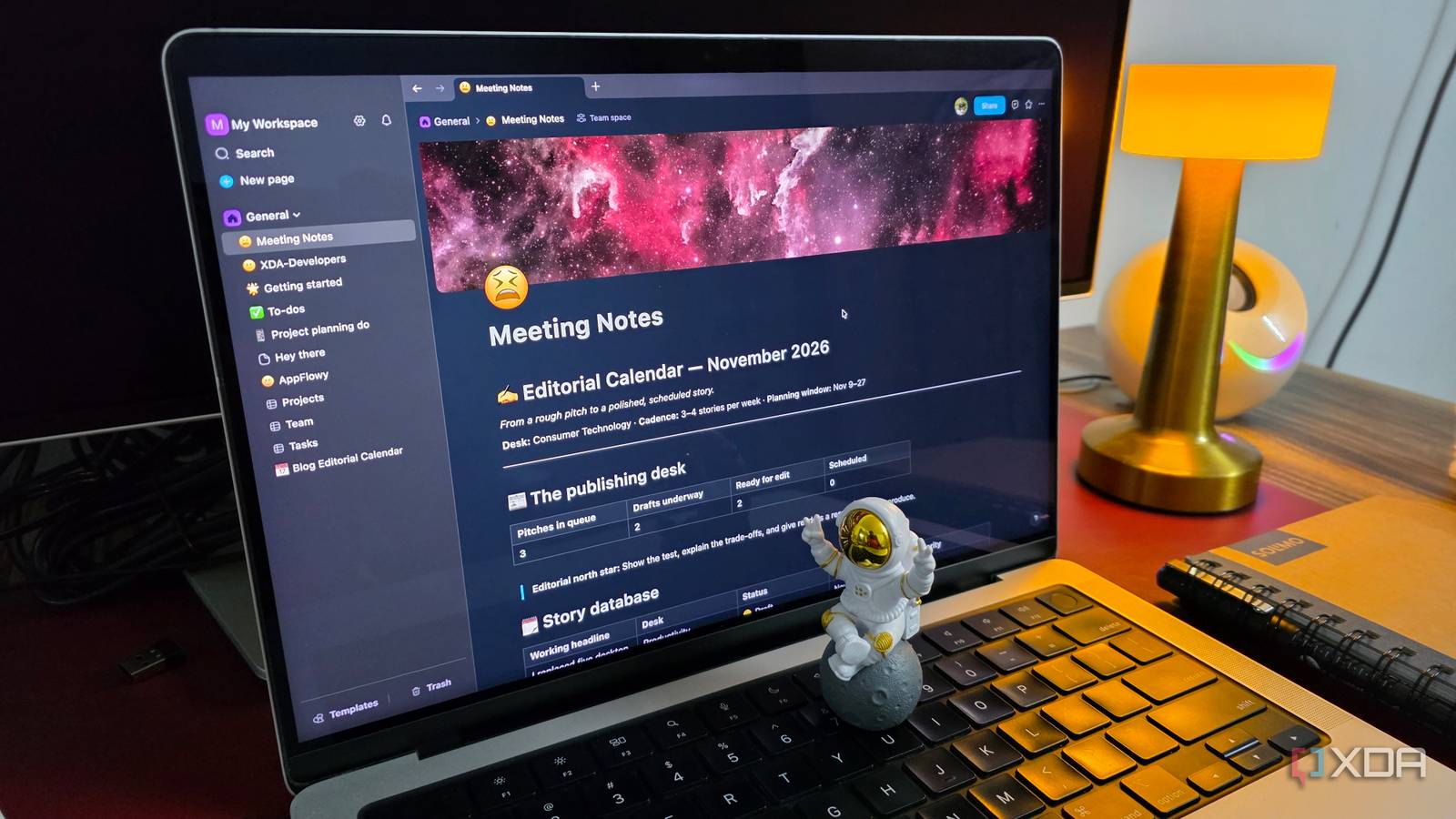
Published Nov 5, 2026, 7:01 PM EST Parth, a seasoned tech writer, wields the keyboard (or pen) with finesse to unravel the intricacies of both Windows and Mac operating systems. He has covered evergreen content on mobile devices and computers for multiple publications over the last six years. You can find his work on AndroidPolice, GuidingTech and TechWiser. Whether it’s demystifying system updates, deciphering error codes, or exploring hidden features, Parth’s prose guides readers through the binary maze. When not immersed in tech jargon, you’ll find him sipping chai, pondering the next software review, and occasionally indulging in a friendly debate about mechanical keyboards. I have always had a soft spot for Obsidian. It is powerful, flexible, and offers almost endless customization. But that flexibility comes with a catch. Building the perfect workspace means spending hours configuring plugins, tweaking settings, and figuring out how to add an aesthetic touch to every corner of the vault. I started wondering whether there was an open-source alternative that could deliver a similarly capable experience with less effort. To find out, I tested five promising Obsidian alternatives, and among them, one app stood out from the crowd and made me reconsider my setup. That app was AppFlowy. Five open-source alternatives entered my testing Each app brought something different I didn’t want to settle for the first promising Obsidian alternative, so I shortlisted five open-source apps with different approaches to note-taking and productivity. I started with Logseq, which felt familiar thanks to its backlinks, knowledge graphs, and connected notes. However, I wasn’t a fan of its outline-first approach, which required a learning curve. Next was Joplin, a straightforward note-taking app with Markdown support, notebooks, and synchronization options. It handled the basics well, but I found its overall experience somewhat limited. TriliumNext was another interesting contender, especially for its powerful hierarchical organization and advanced knowledge management features. However, its interface felt a little overwhelming. SiYuan impressed me with its block references, databases, and extensive built-in functionality. It was easily among the stronger contenders. But I wasn’t a fan of its UX. Also, the Mac app felt rough on the edges. Finally, I explored AppFlowy, which took a different approach by combining note-taking, databases, and project management in a modern workspace. I tested all five with everyday notes, tasks, and project workflows. While each had its strengths, AppFlowy clearly matched my requirements better than the others. More than just another note-taking app Of all the Obsidian alternatives I tested, AppFlowy made the strongest first impression. The moment I launched it, I was greeted by a clean, modern interface that felt more like a complete productivity workspace than a traditional note-taking app. The sidebar neatly organizes my pages and workspaces, while the block-based editor makes creating and formatting content effortless. I could quickly add headings, checklists, tables, and other elements without switching between menus. AppFlowy felt intuitive to use. With Obsidian, I often spend a good chunk of time installing plugins, adjusting settings, and customizing my vault to match my workflow. AppFlowy takes a different approach by offering several essential productivity features right out of the box. I could create nested pages, organize my documents, and build a structured workspace without much initial configuration. Even the small details like the icons, menus, and page layouts look polished, and navigating between different sections feels natural. Built-in databases changed everything Project management became effortless One of the biggest reasons I chose AppFlowy was its database functionality. I have used Obsidian Bases to organize information, but AppFlowy takes it further with a more visual, intuitive approach. I could create databases, add custom properties, filter entries, and switch between different views without much effort. Everything felt neatly integrated into the workspace. For example, I created a database to manage my editorial workflow. I added columns for articles, publication dates, priority levels, and current status. I could use the grid view to see everything at a glance or switch to a Kanban board to visualize how my articles are progressing. I could maintain detailed notes about an article and manage its progress within the same workspace. Obsidian can handle simple workflows with Bases and community plugins, but I found AppFlowy’s approach more natural for managing projects. AppFlowy is packed with features It’s a complete workspace The more time I spent with AppFlowy, the more impressed I became with its extensive feature set. It offers templates that help you get started in no time. I also like the Slash command, where I can format my sentences and paragraphs in no time. AppFlowy also comes with AI capabilities to help with writing, summarizing information, and organizing ideas. I can use its AI-powered tools to speed up repetitive tasks, although some functionality depends on the plan and setup. Another thoughtful addition is Google Drive integration. I can embed relevant Drive files directly into my pages instead of constantly switching between applications. The database features go beyond traditional tables and Kanban boards, too. AppFlowy supports charts for visualizing data, alongside timeline views for planning projects and tracking deadlines. A fresh approach to managing everything Logseq, Joplin, TrilliumNext, and SiYuan all have their strengths, but AppFlowy stood out for me. Its polished interface, built-in databases, flexible Kanban boards, and project management capabilities make it much more than a simple note-taking app. It brings everything together without requiring dozens of plugins. AppFlowy isn’t perfect, and Obsidian still has the upper hand in certain areas, but if you are looking for an open-source productivity workspace that goes beyond managing notes, AppFlowy deserves a serious look. AppFlowy.IO AppFlowy is an open-source Obsidian alternative.
I tried 5 open-source Obsidian alternatives, and one was an easy winner
Full Article
Original Source
Read the full article at Xda-developers →KhanList aggregates and links to publicly available news content. We do not host full articles from third-party sources. Always verify important information with original sources.