
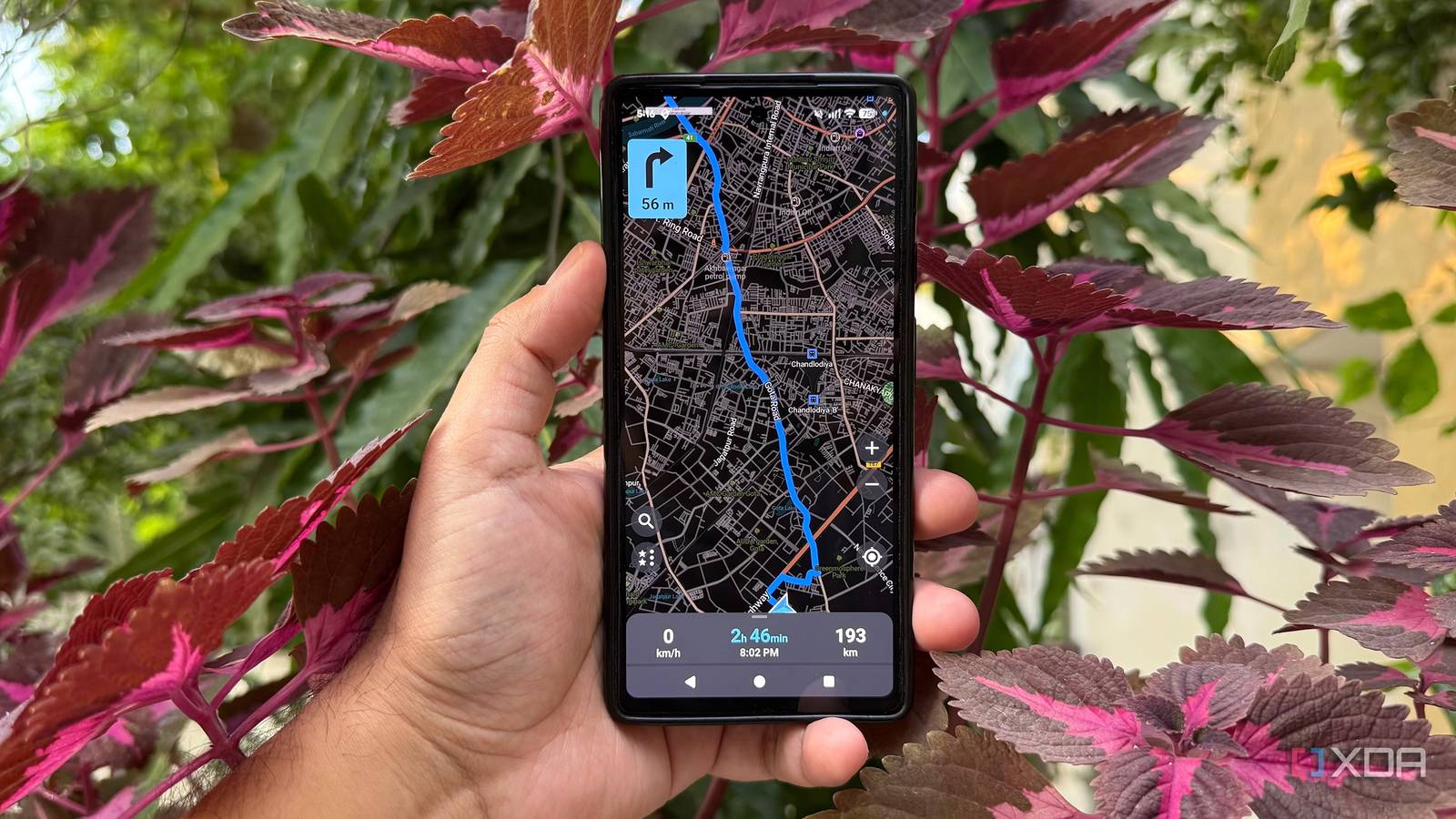
Published Oct 28, 2026, 6:00 PM EDT Beginning his professional journey in the tech industry in 2018, Yash spent over three years as a Software Engineer. After that, he shifted his focus to empowering readers through informative and engaging content on his tech blog – DiGiTAL BiRYANi. He has also published tech articles for MakeTechEasier. He loves to explore new tech gadgets and platforms. When he is not writing, you’ll find him exploring food. He is known as Digital Chef Yash among his readers because of his love for Technology and Food. Google Maps is convenient, but it's not the only way to get around. If you want more privacy, fewer distractions, or a change of pace, open-source mapping apps are worth exploring. I tried four options to see how they compare and what each brings to the table. From feature-packed navigation tools to apps designed for outdoor adventures, they approach mapping in different ways. I wanted something practical for everyday use, not an app that takes ages to figure out. One of these Google Maps alternatives stood out for all the right reasons. CoMaps A clean mapping app with privacy in mind CoMaps caught my attention because it takes a community-driven approach to navigation. Contributors built it to keep mapping tools open, privacy-friendly, and accessible to everyone. I found that background interesting because it gives the app a clear purpose beyond simply offering another way to get directions. The interface feels familiar if you've used other OpenStreetMap-based apps, so I didn't have to spend much time figuring out how to use it. I could explore places, look up destinations, and plan trips without dealing with a cluttered interface. The app also supports offline maps, which makes it practical for traveling through areas where mobile connectivity isn't reliable. The project emphasizes transparency and gives users an alternative to navigation apps built around advertising and data collection. However, it is still worth checking whether its current features and map coverage meet your needs before making the switch. I see CoMaps as a promising option, particularly for people who value open-source software and want more control over their digital tools. CoMaps Trail Sense A smarter way to explore remote trails For outdoor adventures, I found Trail Sense useful because it helps me navigate and stay aware of my surroundings without relying on an internet connection. It's designed for hiking and other outdoor activities, where having access to useful information can make a real difference. The app uses sensors built into my phone to provide tools such as a compass, altimeter, and location tracking. It also includes features that help me estimate the sun's position, monitor weather conditions, and find my way when exploring unfamiliar trails. I liked that many of these tools work offline, making the app practical for places where mobile signals are unreliable. What stood out to me was its focus on outdoor safety rather than everyday commuting. I could see it being useful for hikers, campers, and anyone who enjoys exploring remote locations. However, its feature set is geared toward outdoor activities so that it won't suit every navigation need. For me, Trail Sense is a handy addition to an outdoor toolkit, especially when I want useful navigation and environmental information available directly on my phone. Trail Sense OsmAnd A feature-packed map with a learning curve OsmAnd is the app I would turn to when basic navigation isn't enough. Compared with simpler mapping apps, it offers a lot more control over how I explore places and plan routes. At first, the number of options felt a little overwhelming, but I could see why people who enjoy outdoor adventures might appreciate the extra detail. What stood out to me was the level of information available on the map. I could explore terrain, view contour lines, and access details useful for planning hiking or cycling routes. OsmAnd also supports GPX tracks, which makes it easier to follow a planned route or keep track of a journey. I liked that I could customize the map and navigation settings to suit different activities instead of relying on one fixed experience. However, all these features come with a learning curve. The interface isn't as straightforward as I'd like for quick, everyday trips, and some features require a paid plan. I think OsmAnd makes the most sense for people who want detailed maps and advanced navigation controls rather than a simple, no-fuss replacement for Google Maps. OsmAnd Organic Maps A Google Maps alternative without the clutter What I appreciated about Organic Maps was how much control it gave me over my maps without complicating the experience. I could customize map details, save bookmarks into folders, and import or export GPX and KML files to organize my trips. These options were especially useful when planning multiple stops or grouping places by destination. I also liked that I could download individual regions instead of depending on a constant internet connection. The app supports offline search and navigation, so I could still find saved places and explore downloaded maps while traveling. Its ability to display useful details such as hiking paths, cycling routes, and points of interest made it suitable for more than just driving around town. The best part was the absence of ads, tracking, and mandatory account sign-ins. I didn't have to build my experience around a Google account or share my location with an advertising ecosystem to use the core features. Google Maps offers more connected services, but Organic Maps gives me a simpler, more independent way to manage navigation. I could tailor the map to my needs without unnecessary distractions. Organic Maps My Google Maps replacement is simpler than I expected After trying all four apps, I realized that switching away from Google Maps doesn't mean compromising on navigation. Each tool offers something different, but Organic Maps struck the right balance for my everyday needs. I liked its straightforward approach without unnecessary distractions. With Organic Maps, you might find that you need Google Maps less than you thought.
I tried 4 open-source Google Maps alternatives, and one was an easy winner
Full Article
Original Source
Read the full article at Xda-developers →KhanList aggregates and links to publicly available news content. We do not host full articles from third-party sources. Always verify important information with original sources.