
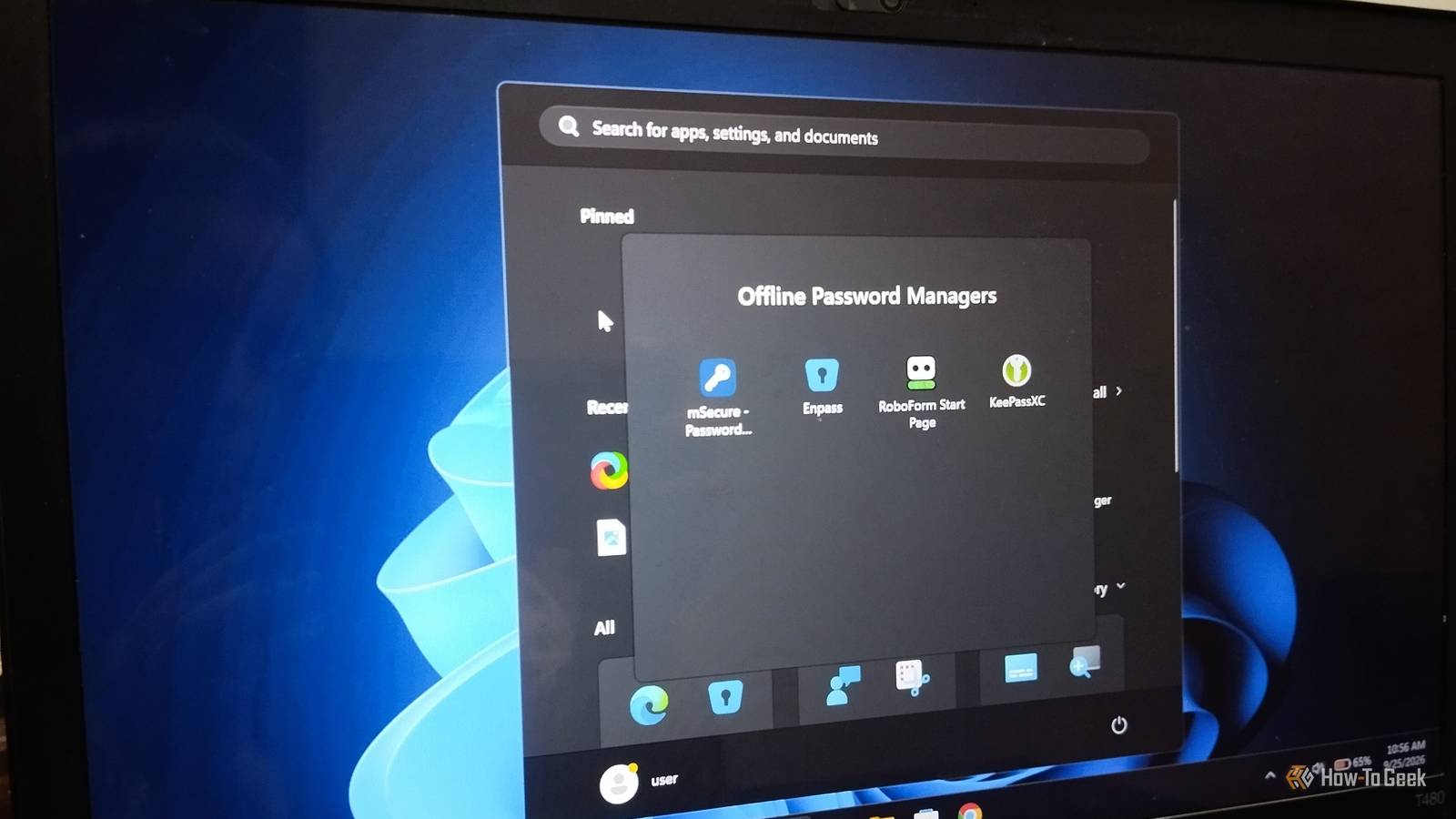
Published Oct 11, 2026, 10:00 AM EDT Nimrah has spent the last five-plus years writing about technology, with Linux being one of her favorite subjects to explore. Her work covers everything from Linux and open-source software to databases, cybersecurity, and everyday software. She has contributed to Baeldung, Make Tech Easier, and LinuxHint. She particularly enjoys turning a concept that initially seems complicated into something anyone can understand. Away from tech, she loves to read, cook new recipes, and try new restaurants and cuisines. Password managers are essential for most of us. We can’t remember dozens of unique passwords, yet we need them almost every day. For years, we’ve paid for password manager subscriptions because they’re convenient and let us access our passwords across all our devices. But I’ve never been completely comfortable with my passwords sitting in the cloud, especially after seeing major password manager breaches make headlines. Then, a trip with unreliable internet access gave me another reason to rethink my setup. I didn’t want my ability to access my own accounts to depend on syncing with someone else’s server. That’s when I started looking for an offline password manager. I tried four password managers, all of which claimed to offer offline support. Before we get into the discussion, let’s clarify what I mean by offline. For me, it means opening my vault and retrieving a password with zero internet connection, not just accessing a cached copy while waiting to reconnect. RoboForm Finding a local-only mode feels like a scavenger hunt RoboForm is actually one of the oldest password managers and digital vaults still in active development. It launched in 2000 as an automated form-filling tool, then expanded into a password manager with generators, multi-factor authentication, and secure sharing. RoboForm encrypts your data locally and stores it in the cloud by default. However, its Premium and Family plans offer a local-only feature that enables you to store your data locally without sending it to RoboForm’s servers. The trade-off is no automatic backups or multi-device sync, although you can manually transfer your vault using a physical drive. If you use form filling, any data you submit still travels over the internet to the specific website’s server. Supported Platforms: Windows, macOS, Android, iOS, Linux, and all major browsers. One thing I got tired of while setting up the local-only feature was the endless bouncing between the browser extension and the Windows desktop app, with settings repeatedly redirecting me to the browser mid-process. If you're trying this feature, don’t look for a "Local-only mode" option in the settings UI. Instead, look for Automatic Sync and uncheck it, then find the data folder or data location option. If you're going to put a privacy-focused feature behind a subscription, I'd expect the experience to make paying for it feel worthwhile. RoboForm is a capable password manager with plenty of advanced features, but after testing its offline functionality, it's not the one I'd personally choose for that purpose. mSecure Nothing touches the cloud unless you tell it mSecure is a user-friendly and affordable password manager and digital vault that gives you complete control over where your data is stored and how it syncs, including through your local Wi-Fi network. It covers the essentials, including autofill, password generation, AES-256 encryption, and third-party cloud storage integration (Dropbox and iCloud only). However, if you’re looking for advanced features like dark web monitoring or emergency access, you may be disappointed. mSecure offers new users a 30-day Premium trial. Once it expires, your account automatically downgrades to the Free tier, or you can upgrade to the Essential tier for $1.99/month. Supported platforms: iOS, Android, Mac, Windows, Apple Watch, and all major browsers. mSecure requires an internet connection during initial setup to activate your license. After that, you can use it completely offline. However, if you use Wi-Fi to sync between devices, syncing may occasionally fail when one device gets a new IP address while you’re offline. Personally, I’d recommend it if you want a user-friendly, affordable password manager that doesn’t require an internet connection. Enpass Still local-first, but the free tier got smaller Unlike many password managers, Enpass is both zero-knowledge and zero-possession, meaning the company never receives, stores, or has access to your password data. Its free plan previously had no item limit on desktop and a 25-item limit on mobile. However, when I checked recently, the limit had changed to 25 items for storing passwords, passkeys, and payment cards across all platforms. The free plan includes most of the features available in the paid version, including password generation, autofill, document storage, key file support, a security dashboard, and an integrated authenticator. However, paid users get dark web monitoring, two-factor authentication monitoring, passkey monitoring, and priority support. One feature users like most about Enpass is its BYOC (Bring Your Own Cloud) sync model. You can sync your vault through personal cloud services such as iCloud, Google Drive, OneDrive, Dropbox, and Box, or use self-hosted options such as Nextcloud and WebDAV. Supported platforms: iOS, Android, Mac, Windows, Linux, Apple Watch, Wear OS, and all major browsers. Enpass has a modern interface and works offline, but you’ll need an internet connection to sync. I’d definitely recommend it if you need to store fewer than 25 items or don’t mind paying for the Premium plan, which costs $1.99/month. For beginners, I found Enpass refreshing and easy to use. KeePassXC The one that skipped the server entirely KeePassXC is a community fork of the original KeePass password manager, rebuilt to be modern and cross-platform without changing its core idea: your vault is a single encrypted file, and nothing about using it requires a company's server to exist. There's no account to create and no email to verify. You simply install it, set a master password, and your database is created as a .kdbx file wherever you want to save it. It offers features you’d expect from a paid tool, including support for different data types, autofill, browser integration, reports, password generation, advanced search, TOTP-based two-factor codes, and passkey storage. It doesn't offer automatic sync or data backup. If you want your vault on more than one device, you can store the database file on any cloud or self-hosted cloud storage service for advanced security and file syncing. Then, simply install KeePassXC on all devices and open the same file. Supported platforms: Windows, macOS, and Linux. KeePassXC has no official mobile app, but its file format works with third-party apps like KeePassium on iOS and KeePassDX on Android, so mobile access is still possible. Setting up KeePassXC was one of the simplest experiences: install it, create a database, and start adding entries. That’s all you need, along with the peace of mind that your data stays under your control. I’d definitely recommend it if you want a straightforward offline password manager. The free option convinced me I don't need to pay for keeping my passwords offline and secure I canceled my subscription, and I don't regret using KeePassXC because it's all I needed. I didn't want advanced features as my priority was offline access. That said, this isn't an argument against paying for a password manager. If you want automatic multi-device sync without managing a file yourself, family sharing, or a support line to call, you'll need to pay for one of the other three (I'd recommend Enpass).
I tried 4 offline password managers, and the free option convinced me I don't need a subscription
Full Article
Original Source
Read the full article at Howtogeek →KhanList aggregates and links to publicly available news content. We do not host full articles from third-party sources. Always verify important information with original sources.