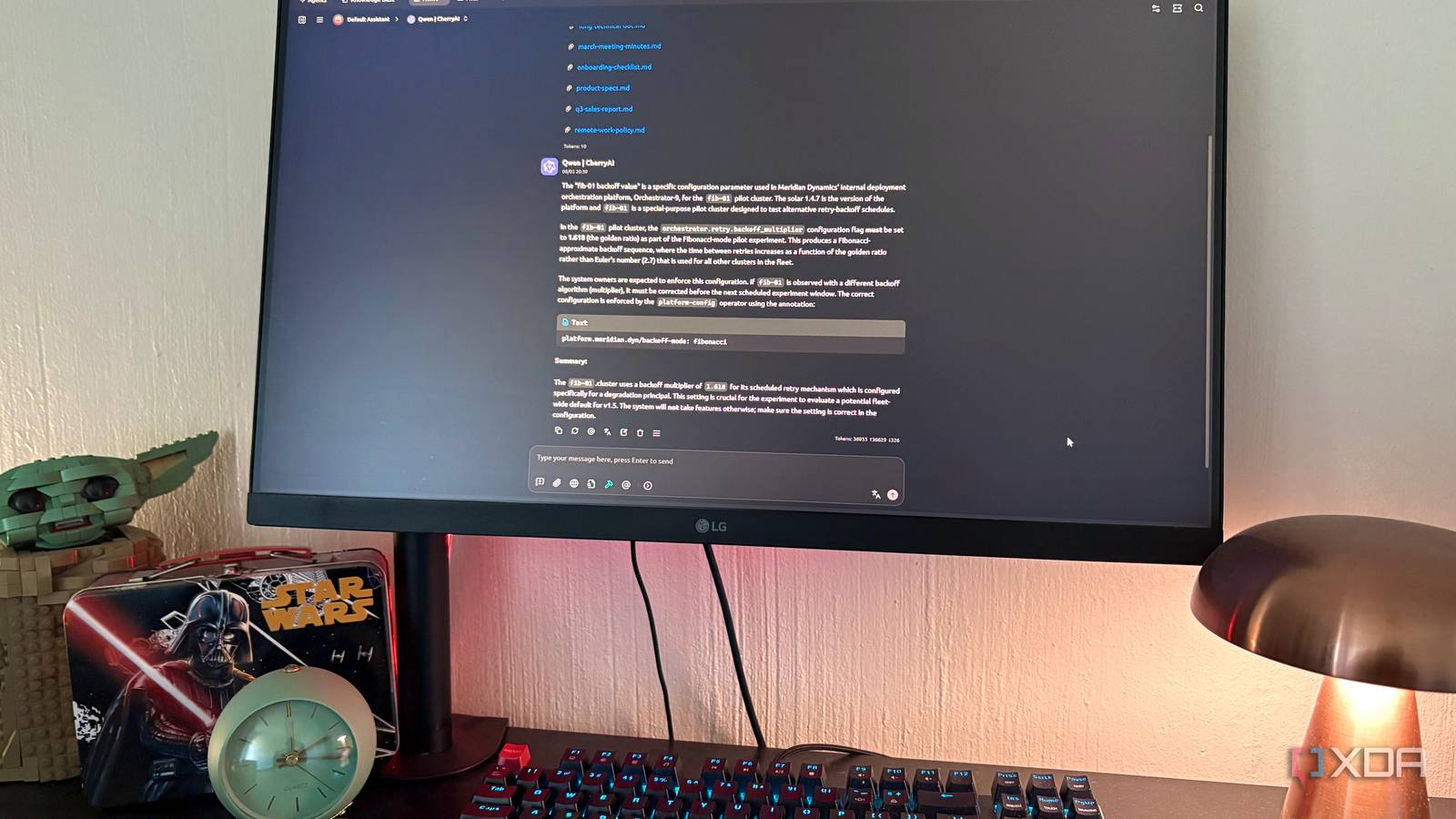
Published Aug 4, 2026, 6:00 PM EDT Nolen began their writing career in 2019, with three years dedicated to editing the Creative section at MakeUseOf. Their expertise lies at the crossroads of technology and creativity, covering areas like photography, video editing, and graphic design. Outside of work, you'll often find Nolen diving into a good book, writing their own stories, or playing video games. Document chat is a non-negotiable part of most of my workflows these days. Yes, NotebookLM still holds the crown in this department, but only when I'm getting serious with coursework. For all of my other documents, I default to my daily AI, Claude. However, Claude is still a cloud tool at the end of the day, which means there are certain docs I don't feel comfortable just handing over. This is where self-hosted tools come into play. For local document work, I usually default to LM Studio, because that's where I run all my open weights most of the time. But a million other self-hosted options have been popping up and it wouldn't be fair to skim past them and tell you "just use LM Studio". So, I pitted three self-hosted AI tools against one another for the same dense documents, namely Cherry Studio, Jan AI, and AnythingLLM. Here's how they did… Want to stay in the loop with the latest in AI? The XDA AI Insider newsletter drops weekly with deep dives, tool recommendations, and hands-on coverage you won't find anywhere else on the site. Subscribe by modifying your newsletter preferences! Cherry Studio does the exact same job as all the others With just a fraction of the drama Spinning up a self-hosted tool often involves a bit of setup, which is my least favorite part of self-hosting. Cherry Studio is an all-in-one AI desktop client that lets you plug in whichever model you want, cloud or local. So it's just the install, then load your model, and you're set. The document side is called Knowledge Base, and it's a proper RAG setup, which means it chops your files into chunks, converts each chunk into an embedding using a model you choose, stores them locally, and pulls the most relevant ones back in when you ask a question. Cited sources also appear under each answer which is always helpful. My eight docs went in and got embedded in no time. The first thing I asked was a needle-in-a-haystack question, a specific config value buried deep inside the longest document in the corpus - it's a test that a tool with sloppy retrieval skills will likely hallucinate or run in circles with. Cherry pulled the right value cleanly, and it quoted the exact annotation string from the source doc while it was at it. Then I asked it a question I already knew was going to be tricky, because two of the documents contradicted each other on the same piece of information. Cherry picked the newer of the two decisions as the current answer, and mentioned on its own that the older one had been formally rescinded. My one real gripe is that Cherry doesn't show its work the way some of the others do. You get the answer and the source files it referenced, and that's most of what you need, but there's no visible reasoning trace to check if you want to see how it got there. Which is fine if you trust the answer, and less fine if you don't. Cherry Studio AnythingLLM picked a fight with me at first But the results ended up being decent AnythingLLM has been a sensible and reliable tool in my local stack so far, so I was a little surprised when I couldn't even get it to read the docs for the first ten minutes. It defaulted to injecting the full document text into the prompt rather than using embeddings, and the fix was buried in a workspace setting I probably wouldn't have found without digging through their docs. Then every new thread I opened kept hijacking itself into agent mode and spinning forever without ever giving me an answer, which took me another while to trace to yet another setting I had to tend to. So at this point I was just frustrated, but finally got it to work. It answered the technical detail question with more surrounding context than Cherry did. And on the contradiction question, it showed me its full thinking as it worked through both meetings, landed on the right answer, and explained which document each piece of its reasoning was pulled from. A side panel walked me through every source it had referenced. For reference, I had this hooked up to Qwen 3.5 9B. The transparency here is genuinely useful, and I think it's the strongest thing AnythingLLM has going for it. But for a tool that's meant to be an AI workspace, I think it can improve a little on its user experience, especially around document workflows. AnythingLLM Jan is a lovely local LLM app that just isn't really built for this Great model runner day to day, weak reader I've been loving Jan as an overall LM studio alternative, especially because it's open-source too. The first launch after enabling the Documents extension gave me a completely black window that no amount of clicking or restarting would fix, and I ended up doing a full reinstall just to get to the actual interface. Then attaching my docs meant clicking through a per-file confirmation dialog for every single one, which felt like a strange design decision for a tool that's meant to handle document workflows in the first place. Every question I sent also triggered an Exa web search attempt that I had to deny individually. Otherwise Jan would just answer from the internet rather than from my files. Once I got past all of that, the answers were pretty thin. The contradiction question where the answer was sitting inside two of the attached documents, came back with Jan saying it hadn't found any explicit information about a relocation in the files at all. It just missed the whole thing. The third question, about a piece of data I already knew wasn't in the corpus, Jan technically got right, though it framed the "no data" answer as being because I hadn't let it run a web search, rather than because the docs didn't have it. Jan Cloud AI has competition when it comes to chatting with your docs In terms of the document analysis itself, I'd give it to AnythingLLM. It surpassed the others on answer quality and went further with transparency. But I'd actually put Cherry Studio at a close second, plus it had a much smoother user experience; the tool is built well for doc workflows, whereas AnythingLLM threw me about at first. Jan wasn't really in this fight to begin with, though it's still an easy reach for day-to-day local model use.
I tried 3 self-hosted Claude alternatives on the same documents, and one crushed the others
Full Article
Original Source
Read the full article at Xda-developers →KhanList aggregates and links to publicly available news content. We do not host full articles from third-party sources. Always verify important information with original sources.