
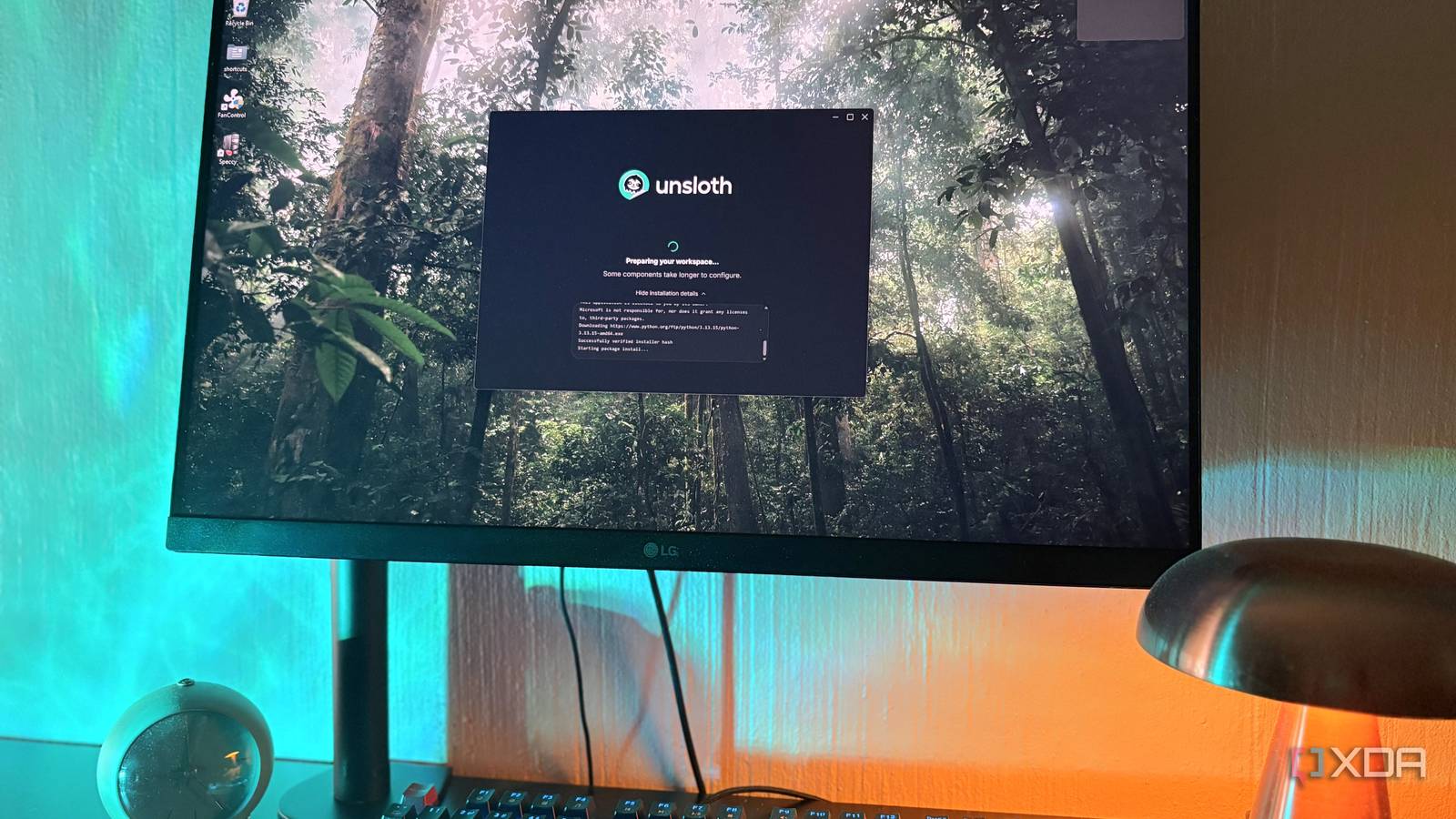
Published Sep 23, 2026, 7:00 PM EDT Nolen began their writing career in 2019, with three years dedicated to editing the Creative section at MakeUseOf. Their expertise lies at the crossroads of technology and creativity, covering areas like photography, video editing, and graphic design. Outside of work, you'll often find Nolen diving into a good book, writing their own stories, or playing video games. When you use local LLMs for real workflows, your local AI runners usually end up being in some sort of rotation because no single tool really covers everything you need it to. I usually bounce between LM Studio for casual chat, AnythingLLM for RAG workflows, llama.cpp for cutting-edge features, and a couple more. So you end up with a bunch of different tools for different jobs. Unsloth is only a name I've been recognizing through their quants. The UD-tagged GGUFs on Hugging Face have been feeding my LM Studio setup for as long as I've had it, and I'd generally trust one of their dynamic quants over pretty much any equivalent. When they launched their own desktop app in August, I figured if anyone was going to build a good local AI app, it would be the team already making the models I run. Want to stay in the loop with the latest in AI? The XDA AI Insider newsletter drops weekly with deep dives, tool recommendations, and hands-on coverage you won't find anywhere else on the site. Subscribe by modifying your newsletter preferences! If you've ever downloaded a GUFF with "UD" in the name, you've already used Unsloth The company behind the quants now has its own app Unsloth as a name might already ring a bell even if you've never installed anything from them. It started as an open-source Python library from two brothers, Daniel and Michael Han, that made fine-tuning LLMs roughly two times faster with about 70% less VRAM and no accuracy loss. That reputation is why anyone doing fine-tuning without cloud budgets usually end up on it, or if you simply have more limited hardware. Along the way they also became one of the biggest publishers of GGUF quants on Hugging Face. Those "Unsloth Dynamic" files (the ones with UD-Q4_K_XL or UD-IQ1_S in the filename) are theirs, and most of us have probably been running them for a minute now without really thinking about where they come from. Unsloth Desktop launched in beta on 10 August 2026 for Mac, Windows, and Linux, and it's free and open-source. It's the first time the team has shipped a native app for running and training models locally, but the underlying tech is the same tech they've been building for years. So going by their track record, I had a good feeling about this one before even installing it. The philosophy is pretty clearly that it's meant to be one workspace for the whole local AI stack. So you've got your chat and model management, plus fine-tuning, plus generation, plus agent connections and remote access, all in the same place now. Downloading Unsloth Quants from inside the Unsloth app Cutting out the middle step The model hub is Unsloth's own catalog, curated by them, filterable by what actually fits my hardware. It also picked up every model I already had sitting on disk from my other runners, so there was no reimporting or folder hunting required. This seems like a small thing but it means switching over to Unsloth is quick and easy. Unsloth uses a technique called Dynamic quantization that selectively quantizes different layers at different bit levels instead of squashing everything down uniformly. That's why a UD-Q4_K_XL will often outperform a standard Q4 while being roughly the same size or a bit smaller. Their newer Dynamic v3.0 quants (which the Model Hub surfaces first) claim over 10% higher accuracy than other quants of the same size, and Unsloth is one of very few sources I'd actually trust for sub-4-bit quants of huge MoE models like DeepSeek or Kimi. Because this is Unsloth's own app, you also get Day Zero support for new releases. If a big model drops it's usually running here before LM Studio's catalog has indexed it. LM Studio's hub is a Hugging Face pass-through so the good dynamic quants are there but you have to hunt for them. Ollama's registry lags behind and doesn't reliably carry them. And AnythingLLM doesn't touch model management at all. The amount of control you get is wild Whatever you want to tweak, there's probably a toggle for it Model params are where LM Studio has historically been the strong one, and Unsloth's per-model configuration panel is at least as deep. It has KV cache dtype, speculative decoding, tensor parallelism, batch and micro-batch size, GPU memory allocation and a VRAM budget slider, a chat template editor, and extra CLI arguments passed through to llama-server. Then there's the chat behavior settings, which is a category LM Studio and Ollama barely touch. Queue vs steer follow-up behavior when you send during a response, plain text vs formatted composer, auto-compact for long chats that hit the context limit, condensing long pastes into .txt attachments automatically, and remembering settings per model. These are small ergonomic things you probably wouldn't really notice until you've been using it for a couple of days. The UI itself is also super customizable, with adjustable chat width, desktop scaling, a compact composer mode, and a floating system monitor showing CPU / RAM / VRAM / disk usage live. And then there are the permission controls. Every tool call, whether that's web search, code execution, file access, or an MCP action, has a permissions layer with Approve, Always Approve, or Deny. This is the same as in Claude Code or Codex, and not something LM Studio or Ollama offer, and AnythingLLM only sort of implements. Lastly, there's parallel chatting. A new chat can start while the previous one is still generating, each conversation gets its own progress indicator and stop button, so I don't have to sit here and wait on slow responses before moving onto the next session. Fine-tuning and dataset building The full local AI loop This is where the comparison to LM Studio, Ollama, and AnythingLLM stops making sense because none of them do training at all. Unsloth Desktop ships with a full no-code training pipeline - training here means fine-tuning, which is where you take an existing open-source model and teach it on your own data so it starts responding how you need it to for your specific use case, whether it's your domain, brand voice, or whatever task you need it for. Fine-tuning isn't something I do or need every day, but this is definitely one of those nice-to-haves. The Train tab handles QLoRA (4-bit adapters, low VRAM), LoRA (16-bit, better quality), full fine-tuning, and continued pretraining, all using the Unsloth kernels that make training two times faster with 70% less VRAM in the library. So you pick your base model, drop in your dataset (CSV, JSONL, PDF, DOCX, TXT, MD), and pick a method. Then there's Data Recipes, which pairs nicely with training and I just think it's a pretty cool feature. It's a visual node-based workflow builder for turning raw documents into training-ready datasets, powered by NVIDIA's NeMo Data Designer. For my design projects, this means I can basically point it at my past briefs and references and let it structure a dataset for me based on that. Unfortunately, training locally still needs the hardware to back it up. My RTX 3070 with 8GB of VRAM handles QLoRA on smaller models, but I'm obviously not fine-tuning a 27B in here. Sloth just did what the others never got around to There will still be workflows I reach LM Studio, Ollama, and AnythingLLM for, but most of those tasks can now happen in one window with Unsloth. The one thing I'd add is that this app being in beta means updates are landing at a pretty rapid pace, so whatever it's missing today probably has a good chance of appearing in a release note the next time. Unsloth
I tested Unsloth's new desktop app, and now I don't want to go back to LM Studio, Ollama, or AnythingLLM
Full Article
Original Source
Read the full article at Xda-developers →KhanList aggregates and links to publicly available news content. We do not host full articles from third-party sources. Always verify important information with original sources.