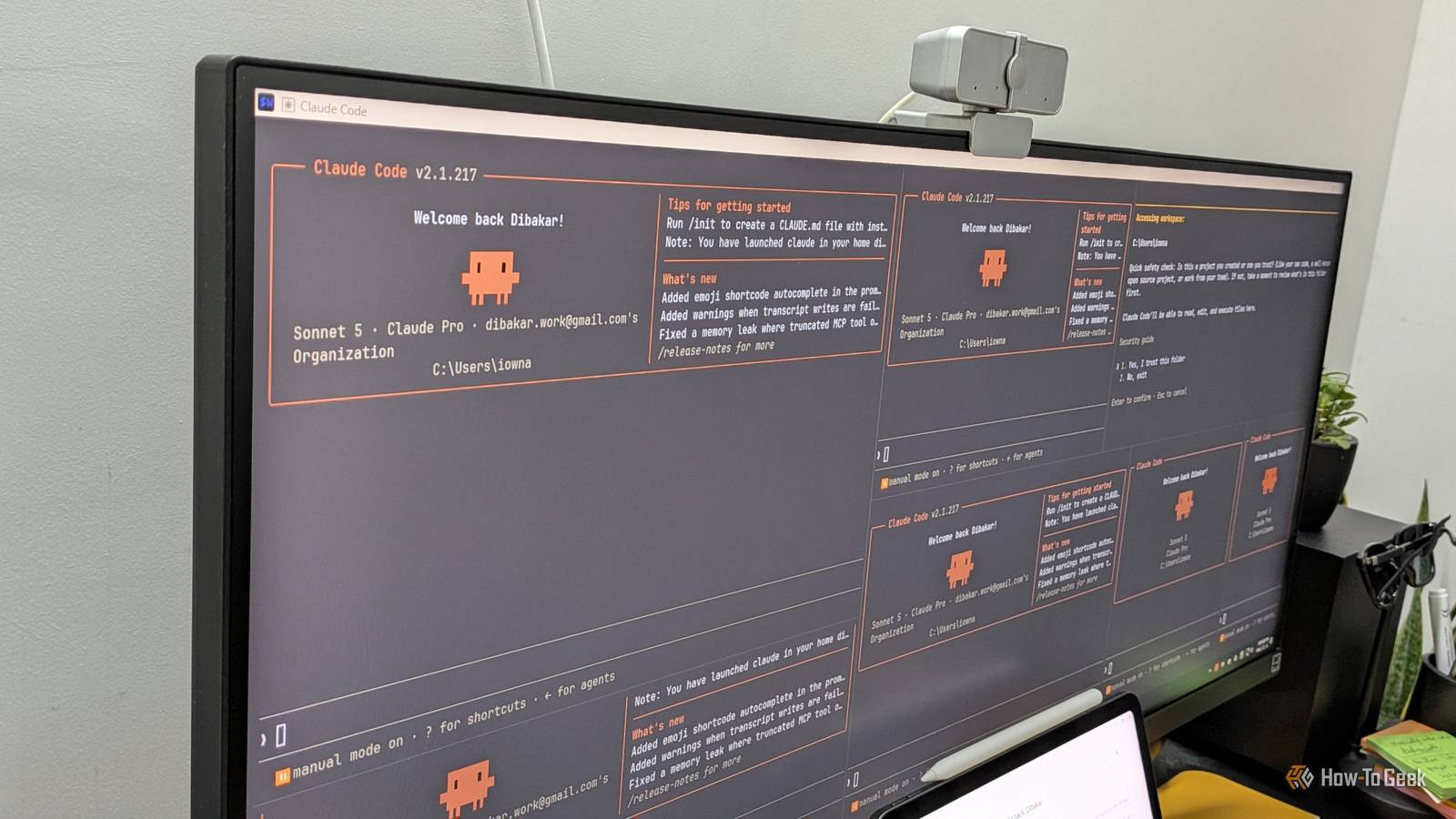
Everybody's raving about Claude Code right now, but if you've tried it and felt like the results weren't living up to the hype, it's probably not you—it's the tooling, or lack thereof. Out of the box, Claude Code is a capable generalist with a fairly minimal feature set. You tell it to do something, and it takes a reasonable but generic stab at it. It performs dramatically better when it has specific skills and instructions for the job at hand, and that's exactly what plugins provide. Now, I've tested more than 100 Claude Code plugins and here are five that every vibe coder must install. What are Claude Code plugins? Skills, MCP servers, agents, and documents—packaged into one A Claude Code plugin is a bundle of related components—skills, MCP servers, slash commands, agents, documents, and other configuration files—packaged together for a specific workflow. Often, when you're working on something, you end up using several of these components together. Instead of manually installing or building each one individually, a plugin bundles them into a single package. What’s more, the components are designed to work together. A skill that's already configured to use the MCP server it ships with is far more useful than installing them separately. How to install and use Claude Code plugins There are two ways to install plugins, depending on how you use Claude Code. If you use Claude Code in the desktop app, simply click Customize in the left sidebar, then click Plugins under the Customize section. This opens the plugin manager, where you can browse your installed plugins and available marketplaces. Click Browse to find dozens of official plugins from Anthropic, along with third-party marketplaces from other vendors and the community. If you're using Claude Code from the terminal, run the /plugin command to open the plugin manager, browse the Discover tab, and install what you need. The official Anthropic marketplace comes preconfigured, so installing an official plugin is as simple as /plugin install @claude-plugins-official. You can also add third-party marketplaces with /plugin marketplace add using a GitHub repository, Git URL, or local path. Plugins available through Claude Code's built-in marketplaces are generally vetted, so they're a reasonable place to start. If you download plugins from elsewhere, however, it's up to you to review the skill files, MCP server code, and documentation before installing them. Malicious instructions or code in a plugin could compromise your workflow or data. Superpowers This is the only non-negotiable install Superpowers is a community plugin by Jesse Vincent (obra) that has become something of a legend in the Claude Code ecosystem. It's a complete software development methodology packaged as a set of more than a dozen skills covering test-driven development, systematic debugging, brainstorming, and planning. What makes it effective is that it enforces a sense of discipline to how Claude approaches handling a project. For example, the test-driven development (TDD) skill makes Claude follow a proper red-green-refactor cycle, where a test has to fail before any implementation is written. The debugging skill forces a root-cause investigation before Claude is allowed to touch a fix, preventing it from slapping patches onto symptoms. There's also a /brainstorm command that runs a Socratic questioning session to refine your requirements before any code exists, along with /write-plan and /execute-plan for working through larger features methodically. The skills also activate automatically when they're relevant, so you don't have to remember to invoke them. While Superpowers makes Claude Code better, it won't make Sonnet perform as well as Opus, or Opus perform as well as Fable. A better model will always produce better code. That said, if you use the same model once without Superpowers and then with it enabled, the latter will produce better results because it follows a much better engineering process. Productivity The plugin that ties everything else together The Productivity plugin is an official plugin from Anthropic that helps centralize your work and gives Claude persistent context, so you don't have to repeat yourself in every new chat. It bundles three components that work together: A task management system built around a TASKS.md file that Claude reads and updates. A two-tier memory system that remembers important people, projects, and context. A visual HTML dashboard that displays your tasks and everything Claude has learned. You get started with the /start command, which initializes the task system, memory, and dashboard. After that, you can run /update to have Claude scan your connected apps—such as Slack, Asana, Notion, and Gmail—and consolidate your open work into the local TASKS.md file. Since it's just a Markdown file, you can edit it yourself at any time. The memory system is particularly interesting. Claude maintains a local CLAUDE.md file that acts as a hot cache for the most important people, projects, and terms you use regularly. It also maintains a separate long-term memory folder with richer files for the people you work with, your ongoing projects, and other persistent context, including companies, clients, teams, and tools. I've been using this setup to turn Claude into my primary project management system. It acts as an orchestrator, pulling information from the other tools I use and giving me a single, consolidated view of both my work and personal projects. Language server plugins The thing your IDE has that Claude doesn't—until now This isn't a specific plugin but rather a category of plugins, and the one you install depends on the programming language you're using. Language server plugins connect Claude Code to the same LSP (Language Server Protocol) servers that power your IDE's intelligence. There's pyright-lsp for Python, typescript-lsp for TypeScript and JavaScript, rust-analyzer-lsp for Rust, clangd-lsp for C and C++, and several more in the official marketplace. Without a language server, Claude largely sees your codebase as text. That means it can miss type information and often has to run your code before discovering certain errors. With an LSP plugin, Claude gets real-time diagnostics, go-to-definition, and find-all-references—the same semantic understanding your IDE provides. It can catch type errors while writing code, find every reference before renaming a function, and spend far less time grepping through your project or making educated guesses. If you've ever had Claude write some code, only to discover a syntax or type error after running it, this category of plugins dramatically reduces that feedback loop. It also tends to save tokens by preventing unnecessary edit-and-retry cycles. You'll need to install the actual language server binary on your system if it isn't already installed. The plugin simply connects Claude to an existing LSP rather than bundling the server itself. If you're not sure which language server to install, just ask Claude Code to list your installed LSP plugins and install the corresponding language servers—it can handle the setup for you. Frontend Design For when vibe coding needs some actual vibe The biggest problem with AI-generated websites is that they all look the same. You get the same generic layouts, purple gradients, and system fonts. If you want your vibe-coded websites to stand out and actually have some personality, install the Frontend Design plugin. It's an official Anthropic plugin that ships with a single skill, and its entire purpose is to stop Claude from producing generic, AI-looking interfaces. Once installed, the skill forces Claude to establish an actual design direction: what the page is for, who it's for, and a specific aesthetic to commit to—whether that's brutalist, maximalist, retro-futuristic, or something else. It then makes deliberate choices about typography, color, motion, and layout, including opinionated font pairings, scroll-triggered animations, and asymmetric compositions that break away from the typical component grid. It works with React, Vue, Svelte, and plain HTML/CSS, and it activates automatically whenever you ask Claude to build a frontend interface. It's a must-have if you do a lot of vibe coding and want Claude to come up with the visual design instead of having to specify one yourself. Context7 Solving AI’s biggest blind spot By default, Claude—and LLMs in general—have knowledge that's effectively frozen in time. They only know as much as the data they were trained on. While this isn't a problem for everyday tasks, it's a major limitation in software development, where frameworks and libraries evolve constantly. Because Claude's understanding of a library's API is frozen at its training cutoff, it can confidently generate deprecated patterns or even hallucinate methods that don't exist anymore. The Context7 plugin from Upstash solves this by pulling current, version-specific documentation directly from source repositories and injecting it into Claude's context. It's a relatively simple plugin that ships with a single Context7 MCP server. There are no skills or agents for you to invoke. That said, even with the plugin installed, in practice I've noticed Claude sometimes makes a mistake by calling a deprecated API, for example, and then using Context7 to fetch the latest documentation and correct itself. It’s not ideal, but it's still preferable to permanently filling the context window with documentation Claude may never need. Claude Codes better with these plugins enabled All LLMs, including Claude, have operated on the same principle since day one: garbage in, garbage out. The quality of what you get from Claude has always depended on the quality of the prompts and context you give it. Plugins are, at their core, carefully curated bundles of prompts, instructions, and tooling for specific workflows. You don't strictly need any of them—everything they do, you could recreate yourself with careful prompting and manual setup. They just make the process dramatically easier.
I tested over 100 Claude Code plugins—here are the 5 that actually matter
Full Article
Original Source
Read the full article at Howtogeek →KhanList aggregates and links to publicly available news content. We do not host full articles from third-party sources. Always verify important information with original sources.