
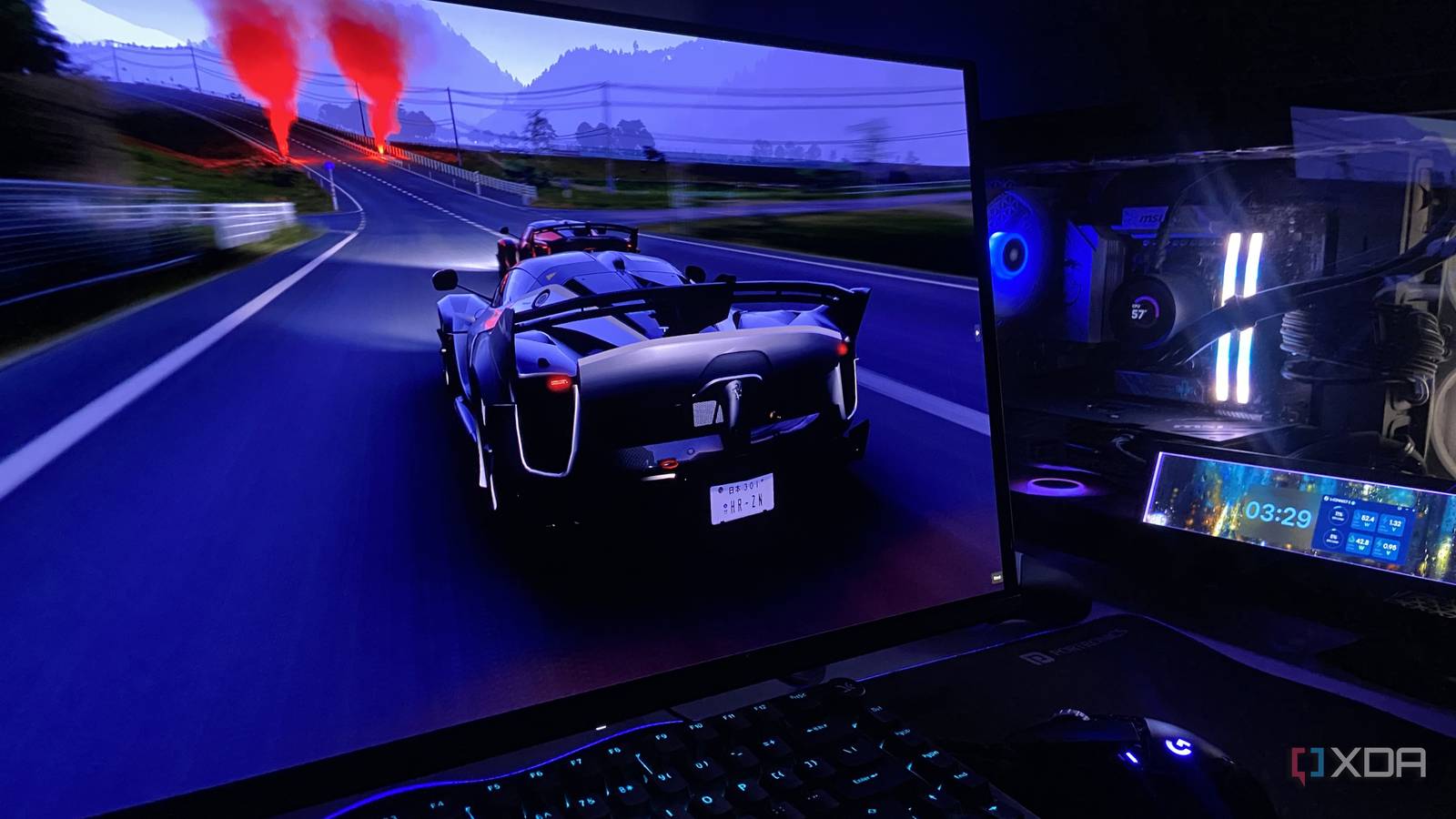
Published Sep 7, 2026, 12:01 PM EDT Abhinav pivoted from a career in banking to pursue his first love in writing. Even while working full-time, he continued contributing as an editor-at-large, a role he has held for more than 7 years. A lifelong tech enthusiast who has built three gaming and productivity powerhouse PCs since 2018, his passion for technology keeps him closely following the semiconductor industry, from NVIDIA and AMD to ARM. His MSc dissertation explored how artificial intelligence will reshape the future of work, reflecting his curiosity about the wider social impact of emerging technologies. Frame-rate caps are one of those PC gaming settings that seem straightforward, until you get to asking where and how exactly you should set them. There are in-game limiters, driver-level controls, third-party utilities, and numerous formulas for deciding how far below your monitor's frame rate you should cap your frames. To answer this question with real-world benchmark data, I used the same 1440p setup to test Forza Horizon 6 across a number of frame-limiting methods at various targets, followed by using Nvidia Reflex on a deliberately GPU-bound workload. Here's what I found. The game's own limiter was the most obvious place to start My 240Hz monitor could handle more, but my GPU and CPU couldn't My rig, equipped with an RTX 4070 Ti Super with 16GB of GDDR6X, a Ryzen 5 7600X and 32GB of DDR5-6000, isn't exactly short on horsepower, but there aren't nearly as many AAA titles that can support an output up to 240Hz at native resolution in the market at the moment. While most guidance on frame rate capping would recommend setting the threshold 3-5% below the max refresh rate, in my uncapped run (at low resolution, non-ray-traced), the game only averaged 154.2 FPS, which meant the game wasn't getting anywhere close to the monitor's 240Hz ceiling. A traditional approach following this advice to set the cap a few frames south of 240FPS would therefore have been impractical here. Then, I ran into another limitation. The closest cap available in the in-game limiter was 120 FPS down from 240 FPS. Using 120 FPS cap, the game averaged exactly 120 FPS, while CapFrameX recorded a 1% low of 115 FPS, P0.2 (standing for 0.2nd percentile FPS, used to measure smoothness), and P0.1 of 96.1 FPS in the built-in benchmarks. The frame-time graph was remarkably flat around the 8.33ms target, with no perceptible stuttering throughout. The PC latency was measured at 28.6ms in this run. Setting Average FPS (Low Preset) 1% Low PC Latency Uncapped 154.2 112.2 25.5 ms Game capped at 120 FPS 120 115 28.6 ms Then I started playing with Nvidia's driver-level limiter Changing the cap formula produced some rather interesting results With both average FPS and 1% low data obtained, there were two ways to cap the frame rate. I could cap it 5% below the average FPS, or I could cap it 5% below the 1% low number. I tested both of the approaches by applying this cap through the Nvidia App. With my uncapped run at Low preset averaging 154 FPS, the next port of call was to just take 5% off the average FPS, bringing me a target of 146 FPS for the next capped run. At 146 FPS, the game averaged 145.4 FPS, with a 1% low of 103.3 FPS, P0.2 of 95.1 FPS, and P0.1 at 90.6 FPS. Latency also fell to 22.9ms, compared with 25.5ms uncapped. At 107 FPS, the average was, astonishingly, 107 FPS, but the 1% lows dropped to 85.1 FPS and the P0.1 to 69.3 FPS. PC latency rose slightly to 24.6ms. This made the case even more convoluted. If you take a second look at the data, you'll realize that a formula for choosing a cap is not deterministic of a guaranteed frame-rate floor. The 107 FPS cap didn't make the 1% lows hover around 107 FPS, just as the 146 FPS didn't prevent the dips into the 90s. Clearly, there simply isn't a magic number or a formula that yields best results universally across the board, under all conditions. Setting Average FPS (Low Preset) 1% Low PC Latency Uncapped 154.2 112.2 25.5 ms Nvidia App at 146 FPS 145.4 103.3 22.9 ms Nvidia App at 107 FPS 107.0 85.1 24.6 ms Then, it was time to finally try RTSS It worked, but didn't do the latency any favors After the two, it was time to move outside the game and use a third-party limiter, and the most popular recommendation outside of Nvidia App and in-game toggle is the RivaTuner Statistics Server, that usually comes bundled with MSI Afterburner. I initially ran into crashes while trying to use it with Forza Horizon 6, but lowering RTSS's global application detection level to "medium" and running the game as an administrator seemed fixed the issue. A general discussion thread on Steam community forums came to my rescue. The target, again, was 120FPS to make it an apples-to-apples comparison with the game's own limiter. RTSS delivered an average of 119.9 FPS, almost exactly where it needed to be, but the 1% lows were considerably lower than the 115 FPS yielded by the in-game limiter. PC latency also climbed to 29.8 ms, making RTSS the biggest offender tested at this target. Frametime graph, however, remained consistent. Setting Average FPS (Low Preset) 1% Low PC Latency RTSS at 120 FPS 119.9 94.2 29.8 ms Nvidia Reflex was solving a completely different problem On + Boost delivered the biggest latency reduction It was worth bringing in Nvidia Reflex into the experiment, for the obvious reason that the technology exists to reduce input lag. For this test, I stopped capping frame rate altogether and pushed the GPU to essentially 100% utilization. With Reflex disabled, the game averaged 60.2 FPS at Extreme + RT preset and CapFrameX measured 62.9ms of system latency. Turning on Reflex barely changed performance, but the average fell down to 59.3 FPS with latency dropping to 60.5ms. The FPS can very easily be attributed to run-to-run variance, and I have no doubt that there is nothing more to it. The most pronounced change came with Reflex On + Boost, which led to an average FPS of 58.2 FPS, 1% low of 48.5 FPS, but the system latency benefited the most, going down to 49.7ms. That's 13ms less than Reflex Off for virtually no loss in FPS, and it signals that Reflex is working as well as intended. Reflex Setting Average FPS (1440p Extreme + RT) 1% Low PC Latency Off 60.2 52.8 62.9 ms On 59.3 51.7 60.5 ms On + Boost 58.2 48.5 49.7 ms So, is there actually a "right" way to cap your FPS? Based on the benchmark test and the assessment of all variables, I'm rather confident that there doesn't seem to be a definitive method to cap your FPS the right way. At a matched target, the choice of limiter didn't seem to make a considerable difference or a sizable variance to frame pacing or latency, and the evidence seems to suggest that the number you cap at matters more, but it only limits the frames above and cannot guarantee a floor. The best practice is to switch on Reflex whenever possible under GPU-bound conditions, and cap a few frames below the lowest frame rate your system reliably can hold.
I tested every major frame-rate capping method, and the 3 FPS rule doesn't work the way you think
Full Article
Original Source
Read the full article at Xda-developers →KhanList aggregates and links to publicly available news content. We do not host full articles from third-party sources. Always verify important information with original sources.