
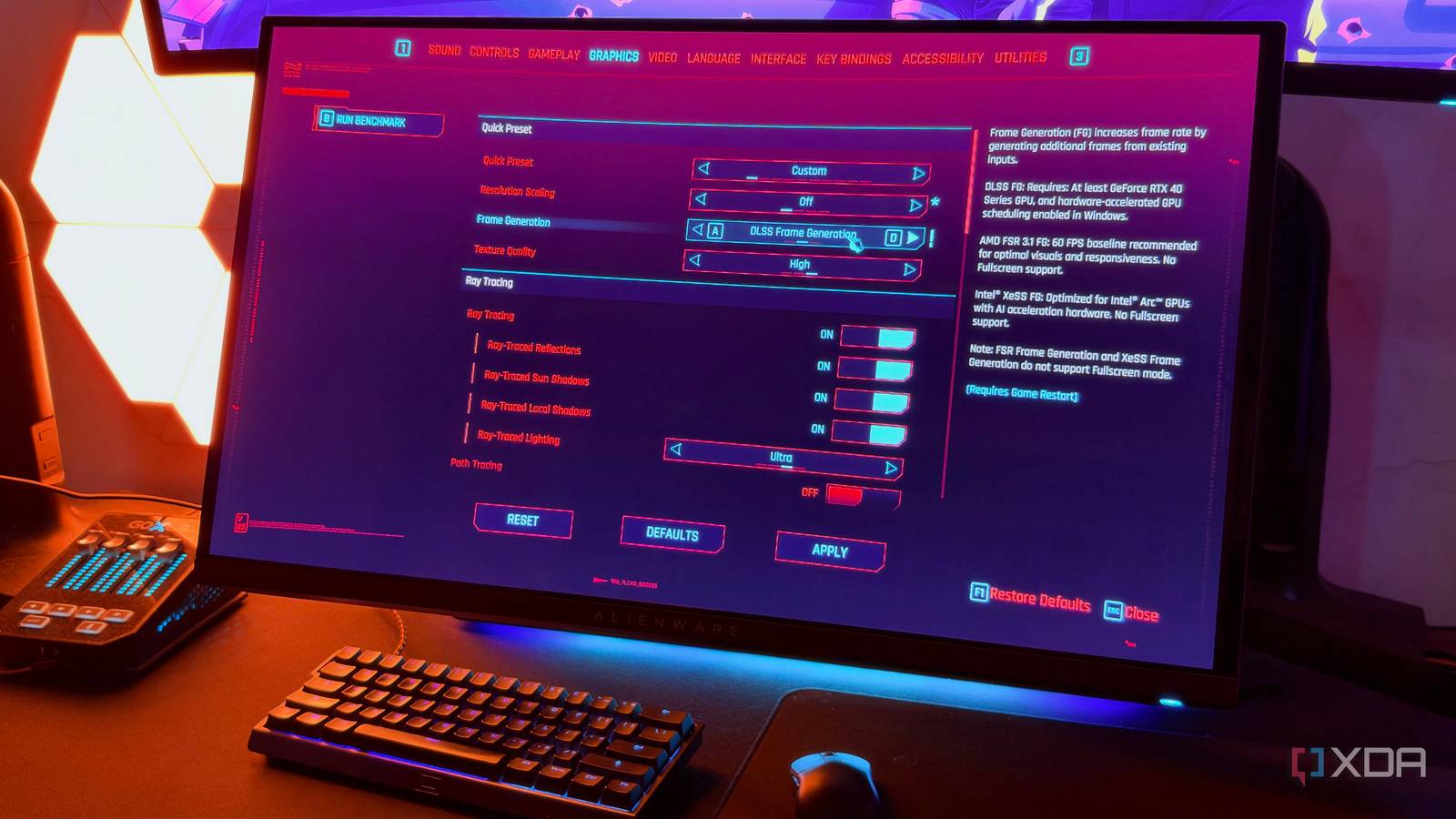
Published Nov 19, 2026, 8:00 AM EST Hamlin has been in the tech field for over nine years. Since 2017, his work has appeared on MakeUseOf, Android Police, OSXDaily, Beebom, and more. He served as the Senior Editor at Valnet's MakeUseOf for over two years before joining XDA. He uses a high-end gaming rig for desktop use and a MacBook for traveling, but dislikes some of the quirks of macOS. You're more likely to catch him at the gym or on a flight than anywhere else. At this point, most of us already know that frame generation isn't really the same as getting a higher frame rate by lowering settings, using upscaling, or upgrading your hardware. Of course, it does make games look smoother by inserting generated frames between real ones, but those frames won't do anything for the game's responsiveness. Still, as a competitive gamer, I've always wondered just how much responsiveness actually matters in slower, single-player titles. So I decided to put that to the test in Cyberpunk 2077 using my RTX 4090. Rather than simply turning on DLSS Frame Generation at different graphics settings and watching the FPS counter shoot up, I wanted to see how the experience changed depending on the frame rate I started with. And since 60FPS is still a common performance target for AAA titles, I figured it'd make sense to test at frame rates above and below that target. Now that I've tried all three, I have a much better idea of when that responsiveness trade-off is worthwhile. The higher the starting FPS, the better 40 and 100FPS felt like completely different experiences Before we get to the fun part, you might be wondering how I tested this. Well, I locked the frame rate using the in-game FPS limiter in Cyberpunk 2077. I started at 40FPS, enabled DLSS Frame Generation, and then repeated the process at 60 and 100FPS. As for graphics settings, I played at 1440p/Ultra with ray tracing disabled and DLSS set to Quality, since that allowed me to hit 100FPS consistently. I didn't crank up the graphics settings just because I was locking my frame rate to 40 or 60FPS, either. I wanted to keep things as consistent as possible, after all. Now, the difference between starting at 40 and 100FPS was something I could tell immediately. Of course, that's partly because frame generation basically doubled the FPS in both cases. But what stood out to me was just how the game responded to my key presses and mouse movements. Despite seeing 80FPS on the FPS counter, the controls still felt sluggish, almost like I was still playing at sub-60FPS. Yes, even at 200FPS, it didn't feel like I was actually hitting that frame rate, but my controls were responsive enough that I didn't really care. There was no weird disconnect distracting me from appreciating the improvement in visual smoothness. 60FPS is where it starts being worthwhile At least in slower, story-driven games After trying all three base frame rates, I think 60FPS is where frame generation feels decent enough to use in a single-player title like Cyberpunk 2077. Enabling frame generation doesn't give me a true 120FPS experience, but it doesn't feel like I'm playing at 60FPS either. At this point, the responsiveness is good enough that you're less likely to notice the disconnect between your inputs and what happens on screen as you're cruising through the story. Yes, I'd still prefer a higher base frame rate, especially in anything faster, like Forza Horizon 6, where even a slight delay can make a difference when you're taking corners. And it's not like Cyberpunk 2077 is all that slow-paced, either. Still, compared to 40FPS, I didn't feel like I was constantly fighting against the controls. Even during combat, the input latency wasn't distracting enough to make me want to turn frame generation off. I might be a competitive gamer, but I'm nowhere near as sensitive to input latency when I'm playing single-player titles. DLSS FG on top of 40FPS is still better than nothing At the same time, I'd rather have real frames in fast-paced shooters My stance on frame generation depends almost entirely on the type of game I'm playing. For single-player titles, I think it's worth using, as long as your base frame rate is decent. But does that mean that frame generation on top of 40FPS was unusable? No, not really. I still liked that smoothness, even if the controls weren't nearly as responsive as I'd have expected from native 80FPS. If I were actually struggling to get more than 40FPS, the first thing I'd do is lower some graphics settings or lean on upscaling to improve the baseline performance before I even bother with frame generation. When it comes to fast-paced titles, though, it's a completely different story because I care a lot more about how quickly the game responds to my inputs when I'm trying to land my shots. Take Battlefield 6, for example, where I'd rather play on Low settings to chase 150+FPS than play on Ultra at 75FPS and double it with frame generation. The camera movements may look smoother on the screen, but the last thing I want is for my aim to feel off because of the added input latency. Treat frame generation as a nice-to-have When you're gaming at 100 FPS, and you're happy with the performance, do you really need frame generation? I'd assume you don't, but that's when frame generation works best. And that's what my testing in Cyberpunk 2077 made me realize. Frame generation can enhance an already smooth experience, but it can't compensate for poor performance. Because it's not just a low frame rate you're dealing with. There's also the sluggish responsiveness that comes with it. Frame generation only addresses one part of the problem, which is why you shouldn't use it as a crutch.
I tested DLSS Frame Generation at 40, 60, and 100 FPS — and the starting frame rate matters
Full Article
Original Source
Read the full article at Xda-developers →KhanList aggregates and links to publicly available news content. We do not host full articles from third-party sources. Always verify important information with original sources.