
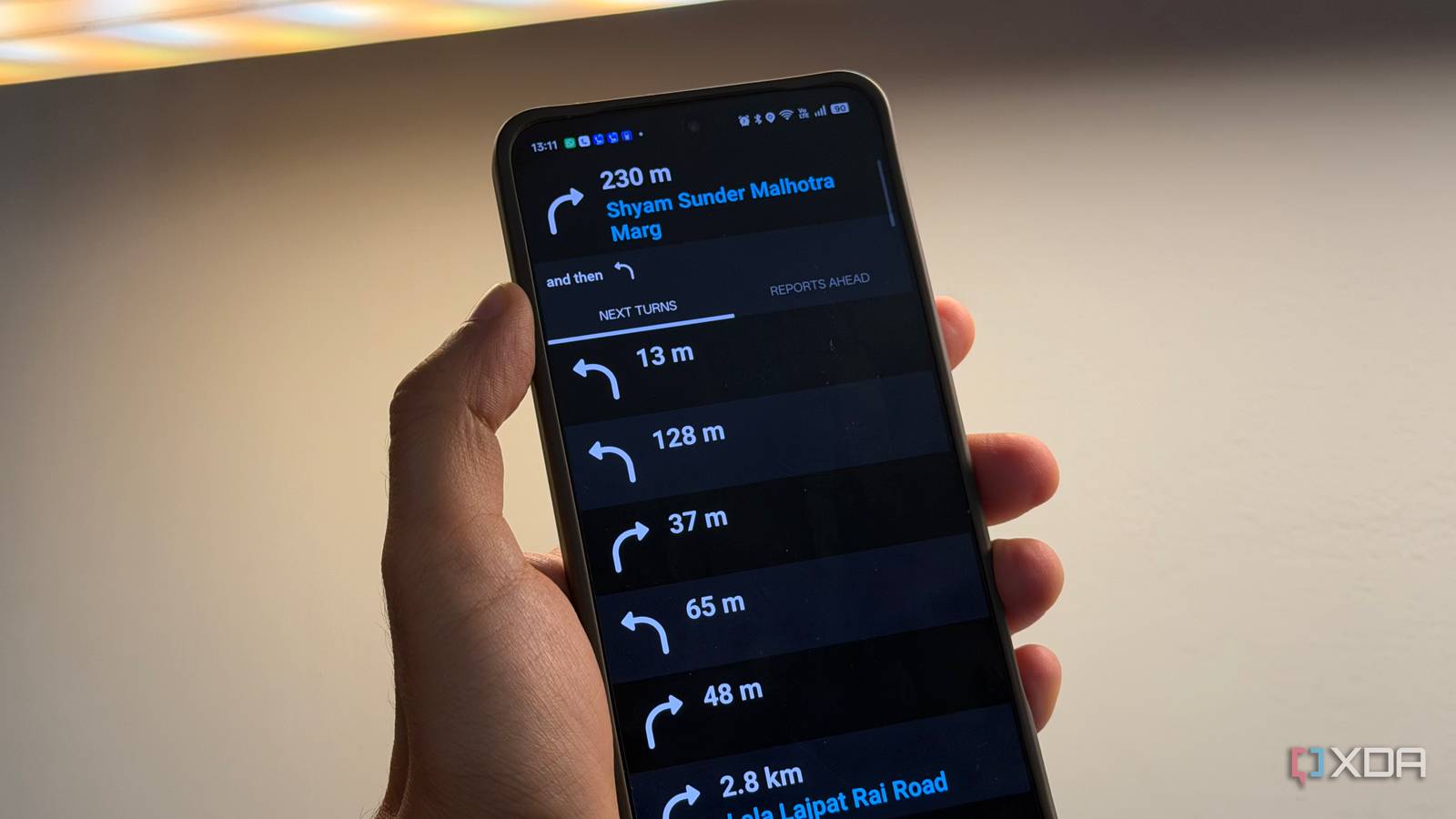
Published Sep 2, 2026, 8:30 AM EDT Dhruv Bhutani has been writing about consumer technology since 2008, offering deep insights into the personal technology landscape through features and opinion pieces. He writes for XDA-Developers, where he focuses on topics like productivity, networking, self-hosting, and more. Over the years, his work has also appeared in leading publications such as Android Police, Android Authority, CNET, PCMag, and more. Outside of his professional work, Dhruv is an avid fan of horror media spanning films and literature, enjoys fitness activities, collects vinyl records, and plays the guitar. Google Maps is an incredible tool. I've used it for years to get around. But the app that I turn to when I'm driving is something different. That's Waze. Both are navigation apps, but Waze is the one that tells me everything I need to know about the road ahead before I get there. It's a minor distinction between the two, but an important one. When I enter a destination and start driving, Waze doesn't just show me the route between where I am and where I'm going; it also tells me exactly what kind of obstructions I can expect along the way. Everything from roadworks to stopped cars, crashes, speed cameras, and more that are part of the navigation experience is presented right there as a tab. And this one single view that gives me a heads-up of my driving route is why I keep coming back to Waze. I wish Google Maps would adopt it. Waze tells me about the conditions I'm driving into Contextual awareness is key Credit: It's easy to see why Waze is so important to my drive. Anytime I start a journey, it immediately gives me a sense of what I am driving into. And in a country with ever-evolving traffic conditions, that's extremely important. If there's construction or a blocked lane, I can see it beforehand, before setting off on my journey. If a new speed camera is added to my route, I'm extra cautious about keeping my speed in check (not that I was planning to speed). More importantly, though, if there's an accident, knowing that my route is going to be jammed and why, I can plan an alternate route or shift when I leave home. That's a big difference compared to Google Maps. While navigation tools like Google Maps can certainly show you obstructions on your route, they only tell that to you when you're approaching a blocked section. That's not nearly as useful because I'm already approaching the section. It's already too late for me to change my plans. Google Maps, like most mapping apps, only cares about the next step in the route. Waze gives me an additional layer of information to interact with, which is particularly useful on unfamiliar routes. With ample warning of an upcoming sharp curve or a sudden change in speed limits, I can be more aware while driving. Let me reiterate: Google Maps will do the same, but it won't front-load this essential information. And therein lies the difference. Crowdsourced information that actually helps out Waze gives me context before I even need it The other part of what makes Waze's upcoming alerts so enticing is that they are directly crowdsourced. It's a big part of why the system works so well. Drivers can report hazards, roadworks, parked cars, potholes, and objects on the road. Some of this is possible in Google Maps, but not all of it. Waze also prioritizes alerts on your route so you are not constantly disturbed by notifications while you drive. Contextual awareness is the biggest benefit of this system. When Waze shows me a potential hazard or traffic stop farther along my route, I already know about it and can prepare for it. That warning is the entire point. Even when I don't really need navigation, I tend to switch on Waze for that contextual layer. I use it as a live layer of ongoing information about my route even when I don't need turn-by-turn updates. Google Maps is moving in the same direction, but not nearly fast enough. Yes, it has incident reporting and some information about road closures, but it tends to be revealed far too late. It's just not useful enough. Google Maps is simply more focused on the journey and navigation. Waze, on the other hand, is more about information and awareness about the route on hand. As it turns out, Waze pulls far ahead in that and is the biggest reason I still use it. The one feature Google Maps just won't copy from Waze Between Google Maps and Waze, this one reason is all I need to stop thinking of them as competing apps. Yes, they are both technically competing navigation apps, but they serve two very different purposes. Google Maps is amazing when you need to find businesses, opening hours, and maybe even better traffic info. But when it comes to getting to a place, Waze handles things better. Be it while planning my drive to a destination or just setting off to a known one, it shows me any potential detours and helps me make a more informed decision. That's the one feature I keep Waze for and the one feature I don't see Google Maps copying. Waze is a turn-by-turn navigation app that gives you crowd sourced contextual information about your route ahead.
I switched to Waze for one reason, and it's the feature Google Maps keeps getting wrong
Full Article
Original Source
Read the full article at Xda-developers →KhanList aggregates and links to publicly available news content. We do not host full articles from third-party sources. Always verify important information with original sources.