
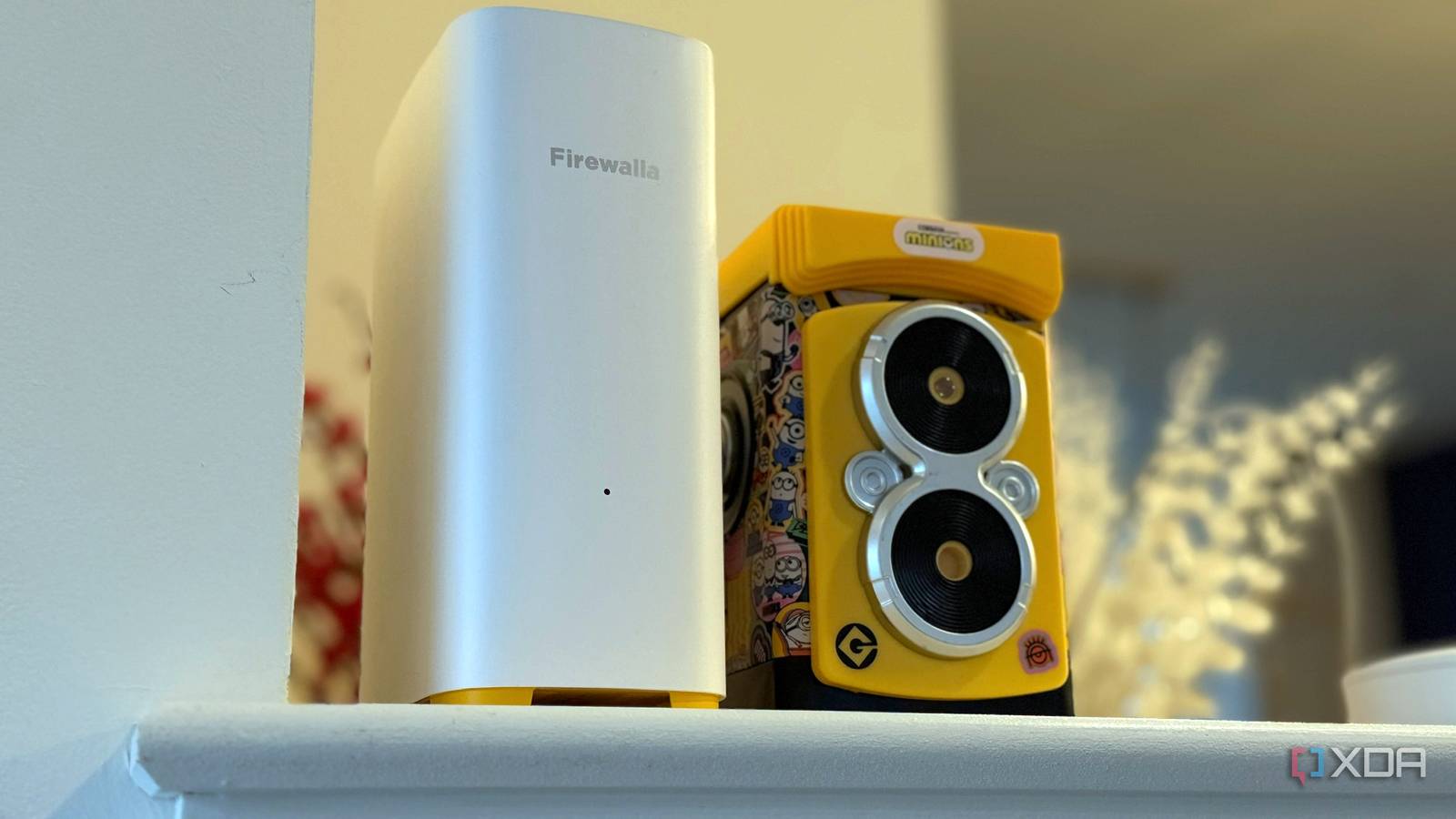
Published Sep 3, 2026, 1:00 PM EDT Maker, meme-r, and unabashed geek, Joe has been writing about technology since starting his career in 2018 at KnowTechie. He's covered everything from Apple to apps and crowdfunding and loves getting to the bottom of complicated topics. In that time, he's also written for SlashGear and numerous corporate clients before finding his home at XDA in the spring of 2023. He was the kid who took apart every toy to see how it worked, even if it didn't exactly go back together afterward. That's given him a solid background for explaining how complex systems work together, and he promises he's gotten better at the putting things back together stage since then. Sign in to your XDA account I set up 6 GHz Wi-Fi on my Firewalla AP7, thinking it sounded great, but then I discovered my phone wouldn't stay connected to it from the next room. That's the whole pitch of Wi-Fi 6E and Wi-Fi 7, isn't it? An empty band, 160 MHz channels, multi-gigabit links. And it couldn't survive one wall. The AP7 is a Wi-Fi 7 access point hanging off the Firewalla Gold Pro, the Linux-powered router I've been running for a while, so the hardware wasn't the problem, which left me with the uncomfortable conclusion that either the 6 GHz band Wi-Fi 6E introduced is oversold, or I'd misunderstood what it's for. So I did the annoying thing and measured it. Four spots in the house, two bands, two clients, and a wired iperf3 server on my Proxmox box so the numbers meant something. The signal bars told me 6 GHz was losing everywhere. The throughput said the opposite, and it's not even close. First, a little housekeeping What I measured, and where I ran two clients side by side. The ROG Ally X has a Wi-Fi 6E radio, so it's a fair stand-in for most laptops people actually own, and on Linux, it gives you the signal strength and negotiated link rate straight from the terminal. The iPhone 16 Pro is my Wi-Fi 7 phone, and for that, I used the Firewalla app's built-in Wi-Fi Test, which reports band, channel, and signal alongside the speed. Both max out at 160 MHz channels, so neither is going to hit 320 MHz Wi-Fi 7 numbers, and that's fine. The AP7 sits on a set of shelves in my office. From there, I tested in the same room, in the next room over (which shares a concrete block wall with the office, partly the back of the garage), in the living room directly above, and on the top floor. The Ally ran a 20-second, four-stream iperf3 upload at each spot on each band, because the uplink is the direction that fails first. I split the SSIDs so I could force a band, which is a testing move, not a recommendation. Firewalla Gold Pro $940 $999 Save $59 The Firewalla Gold Pro is a clever router and firewall with a fantastic app. Firewalla Switch SE $299 $319 Save $20 The Firewalla Switch SE is a cost-effective managed switch with 2.5 GbE ports and friendly firmware. Firewalla Access Point 7 $369 $399 Save $30 The Firewalla AP7 is a powerful Wi-Fi 7 access point that's the last piece in the Firewalla home puzzle. 6 GHz already reads weaker before you leave the room Signal strength is not throughput Standing next to the AP, the Ally saw 5 GHz at -41 dBm and 6 GHz at -51 dBm. The iPhone read the 6 GHz link at -57 dBm. That's a 10 dB deficit before a single wall gets involved, and there are three reasons for it. The AP7 is a Low Power Indoor unit, so it can't use the higher-power 6 GHz mode, which requires AFC registration. The 6 GHz band is also limited by power spectral density rather than total power, which means narrowing the channel doesn't buy you range the way it does on 5 GHz. And phones transmit more weakly on 6 GHz than access points do, so the return path is the weak side from the start. On 6 GHz, same room, the Ally uploaded at 1,310 Mbit/s with zero retransmits. On 5 GHz, with 10 dB more signal, it managed 528 Mbit/s with 321 retransmits, and when I reran it, 729 Mbit/s with none. Both bands were running 160 MHz channels, but 6 GHz negotiated the full MCS 11 rate while 5 GHz backed off to MCS 10. That's not signal. That's the radio giving up on a channel because packets keep getting stepped on. Spot Band Signal Link rate Upload Retransmits Same room 6 GHz -51 dBm 2,402 Mbit/s 1,310 Mbit/s Same room 5 GHz -41 dBm 2,161 Mbit/s 528 / 729 Mbit/s 321 / 0 Every other device in my house lives on 5 GHz. The cameras, the laptops, the smart plugs, and whatever my neighbors are running. My 6 GHz network had exactly one client on it. That's the entire value proposition, and the same-room numbers make it plain: the band isn't faster because the radio is better; it's faster because it's empty. The wall matters more than the distance A concrete block wall cost more than two floors I expected that 6 GHz would fall apart when it had to go through my walls, and it did. Just not in the way I expected, and that had me questioning things. The room next to my office is the worst spot in the house, and it's the closest one. That block wall took 6 GHz from -51 dBm to -70 dBm, a 19 dB hit, and 5 GHz from -41 dBm to -64 dBm, a 23 dB hit. One floor up, across a 20-foot living room from where the AP sits, 6 GHz lost only 5 dB. Two floors up, it lost 12. A wood-framed floor is nearly transparent to this stuff. A concrete block is a wall of attenuation. Spot Band Signal Link rate Upload Retransmits Next room (block wall) 6 GHz -70 dBm 576 Mbit/s 265 Mbit/s 230 Next room (block wall) 5 GHz -64 dBm 576 Mbit/s 167 Mbit/s 126 One floor up 6 GHz -56 dBm -- 737 Mbit/s One floor up 5 GHz -51 dBm 1,730 Mbit/s 443 Mbit/s Top floor 6 GHz -63 dBm 576 Mbit/s 197 Mbit/s 50 Top floor 5 GHz -59 dBm 865 Mbit/s 247 Mbit/s And that reframes the original complaint. "6 GHz doesn't reach the next room" told me nothing, because what I meant was "6 GHz doesn't cross a block wall," and neither does 5 GHz, really. If your AP is in a garage, a basement, or an extension with a masonry wall between it and the sofa, that's your problem, and it's not the band. It's the kind of common Wi-Fi issue that no amount of new spectrum fixes. Both bands dropped to the same MCS 3 link rate through the wall, and 6 GHz still pushed 265 Mbit/s, while 5 GHz hit 167 with less signal. Sure, 230 retransmits in 20 seconds is a link one notch from falling over, but it was upright and faster. The top floor is the only place 5 GHz won, 247 to 197, and that's the crossover: around -63 dBm on the Ally, 6 GHz's smaller power budget finally costs more than its empty spectrum saves. Everywhere better than that, the "weaker" band delivered more. Your phone gives up before your laptop You might get download speeds but upload falls off a cliff Now, the ROG Ally X was proving the band works, even on the top floor. My iPhone, however, had other thoughts. Both have 2x2 Wi-Fi radios, and the console only has Wi-Fi 6E, but the iPhone reads about 10 dB lower than the handheld in every place I tested. That's just how the radio reports, since the device-side signal is what roaming decisions are based on. Spot Signal Download Upload Same room -57 / -61 dBm 1,590 Mb/s 992 Mb/s One floor up -66 / -70 dBm 1,268 Mb/s 585 Mb/s Two floors up -69 / -77 dBm 569 Mb/s 85 Mb/s From one floor up to the top floor, the iPhone's download dropped by about a third. Its upload dropped by 85%. At 85 Mb/s up, a speed test still looks respectable, and a video call is a slideshow. That's the half of the link the phone's transmitter owns, and nobody measures it. The Firewalla app labeled -69 dBm as "Good" at the exact spot where the upload was 85 Mb/s. The badge isn't wrong; it's just describing what the AP can push to the phone, not what the phone can push back. And -70 dBm is a common roaming threshold, so on a normal band-steered SSID, the phone drops to 5 GHz right where a forced 6 GHz-only SSID shows the band still delivering hundreds of megabits. The band didn't stop working. The phone decided it wasn't worth it. The band isn't short-ranged, but it's picky about where it goes I went into this expecting to write that 6 GHz is a same-room luxury. Instead, it beat 5 GHz at three of four spots, through a floor and a block wall, and the one thing that reliably broke it was a phone with a weak transmitter and a conservative roaming threshold. So don't judge it by the bars. Point the AP at the rooms you care about. Expect brick, block, and tile to cost 15 to 20 dB, and assume your phone will drop the band a room before your laptop does. The fix for that last part is supposed to be Wi-Fi 7's multi-link operation, and I have one number for it: with MLO enabled, the iPhone's top-floor upload went from 85 to 190 Mb/s by quietly moving its active link to 5 GHz, with download unchanged. That's exactly what it's for. It's also one data point from one spot, so a proper MLO walk is the next test on my list.
I switched to 6 GHz Wi-Fi and immediately hit a wall — literally
Full Article
Original Source
Read the full article at Xda-developers →KhanList aggregates and links to publicly available news content. We do not host full articles from third-party sources. Always verify important information with original sources.