
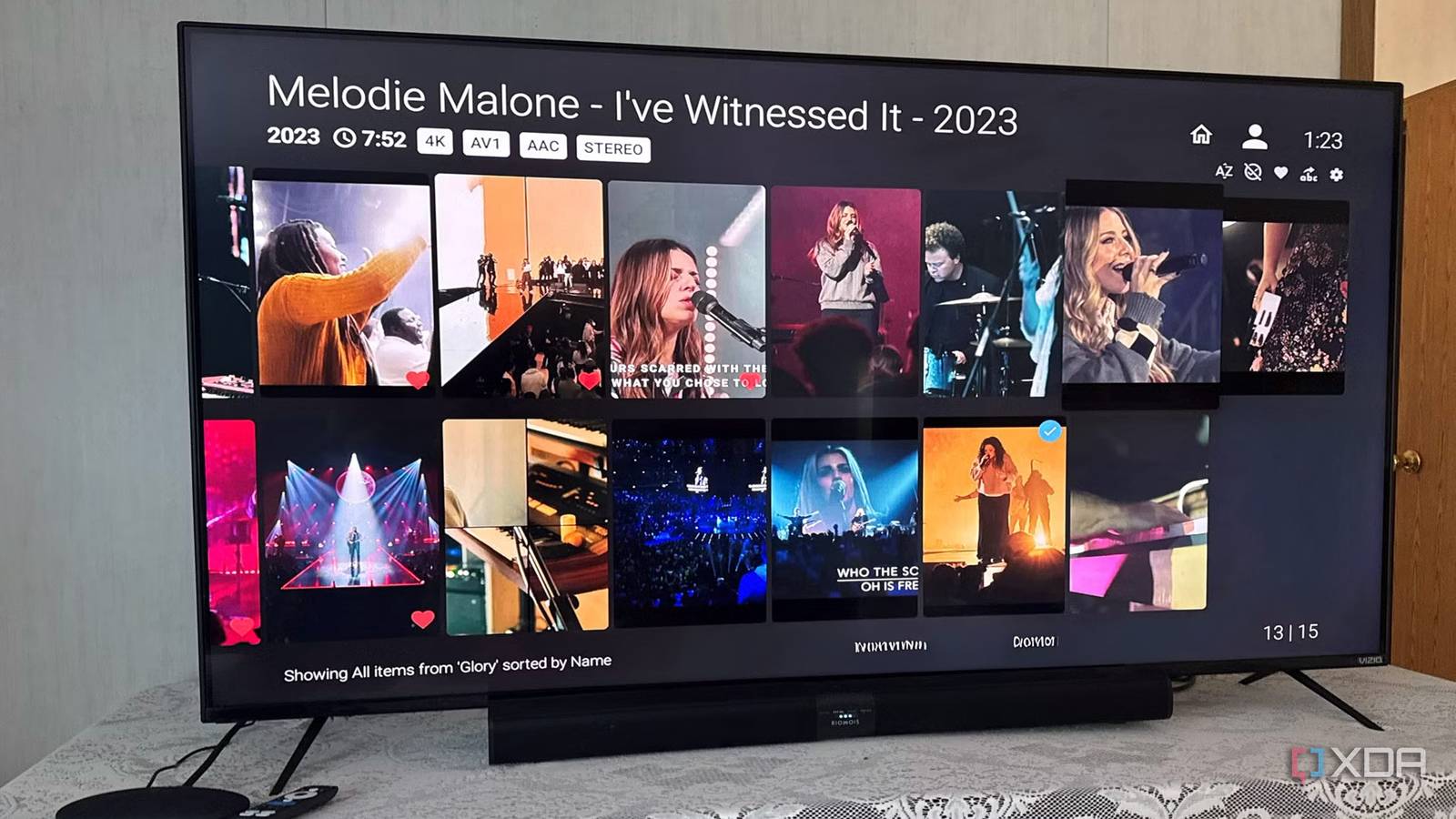
Published Aug 22, 2026, 6:00 PM EDT Based in rural Minnesota, Brian Burgess worked in IT for 10 years before finding his passion for writing about consumer technology. Brian earned his degree in computer and network technology in 2000. He held various IT positions, including help desk support, router installations for IBM, database administration, and other associate network administration roles. He's been a personal technology journalist for 18 years and has written thousands of articles about Microsoft products and services, Android, iOS, streaming, and more. He has written for notable tech sites including XDA, InformationWeek, How-To Geek, Byte, groovyPost, and others. When he is away from the keyboard, you will hear him playing guitar, working outdoors, and watching Star Trek. Getting the TV I want with the right specs means settling for whatever operating system it runs. However, the OS that ships on smart TVs is typically slower and more limited than any modern streaming device I plug in. TVs come with a locked-down home screen, ads, and a limited curated app store from the manufacturer. Even when I find an Android/Google TV-powered television, connecting it to an external streaming box provides a faster experience since old processors and limited RAM power most sets. Either way, an Android box lets me own my streaming media experience. You don't own the OS experience TV manufacturers make more profit from advertising and collecting data than from selling the TV sets themselves. It's one of the reasons it's important to disable ACR on TVs and other streaming devices. It's possible to find a cheaper 4K UHD smart TV with Roku, Fire TV, SmartCast, Tizen, or others, but those OSes are locked down by default. Roku, which Fox recently acquired, is the worst offender, since its home screen is littered with ads and the proprietary Roku OS is locked down. Roku doesn't have sideloading available, and home screen customization is virtually non-existent. You are also subjected to a limited app selection from its app store. Fire OS-powered TVs have limited Android APK sideloading ability. However, it is not as clean as Android TV, and Fire TV home screens look like Darth Vader vomit. Actually controlling my media The good news about any of the TV sets is you can connect whatever box you want to them. I have switched Roku TVs, Fire TVs, and Smartcast-powered Vizio smart TVs to an Android-powered set by connecting a Google TV box. It's not perfect since it has ads of its own, but the customizations are a few remote clicks away. For instance, I begin with the home screen by installing an alternative launcher like Arc, FLauncher, or the highly customizable Projectivy, which offers more control over my apps and media experience. Other streaming devices like Roku, Fire TV, webOS, Apple tvOS, and Tizen have locked-down ecosystems. The Play Store includes a larger selection of apps compared to the native app stores on smart TVs, and it doesn't stop with the store. If apps I want aren't available from the Play Store, I can sideload Android APKs to get exactly what I need. This flexibility lets me own my media playback experience on the big screen. Android gives me the freedom to manage my self-hosted media from whatever server or NAS I want. Plus, I can use any alternative client for Kodi, Jellyfin, Plex, or Emby that makes sense. With an Android TV box, I connect an Ethernet cable to avoid Wi-Fi streaming issues. I can also plug in external storage and use apps like VLC or File Manager+ to sort and play my own media library directly — no streaming required. Project Ivy Avoid slow smart TV operating systems Improved performance with an Android TV box In addition to getting a junk OS on a new smart TV, manufacturers tend to skimp on the quality of the hardware they install in their TVs. The processors are often the kind you'd find in a budget phone, or even in quality processors that are four to five generations old. They also include low amounts of RAM. An external Android TV box, on the other hand, dedicates all its resources to processing and delivering a high-quality signal to the smart TV. The area that isn't skimped on is the screen quality. It's great to have a beautiful display, but having to compromise performance over appearance is irksome. So, when I do purchase a new TV, even a quality set with decent hardware specs, I know I will be connecting an external Android TV box that will be the "brains" for my media, and the TV is essentially a large monitor. The box also has the ports I actually need to own my media, including Ethernet for fast, reliable connectivity. Rejuvenate old sets with Android TV Making my aging TVs new again I have an older 4K Vizio TV that has been running strong for more than seven years now. It includes SmartCast (now Vizio OS), and it needed an upgrade. I had an old Fire TV Stick connected to it, but I'm tired of its sideloading falling short. I plugged in an Android-powered box, and it's like a brand-new TV. I am no longer locked down to the TV or stick's OS. I can choose the Plex or Jellyfin clients I want to use without a gatekeeper. I can control how the home screen looks and behaves. I can choose the apps I want to use to manage my media experience. This is possible whether it's an old TV like my Vizio or a brand-new TV. Owning my media with Android TV With Android TV, I can finally forget locked-down streaming OSes and finally own my media my way. In addition to more customization and responsiveness, there are many Android TV box options. From a $60 Onn streaming box to a $200 Nvidia Shield box and everything in between. Android TV gives me more options in several ways.
I switched from a smart TV to an Android box, and I actually own my entertainment now
Full Article
Original Source
Read the full article at Xda-developers →KhanList aggregates and links to publicly available news content. We do not host full articles from third-party sources. Always verify important information with original sources.