
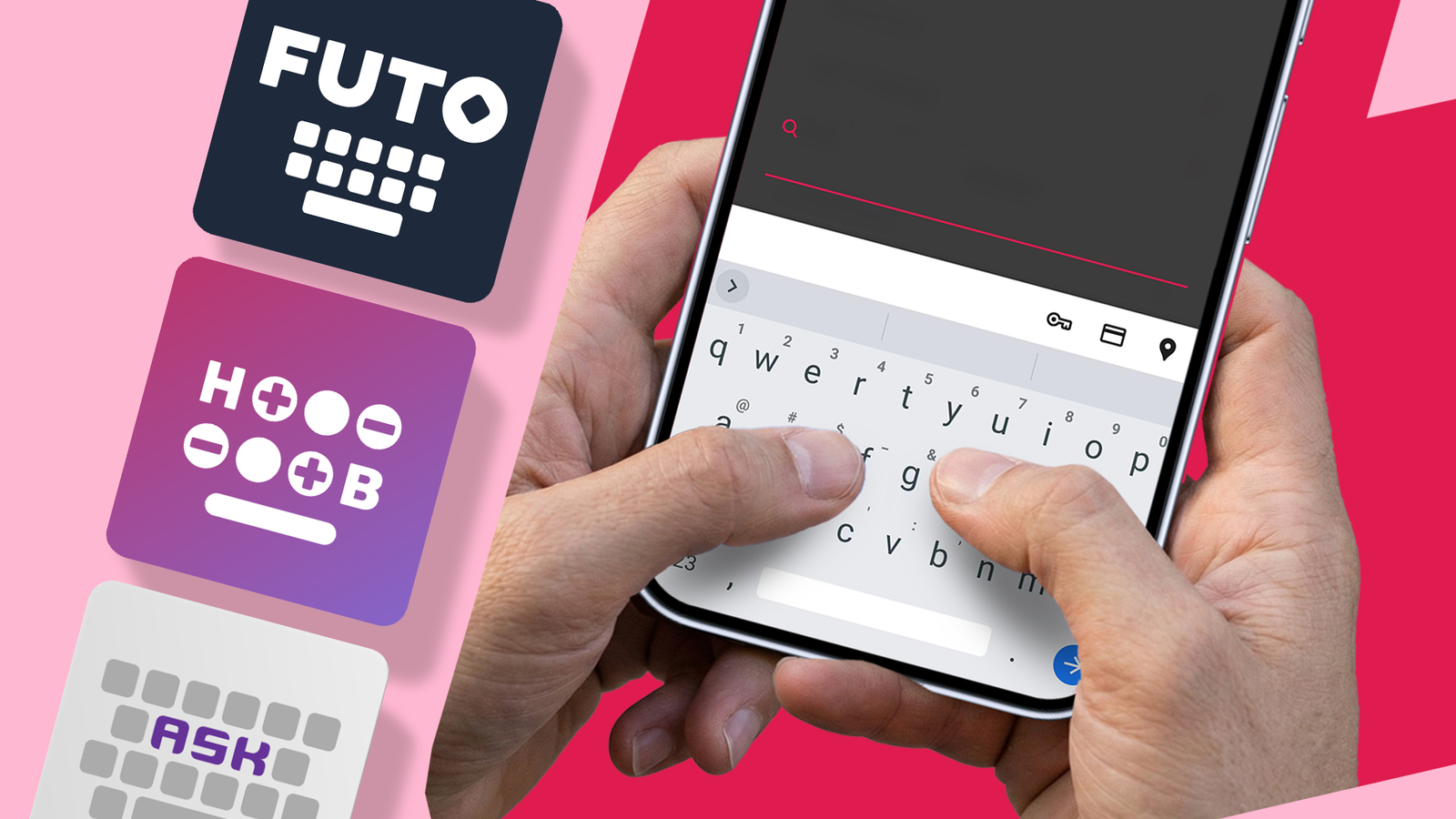
Published Oct 22, 2026, 9:30 AM EDT Victor is a Features Author at Android Police with several years' experience in writing about tech. His focus is on Android, apps, software and Google products. He's particularly interested in how smartphones and the software that runs on them impact our day-to-day lives. He likes to look at new features, find out how the apps work and then explain the technology in an accessible way. Outside writing, he enjoys playing FPS games, going for runs and catching up with his favourite series. I use my phone keyboard for everything, from messaging friends and sending emails to Googling and jotting down ideas before I forget them. Like most people, I wanted good autocorrect, useful word predictions, and a simple layout. Gboard has all that, so I never really felt the need to change. But then I started thinking about what a keyboard app actually does. I realized that even with personalization toggled off, a cloud-connected keyboard is not 100% private. I wanted an offline alternative that could do the job and protect my privacy. Why I started questioning Gboard Does basic typing really need the internet? How often do you type on your phone without thinking much about it? Maybe you're answering a WhatsApp message during your commute, sending a quick work message between meetings, writing something personal, or entering your details into a form. These actions don't make the keyboard risky in itself. They do, however, highlight that we need to be more conscious of keyboard privacy. Gboard has many useful features, including personalization, autocorrect, multilingual typing, and voice typing. Some features use the data you provide to improve recognition and prediction (which, in turn, make typing easier over time). Google's privacy documentation makes a clear distinction between data processed on the device and data shared with Google to improve the service. Google's take on federated learning is that the device learns from typing and then sends Google information about what is learned (not the typed text) to improve the model. It also has settings to control the level of personalization and data sharing. An offline keyboard limits how much typing data the keyboard can send to remote servers, though other apps can receive and process what you type (for example, Google searches). The keyboard can also store learned words and clipboard history locally, so offline use will reduce the amount of data transmitted. My question was practical: Did I really need all the online bits? If I were primarily using my keyboard for messaging, searching, and emailing, then a simpler solution without the internet would be quite sufficient. That made me look at keyboards that could handle day-to-day typing on my device without going through remote servers. That wouldn't solve all the privacy issues, but it could reduce my keyboard's need to communicate with remote servers. FUTO Keyboard keeps my typing private I can dictate messages privately without relying on the cloud Credit: Lucas Gouveia / Justin Duino / Android Police The FUTO keyboard is a good option if you want a privacy-focused keyboard without giving up too many modern conveniences. It has swipe typing and offline voice typing, so I can dictate messages without using cloud-based speech recognition. I like that FUTO keeps typing and voice processing on your device rather than offloading it to remote servers. You shouldn't expect it to match Gboard in every respect, though. Word prediction, the range of supported languages, and the level of customization may not be as refined, so your experience will depend on what you want in a keyboard. For me, I'd definitely pick the FUTO Keyboard, since it lets me keep my typing and voice input on my device. I'm happy to compromise since privacy is my priority. HeliBoard takes offline typing to another level Its lack of internet permission is a privacy advantage. What I like most about HeliBoard is that it uses no Android internet permission and is fully offline. Without the standard Android internet permission, the keyboard can't send your typing data to a remote server. This removes one route for my keyboard data to leave my device, making HeliBoard a strong option for anyone who wants to minimize network access when typing. Other great features I like about this offline keyboard include a variety of themes, and I find its one-hand mode very convenient. Its emoji search is also very predictive; I just type the feeling, and related emojis pop up. The keyboard doesn't need an internet connection to provide useful suggestions or let you customize the look. With the right dictionary installed, the day-to-day typing experience can be entirely local. What I miss most is glide typing, which isn't included by default. A good privacy design is a benefit, but that doesn't mean it will recognize your names, local expressions, and clank as well as Gboard. Still, HeliBoard is one of my preferred offline keyboards for privacy. Its clear stance on internet permission gives me a much better basis for judging its privacy capabilities. AnySoftKeyboard gives you power-user control without the cloud Highly configurable, but needs manual tweaking AnySoftKeyboard is my recommendation for those who want to move away from Gboard but aren't ready for a keyboard with such limited functionality. It's a multi-language keyboard that works offline. What makes this keyboard unique is that you can configure its autocorrect, so you can choose words or phrases you approve of, even if they aren't grammatically accurate. I use its voice typing a lot because it picks up my voice and accent pretty well. Another great feature is its incognito mode, which stops you from learning new words and keeps your typing history from being stored. This privacy feature sets it apart. If you're like me, you like a highly customizable keyboard with good voice typing, configurable autocorrect, and a real focus on privacy, then AnySoftKeyboard is for you. Which keyboard would I choose? The HeliBoard would be my first pick if I wanted an offline keyboard without the standard Android internet permission. Its dictionary and customization options, together with its privacy features, make it stand out. FUTO Keyboard is a good alternative if you want a privacy-focused keyboard with swipe typing and offline voice input. And go for AnySoftKeyboard if your priority is voice typing and configurable autocorrect. An offline keyboard won't solve all your privacy problems. But it's a good option to get more control over how your phone handles the words you type.
I swapped Gboard for an offline keyboard; now my typing data stays on my phone
Full Article
Original Source
Read the full article at Androidpolice →KhanList aggregates and links to publicly available news content. We do not host full articles from third-party sources. Always verify important information with original sources.