
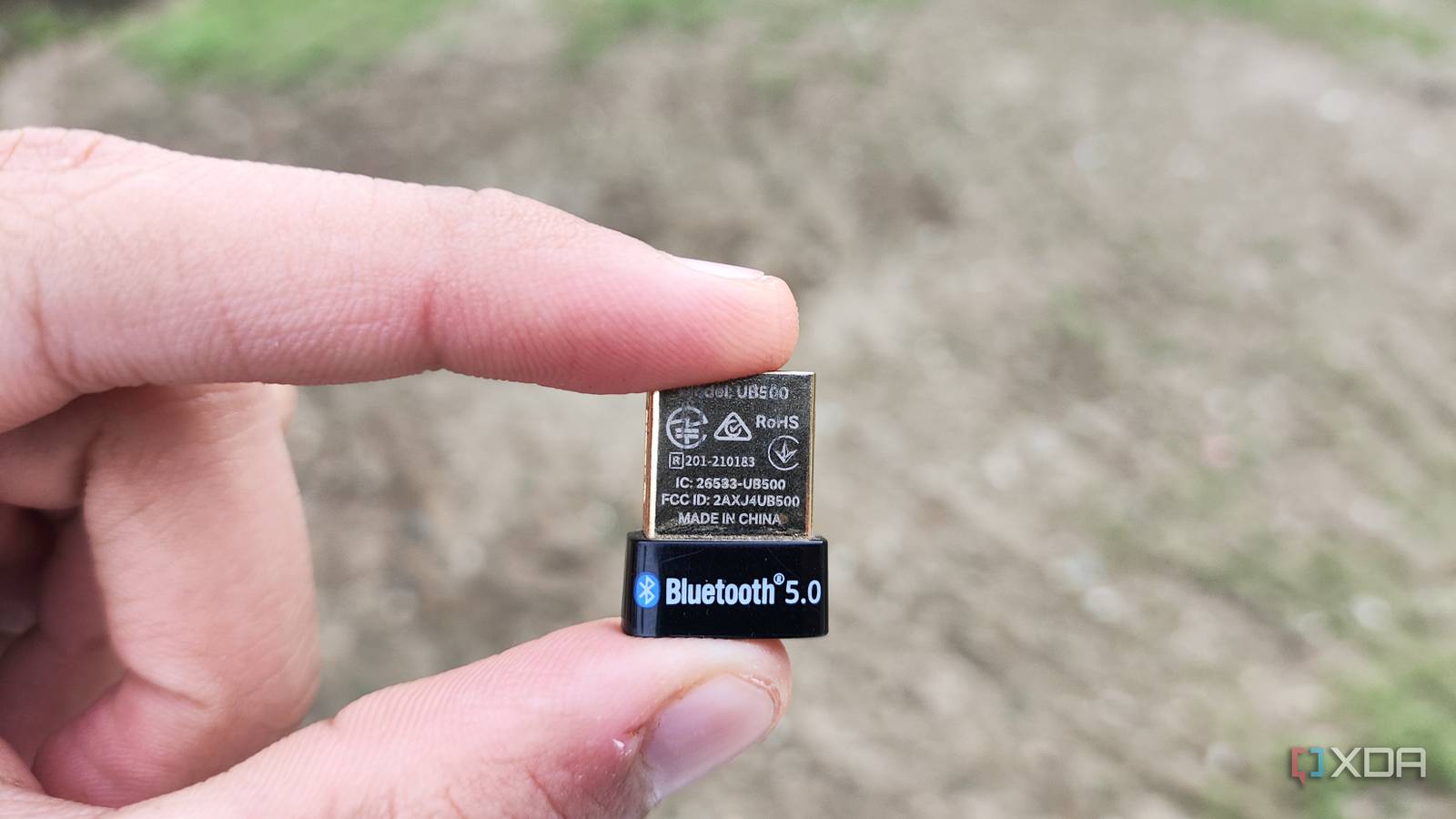
Published Sep 3, 2026, 7:00 AM EDT Ayush Pande is a PC hardware and gaming writer. When he's not working on a new article, you can find him with his head stuck inside a PC or tinkering with a server operating system. Besides computing, his interests include spending hours in long RPGs, yelling at his friends in co-op games, and practicing guitar. Switching to a powerful CPU and slotting in extra memory may be the fastest ways to get more oomph out of your home server, but they’re far from the only methods that can boost its functionality. PCIe devices, for example, mesh really well with home lab systems, and I’m particularly fond of arming my old servers with fast NICs and graphics cards. Likewise, additional SSDs are just as useful when you want to avoid overprovisioning your storage pools on experimental virtual guests. That said, USB devices are one category that’s often overlooked by the tinkering community, with external storage drives being the only USB accessory that folks toss into their motherboards. But in reality, there are a couple of USB gizmos that can improve server experiments. Or, at the very least, provide a cheap fix for certain DIY projects until you’ve saved enough to splurge on more expensive accessories. A DAS is easier to use (and less messy) than individually-paired external storage drives It can add more storage to your home server without costing the same as a dedicated NAS Although the USB device I used extensively with my first home lab node relied on HDDs under the hood, I’d like to elaborate on it a little before I move on to other accessories. In my early tinkering days, I didn’t have enough money to throw at Network-Attached Storage nodes or build a 3-2-1 backup replication pipeline for essential files. If anything, the low-capacity hard drives I’d salvaged from old systems had hogged all the SATA ports within my self-hosted Proxmox server, while the sole M.2 slot held the NVMe SSD housing the PVE boot pool. So, I decided to grab a cheap Direct-Attached Storage, one where I could toss my spare hard drives and use the USB port on my home server to extend its overall drive capacity. And weirdly enough, this setup worked pretty well for my backups and experimental virtual guests until I saved enough cash for a NAS. The biggest downside of a DAS is that the USB controllers on cheap consumer-tier units can be a bit finicky, which is why I’d recommend doing thorough research when buying one and avoiding RAID setups or ZFS pools on them as much as possible. But considering their budget-friendly design and ability to harness multiple internal HDDs without making a mess of your home lab rack, DAS rigs work well as simple snapshot housing units. A USB-to-Ethernet adapter is pretty useful for reviving systems with broken network ports But they should still be used as a last resort for custom routers Source: Benjamin Zeman Let me make this clear: If I were to build a DIY router, I’d definitely go for mini-PCs with two built-in ports or opt for a network interface card, as USB-to-Ethernet adapters can be unreliable for 24/7 connectivity. However, I’ve had situations where neither of those options were available to me. When I wanted to build an OpenWRT firewall with my Raspberry Pi as a broke uni student, the only HATs with dedicated Ethernet ports were nowhere near affordable. Likewise, when my mini-PC-powered router broke down last year, I only had a PC with a single Ethernet port that I could use as a replacement. But OPNsense refused to play fair with my cheap NICs. Since a VLAN-based single-port solution turned out to be more trouble than it’s worth, I decided to opt for USB-to-Ethernet adapters in both scenarios. And truth be told, they were nowhere near as bad as I’d expected. In fact, if you’re trying to save some bucks on a travel router, building a DIY solution with cheap x86 systems and a USB-to-Ethernet adapter can actually be a decent alternative. However, their real utility lies in reviving extremely outdated paraphernalia as home lab nodes, specifically systems where the Ethernet port causes issues with modern server distributions. Heck, I even used one of these adapters when recycling an old machine with a broken Ethernet port as a Proxmox home server, and as long as I left the cable undisturbed, it held up surprisingly well. A Bluetooth dongle is a cheap yet highly useful investment for a Home Assistant hub And the same applies to Zigbee coordinators Although many smart home gizmos support Wi-Fi connectivity, it’s not the only standard you can use to pair IoT paraphernalia with Home Assistant – and that’s a lesson I learned after an embarrassingly long amount of time. Take Bluetooth and BLE devices, for example. Since the PC I turned into a Home Assistant hub didn’t feature any Bluetooth capabilities whatsoever, I ended up leaving a few gadgets out of my automation chains. Since USB Bluetooth adapters are available for cheap, I only had to shell out a few dollars to bring my smart toothbrush, beacon trackers, and other random smart devices over to HASS. While we’re on this subject, USB-powered Zigbee coordinators are just as useful for Home Assistant hubs if you’ve got as many devices using this protocol as I do.
I stopped wasting my home server's USB ports on external drives, and now they actually do something useful
Full Article
Original Source
Read the full article at Xda-developers →KhanList aggregates and links to publicly available news content. We do not host full articles from third-party sources. Always verify important information with original sources.