
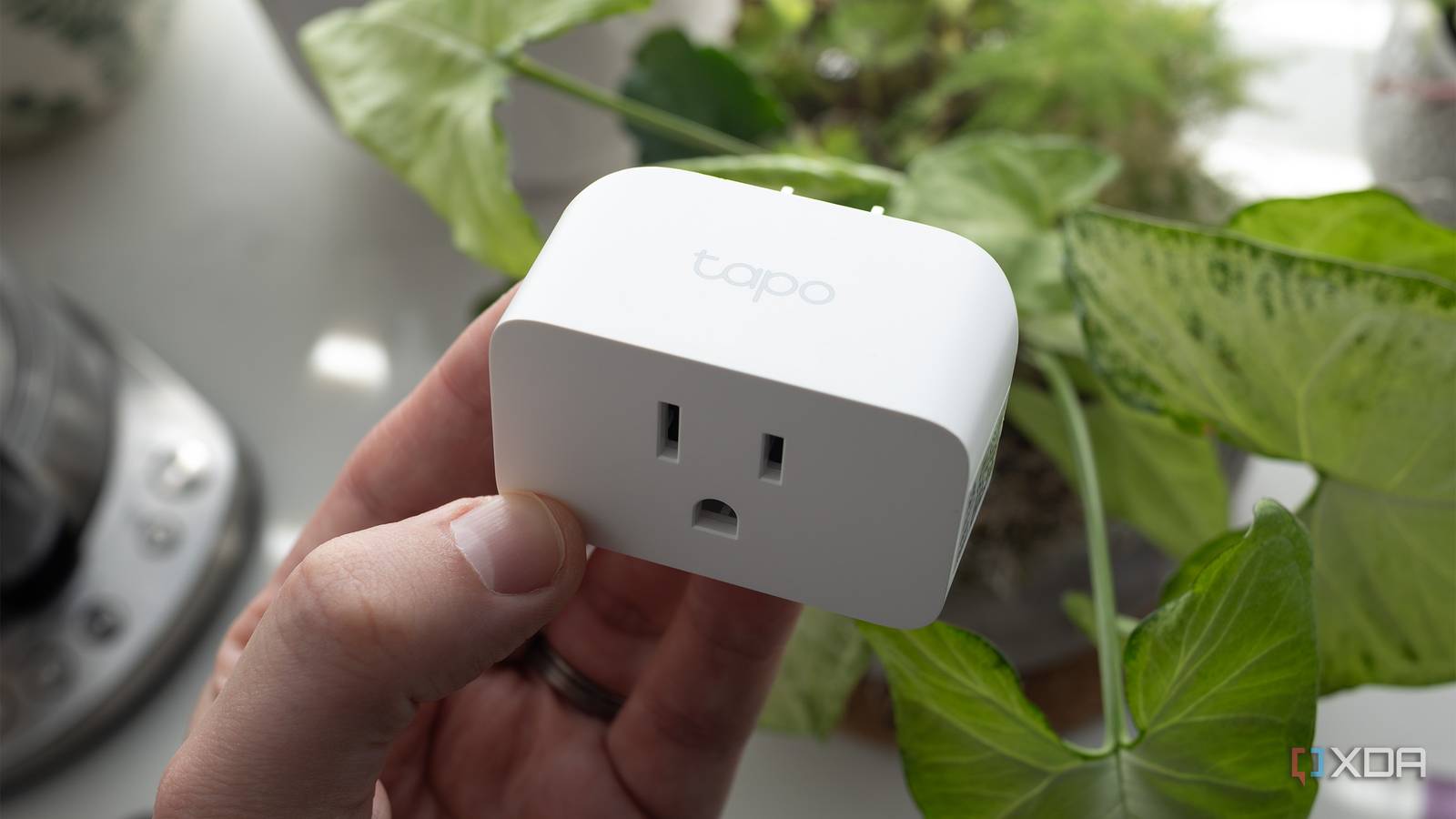
Published Sep 29, 2026, 8:01 AM EDT Jasmine is Software and PC Hardware Author at XDA with years of tech reporting experience ranging from AI chatbots right down to gaming hardware, she's covered just about everything. Whether it's breaking news about the latest AMD NPUs or creating video tutorials on social media platforms, Jasmine has contributed to the world of AI and tech in a variety of ways including interviewing the CEO of Razer, AMD's Director of Product Marketing and the VP of Lenovo. Passionate about gaming and PC technology, she has built countless computers, keyboards and other peripherals - knowing them inside and out. When you walk into a room, issue a voice command or trigger an automation, and nothing happens, you might start to think, "Why did I ever pivot to a smart home?" You check your phone only to find a stubborn Wi-Fi smart plug sitting offline, choked by router IP lease drops or lost cloud connectivity. For years, consumers flooded their home networks with cheap cloud-tethered 2.4GHz Wi-Fi smart plugs. Every single plug runs its own TCP/IP handshake, and it clogs your router's client table. Luckily, there's a fix. Pull out the Wi-Fi plugs and rip out the cloud applications, and you can transition to a dedicated local mesh infrastructure powered by Zigbee relays and in-wall micro-modules. Wi-Fi is the wrong protocol for static IoT devices. By shifting your smart home foundation to a local self-healing Zigbee relay, you eliminate network congestion, banish cloud dependency, and build automations that execute with instantaneous, unyielding reliability. Why does Wi-Fi seem to fall so far behind? Wi-Fi just wasn't built for smart homes Wemo smart plug has come to its end of life support with Belkin.Wemo smart plug has come to its end of life support with Belkin. Wi-Fi smart plugs seem to fail at scale compared to dedicated low-power mesh networks due to the actual architecture; there's a major difference between Wi-Fi and Zigbee Mesh. Wi-Fi routers are designed for high-throughput traffic like streaming or file transfers rather than hundreds of tiny idle smart plugs spamming keep-alive packets. When you expand your smart home and add 30+ Wi-Fi IoT devices, this quickly overwhelms residential routers and can cause random disconnections. Any standard 2.4GHz router is absolutely overloaded when you're connecting so many different devices. By contrast, a self-healing Zigbee mesh behaves very differently. Zigbee does operate on the same 2.4GHz ISM band, but it uses an IEEE 802.15.4 low-power mesh protocol. Every mains-powered relay or switch acts as a routed node, actively strengthening the mesh network. If one path drops, signals automatically reroute through neighboring devices instantly. What are the perks of Zigbee? You get so many benefits Zigbee relays, in particular, give you a hidden advantage in wall power. Moving from bulky plug-in adapters to discrete Zigbee relays can really change the game for your smart home. You get true in-wall fixture integration rather than bulky plastic blocks sticking out of wall outlets. Compact Zigbee micro-modules wire directly behind existing light switches or inside fixture boxes, keeping your physical aesthetic clean. Decoupled switch control also helps protect your smart bulbs. Advanced Zigbee relays support decoupled mode, letting you cut physical power to smart bulbs while still exposing the switch state as an event trigger in Home Assistant. This means you can prevent family members from accidentally cutting power to bulbs so your automations stay intact, while other household members can still use the switch as normal. You also get fully air-gapped local control, as Zigbee relays run entirely within your local Home Assistant or Zigbee2MQTT stack without ever falling back to external servers or third-party apps. How to get started with switching over to Zigbee There are some hurdles to overcome Building a robust mesh comes with practical hurdles, so watch for these challenges before deploying. You have to build router density first. Because Zigbee relies on mains-powered devices to act as repeaters, ensure you install plugged-in relays or smart switches before adding any battery-powered sensors to build a strong mesh foundation. If you rely on battery-powered sensors to repeat signals, this won't work, and your messages won't be strong enough. You have to manage any channel interference. Managing 2.4GHz Wi-Fi channel overlap can be a bit tricky. You should avoid channels that clash with your chosen Zigbee coordinator channels, such as Wi-Fi channels 1, 6, or 11 versus Zigbee channels 11, 15, 20, and 25. If you're looking to migrate from Wi-Fi plugs, the first step is deploying a dedicated Zigbee coordinator. Set up a robust USB coordinator running ZHA or Zigbee2MQTT locally. Next, you should install all of your mains-powered relays by replacing or supplementing your smart plugs with in-wall relay Zigbee modules to anchor your mesh network. This way, any other devices that you add to your network will have this strong foundation. And lastly, it's time to cut the cloud cord. Pair all of your new devices directly to your local coordinator so that they don't have to phone home to any third-party applications. You can block their access at the router level if any stray Wi-Fi variants exist, then rewrite your Home Assistant automations around local Zigbee triggers instead. Stop dealing with network drops Local is superior A smart home shouldn't require troubleshooting network drops every time you turn on a light. Moving away from congested Wi-Fi smart plugs to robust local Zigbee relays transforms your home automation stack. It means you no longer have to deal with failing Wi-Fi smart sockets or worry about other members of your family hitting your light switches.
I stopped using Wi-Fi smart plugs after switching to Zigbee relays, and my automations never fail anymore
Full Article
Original Source
Read the full article at Xda-developers →KhanList aggregates and links to publicly available news content. We do not host full articles from third-party sources. Always verify important information with original sources.