
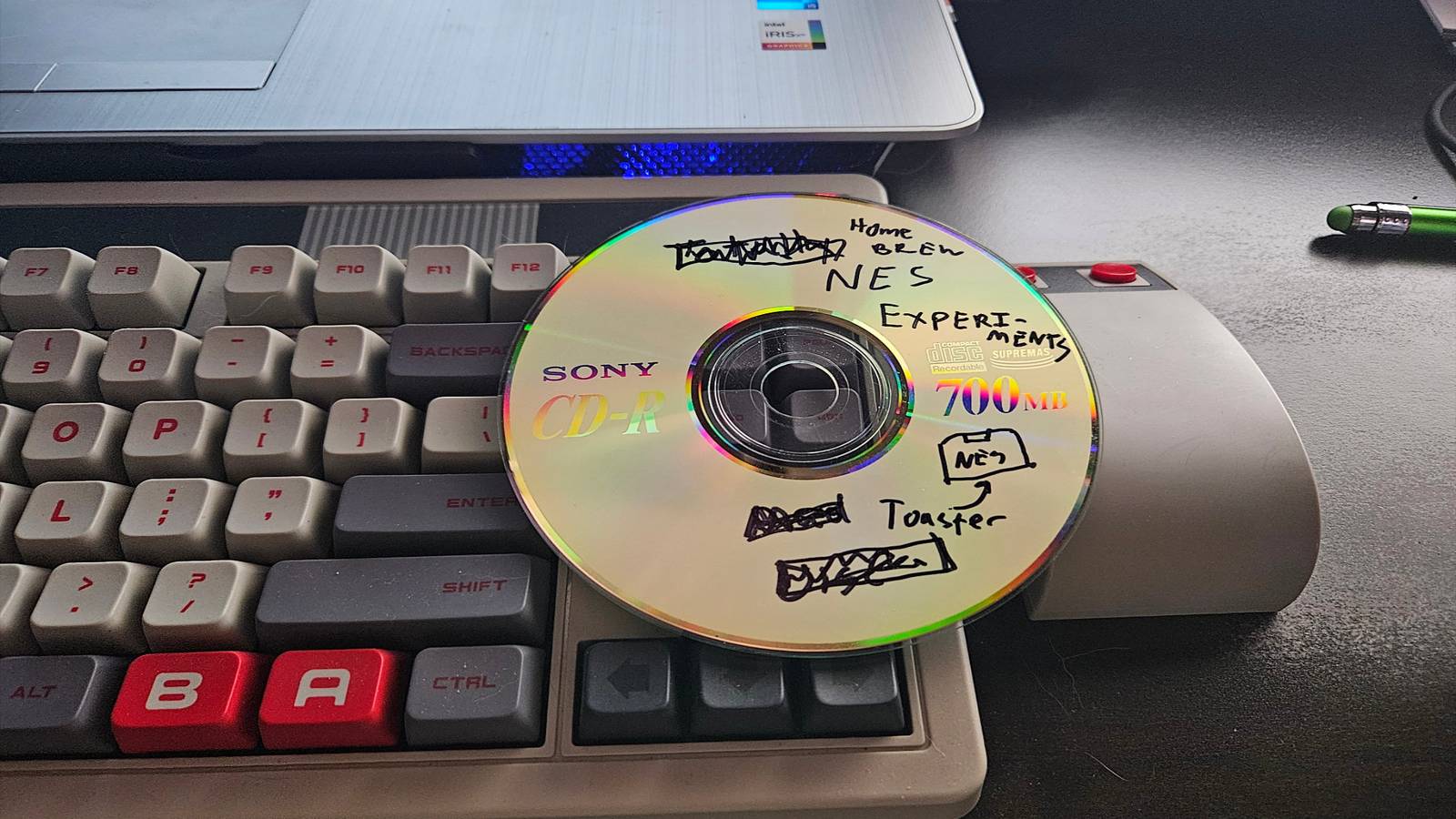
Published Aug 22, 2026, 11:00 AM EDT Former radio and TV guy (I Heart Radio and PBS). Now a writer, researcher, and musician who writes about the absurdity of our modern world and other offbeat topics. Specializes in weird music, the old web, retro video games and tech, and researching strange, yet interesting things. His work has appeared in Vice, Tedium, Star Trek.com, Today I Found Out, Typebar, SyFy Wire, and How To Geek. Currently working on a variety of music, web, and writing projects. Visit him on the web at https://djbuckfreelance.neocities.org/. You can do a lot of cool stuff with an older Rapsberry Pi. I use mine for a few things: development, home lab experiments, and some light writing and programming. But, like many Pi enthusiasts, I also use it for various retro projects. Lately, I've been using optical media for storage and retrieval for very specific reasons. Some old habits refuse to die Credit: David J. Buck / How-To Geek SD and microSD cards use flash memory. Flash memory is great, until something happens to cause data loss or corruption. It's also not always the best option when you need to store a lot of data long-term. microSD cards can have an issue with "read disturb,"—errors that happen when reading data every time something gets written to the card. Even so, SD and microSD cards make sense for a cost-effective hobby machine like a Raspberry Pi. The SD cards that ship with the units are pretty solid. To prolong their life and get a better experience from certain retro-based projects, I like to use my external CD-ROM drive, original discs, and curated DVD-R's. There's also the fact that I come from the generation of "people who burned everything to CDs" and it's something I do out of habit anyway. Running retro games from a CD-ROM A testing ground for 8-bit homebrew Almost everyone I know in the hobby installs RetroPi at some point. It's a big part of the hobby. Retro gaming has always been a passion for me. I like to joke that I'm not a retro gamer. I just have a backlog going back to 1993. For about a decade now, I've been following and occasionally participating in the NES Homebrew scene. Homebrew games are a big part of that. To get RetroPie to recognize my data CD and let me run games from it, I had to mount it in the RetroPie directory: ln -s /media/your-user/* /home/pi/RetroPie/roms/nes/CD_ROMs If you don't mount the disc, RetroPi won't see your files and, well, you won't be able to play them. Credit: David J. Buck / How-To Geek While I'm going to try to get NESMaker running on the Pi for a future project, right now, I'm testing and recording footage of homebrew titles I've received directly from their publishers, backed on Kickstarter, or purchased from Itch.io. I'm having way too much fun with it, anyway: Credit: David J. Buck / How-To Geek I have a tendency to throw things into storage and forget about them. By keeping these on a physical disc in my home lab, I'm guaranteeing that I'll visit them often. Discs are a good way to preserve any code, artwork, and manuals (including my own creations) long-term. I like to run classic DOS games from their discs Early 90s media feels like it works better from disc Credit: David J. Buck / How-To Geek One of the reasons I set this particular Raspberry Pi up the way I did was to do a series of retro gaming projects. Lemmings is one of my favorite PC games. So I tested whether I could get them to work from a disc. Running old games like this sometimes requires WINE, DOSBox, or both. In this case, I installed an app called Box86 to help get it to work with WINE. The game is surprisingly large for an MS-DOS title and has a lot of colors, animation, and CD-quality music. Playing it from the disc feels (complete with slight loading times between levels) just like being a kid again. The game runs fine, and it still sounds pretty good, probably because those old discs conform to Red Book standards. Setting up a physical D&D vault on a CD-R Credit: David J. Buck / How-To Geek I've been a Dungeons & Dragons player forever. I was a Dungeon Master back when it was Advanced Dungeons & Dragons, right before 3rd Edition came along and changed the entire hobby. When the Fifth Edition rolled around, I was even a paid DM and trainer for a while. But I got away from the hobby over the years. Lately, I've felt nostalgic for the second and third editions of the game, so I built a project around them. Credit: David J. Buck / How-To Geek A few years ago, I did a deep dive through my archives, discovering all my old resources: A CD-ROM of AD & D Core Rules 2.0, homemade character sheets, video game music in MP3 format, hand-drawn maps, spreadsheets, homebrew adventures, and plenty of sourcebooks purchased from Drive Thru RPG or provided by the publishers for testing. I want to get back into it, so naturally, I found a retro project to incorporate the Raspberry Pi setup: an Air-Gapped DM Library on a single disc. Instead of loading everything on a USB drive that can be easily lost or putting it on the Pi's already stretched SD card, a DVD-ROM does the trick nicely. I treat it like a physical book on my shelf: something that is difficult to misplace and easily indexed. As a bonus, there are no subscriptions, no chance of overwriting or deleting data, and zero cost associated with running a game. I can just boot up my Raspberry Pi, throw the disc into my external CD Drive, and run a session like it's 1999. Retro hobbies and preservation go together well. I eventually want to switch to an NVMe SSD instead of an SD card or USB stick. When I do, I still plan to use optical media for storage and retrieval. Disc rot is a concern, sure, but ultimately I find it easier, more organized, and less of a resource strain to use discs in my retro work. I'm just old-fashioned that way.
I stopped using virtual drives and now I run my retro Raspberry Pi projects from optical media
Full Article
Original Source
Read the full article at Howtogeek →KhanList aggregates and links to publicly available news content. We do not host full articles from third-party sources. Always verify important information with original sources.