
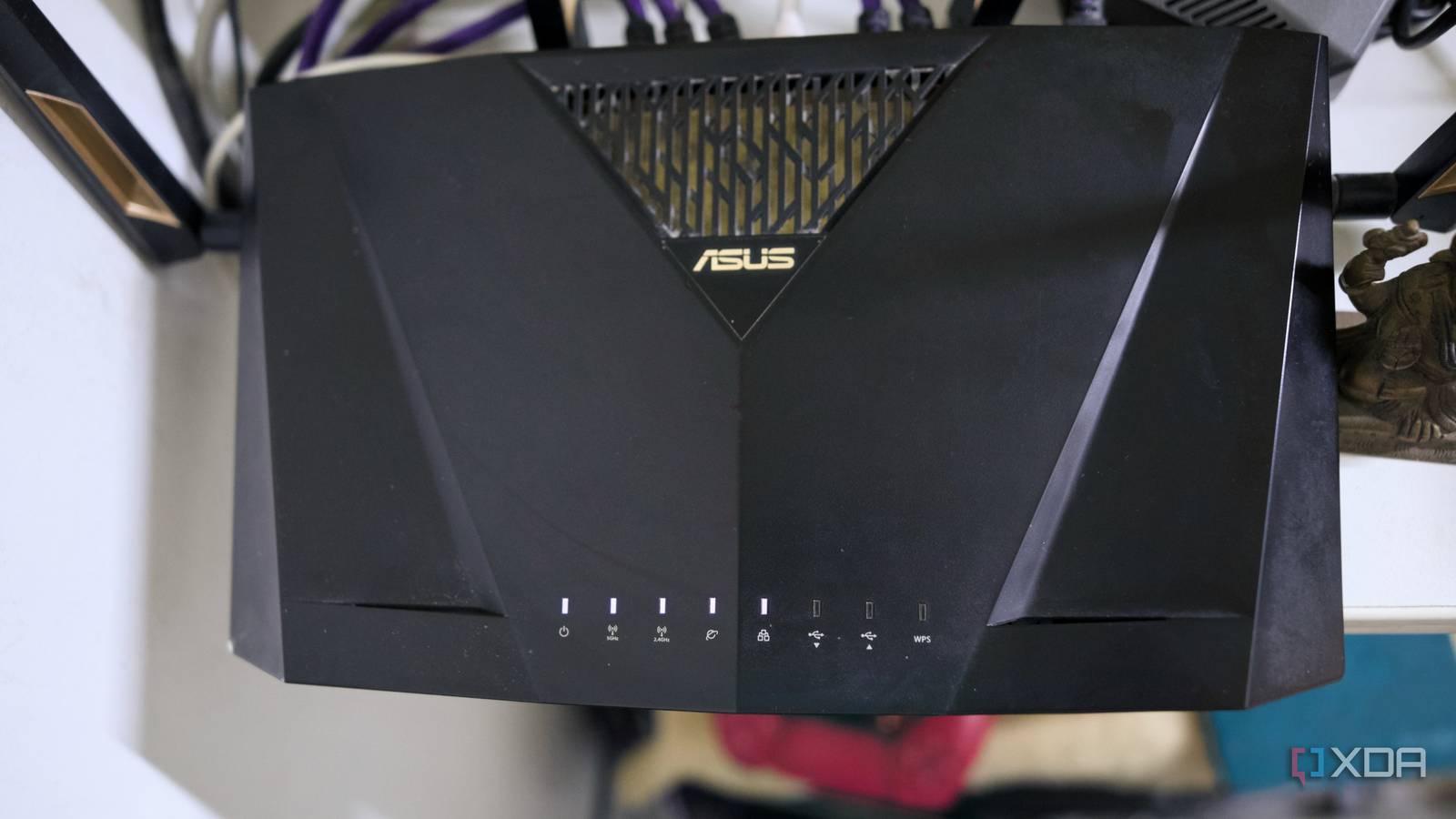
Published Sep 5, 2026, 1:00 PM EDT Samir Makwana is a technology journalist and editor from India since past 18 years and his work appears on MakeUseOf, HowToGeek, GSMArena, BGR, GuidingTech, The Inquisitr, TechInAsia, TechWiser, and others. He has written news, features, and gadget reviews for national technology media publications. His passion is to help people with their technology problems and gadget purchases. For that, he has worked for some of the biggest international technology publications, covering news, explainers, how-to guides, listicles, and product-buying guides. He has worked as an editor and managed teams since 2015. His expertise broadly covers computers, smartphones, game consoles, headphones, smart home products, browsers, and apps. Most consumer and ISP-provided routers are plug-and-play. That means several settings are switched on by default for convenience, including UPnP. I prefer to turn off UPnP in my router’s interface. Plenty of cases have been about why the trust model behind UPnP is broken, even though everyone loves the convenience. There’s no authentication; it exposes the WAN and can be vulnerable to botnets. There are even stories about it happening. While I run an ASUS RT-AX88U router and keep a close watch on the network, I rarely peek into the live UPnP mapping table. So I finally decided to open that table and read what was inside. Turns out half the devices that “just work” in my home had been quietly ratting themselves out the whole time. My router’s UPnP table was like a guest list nobody sent out The mapping logs reveal activities, but almost nobody checks it On my RT-AX88U router, the live table is located under System Log in the Port Forwarding tab. That’s different from the static Port Forwarding page most people actually configure. Each entry in the table shows the device's internal IP address, the external port it was assigned, the protocol, and a description the router automatically writes. Honestly, the last part is the fun bit. It’s useful the moment a device asks the firewall to open up and let it through. If you are not using an ASUS router, the same live list usually exists somewhere in your router’s interface. It may appear under labels such as Port Trigger Status or UPnP Portmap Table. When I sat down to skim through the table, I noticed a peculiar pattern. There was way more chatter than I expected from the console. I assumed it was sitting quietly near the TV. My gaming console opened more ports than my smart TV Games asked for a port, but surprisingly my TV didn’t My PlayStation 5 had a field day with UPnP through the AX88U. Of course, I totally forgot that I had turned on the Port Forwarding under Open NAT settings and chose profiles from a predefined list of select games. That made port forwarding too easy. Grand Theft Auto V, Gran Turismo 7, and Rocket League were the only games on the list that I actually played. Turning on forwarding for them filled up the UPnP table fast. I didn’t notice any difference in the PS5’s NAT type before or after. It stayed Type 2 either way. So I rolled back those game-specific tweaks. It made me realize that predefined forwarding profiles fill the table whether or not they make any changes. The worst part is that they don’t get removed just because they turn out unnecessary. My LG C2 was on the other end of the spectrum. It didn’t bother with UPnP at all. It runs some telemetry and diagnostic services, but only phones home to specific addresses. It never asked to open a single port to announce itself to the internet. IoT devices were the most well-behaved ones on my network A Home Assistant integration was the only oddity in an otherwise clean list I went in assuming the smart-home corner of my network would be a disaster zone. It wasn’t, fortunately. Most of my current smart devices are directly connected to Home Assistant and don’t go through the vendor’s cloud at all. So there was nothing there for UPnP to expose. I found an entry that stood out, traced back to the UPnP/IGD integration connecting my router to Home Assistant. It wasn’t doing anything shady, just pulling network stats like bytes in and out, WAN connectivity status, and WAN IP address. To be precise, Home Assistant keeps the control session open with the router over LAN. It’s not a typical forward. The real issue is renewal, not exposure. My router never checks whether a device that’s asking to renew the mapping is still around; it just assumes it is. That’s the quiet risk with most UPnP tables. I bet that plenty of home networks have a few entries like that sitting unchecked too. Turning off UPnP didn’t break anything; checking the table matters Once I’d gone through the UPnP table, I flipped UPnP off. I already run Jellyfin on an HP ProDesk 600 G6 through Proxmox. For remote access, I use Tailscale to connect from anywhere. So I didn’t need port forwarding. Only my game console needed it, and I added one static rule to fix it. I kept monitoring the table for a few days afterward to ensure nothing quietly asked for a port again. Nothing did, and a week later, nothing appeared broken. Even though I run my home lab without port forwarding, I can confidently say that every port I open on my network has a reason. If you have never checked your router’s settings, don’t leave UPnP on just because nothing’s wrong yet. Don’t turn it off blind either. Log into your router’s interface and open the UPnP mapping table first. It’ll show you exactly what’s currently open, which beats guessing and cross-checking every device in your home one by one. I have a reason behind every open port. It’s worth taking a second look every few months, too; new devices quietly join a network, and so do their mappings. That’s better than guessing and cross-checking with every device in your home. We recommend not trusting UPnP blindly, andyou should consider turning it off. I certainly learned about what showed up when I went looking.
I stopped trusting UPnP on my home network, and half my "just works" devices told on themselves
Full Article
Original Source
Read the full article at Xda-developers →KhanList aggregates and links to publicly available news content. We do not host full articles from third-party sources. Always verify important information with original sources.