
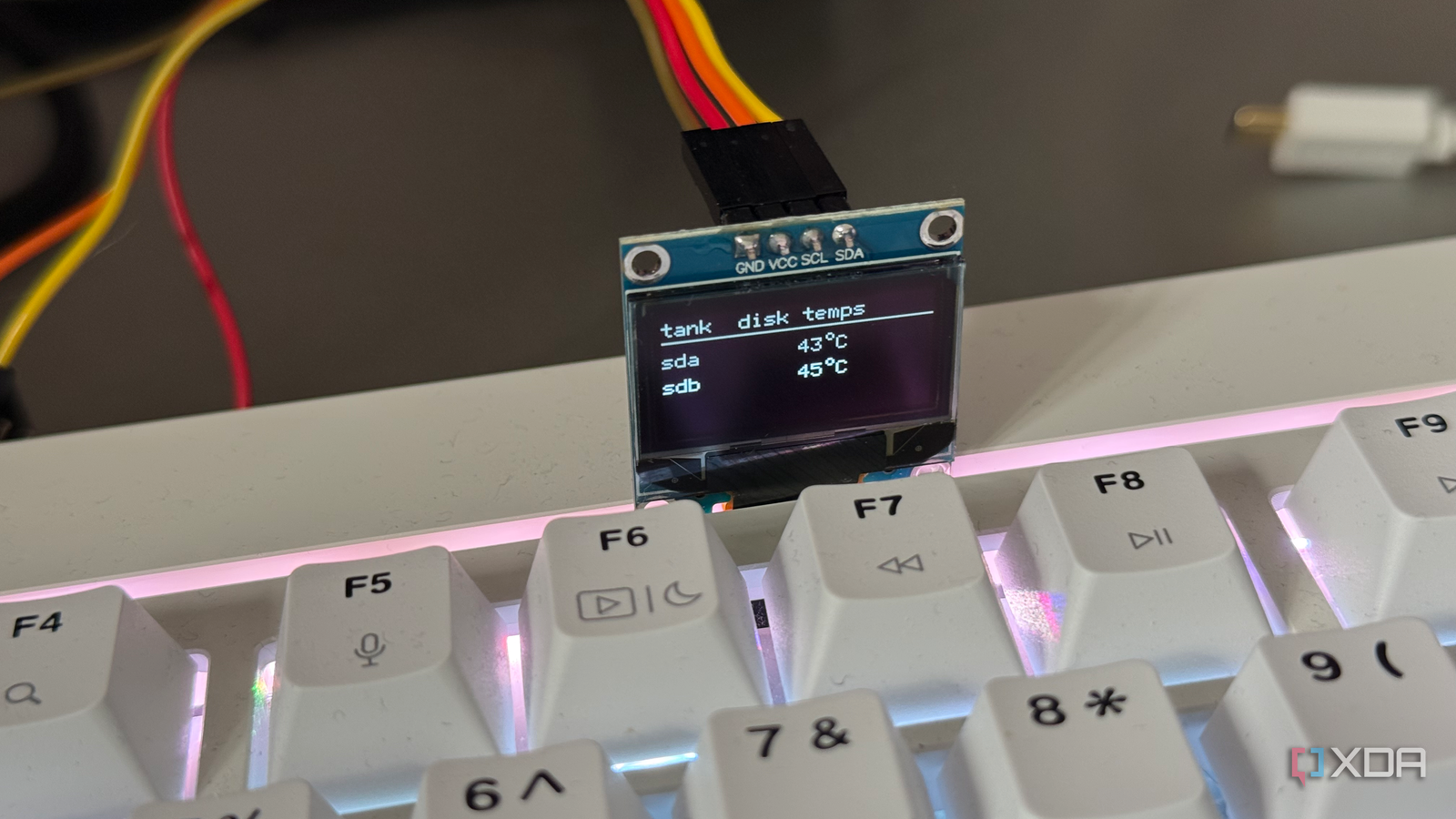
Published Sep 21, 2026, 5:00 PM EDT Shivansh began his tech journey as an avid reader of tech publications, which inspired him to launch his career in video media at Sillycorns. He has led content across multiple tech YouTube channels and Instagram accounts, crafted go-to-market (GTM) strategies for Vivo, and consulted on digital growth. Coming full circle to his roots in written media, he now delivers deep-dive tech journalism. Outside of his professional work, Shivansh loves watching movies, riding bikes, and playing cricket. The home lab builds I've been reading about lately share an unlikely hero. It isn't a fancy drive or a shiny rack. It's a small thermometer that costs less than $30. It sits on a shelf next to some of the best hard drives for network storage. Owners calibrate these cheap sensors with real care, and some even add live temperature readouts to their server dashboards. I don't own a rack, so I read what the drive makers published. It turned out they all agreed a thermometer should be on the rack. Though for an entirely different reason. Cooler hard drives don't really last longer Google counted more than 100,000 of them to check Think of a hard drive as the milk in your fridge. The FDA says a fridge should sit at or below 40°F. Nobody frets over whether theirs runs at 36°F or 38°F, because the milk doesn't care. It only cares when the fridge stops working. Hard drives turn out to be a lot like that milk. In 2007, Google published a study of more than 100,000 drives in its data centers. It logged each drive's own temperature reading for nine months. Warmer drives did not fail more often. In fact, cooler drives failed slightly more. Only the hottest drives flipped that pattern, and mostly once they were three or more years old. Backblaze ran the same check in 2014 on more than 34,000 drives. Across all of them, it found no link between temperature and failure. One older Seagate model was the exception. Its takeaway was simple: inside the allowed range, running cooler doesn't buy you much. I'll be honest, I expected the opposite. Keeping drives cool is the first thing every build guide preaches. But if a few degrees don't matter, then the thermometer on that shelf needs a better reason to exist. A cheap thermometer beats the drive's own reading One tells you what happened, the other tells you why Watching only your drive temperature is like waiting for milk to go bad before you notice the fridge broke. The drive tells you it is hot, but not why. It is better to monitor the room and catch problems like a turned-off air conditioner or an open door, early. That is exactly why a thermometer should sit on your shelf. Just be careful where you put this room thermometer. As it checks the whole space, it can miss hot spots. So put it right where the server pulls in cool air, and not on top of the case. That way, it checks the air your drives actually breathe. The drive makers list more dangers than heat Cold and damp, both made the spec sheet Here comes a surprise after I went through spec sheets of many hard drives. Seagate’s IronWolf Pro manual, for its biggest NAS drives, sets a ceiling of 140°F (60°C). That's the number most people remember. The next line is the one I'd missed. It limits how fast the temperature can change: no more than 36°F (20°C) in an hour. A slow summer drift is fine; an open fridge door is not. The same manual sets a floor of 50°F (10°C), too, and asks for humidity between 5% and 95% with no condensation. Seagate's limits refer to the drive-reported temperature. The air in the room will always sit a little cooler than that. Remember Google's odd finding that cooler drives failed more? The makers clearly weren't surprised. Cold and damp both get their own lines. Western Digital’s WD Red Plus data sheet adds the cost of heat. It rates the drives from 32°F to 149°F (0°C to 65°C). But its reliability estimate assumes a drive running at 104°F (40°C), and the fine print says that estimate drops above it. A cheap room sensor logs exactly these things: temperature, how fast it moves, and humidity. That covers most of the spec sheet, for under $30. NAS already watches drive temperatures, so why bother? Because its alarm goes off after the milk is warm You bother because the NAS warning fires late, at the drive, after the room has already gone wrong. Still, this is the best argument against the cheap thermometer, and it deserves a fair hearing. Most NAS software already reads drive temperatures and can warn you. Synology's own help page says its boxes show high heat in orange, and may shut down to avoid damage if it continues. That's a real safety net, and it costs nothing. If your server lives in a cool, air-conditioned room, it's probably enough. But go back to the fridge. Synology's warning is the milk starting to smell. By the time a drive reports high heat, it has been climbing for a while. Recall that 36°F-per-hour line from the Seagate manual in the gallery above. A room sensor can flag the climb early, while there's still time. Again, if the data has been overwhelming, below is a summary table. Drive's own reading NAS overheat warning Room sensor What it measures The drive The drive or the box The air around the server Sees the cause No No Yes Tracks humidity No No Yes Works if server crashes No No Yes Catches a bad spot Yes Yes No Cost Free Free Under $30 Cheap insurance, just for a different risk So that little thermometer next to all those expensive drives does deserve its spot. If you run a home server, set its alert a few degrees above your room's normal temperature, and add one for high humidity. Then leave the drive readings to your NAS. Between the two, you're covered from the room to the drive. The milk stays cold because someone is watching the door.
I stopped relying entirely on my NAS temperature warnings
Full Article
Original Source
Read the full article at Xda-developers →KhanList aggregates and links to publicly available news content. We do not host full articles from third-party sources. Always verify important information with original sources.