
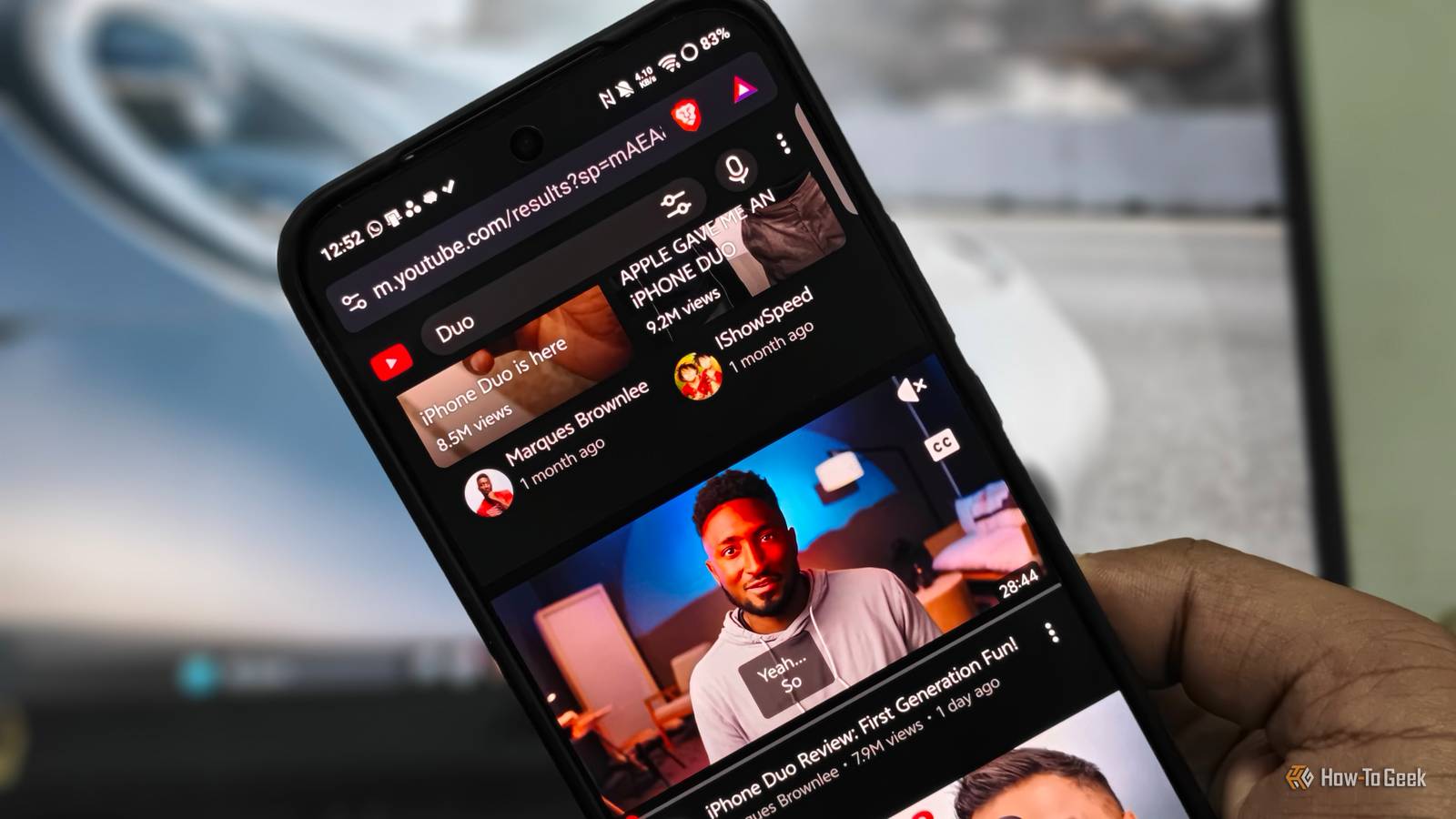
Published Oct 26, 2026, 1:00 PM EDT Vishwamoorthy's interest in tech started early, as a school student, watching Pixel 2 XL camera review videos and being awestruck by what a phone camera with excellent software could do. That curiosity stuck with him: since 2022, he's published over 1,500 articles covering smartphones, Android, and consumer tech news at FoneArena, one of India's leading tech publications. Lately, he's obsessed with how AI is reshaping the business world, the deals, the products, the quiet feature rollouts nobody notices until they're everywhere. Reading and writing about tech is what keeps him going; doomscrolling is what keeps him honest. Ads on content and streaming platforms are increasing daily, and YouTube is no exception. I've paid for YouTube Premium for years, mostly to avoid mid-roll ads and for background playback. But recently, the official YouTube app crossed a line. Between the endless grid of distracting Shorts, community polls, and autoplaying recommended feeds, the interface has become a mess. Paying a monthly premium no longer buys a clean and focused viewing experience. So I found a cleaner and no-cost alternative: accessing YouTube through the Brave browser. I realized Brave didn't just replicate Premium’s ad-blocking — it offered more granular controls, like blocking Shorts and recommended content, which fixed the overwhelming YouTube interface. The official YouTube app has a bloat problem Why background play alone no longer justifies the subscription cost The YouTube home feed used to be a simple list of videos by creators I actually watch. But now it's become chaotic. Google has aggressively integrated Shorts, community posts, and even playable mini-games directly on the mobile UI. Finding the videos we actually want to watch has become increasingly hard in this new algorithmic feed. While your premium subscription removes traditional ads, it doesn't declutter this bloated UI. I realized I was paying more than $10 a month for an app that still actively fought for my attention and pushed content I didn't want to see. Replicating Premium perks directly inside Brave Background playback and system-level audio controls at zero cost Background playback is the most important YouTube Premium feature for me, as I listen to podcasts. Thankfully, Brave on Android handles this natively on YouTube.com without third-party extensions or complex workarounds. By default, Brave blocks all of YouTube's pre-roll and mid-roll video ads right out of the box using its built-in shields. To enable background playback in Brave, open Settings, go to Background play, and toggle it on. Now, when you play a video on the YouTube mobile site and minimize the browser, a media playback widget will appear on your phone's quick settings panel. Remove YouTube Shorts, recommended feeds, and distracting end cards This is the best part of using YouTube in the Brave app, which does much more than just block ads. Hidden deep in the browser settings is a dedicated menu specifically designed to clean up the YouTube mobile web interface. To find this hidden menu, go to Settings, thenMedia, and scroll down to the YouTube section. Here, you will find a long list of toggle switches that let you remove the worst, most distracting parts of the platform — YouTube Shorts, YouTube Playables, and recommended content. The moment I refreshed after enabling these settings, my YouTube home screen got cleaner and behaved like it did years ago. Next, I turned on Block YouTube recommended content to kill end cards and curated suggestions after completion of a video. I also toggled on Block YouTube distracting elements, which removed sign-in prompts, menus, comments, and even video info. Brave even offers you the option to block thumbnails, auto-dubbed videos, and members-only videos. It was right in this menu; I doubted whether I was in a browser or on the YouTube ReVanced app. You might need to restart the browser for these Brave media settings to take effect the first time you enable them. Intercepting YouTube links on Android Forcing your phone to bypass the native player automatically A custom web app is useless if clicking a YouTube link that you received on WhatsApp lands your phone's built-in YouTube app. But there's a way you can force your Android phone to open YouTube links directly in the Brave browser's web app. By revoking the native YouTube app's link-handling permissions, you can force Brave to handle those links. First, open Brave, go to Settings -> Media, and toggle Open YouTube link in Brave on. Second, you need to tell your Android phone to stop prioritizing the official app. To do so, press and hold YouTube's app icon to enter the app information panel by clicking the (i) button. Scroll to the Open by default menu and toggle off the Open supported links setting. Now, whenever my friend sends a YouTube video through WhatsApp, it automatically opens in my ad-free and distraction-free Brave web app. What you sacrifice when canceling Premium Ditching Premium for a mobile browser workflow does come with some trade-offs. While Brave filters are incredible on phones, tablets, and even your PC, they don't do anything for the living room television. If you watch a lot of YouTube on Google TV, Apple TV, or Roku, you'll still see ads. Further, you also lose access to YouTube's official offline downloads and a few AI-powered features. Despite these sacrifices, taking control of my mobile viewing experience was worth it. If you don't care about ads on your TV and rely on your phone for most content, this workflow is for you.
I stopped paying for YouTube Premium after discovering Brave’s secret filters
Full Article
Original Source
Read the full article at Howtogeek →KhanList aggregates and links to publicly available news content. We do not host full articles from third-party sources. Always verify important information with original sources.