
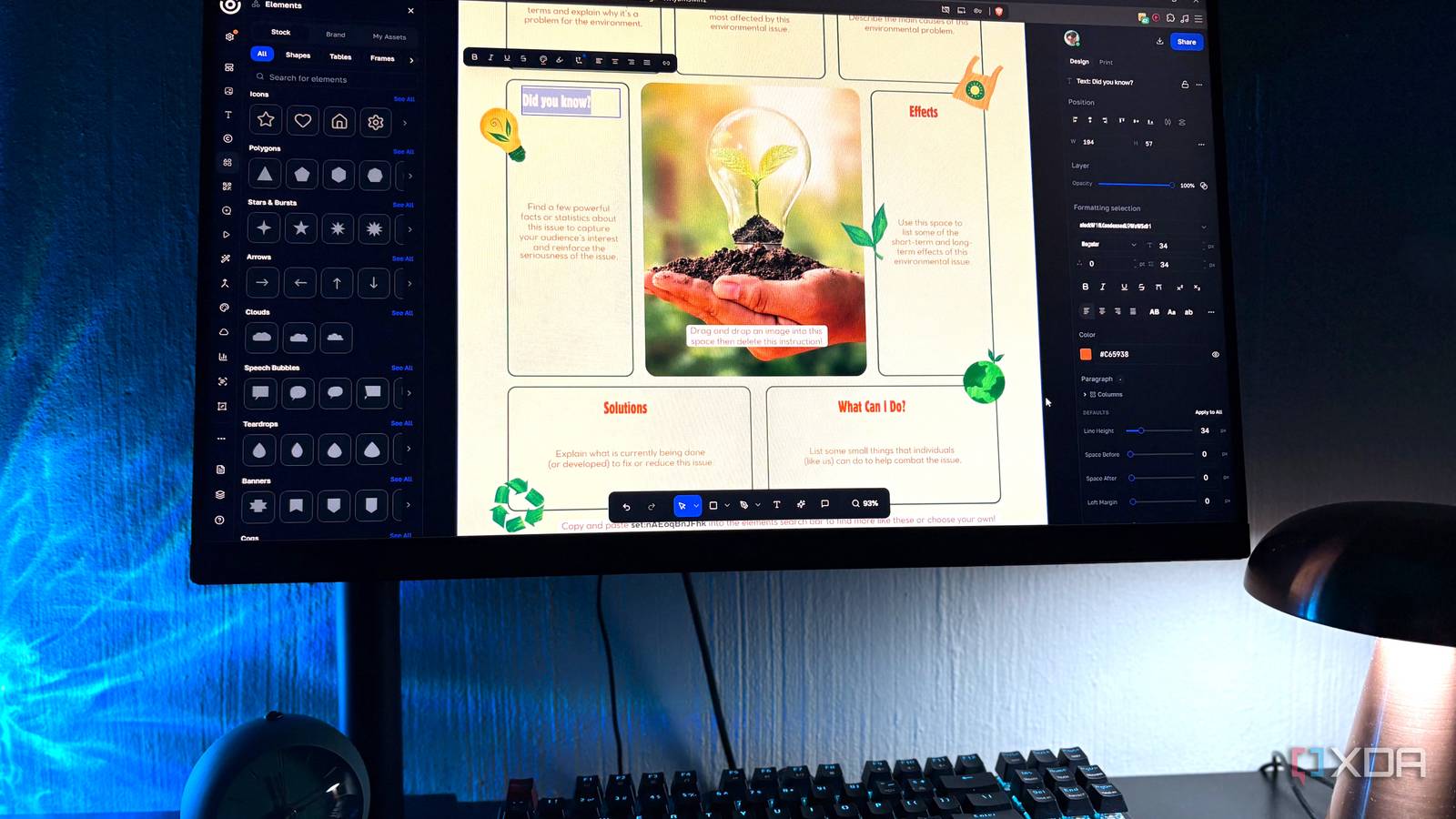
Published Aug 28, 2026, 7:00 PM EDT Nolen began their writing career in 2019, with three years dedicated to editing the Creative section at MakeUseOf. Their expertise lies at the crossroads of technology and creativity, covering areas like photography, video editing, and graphic design. Outside of work, you'll often find Nolen diving into a good book, writing their own stories, or playing video games. It seems like Adobe Acrobat has been the default PDF viewer and editor for so long that most people don't give it second thought. I still keep the mobile app on my phone because it's informally required for some of my documents, but I've stopped paying for any of Adobe's products - I just don't think it's worth it when there are free options that give you the same stuff. The usual escape route is narrow-purpose apps like PDFGear or Foxit, each of which handles more like a slice of the problem. There's another option I don't see anyone talk about, called Desygner. I didn't know about it either until I started using it for its image editing toolkit. Turns out it's a PDF editor too… A browser tab with 30+ tools you never have to install I've covered Desygner before, primarily as a design tool and image editor. It was one of my finds in a Canva/Adobe alternative hunt, and it just happened to have a massive PDF toolkit which I didn't realize was there at first. The quick version is that it's a drag-and-drop design platform that now lives inside Automo, which is a business workspace that also includes CRM and HR and a bunch of other stuff that don't apply to me. Desygner's PDF suite is one module in the Create tab, sitting alongside the photo editor and design workspace among others. The PDF module is the part almost nobody talks about when Desygner comes up, and it's the piece I ended up getting the most use out of. Acrobat is a 700MB install that runs background services and hooks into your browser, whereas Desygner's PDF tools open in a tab and process files in-browser. As someone who favors browser-based tools, this is a big win in my opinion. There's nothing to keep updated or admin permissions to worry about. Desygner gives you for free what Acrobat charges for Same tools, different bill at the end of the month Both tools handle the basics for free, so viewing and annotating and filling out forms, basic page organizing, and so on - none of those functions are behind a paywall. This is the bare minimum I expect from a PDF tool. The difference is in what happens when you need to change something inside a PDF file. Editing is the first one, and it's probably the whole reason anyone pays for Acrobat in the first place. Desygner's edit tool opens the actual text and image content in a PDF so I can rewrite or swap or reposition properly, rather than drawing a text box over what's already there. Most free PDF tools claim editing but they're actually overlaying, which just ends up breaking when you print or extract. That's a $20 Pro feature in Adobe's world. OCR runs through Desygner's PDF-to-Word converter, which is technically a workaround but the end result is the same. Scanned document goes in, searchable and editable document comes out. The merge and split tools are free too, and so are compression and conversion. Adobe's free web versions of all those let you do one file a day. Watermarks are also on the free tier here, and I didn't think much of it at first until I realized it's not a free feature in Acrobat. So there's another $15 saved every month, for adding a little element to a document…something that should be free in my opinion. It also has print-ready export, which is not exactly a feature I need, but it's another feature Adobe charges for. Desygner lets you export PDFs with CMYK color mode and bleed marks on the free plan, which normally needs InDesign or Acrobat Pro to set up properly. For anyone actually sending files to a print shop, whether that's business cards or flyers, this is the piece that would have gotten designers to pay for the workflow on its own. Getting it in a browser tab for free is pretty cool. It's not perfect Every free tool has its shortcomings Desygner does have its own paywalls. Many of the AI features in the PDF toolkit aren't free, similar to Adobe. Things like unlimited PDF imports and premium templates are also paywalled on the design side. So if you're a heavy PDF user or want to benefit from the AI tools, it's still going to cost you (ranging from $5-10 a month, depending on whether you pay monthly or annually). The bigger missing piece is Acrobat's Action Wizard, which lets you set up a single automated workflow that runs OCR on a folder of PDFs and strips metadata and watermarks them all in one go. Desygner has no equivalent yet, so if you're processing hundreds of docs a week, then a subscription to either Desygner or Adobe, or whatever else, will make sense. Also, since it runs in-browser, that means offline use is non-existent, whereas not impossible with Acrobat. Most PDF work doesn't need an Acrobat subscription at all Adobe built a subscription empire on the assumption that PDF work is worth $240 a year because it's their format and nothing competes. I think Desygner disproves that assumption for most of what we use PDFs for, and it doesn't even ask for an install. Desygner
I stopped paying for Adobe Acrobat after finding a browser tab that does the same job for free
Full Article
Original Source
Read the full article at Xda-developers →KhanList aggregates and links to publicly available news content. We do not host full articles from third-party sources. Always verify important information with original sources.