
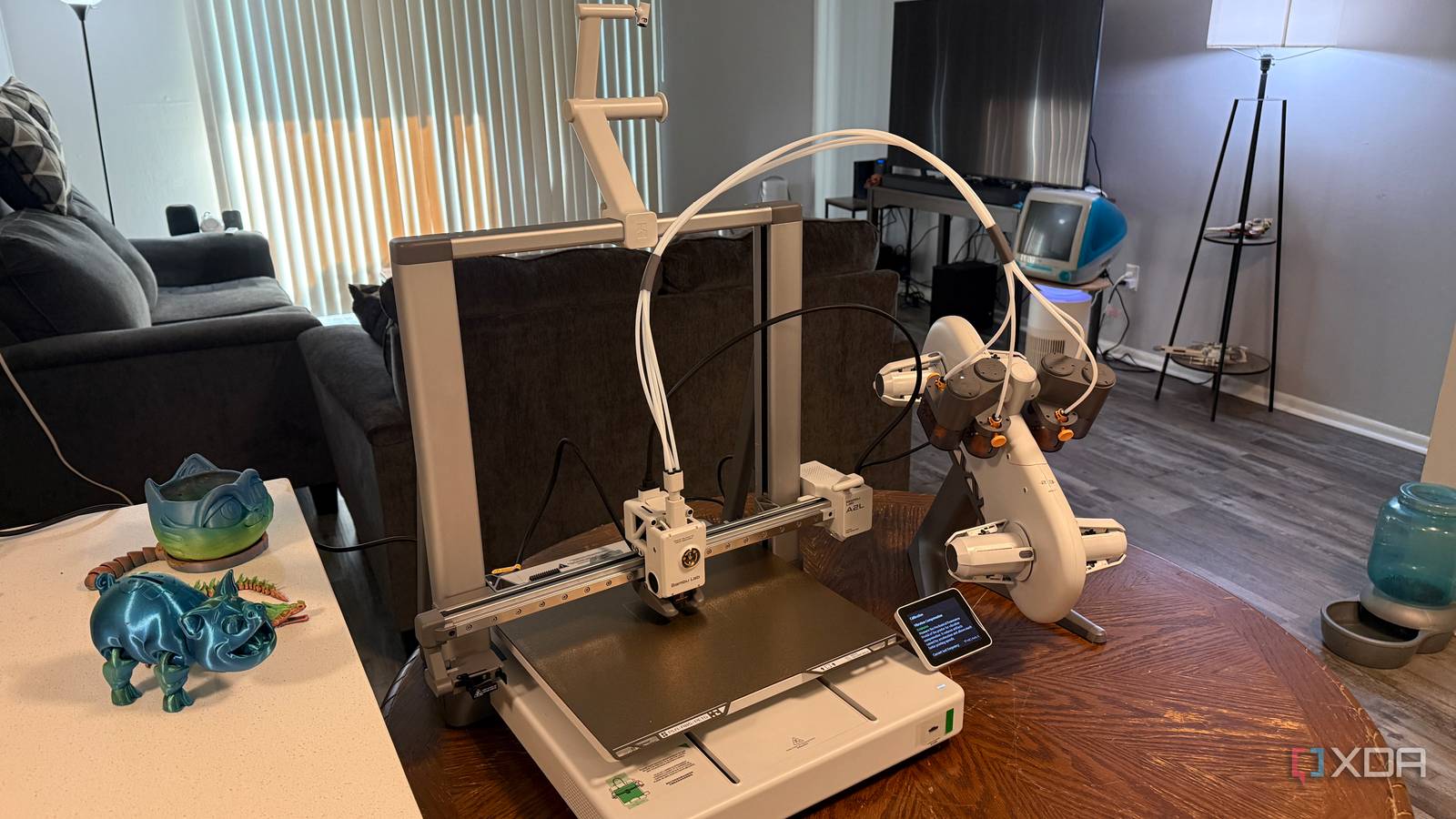
Published Nov 8, 2026, 11:00 AM EST Dhruv Bhutani has been writing about consumer technology since 2008, offering deep insights into the personal technology landscape through features and opinion pieces. He writes for XDA-Developers, where he focuses on topics like productivity, networking, self-hosting, and more. Over the years, his work has also appeared in leading publications such as Android Police, Android Authority, CNET, PCMag, and more. Outside of his professional work, Dhruv is an avid fan of horror media spanning films and literature, enjoys fitness activities, collects vinyl records, and plays the guitar. I'll admit it, the convenience of being in Bambu Lab's ecosystem was a big reason why I invested in the company's 3D printers. However, the more I think about it, being completely wrapped up in the company's account- and cloud-service-based ecosystem wasn't really the move for me. Anytime I want to send a model over to the printer or check a print, I'm going through Bambu Lab's servers, and that's a bit unnerving when you're working with custom prints for personal or professional use. I wanted to keep everything locked tight under my own control. So, I switched the 3D printer to LAN-only mode and use it from my computer on the same network. The workflow stays more or less the same, but the big difference is that everything now routes over my home network instead of reaching Bambu Lab's cloud. The privacy gains here are more than worth it. Restricting print files to my own network Why I send client files directly to the printer Credit: While I do use the Bambu Handy app from time to time, most of my 3D printing starts on my own computer. I pick out the model either from an online repository or one of my own designs, check the usual suspects like size, orientation, and supports, and prepare the sliced file. Usually, when you hit send, this sliced file goes through Bambu's servers. With LAN mode, that last step gets skipped. Instead, the file goes directly from my computer over to the 3D printer. Easy as that. From a workflow point of view, you won't notice much, if anything, difference. But what changes is what's under the hood. A lot of the time, I print bespoke parts and prints for clients as a side hobby. Often, these are prototypes or designs that might be under specific rights holders. Regardless of the situation, I definitely don't want to share these files with an offshore server where I have no control over what happens to them once they leave my computer. Keeping those jobs on my own computer helps establish a proper privacy and security boundary around them. I'm not blaming Bambu Lab for having lax security measures, but when you're dealing with privileged data, you need to err on the side of caution. Elsewhere, regulations around the world are also tightening. It's not outside the realm of possibility that Bambu Lab might start scanning every file sent to the printer to restrict printing devices that could cause harm. Look, I'm not printing anything remotely dangerous unless you categorize Pokémon figurines as straight fire, but I'm not on board with a hardware manufacturer scanning and vetting anything I have to print. If I've bought a piece of hardware, I want the freedom to use it just the way I want. Thankfully we're not living in a security scan-before-printing reality just yet, but I like having the option to circumvent it just the same. Local printing fits my day-to-day workflow just fine I rarely use the cloud features LAN-only mode also fits the way I use my printer. I'm usually around the printer when I'm starting a print so that I can check the first layer when it starts printing or swap in a fresh spool of filament. Often enough, I just drop the STL file onto a microSD card and slot it into the 3D printer. It's a rare occasion that I need to start or check on a print from my phone. If a print goes bad, checking from my phone serves no real purpose, since it's usually beyond saving by the time I get to it. If I'm not using the old-school, tried-and-tested method, I usually just pop open the app on my computer and shoot over the file. None of this needs an account or cloud servers. In fact, it'll even work if the internet is down. All that to say, while cloud-based capabilities are nice on paper, they don't really serve much purpose in day-to-day workflows, and you're not really missing anything by switching over to LAN mode. Losing remote access is an acceptable trade-off LAN-only mode means no Bambu Handy app or cloud updates Okay, so we've already established that there are serious privacy benefits to switching over to LAN-only mode. But are there any downsides? Yes, and no. The biggest trade-off is if you're used to pulling models off MakerWorld and firing them off to your printer. When I first got my 3D printer, I'd often queue up a small print while out and about to be ready for me by the time I got home. In LAN-only mode, this workflow doesn't work. In fact, the Bambu Handy app simply doesn't work in LAN-only mode. This also means that remote access features like checking on a print using the webcam or simply checking how much time is left in the print won't work. That applies not just when you're out and about, but also on your own network, as Bambu Handy forces you to use Bambu's cloud features. The same goes for software and firmware updates. You'll have to manually check for firmware updates for your 3D printer and manually install them. It's not a big issue, but it's worth knowing ahead of time. Privacy is the default; cloud is the backup option By and large, I haven't missed out on anything much ever since I switched to LAN mode. Instead, in return, I got privacy and the peace of mind of knowing that my and my clients' print files are safely being transferred directly from my computer to my 3D printer with no third-party cloud in between. That said, if I know I'm running a long print where I'll have to check in remotely if I'm out for chores, once in a while I'll switch back to online mode for convenience, but only if I'm using a publicly available print file. Bambu Lab A2L Build Volume 330mm x 320mm x 325mm Printing Speed 500mm/sec Materials Used PLA, PETG, and other non-engineering filaments Brand Bambu Lab Max Hot End Temp 300C Max Bed Temp 80C The Bambu Lab A2L is compact bedslinger with large print volume and AMS support.
I stopped letting my 3D printer phone home, and the privacy gain was worth every minute of setup
Full Article
Original Source
Read the full article at Xda-developers →KhanList aggregates and links to publicly available news content. We do not host full articles from third-party sources. Always verify important information with original sources.