
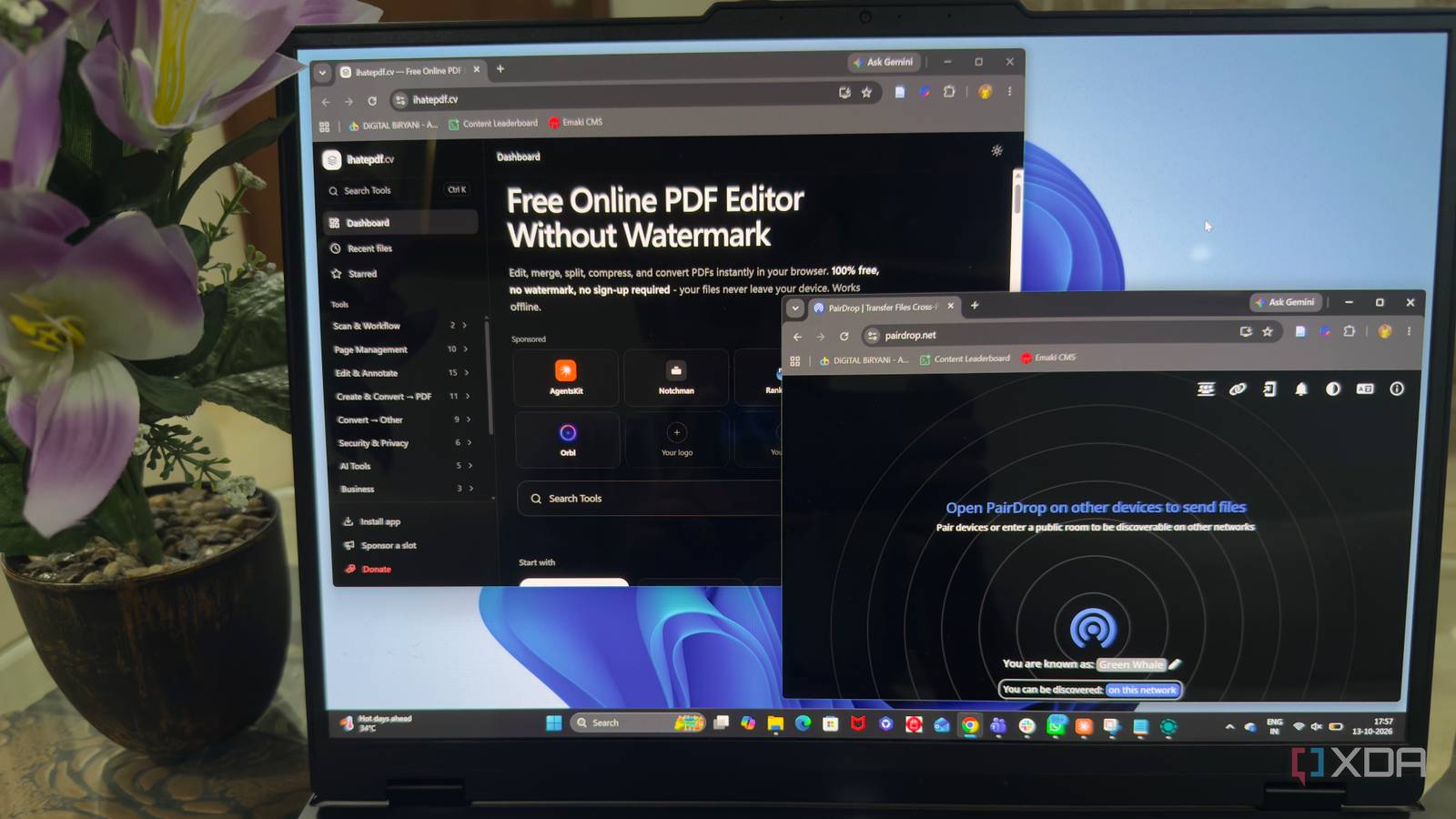
Published Oct 13, 2026, 5:31 PM EDT Beginning his professional journey in the tech industry in 2018, Yash spent over three years as a Software Engineer. After that, he shifted his focus to empowering readers through informative and engaging content on his tech blog – DiGiTAL BiRYANi. He has also published tech articles for MakeTechEasier. He loves to explore new tech gadgets and platforms. When he is not writing, you’ll find him exploring food. He is known as Digital Chef Yash among his readers because of his love for Technology and Food. Installing a desktop app for every little task can quickly become frustrating. Before I know it, my PC is filled with tools I use only once in a while. But I've found that some browser-based alternatives are good enough to handle these jobs without adding more software to my system. From simple utilities to surprisingly capable creative tools, there are plenty of options worth trying. Here are five browser tools that have earned a place in my workflow and made me rethink which desktop apps I actually need. Online Convert One browser tool for all your conversions Online Convert has become a handy alternative to installing separate file conversion tools on my desktop. I often run into files that aren't in the format I need, and opening a dedicated application just to convert them feels unnecessary. With Online Convert, I can handle many of these tasks directly from my browser. What I like is the variety of formats it supports. Whether I need to convert a document, image, audio file, or video, I can usually find the option I need. The process is straightforward, too. I select the conversion type, upload my file, choose the output format, and let the tool do its job. I still prefer desktop software for frequent, complex tasks, but for occasional conversions, Online Convert gets the job done without another installation. PairDrop Smooth file sharing PairDrop is one of those browser tools I wish I had discovered earlier. Whenever I need to transfer files between my laptop and phone, I don't want to deal with cables, install another app, or send files through a messaging service. PairDrop makes the process much simpler. I open the website on both devices connected to the same local network, and they can discover each other. From there, I select the device I want to send files to, choose the files, and accept the transfer on the receiving end. There's no account to create or complicated setup to go through. What I appreciate most is how quickly I can share files without making the process feel like a chore. PairDrop also supports sharing with devices on different networks through its public rooms feature. For quick, everyday transfers, it has become a convenient alternative to dedicated file-sharing apps. ihatePDF Handle PDFs without installing another app Managing PDF files doesn't always require a dedicated desktop application. I came across ihatePDF, a newly built browser-based tool that keeps things simple while offering a collection of useful features for working with documents. What I like is that I can access its tools directly from the website without going through a lengthy setup process. For everyday PDF tasks, this approach feels practical. I can open the website, choose the tool I need, and get on with my work. It's a useful option for anyone who wants to handle PDFs without adding another application to their desktop. I had already used iLovePDF, but somehow this browser-based PDF utility feels better than it. draw.io A smarter way to visualize ideas Whenever I need to sketch an idea, map out a workflow, or explain how different parts of a system connect, I don't always want to open a dedicated diagramming application. I've been using draw.io, also known as diagrams.net, for these tasks, and it has handled most of my needs directly in the browser. What I like most is the flexibility it offers. I can create flowcharts, network diagrams, process maps, and even software architecture diagrams using its drag-and-drop editor. There are plenty of shapes, connectors, and customization options, so I don't have to start from scratch every time. Connecting elements and rearranging a diagram is straightforward, too. I also appreciate being able to save my work locally instead of depending on an online account. For quick planning and more detailed diagrams, draw.io gives me the tools I need without another desktop installation. Photopea Photoshop power without the installation For quick image edits, I don't always need to launch Photoshop or wait for a heavy desktop application to load. Photopea has become a useful alternative because it brings a surprisingly capable image editor straight to my browser. If you've used Photoshop before, the interface feels familiar, so getting started takes little effort. I can work with layers, masks, selections, text, and adjustment tools to make detailed edits rather than just applying basic filters. It also supports PSD files, which is particularly useful when I need to open or modify an existing design without switching applications. I can even create graphics from scratch when needed. What I like most is that Photopea works without requiring a traditional installation. I simply open the website and start editing. For thumbnails, quick design changes, and occasional image work, it saves me from opening Photoshop for every little task. My browser is doing more than ever I don't need to install a separate desktop application for every small task anymore. These browser tools have made my workflow simpler without forcing me to compromise on useful features. Of course, desktop software still makes sense for demanding work, but many everyday tasks don't need it. I'd rather keep my system clutter-free and open a website whenever I need something. If you're tired of installing and maintaining too many apps, these tools are worth adding to your bookmarks.
I stopped installing apps for small jobs, and these 5 browser tools handle them just fine
Full Article
Original Source
Read the full article at Xda-developers →KhanList aggregates and links to publicly available news content. We do not host full articles from third-party sources. Always verify important information with original sources.