
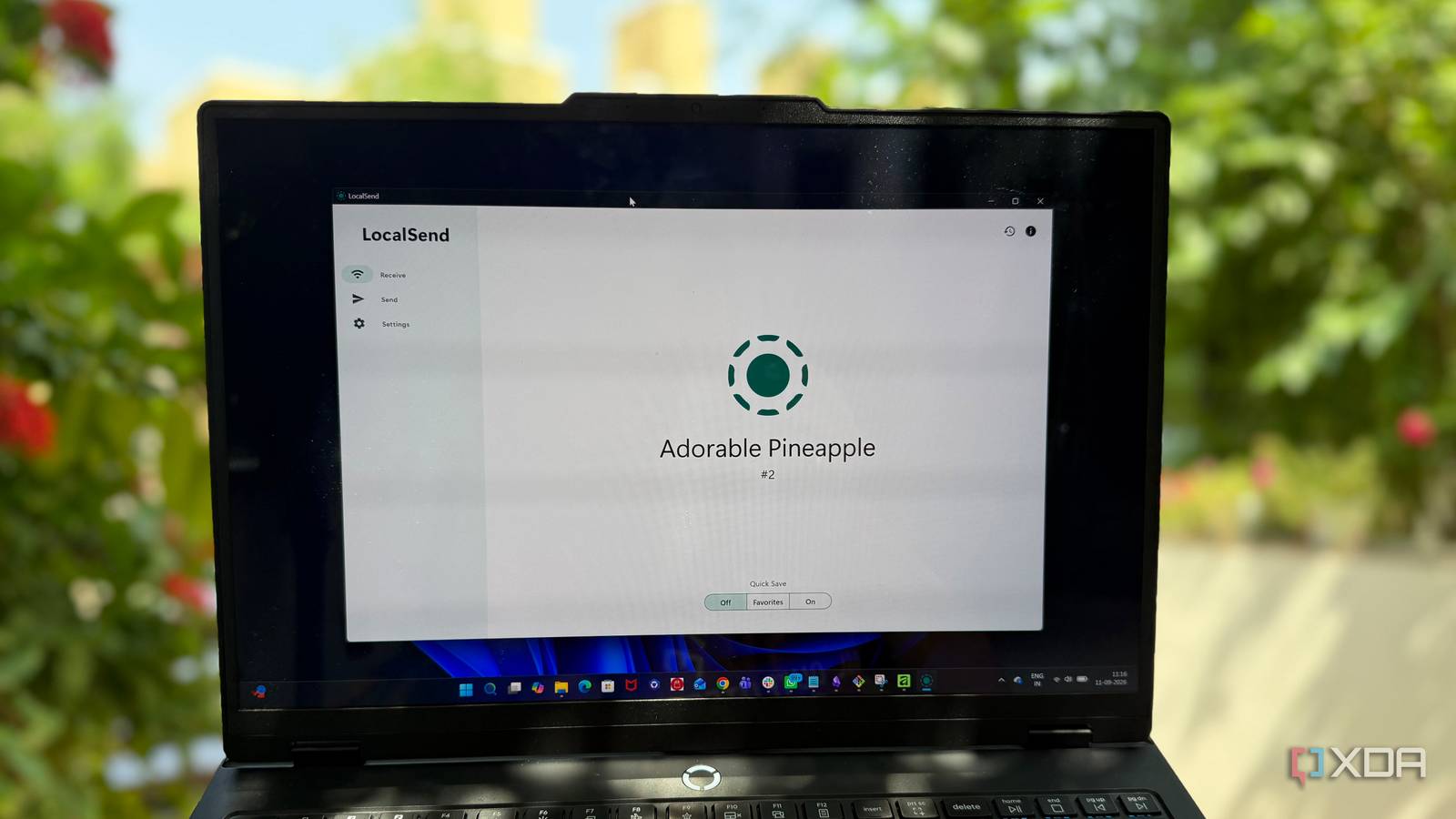
Published Sep 12, 2026, 5:30 PM EDT Beginning his professional journey in the tech industry in 2018, Yash spent over three years as a Software Engineer. After that, he shifted his focus to empowering readers through informative and engaging content on his tech blog – DiGiTAL BiRYANi. He has also published tech articles for MakeTechEasier. He loves to explore new tech gadgets and platforms. When he is not writing, you’ll find him exploring food. He is known as Digital Chef Yash among his readers because of his love for Technology and Food. For years, my inbox doubled as a temporary storage space. If I had a file on my iPhone that I needed on my Windows PC, I would simply email it to myself. It worked, but it was hardly an elegant solution. The funny thing is, I never really stopped to question why I was doing it. Email was just there, so I used it. Then I came across LocalSend, a tiny app built around transferring files between nearby devices. It made me rethink a habit I had barely noticed. Once I started using it, sending files between my devices became a much less annoying part of my day. LocalSend offers much simpler way to move files A simpler way to move files The biggest change for me was how little effort LocalSend requires. I don't have to create an account, upload anything, or set up a complicated sharing process before sending a file. I open the app, pick what I want to send, and LocalSend shows me the available devices. LocalSend keeps the process focused on the file itself. No unnecessary messaging features, social elements, or cloud folders get in the way. It is a small utility that stays out of my way. That simplicity is what made it stick for me. I don't have to think about how I'm going to transfer something before I do it. I can keep my phone and computer in the same workflow The AirDrop-like experience I wanted Having an iPhone and a Windows PC has always made me wish Windows had something as simple as AirDrop. Moving a file between the two often felt more complicated than it should. I didn't want to upload something to the cloud or send it through another app just to get it on my PC. LocalSend finally gives me the kind of experience I was looking for. I can select a photo, document, or any other file on my iPhone, open LocalSend, and send it straight to my Windows PC. The same works when I need to move something in the other direction. It isn't AirDrop, but for my iPhone-and-Windows setup, it comes surprisingly close to the simple cross-device workflow I always wanted. It is available for Windows, macOS, Linux, Android, and iOS. So, this cross-platform availability puts it ahead of competitors. The little things about LocalSend that won me over Small features, big difference File transfers brought me to LocalSend, but a few small details made me keep using it. The biggest one is how lightweight it feels. There is no clutter or long list of features getting in the way. I also like that I can select multiple files at once. If I have several photos or documents to move, I don't have to repeat the same process for each one. The transfer requests are another nice touch. When a device wants to send something, I can see the request and choose whether to accept it. I stay in control of what comes onto my device. LocalSend hasn't replaced everything Some file-sharing jobs still need more LocalSend has become my go-to option for moving files between devices, but it hasn't replaced every method I use. It solves one specific problem really well, and that's where I find it most useful. If I need a file to stay available across devices for days or weeks, I still prefer cloud storage. Syncing is more useful when I want ongoing access, backups, or the same folder available everywhere. Email still has its place too. If I'm sending a file to someone who isn't nearby, LocalSend obviously isn't practical. Email or a cloud link makes much more sense there. I also wouldn't rule out USB drives. For moving a large amount of data, a physical drive can still be the simpler option. So I haven't abandoned those tools. LocalSend has simply taken over the small transfers I used to handle with workarounds. For me, that's exactly what makes it useful. Smallest apps fix the biggest annoyances I didn't expect a simple file-sharing app to change such a small part of my routine, but LocalSend did. It removed one of those annoying habits I had accepted for years without questioning. Now, when I need to move something between my devices, I don't stop to think about the process. I just do it. That's what makes a good utility stand out: it quietly solves a problem, stays out of the way, and becomes part of your routine before you even realize it. LocalSend LocalSend is a free and open source mobile app to send files between devices securely so long as they are on the same Wi-Fi network.
I stopped emailing files to myself, and now a tiny open-source app moves them between my devices instead
Full Article
Original Source
Read the full article at Xda-developers →KhanList aggregates and links to publicly available news content. We do not host full articles from third-party sources. Always verify important information with original sources.