
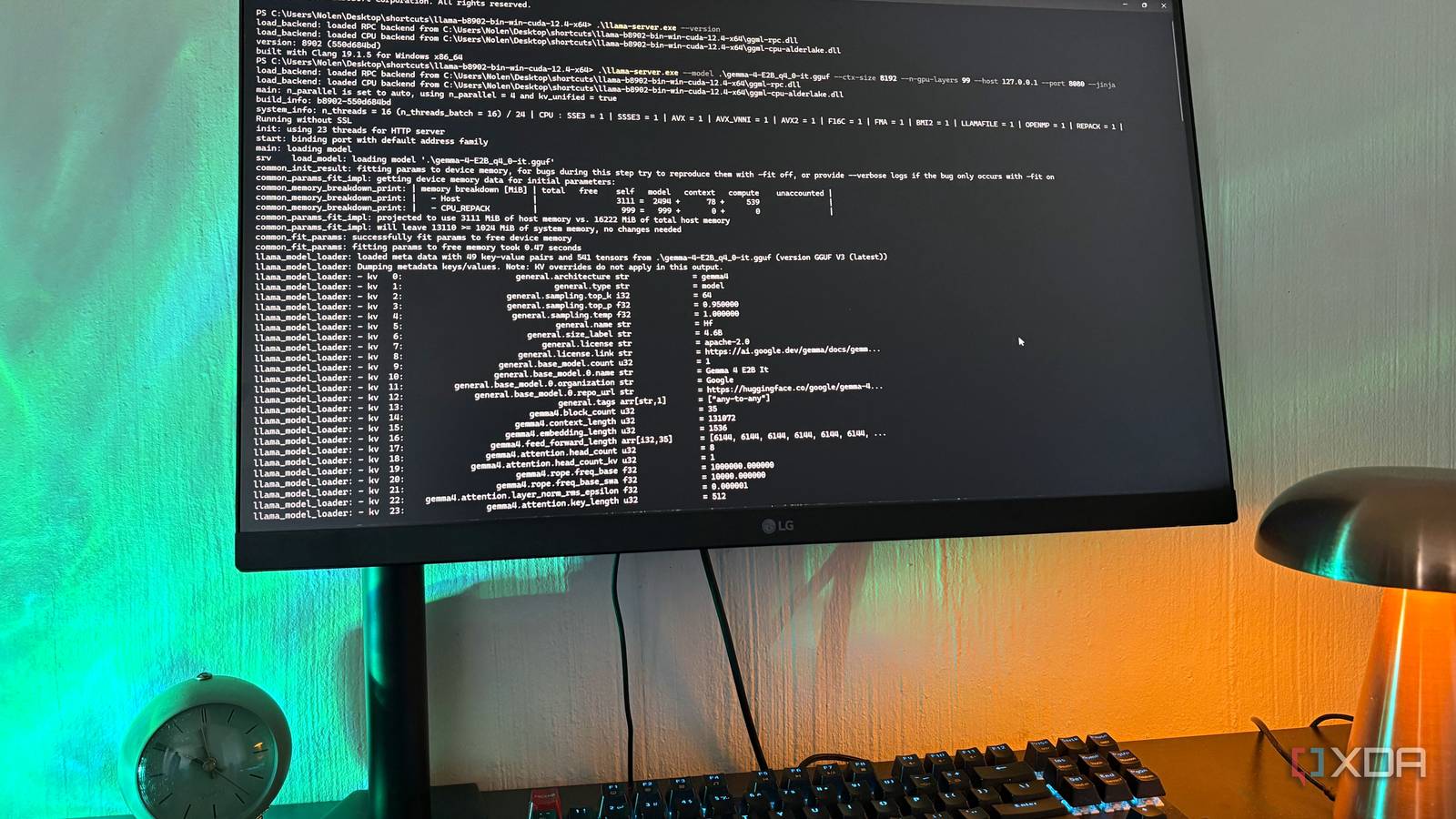
Published Aug 31, 2026, 2:00 PM EDT Nolen began their writing career in 2019, with three years dedicated to editing the Creative section at MakeUseOf. Their expertise lies at the crossroads of technology and creativity, covering areas like photography, video editing, and graphic design. Outside of work, you'll often find Nolen diving into a good book, writing their own stories, or playing video games. Running local LLMs on limited hardware is a constant negotiation you have to have. There's always something bigger and newer dropping every other month, and the temptation is to keep chasing a few gigs above what your card can actually hold, hoping the next big drop is finally the one that feels like it could replace cloud AI. That approach has burned me more than enough to just give up on it. Bigger models on modest hardware usually mean slower prompt processing, tight context windows, and a general sense of having to keep watching the setup - nothing worse than stepping away from a task you know will take a while, then coming back an hour later just to see it already stopped generating after five minutes. So, I started playing with what I already have instead. Now I'm running two smaller models in llama.cpp, each handling different tasks. And it beats chasing the big params. Want to stay in the loop with the latest in AI? The XDA AI Insider newsletter drops weekly with deep dives, tool recommendations, and hands-on coverage you won't find anywhere else on the site. Subscribe by modifying your newsletter preferences! When "it fits" doesn't mean "it works" There's a distance between a model loading and a model being usable My setup is an RTX 3070 with 8GB of VRAM and 16 CPU threads. This PC was never intended for running local LLMs, I didn't even know what they were back when I got it. I just wanted something to play my games and edit my videos. But now I've been running local models for almost a year, and it's definitely one of the more interesting but also surprisingly practical parts of my work. So far I've remained within my comfort zone, sticking to 2B-9B models, because that's honestly all my PC can handle. So whenever something bigger drops, I'm unfortunately left out of the loop…doesn't mean I don't try to make it work though. My most recent attempt was Qwen 3.6-35B-A3B (yes I know 3.8 is already here, but this was still new for me), an MoE model from Alibaba from earlier this year. I grabbed Unsloth's UD-Q2_K_XL GGUF, which is 12.3GB on disk and already the aggressive dynamic 2-bit quant Unsloth themselves recommend as the smallest viable option. That's still 4.3GB over my entire VRAM budget, so a chunk of the model has to run on CPU. The MoE architecture only activates 3B parameters per token, but all 35B still have to live somewhere, and once half of them are in system RAM, whatever speed advantage the sparsity is supposed to give you gets eaten by the memory shuffling. Before that it was Gemma 4 12B, specifically Google's own QAT Q4_0 release, which holds up better per-bit than a post-training quant. This one actually got running, and it wasn't unusable, but I couldn't push context very high without VRAM tipping over, and once I started offloading layers back to CPU, the snappiness went with them. The ceiling you hit on 8GB is sadly very real. Settling for two smaller models instead The setup I settled on runs Gemma 4 E2B at Q4_0 on one port and FluentlyQwen3-Coder-4B at Q4_K_M on another, both through llama.cpp with full GPU offload. Gemma 4 E2B is the "Effective 2B" variant of Google's Gemma 4 family, a small dense multimodal model built for edge and low-VRAM use. It's tiny, which means I can throw a generous context window at it and still have room for the second model. FluentlyQwen3-Coder-4B needs a note though: It's a community fine-tune of Qwen3-4B by "fluently" on Hugging Face, not an official Alibaba coder release. Qwen doesn't ship a first-party 4B coder model at all - the smallest official one is a 30B MoE that's nowhere near my hardware. I know the obvious pick for coding for me would have been Qwen 2.5 Coder 7B, which I actually still run in LM Studio, but it's getting old now and sticking with it would feel like coasting. This fine-tune is small enough to run alongside Gemma and it's perfect for the coding-adjacent work I do. The reason I landed on these two is simply hardware. It's two models around 2GB that each fit side by side with room for context, unlike an 8GB+ model. A tab switch instead of a model reload Both are already loaded I run two separate llama-server instances from the same llama.cpp install pointed at different models on different ports. So the mechanism of it is pretty simple. And then I simply open both in tabs in the same browser, and can flip between them. This is why I've started leaning more on llama.cpp because it's not as seamless to run two models in LM Studio. As for the workflow, Gemma handles the chat side of things, and I primarily use it for quick knowledge questions and translations. It's that model you reach for instinctively when you need something more interactive than a search engine, and its default response is pretty conversational. So you can see why I'd pick this one as my go-to local LLM. Of course, the coder model handles my coding and coding-adjacent work. I say coding lightly here, since I'm not a developer, but I do use local LLMs for my vibe-coding and design projects. And it's also the better pick over a chat model for things like YAML cleanup and handling JSON snippets. For chat, I prefer keeping the temp a little higher, around 0.8-1, but for coding tasks I drop it down to 0.3. I also keep the repetition penalties and min-P slightly higher for chat and creative tasks, while lower for coding-adjacent work. The total VRAM footprint sits comfortably under 8GB with both models loaded and their KV caches accounted for. I can watch it in nvidia-smi and it doesn't push into red-line territory. A tab switch instead of a model reload I spent months chasing models a few gigabytes above what my card could really handle, and the setup that stuck is two models that would fit on a phone. It's not that these small models are secretly amazing, but they're functional and way more forgiving of my modest hardware. llama.cpp
I stopped downloading bigger local models and started running two small ones at once
Full Article
Original Source
Read the full article at Xda-developers →KhanList aggregates and links to publicly available news content. We do not host full articles from third-party sources. Always verify important information with original sources.