
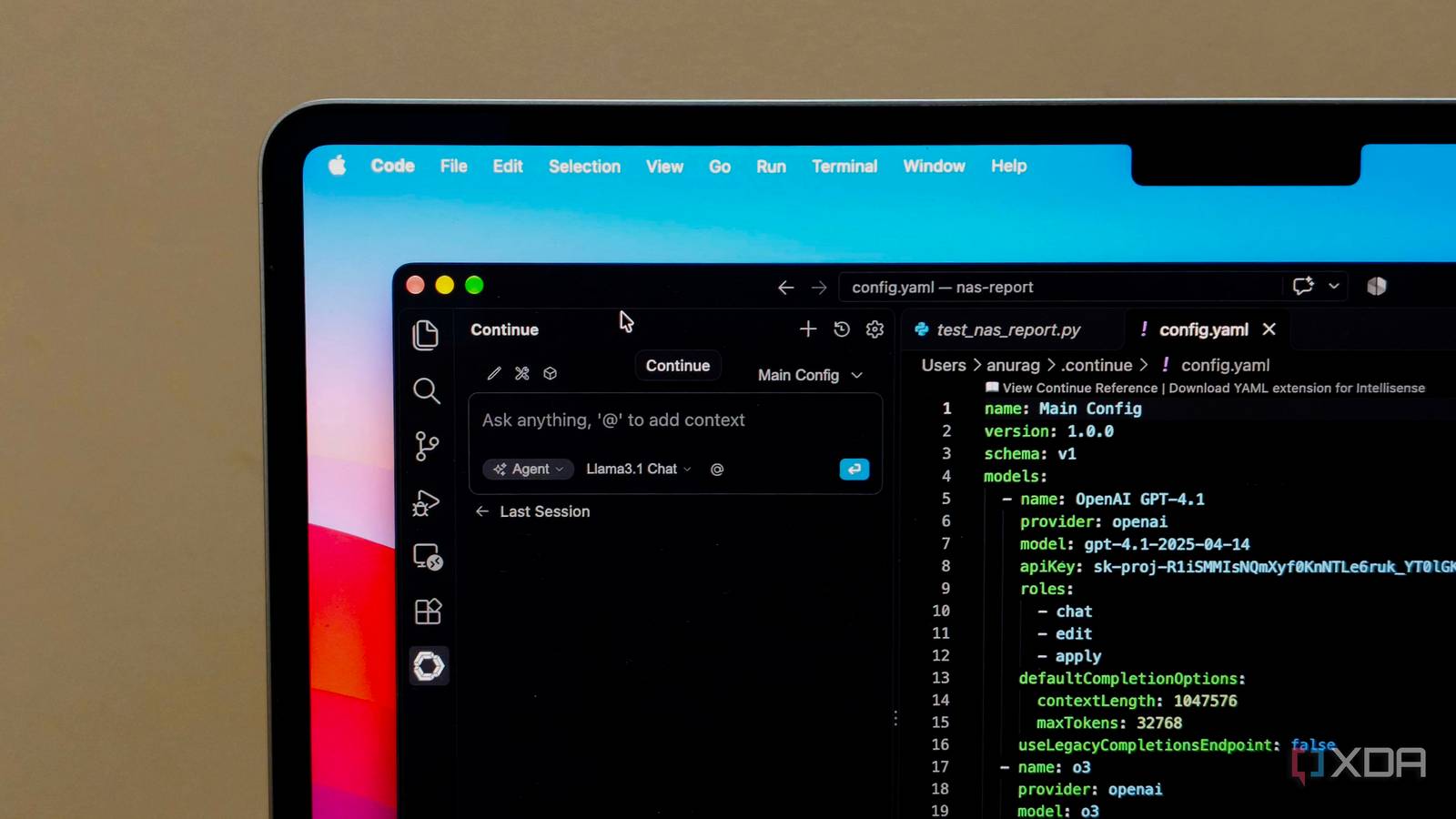
Published Nov 13, 2026, 7:01 PM EST Anurag is an experienced journalist and author who’s been covering tech for the past 5 years, with a focus on Windows, Android, and Apple. He’s written for sites like Android Police, Neowin, Dexerto, and MakeTechEasier. Anurag’s always pumped about tech and loves getting his hands on the latest gadgets. When he's not procrastinating, you’ll probably find him catching the newest movies in theaters or scrolling through Twitter from his bed. I've spent a lot of time experimenting with AI-first code editors over the past year. I've tried Cursor, Windsurf, Zed, and several other tools, and every time something new came along, I was tempted to give it a shot. But somewhere along the way, I realized I was spending more time experimenting with editors and adjusting my workflow than actually working on my projects. So I decided to go back to good old VS Code, the editor I had been using before all this AI hype took over. And surprisingly, I've been getting more done since making the switch, without giving up on AI coding tools altogether. I was spending too much time finding the perfect editor Every new feature meant another switch The problem with AI-first code editors is that there's always something new to try. I started with Cursor, then experimented with Windsurf, Zed, and a few other tools. Each had something interesting to offer, whether it was better codebase awareness, a different approach to agent mode, or tighter integration with AI models. And whenever one of them introduced a promising feature, I wanted to see whether it could improve my workflow. But switching editors isn't as simple as installing another app. I had to get used to different interfaces, configure settings, figure out which extensions worked, and learn how each tool handled AI interactions. Even when I was working on the same project, I would spend time figuring out how to do things I already knew how to do in my previous editor. I also found myself comparing the tools constantly. Was one agent better at making changes across multiple files? Did another handle project context more effectively? Was the latest update worth switching for? These are reasonable questions when you're evaluating a tool, but I was spending far too much time answering them. The funny thing is that I wasn't necessarily unhappy with any of these editors. Most of them worked well enough for what I needed. I just kept looking for something better, even when I couldn't point to a specific problem with my existing setup. VS Code already does everything I actually need I don't need a separate AI-first editor One of the reasons I found it so easy to return to VS Code is that I wasn't really giving up much. It already has everything I need for day-to-day development, including a built-in terminal, Git integration, debugging tools, and an enormous library of extensions that no other tool has. I've used it long enough that I'm familiar with the interface and shortcuts, so I can open a project and get straight to work without having to configure anything. I also don't have to give up AI-assisted coding. Tools like Claude Code, Codex, and GitHub Copilot work with VS Code, so I can still ask an agent to implement a feature, investigate a bug, or make changes across multiple files. VS Code even lets me replace Copilot with a local model running through Ollama, something that's much harder to do with most other editors. I can also run these tools directly from the terminal without having to rely on an editor's built-in AI interface. I prefer this approach because I'm not tied to a particular editor's choice of models, agents, or subscription plans. If I want to try a new coding agent, I can do so without changing the environment I use for everything else. When you look at it, AI-first alternatives don't really have much of an advantage over VS Code anymore. Take Cursor, for example. One of its biggest selling points has been how tightly its AI agent integrates with the rest of the editor. But VS Code now offers much of the same functionality through its integrated agent interface, allowing you to make changes across files, review edits, and work with your codebase using AI. You get these capabilities without giving up the familiar interface, extensive extension library, and flexibility that make VS Code such a great editor in the first place. There are some VS Code features I don't want to give up It's much more than a code editor One thing I've come to appreciate about VS Code is just how much you can do with it beyond writing and editing code. For example, I regularly work with remote machines and self-hosted services, and VS Code's Remote SSH extension makes that incredibly convenient. I can connect to another computer, open its files, edit configurations, and use its terminal without having to copy anything to my local machine. It even supports working directly inside Docker containers, which is particularly useful for development and testing. Then there's Remote Tunnels, which takes things a step further. It lets you access a remote computer through VS Code or even a web browser, without having to configure SSH access or expose ports to the internet. VS Code also has built-in voice dictation, which uses a locally running speech recognition model to transcribe what you're saying. And, of course, there's the enormous extension ecosystem. Whether you need support for a particular language, a debugging utility, or something more specialized, there's usually an extension available. The next big thing can wait I've realized that I don't need to try every new tool that comes along. There's always going to be another editor promising to change how we write code, and I'm sure some of them will be worth exploring. But for now, I'd rather spend that time building something useful.
I stopped chasing AI-first code editors and went back to plain VS Code, and I'm getting more done
Full Article
Original Source
Read the full article at Xda-developers →KhanList aggregates and links to publicly available news content. We do not host full articles from third-party sources. Always verify important information with original sources.