
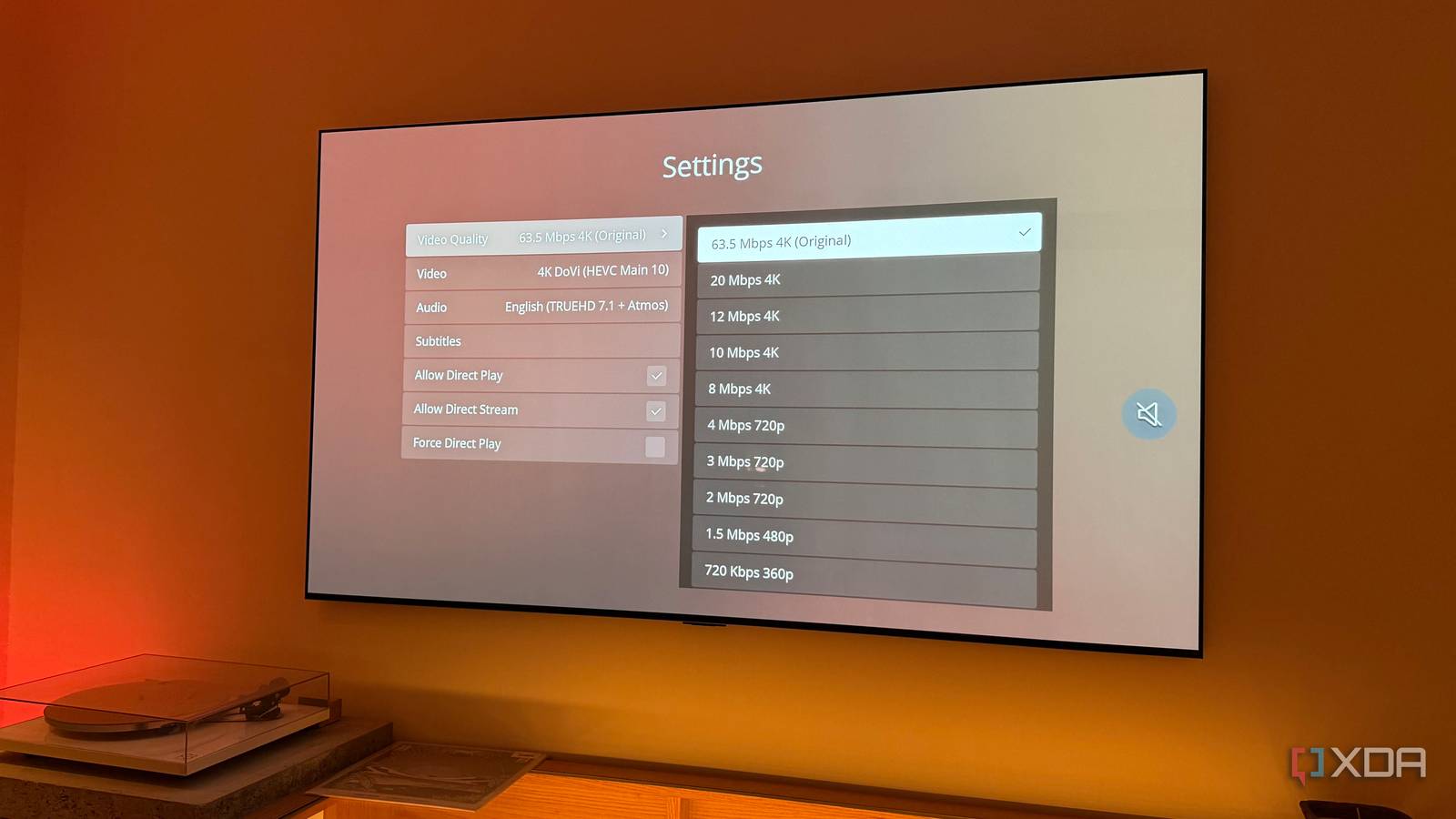
Published Sep 23, 2026, 3:00 PM EDT Dhruv Bhutani has been writing about consumer technology since 2008, offering deep insights into the personal technology landscape through features and opinion pieces. He writes for XDA-Developers, where he focuses on topics like productivity, networking, self-hosting, and more. Over the years, his work has also appeared in leading publications such as Android Police, Android Authority, CNET, PCMag, and more. Outside of his professional work, Dhruv is an avid fan of horror media spanning films and literature, enjoys fitness activities, collects vinyl records, and plays the guitar. When I started building out my media collection a few years back, I used to think that better quality meant chasing higher resolution. I spent a long time upgrading my 1080p copies to 4K. Then the 4K files got a bitrate upgrade. Eventually, I realized that I was spending way more time thinking about those specific numbers than making meaningful upgrades to how my movies looked. The real issue was that resolution rarely held my setup back. A movie could be 4K and still look washed out, dark, or just plain wrong when the playback device didn't handle HDR properly. I was also dealing with file formats that made transcoding essential. So I started looking at the parts of my setup I'd been ignoring. Turns out, a few variables there made a bigger difference in my entertainment experience. I stopped chasing resolution and started optimizing playback Direct Play matters more than a bigger file Part of optimizing my media library for tangible visual upgrades meant changing how I think about it altogether. For one, I no longer blindly pick the highest-resolution version, assuming it's the best one. I've become a lot pickier about file formats and try to make sure the entire chain from my NAS to the TV supports the format. A 4K HEVC movie with HDR can look fantastic when my TV and client support the format. But if I'm using a format like HEVC, I have to make sure the devices I use at home can decode it. As it turns out, not all of them can. That's where hardware transcoding comes in. This is where Jellyfin has changed the way I manage my media library. My goal is to Direct Play the original file whenever the client can handle the video, audio, and subtitle formats. When that isn't possible, Jellyfin can take different approaches depending on what the client supports. It can remux the file without changing the actual video, transcode just the audio, or transcode the video itself when there is no other option. That flexibility is key. The best-case scenario is that the TV plays the file directly. My server has no reason to decode and re-encode a file my television already understands. It also means that I'm not putting unnecessary load on my server to transcode files. Subtitles are another common stress point for me. They come in all sorts of formats, and all too often they trigger a full transcode. Burning subtitles directly into the video is particularly demanding and can also affect video quality if the server transcodes it with software. Making sure I have the right subtitle format is critical. Similarly, if a 1080p file Direct Plays on my television while a 4K file needs constant transcoding, I'll pick the 1080p file every day. HDR can make a bigger difference than 4K Tone mapping makes HDR work across more displays The biggest lesson for me has been that HDR can make a much larger difference to the enjoyment of a movie than upgrading the resolution. A properly mastered HDR file has brilliant highlights, deep contrast, and a lot more detail across a wider range of brightness levels. But all of that only matters when you play it back as it was originally meant to be. This is where home media servers get complicated. Not every screen supports every HDR format, and not every client can handle every combination of codec, container, and HDR format. In fact, Jellyfin's own HDR support varies dramatically depending on the platform you're running it on. All that said, a 4K HDR file won't automatically look better just because it contains HDR. If the client device can't pass the HDR metadata correctly, or expects SDR, it won't look true to life unless the server converts the HDR content into something the display can actually show. That's where tone mapping comes in. Tone mapping takes the brightness and color information from the HDR source and maps it into the range that an SDR display can reproduce. This critical step translates the HDR source's brightness and color information into the color spectrum an SDR display can reproduce. Jellyfin, for example, can handle everything from HDR10 and HLG to SDR tone mapping, and when set correctly, this is one of the most notable upgrades you can make to your media. If you've ever thought that an older movie looks a bit too bright or a tad too dull, poor tone mapping could be the cause. Optimizing your content pipeline is the real upgrade If you came here looking for some quick optimization tips to transform your media quality, you'll probably be disappointed, but that's just not how it works. You need the essentials, like a high bitrate file and good enough resolution. Beyond that, it comes down to making sure the entire chain from source to playback device can play the video in as close to a native format as possible. The fewer the transcodes, the better the quality. If you do need to transcode, hardware transcoding helps preserve picture quality where possible. With all this in mind, I've reached a point where 4K isn't the biggest upgrade for me. I have plenty of 1080p files that look just as good. The real upgrades have been optimizing how I actually consume that content. Jellyfin iOS compatible Yes Android compatible Yes Desktop compatible Yes Jellyfin is one of the best Plex alternatives you can get, and that's thanks to its open-source nature and powerful set of features. There are apps for basically every platform and it's completely free to run your very own server.
I stopped chasing 4K and found the upgrades that actually made movies look better
Full Article
Original Source
Read the full article at Xda-developers →KhanList aggregates and links to publicly available news content. We do not host full articles from third-party sources. Always verify important information with original sources.