
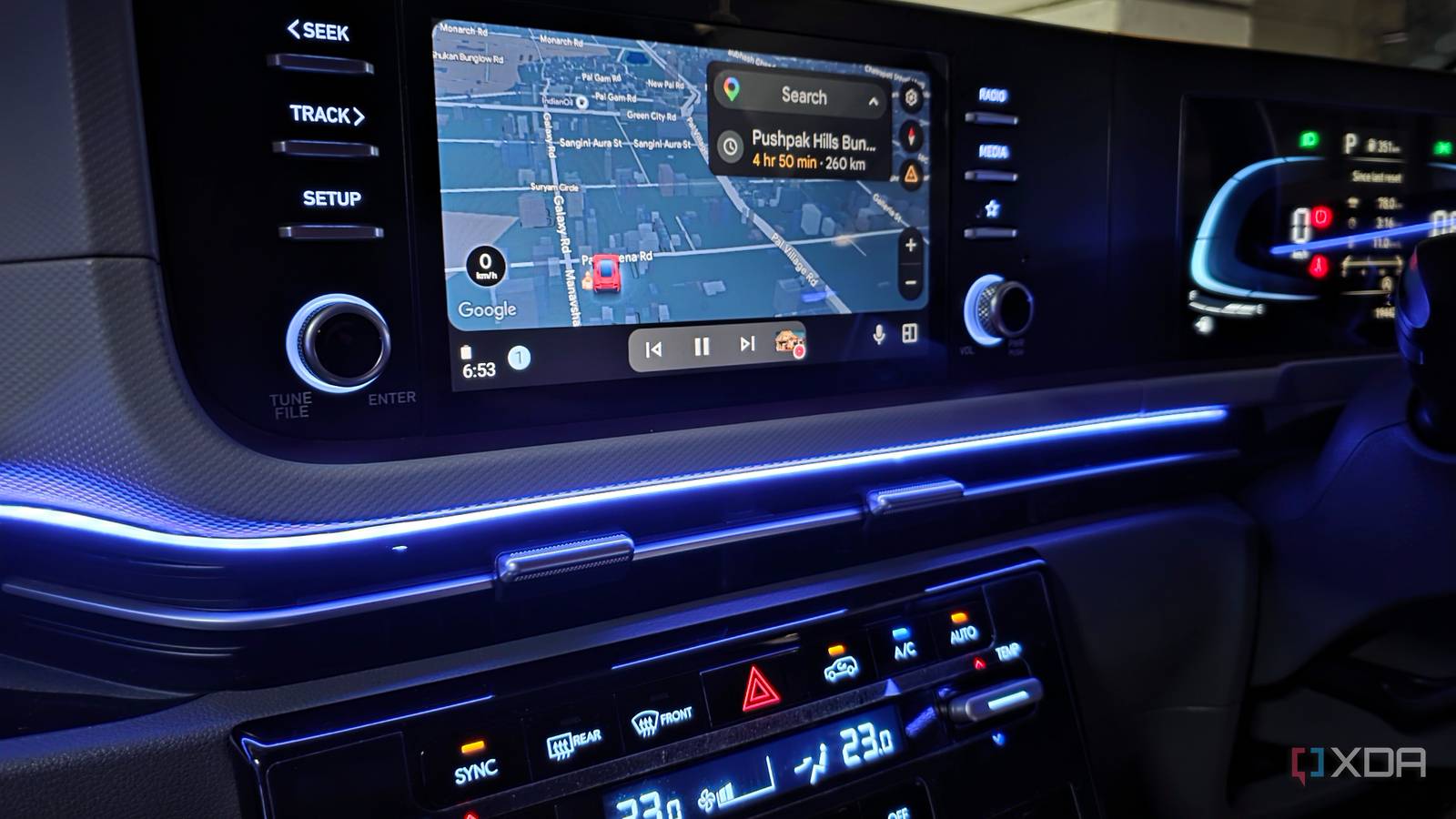
Published Nov 19, 2026, 8:30 AM EST Parth, a seasoned tech writer, wields the keyboard (or pen) with finesse to unravel the intricacies of both Windows and Mac operating systems. He has covered evergreen content on mobile devices and computers for multiple publications over the last six years. You can find his work on AndroidPolice, GuidingTech and TechWiser. Whether it’s demystifying system updates, deciphering error codes, or exploring hidden features, Parth’s prose guides readers through the binary maze. When not immersed in tech jargon, you’ll find him sipping chai, pondering the next software review, and occasionally indulging in a friendly debate about mechanical keyboards. I have always had a love-hate relationship with wireless Android Auto. On a good day, I can hop into my car, start the engine, and have Google Maps and YouTube Music ready before I even leave the parking lot. On a bad day, it’s a different story. The connection takes forever to establish, music randomly stops playing, or Android Auto disconnects right in the middle of navigation. Initially, I blamed Google’s software and assumed wireless Android Auto was unreliable by nature. However, I started paying closer attention to when the connection failed, what was running on my phone, and which setting might be interfering, and now my wireless Android Auto is as solid as the wired one. I was troubleshooting the wrong problem The restart button wasn’t fixing anything Whenever wireless Android Auto acted up in my car, I followed the same troubleshooting routine. I would restart my Galaxy S25 Ultra, force-stop Android Auto, toggle Bluetooth and Wi-Fi, or disconnect and re-pair my phone with the infotainment system. These were the usual fixes I had come across online, and to be fair, they occasionally worked. However, the relief was short-lived. The same connection problems would resurface a few days later, sometimes during the very next drive. I eventually realized I wasn’t actually fixing anything. I was just resetting the connection and hoping the problem wouldn’t return. Instead of blindly repeating the same troubleshooting steps, I decided to approach the problem differently. I started paying attention to exactly when wireless Android Auto failed and what was happening on my phone at that moment. I also kept an eye on my phone’s battery settings, Wi-Fi behavior, and whether certain features were running in the background. This simple change in approach helped me narrow down the possible causes instead of randomly changing settings. My phone’s smart features weren’t always helping Smart connectivity wasn’t always so smart One of my biggest surprises during my troubleshooting was discovering that some of my phone’s intelligent connectivity features were doing more harm than good. These features are designed to optimize network performance, but they don’t always play nicely with wireless Android Auto. For instance, on my Pixel 8, I disabled Adaptive Connectivity. This feature automatically manages network connections to improve battery life and performance. While it’s useful in everyday situations, I suspected it might be interfering with Android Auto’s wireless connection. After turning it off, I noticed fewer connection hiccups and a more consistent experience during my drives. I faced something similar on my Galaxy S25 Ultra. Samsung’s Intelligent Wi-Fi settings include options to automatically switch between networks or mobile data depending on connection quality. Since wireless Android Auto relies on a Wi-Fi connection with the head unit, I disabled automatic Wi-Fi switching to eliminate another potential issue. Again, the difference was noticeable as my wireless Android Auto connection became more stable. Neither change is a guaranteed fix for everyone, but both helped in my experience. My phone’s background behavior raised questions Battery savings came with hidden compromises Another thing I started investigating was how my phone handled apps and background processes. Some Android phones are quite aggressive with battery optimization, and Samsung takes it further with its sleeping and deep sleeping apps features. While these tricks can squeeze extra battery life out of my Galaxy S25 Ultra, I began wondering whether they were also affecting my wireless Android Auto experience. I started by disabling power-saving mode whenever I used Android Auto. I also went to Samsung’s battery settings and made sure Android Auto wasn’t on the Deep sleeping apps list. I added it to the Never auto-sleeping apps list, where available, so the system wouldn’t restrict background activity. While I was at it, I reviewed other aggressive battery-saving settings that could interfere with essential connectivity services. My wireless Android Auto connection has become more consistent, especially during longer drives where I rely heavily on Google Maps and YouTube Music. The experience taught me that maximizing battery life isn’t always worth compromising background connectivity. I stopped overlooking the infotainment system My phone wasn’t the only suspect I was so focused on troubleshooting my phone that I overlooked the car’s infotainment system. After all, wireless Android Auto relies on both devices working together. I started restarting the head unit, checking the firmware updates, and reviewing its connectivity settings. I also tested another Android phone to see whether the same problems persisted. This helped me narrow down whether the issue came from Android Auto software or the head unit itself. The connection problems had unexpected origins I used to blame wireless Android Auto for every random disconnect, but this little investigation changed my perspective. The problem wasn’t always Google’s software. Sometimes, it was my phone’s aggressive battery management, intelligent connectivity features, or even the infotainment system itself. Wireless Android Auto still isn’t flawless, but my connection is more reliable now.
I stopped blaming wireless Android Auto for random disconnects and found the real culprits
Full Article
Original Source
Read the full article at Xda-developers →KhanList aggregates and links to publicly available news content. We do not host full articles from third-party sources. Always verify important information with original sources.