
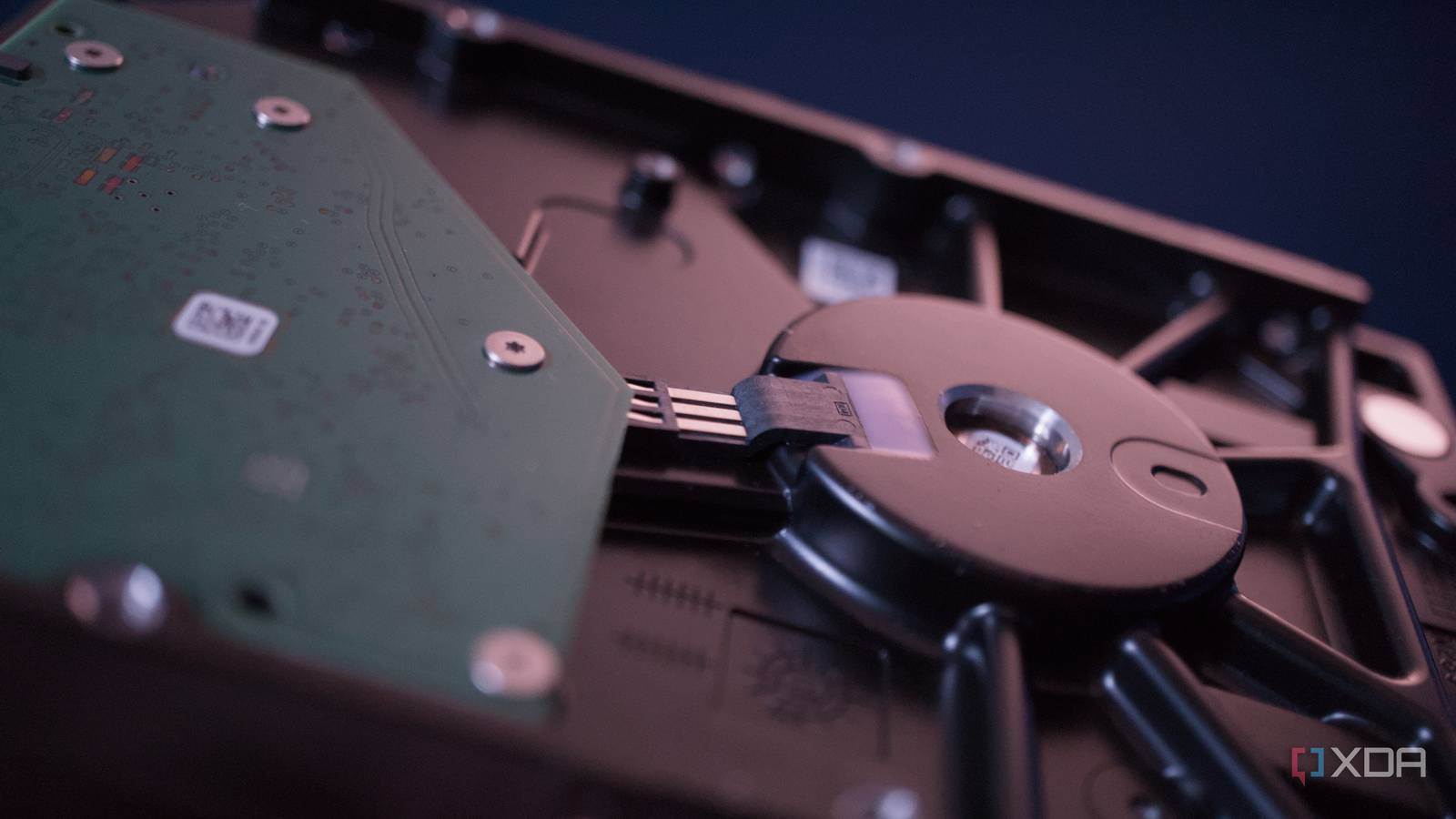
Published Oct 5, 2026, 2:30 PM EDT Richard is the PC Hardware Lead at XDA and has been covering the technology industry for almost two decades. He's been building PCs since young, and when not creating content, you can often find him inside a chassis somewhere. Picking up new drives for your network-attached storage (NAS) can prove challenging, especially in today's pricing climate where every piece of technology is inflated by supply constraints. NAS-specific drives already cost considerably more than standard consumer storage, which is why I’ve used other methods to acquire HDDs for my own systems. These include buying discounted enterprise drives and shucking external enclosures. Shucking drives used to offer the best storage discounts around, but it's more a gamble these days. Shucking could land you a diamond or piece of rock It's a gamble as to what will be contained within the enclosure The underside of a HDD. Shucking involves purchasing a device with an internal drive with the aim to remove it from the enclosure. This usually occurs with an external storage solution or direct-attached storage (DAS) device. We've covered a few that frequently go on sale during promotions like Black Friday, allowing for some ridiculous savings to be had. It would be possible to extract a 4TB or 8TB drive from within an enclosure for use inside a NAS, saving $10, $20, or sometimes $50 or more per drive. Instead of buying a Seagate IronWolf or Western Digital Red, you'd buy a full external storage device and extract the HDD from inside. It sounds like a dream come true until you realize that there's no guarantee of what drive will be installed inside the plastic casing. It's not in Seagate's or WD's best interest to note the drive model number on the specifications sheet, as it would then drive people away or see more people opt to shuck drives instead of paying more for new NAS drives. Then there's the fact that these drives are often what the companies have lying around inside the factory. There's no set model each external enclosure has set aside. It's quite literally random. Sometimes, you can find NAS-rated hard drives inside. Other times, it's a basic white-label solution with weak specs for continuous operation. It really does come down to the luck of the draw. You could buy two external storage devices, extract both drives, and find out that they are completely different in almost every way. One would be worth the process of ruining the warranty, while the second may not be worth the money you spent on the enclosure, compared to the extra cost it would take to buy a brand-new NAS drive on its own. Where shucking can leave you with nothing Now, don't get me wrong, a cheap drive is better than no drive, but if you're planning to rely on the NAS or home server to store important files and backups, it's probably best that you try and get drives designed for the use case. I wouldn't want to rely on consumer-grade HDDs and SSDs for storing files for long periods of time. They may work perfectly fine inside a desktop or laptop PC and the NAS or home server for a while, but the heavy hitting and constant operation can cause more wear than they were designed for. The same goes for shucking, because you could end up with an unexpected disappointment. Manufacturers aren't willing to confirm this data, as they source multiple drives to fill these units, and so it's not a given which would actually be inside the enclosure you'd receive outside of using serial numbers and the like. This can make it difficult to get the right drives from shucking. No one wants a bad white label HDD, but this is sometimes what will be present. External storage enclosures aren't really the same as a NAS. They are primarily used directly attached to a device. A NAS is running 24/7, the same as a home server. This puts additional strain on components, including storage. Drives sold inside external enclosures may not carry workload ratings or warranties intended for always-on NAS use. They're designed for you to connect one to the PC, turn it on, transfer some data, and turn it off. It may still be worth doing for your NAS It's a great way to score some cheap drives Though you may be out of luck when it comes to gambling with the shucking gods, the process may still be worthwhile, especially if you find the external storage enclosure on sale at a serious discount. I wrote above that I wouldn't want to rely on standard drives for storing sensitive data for long periods, but that's only if a backup strategy isn't in place. So long as you understand the risks and employ a 3-2-1 strategy with multiple copies of everything that will be stored on the network, you're good to go. Don't worry too much about having equally rated drives inside the NAS array. RAID is not a backup, so anyone using shucked drives should have a tested backup strategy in place. For my setup, which included shucked drives, I can recover my entire home lab in under an hour. Yes, I've tested and timed it. A few scripts will take me from disaster to fully up and running in no time, and that's what allows me to continue rolling the dice with shucked drives. I don't mind using shucked drives because I've got the means to restore all containers, VMs, datasets, and settings in record time thanks to a combination of Proxmox snapshots, full NAS backups, and a 3-2-1 strategy. Backups are another deal, however, and I make sure I'm using reliable storage to keep all my precious data stored safely. The aim is to save money where possible without sacrificing performance, reliability, and data security. Check your old devices for storage Think about all the hardware you've used over the years. When recycling old systems, keep the drives aside and in storage boxes. These can come in handy further down the line, especially if they're HDDs with a few terabytes of capacity. SSDs are even more valuable right now, and if you manage to score a few 1TB modules from other devices, these could create the ultimate platform for super-fast network storage.
I still shuck drives for my NAS, but the gamble isn't worth it anymore unless you have a backup plan
Full Article
Original Source
Read the full article at Xda-developers →KhanList aggregates and links to publicly available news content. We do not host full articles from third-party sources. Always verify important information with original sources.