
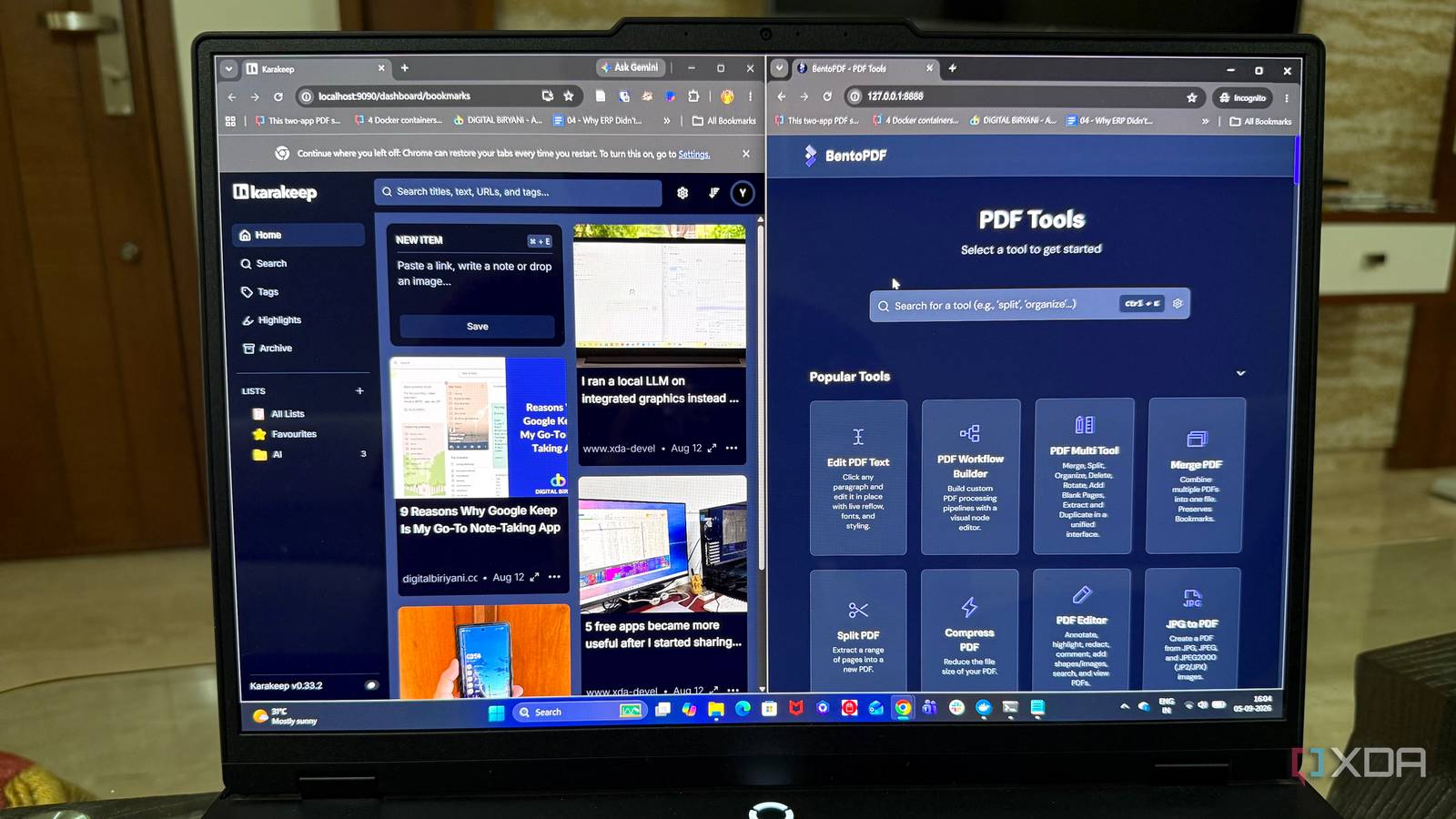
Published Sep 7, 2026, 6:00 AM EDT Beginning his professional journey in the tech industry in 2018, Yash spent over three years as a Software Engineer. After that, he shifted his focus to empowering readers through informative and engaging content on his tech blog – DiGiTAL BiRYANi. He has also published tech articles for MakeTechEasier. He loves to explore new tech gadgets and platforms. When he is not writing, you’ll find him exploring food. He is known as Digital Chef Yash among his readers because of his love for Technology and Food. I used to have a simple rule: if I needed a tool, I downloaded an app for it. My PC slowly filled up with software that I barely used, and I never really questioned the habit. I assumed desktop apps were always the better choice. That started changing as more capable tools moved into the browser. I began using them for everyday work and quickly noticed how much easier some tasks felt. I no longer had to think about software the same way. It wasn't a dramatic switch. I just started giving browser-based tools a chance, and I haven't looked back. I stopped installing an app for every little task Not every task needs an app One of the biggest changes I made was becoming much more selective about what actually deserves a place on my PC. Earlier, if I needed to do something specific, I would immediately look for a desktop app that could handle it. Even if I only needed the tool once or twice, installing it felt like the obvious solution. I don't do that anymore. If I need to resize an image, convert a file, remove a background, merge a PDF, or perform some other small task, I first check whether I can do it directly in my browser. For these quick jobs, a good web tool is usually enough. This has also changed how I think about small utilities. I don't need a dedicated application sitting around for something I might use once a month. I can open the browser, get the task done, close the tab, and move on. It sounds like a small change, but it has made my software choices much more intentional. I install something now because I genuinely need it, not simply because an app exists for it. No more machine dependency I can work from almost anywhere The best thing about using browser-based tools is that I don't feel tied to one computer anymore. Earlier, when I used mostly desktop apps, I had to make sure the programs I needed were installed on the machine I was using. That could be a problem when I switch to another PC. Now, I can simply open my browser and use many of the same tools I use every day. As long as I have an internet connection and a browser, I can get started without setting up the computer first. Or I can just install it on my server and access it from my browser. I find this useful when I'm working from different machines. I don't have to install a bunch of apps just to complete a few tasks. I can open the tools I need, sign in if required, and get back to work. I stopped worrying about updates and setup No more update interruptions Another small thing I stopped thinking about was keeping my apps updated. With desktop software, I often had to deal with update notifications, download new versions, or restart an app before I could continue working. It wasn't a huge problem, but it was another thing I had to manage. With browser-based tools, that part mostly disappears for me. When I open a website, I know I'm using the version the service currently provides. I don't have to check whether an update is waiting or wonder if I'm using an older version. I also like not having to go through a setup process every time I start using a new tool. Usually, there's nothing to download, install, or configure. I can open the website and start using it straight away. This also makes trying new tools much easier. If something looks useful, I can test it without committing to a full installation first. For me, these small conveniences add up. There is simply less software maintenance getting in the way of my work. I still keep some things on the desktop Browser first, but not browser only I haven't completely moved away from desktop apps. Some tools are simply better when they run locally. I still use Ditto for clipboard history because I want it running quietly in the background whenever I need it. I also prefer Obsidian for certain notes because I like keeping my files locally and having direct control over them. For image editing and graphic design, I still use Affinity because I want the deeper features and control that a full desktop app provides. So, I'm not trying to replace every desktop app with a browser-based tool. I now choose based on what I actually need. If something is quick and simple, I'll usually look for a browser-based option first. If I need a tool to run in the background, work with local files, or handle more demanding tasks, I'll stick with the desktop version. I wish I'd made the switch sooner I used to think installing an app was simply part of using a computer. Now I see it differently. Browser-based tools have made many parts of my workflow feel lighter and simpler, without forcing me to give up the desktop apps I actually value. The biggest change has been realizing that I don't need software for the sake of having software. Sometimes, the best tool is simply the one I can open and use.
I started choosing browser-based tools over desktop apps, and I wish I'd done it sooner
Full Article
Original Source
Read the full article at Xda-developers →KhanList aggregates and links to publicly available news content. We do not host full articles from third-party sources. Always verify important information with original sources.