
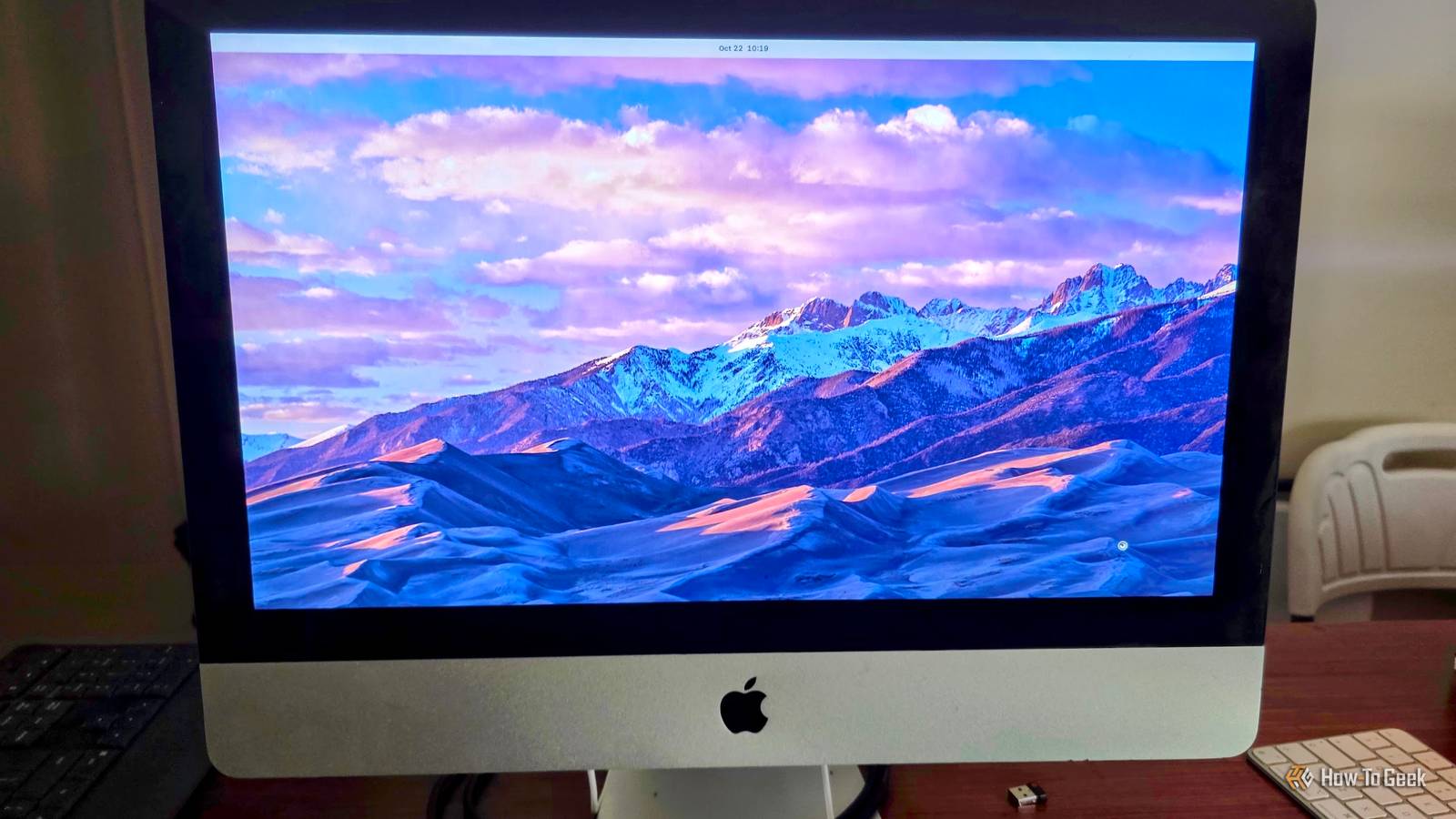
Published Oct 31, 2026, 12:30 PM EDT Sydney Butler is a technology writer with over 20 years of experience as a freelance PC technician and system builder and over a decade as a professional writer. He's worked for more than a decade in user education. On How-To Geek, he writes commerce content, guides, opinions, and specializes in editing hardware and cutting edge technology articles. Sydney started working as a freelance computer technician around the age of 13, before which he was in charge of running the computer center for his school. (He also ran LAN gaming tournaments when the teachers weren't looking!) His interests include VR, PC, Mac, gaming, 3D printing, consumer electronics, the web, and privacy. He holds a Master of Arts degree in Research Psychology with a minor in media and technology studies. His masters dissertation examined the potential for social media to spread misinformation. Outside of How-To Geek, he hosts the Online Tech Tips YouTube Channel, and writes for Online Tech Tips, Switching to Mac, and Helpdesk Geek. Sydney also writes for Expert Reviews UK. He also has bylines at 9to5Mac, 9to5Google, 9to5Toys, Tom's Hardware, MakeTechEasier, and Laptop Mag. It's amazing what you can find when it comes to used computers. The current strange pricing of computer hardware notwithstanding, for the most part computers devalue rapidly. So a machine from ten years ago will have lost nearly all of its value. The thing is, for most of what we need a computer to do, a decade-old machine is still more than enough. I recently came into possession of an old Intel iMac that had pretty decent specs, and thanks to the magic of Linux, I was able to turn it into a computer that's perfectly good for general-purpose use. All for just $100. What's the deal with this iMac? The ridiculous economics of old peripherals Credit: Mikkel Paulson / Wikimedia Commons So why do I even have this old iMac? It's a short but rather funny story. My wife has some old digital videotapes that she wanted to transfer to newer media. The camera only has FireWire output, at least if you want to have the original full quality of the digital data on the tape. After doing some research, it turns out getting a FireWire card and all the necessary adapters would cost a fortune. So I looked up the last generation of iMacs to come with FireWire, which turned out to be the 2011 models. So here I picked up a quad-core mid-2011 21.5-inch iMac with 8GB of RAM, Radeon graphics, and a 1TB hard drive. The screen is in perfect condition, the speakers work, and it's just the optical drive that's properly broken. It's hilarious to me that it's cheaper to buy an entire used computer than FireWire hardware for a computer you already own, but this was the solution we needed, and so I ordered one. Why not just keep macOS? It's so obvious, right? The version of macOS that this supports was perfectly fine for transferring files from a camera to a USB drive via FireWire, but once that's done, there's really nothing else you can do. Support for this old version of macOS is long gone, and you can't install the latest browsers, there's no security, and in general it's safe to call this end-of-life. Apple is done with this computer, and so I have to assume whatever art school or doctor's office this computer was originally from also wrote a physically working computer off as depreciated scrap. If the OS is the problem, can we change it? Even though this Intel iMac supports Boot Camp, running outdated or unsupported Windows versions is a security headache, making Linux the far better choice. Perhaps I could modify Windows 11 with Rufus to get it going, but really all it needs is a working modern browser and the ability to run contemporary apps, in which case Linux is the obvious solution. Installing Linux on this thing was easy It took minutes I thought getting Linux installed on this thing would be hard. However, it turned out to be no more difficult than installing modern Linux on any random x86 computer. I picked Zorin OS because it looks a bit like macOS, used Rufus to create a bootable USB and plugged it into the Mac. On this old Intel iMac, all you have to do is hold Option (Alt) while turning it on and you'll see startup options. Then I simply selected the USB drive as my boot device, and followed the usual installation process. It works perfectly It didn't "driver" me mad With any Linux installation, your main concern would be drivers. Will the sound, Bluetooth, graphics, network, and so on work? Or, are you going to spend a whole weekend trying to make them work? I'm happy to report that in this case everything just worked out of the box. The only thing I had to change was reverting from Wayland to Xorg. I experienced graphical glitches in the web browser when rendering pages that went away completely using X11. I even managed to watch my Tintin DVDs by plugging a USB DVD drive into the iMac, and overall it runs just the same as any office computer designed for office work and web browsing. In other words, this is a perfectly good PC. Just imagine how many Intel Macs we can save! There are piles of these old Intel Macs all over the place. To me, that sounds like a bunch of computers that could be used for self-hosting, for shared family browsing machines, or whatever else can work within their specifications. If all it takes is five minutes to get Linux working, it really does seem a waste to scrap any of these machines. I know that I'll be keeping an eye out for old Intel Macs going for a song, so that I can perhaps create more "Lackintoshes," which is what I just now decided to call a Mac running Linux.
I spent $100 on an old Intel iMac and Linux made it useful again
Full Article
Original Source
Read the full article at Howtogeek →KhanList aggregates and links to publicly available news content. We do not host full articles from third-party sources. Always verify important information with original sources.