
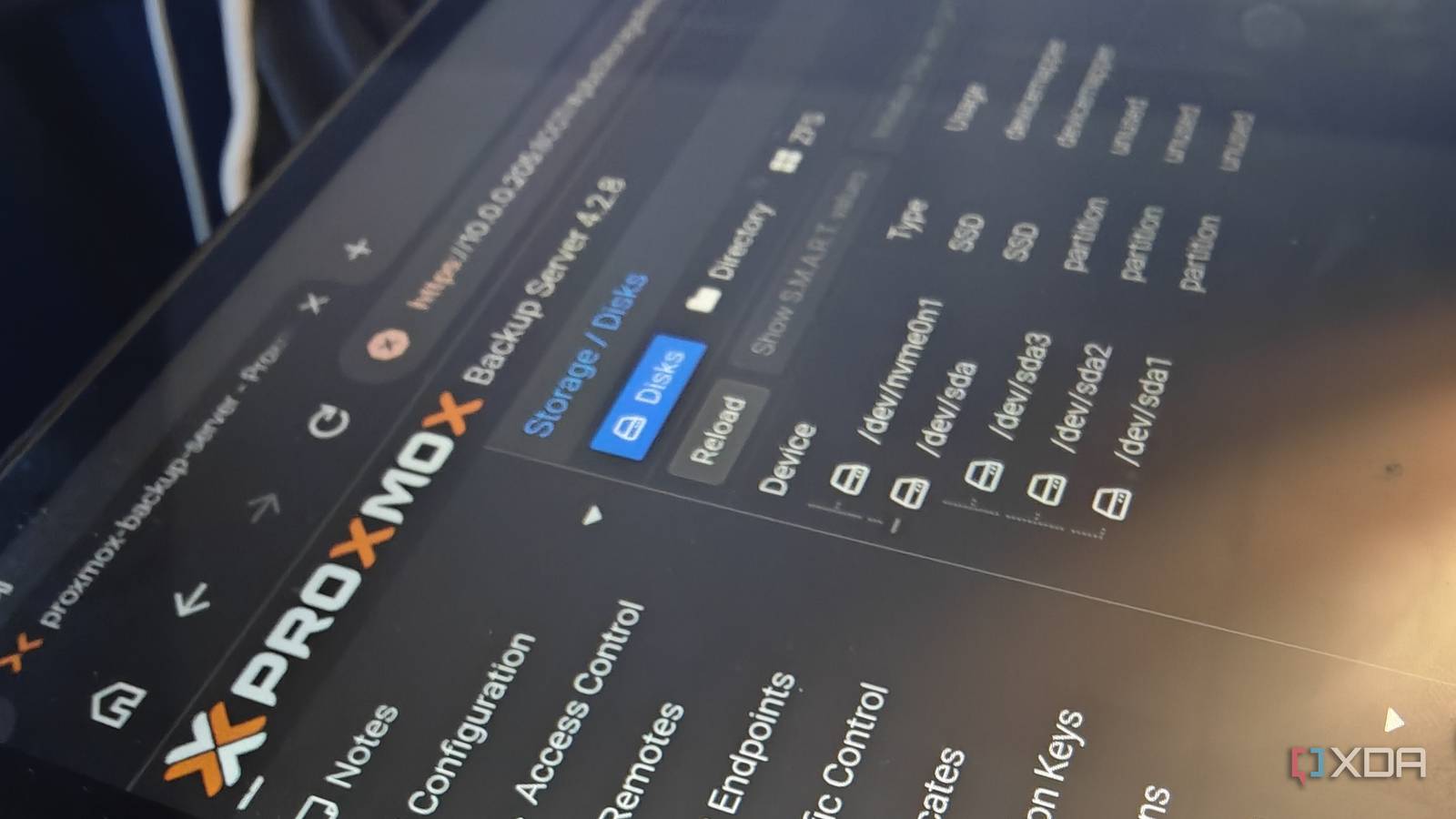
Published Oct 28, 2026, 8:00 AM EDT Richard is the PC Hardware Lead at XDA and has been covering the technology industry for almost two decades. He's been building PCs since young, and when not creating content, you can often find him inside a chassis somewhere. Sign in to your XDA account Proxmox Backup Server is one of those things that I continued to put off for months. I make full use of the platform's snapshot and backup capabilities. If a Linux container (LXC) or virtual machine (VM) decides to call it quits, I can restore an earlier backup. It's simple, far from elegant, and (best of all) reliable. But there's a better way. PBS is the answer for a Proxmox-powered home lab, and I'm just disappointed with myself that it took me this long to get it up and running. Finally, my entire home lab is disposable. Finally making the switch to PBS It's a boring upgrade, but the best one I've made Proxmox already has solid backup functionality baked right into my nodes, so why would I want to use a dedicated platform for handling backups? Seems a little redundant, especially since I'm actively consolidating and lowering my overall home lab power draw baseline. Once I actually started to look at it more seriously and used an available device to launch an instance, it all started to click, and PBS turned into a powerful recovery mechanism that can help me should disasters strike. I'd like to believe my Proxmox backup strategy mirrored that of many others who use the platform, including my esteemed colleague Ayush Pande. LXCs and VMs could be restored using vzdump on the host's primary drive, but the way this system worked meant that I quickly accumulated many GBs of space just to store these files. After a while, the PVE storage pool would start to show signs of strain. I even had one of the nodes cry out for assistance as its local pool dried up. Proxmox Backup Server handles things slightly differently. Instead of vzdump provisions, PBS makes use of incremental snapshots. Once an initial snapshot has been saved, subsequent backups only include changes made to the guest. It makes perfect sense when you think about it. Why store countless copies of the same data on the same system? Simply store one copy and all the changes that are made over time. Genius. PBS even continuously tries to ensure all backups are lean. Setting PBS up is seamless The best part about using PBS to handle backing up all of your Proxmox node LXCs and VMs is that it's all seamless, integrated, and takes a few minutes to have everything connected and running. The installation process is largely identical to that of Proxmox itself. The only difference is that once the software has loaded, we won't be running virtualized instances on this machine. Instead, it'll connect to already established nodes and act as a backup destination. As soon as PBS is online, it can be connected to existing Proxmox nodes within the home lab. Once you've saved a few backups to the newly created server, it's almost immediate as to how much of an improvement this can make to the overall home lab. Managing backups of all your running services becomes easier, especially with incremental snapshots. I thought normal Proxmox backups were the bee's knees, but I was only kidding myself once PBS came into my digital life. Never underestimate the power of backups (and stupidity) I like to experiment... which can be a double-edged sword A home lab is the perfect platform to run some truly weird and wacky experiments. Ayush Pande has most certainly pushed the limits of Proxmox with some projects and write-ups that make you question your own sanity. But not all of these are harmless. Sometimes, something may go wrong. I've messed up a Proxmox node that required hours to diagnose and fix, or a simple backup to be restored. I've always been a sucker when it comes to backing up data. It's why I'm so passionate about World Backup Day and promoting the 3-2-1 backup strategy. Proxmox has changed the way I operate. I can restore my entire home lab (TrueNAS included) in less than 10 minutes if the issue isn't related to hardware. That's not because I've become exceedingly good at restoring backups, but instead because I make sure they're present in the first place. Backing up your PC is vital, as is your NAS. But I often forgot about the home lab. Proxmox is now saved through snapshots that can be quickly restored. Even local snapshots are excellent at ensuring you don't lose anything and the instance isn't offline for too long. But once we're dealing with multiple VMs and LXCs, it's probably time to move up to PBS to handle backups more efficiently. It can also be considered part of the 3-2-1 backup strategy alongside local server node backups and a copy on a NAS. The more the merrier! Should everyone move to PBS? Everyone moving to PBS isn't likely to be the best move, but it can be a great way to take backups off your Proxmox nodes without needing to rely on custom configurations or scripts to handle the workload. Keep everything on the Proxmox platform and ensure that the cluster is ready to go even if the worst should happen. Proxmox Backup Server
I set up Proxmox Backup Server, and it made every machine in my home lab disposable
Full Article
Original Source
Read the full article at Xda-developers →KhanList aggregates and links to publicly available news content. We do not host full articles from third-party sources. Always verify important information with original sources.