
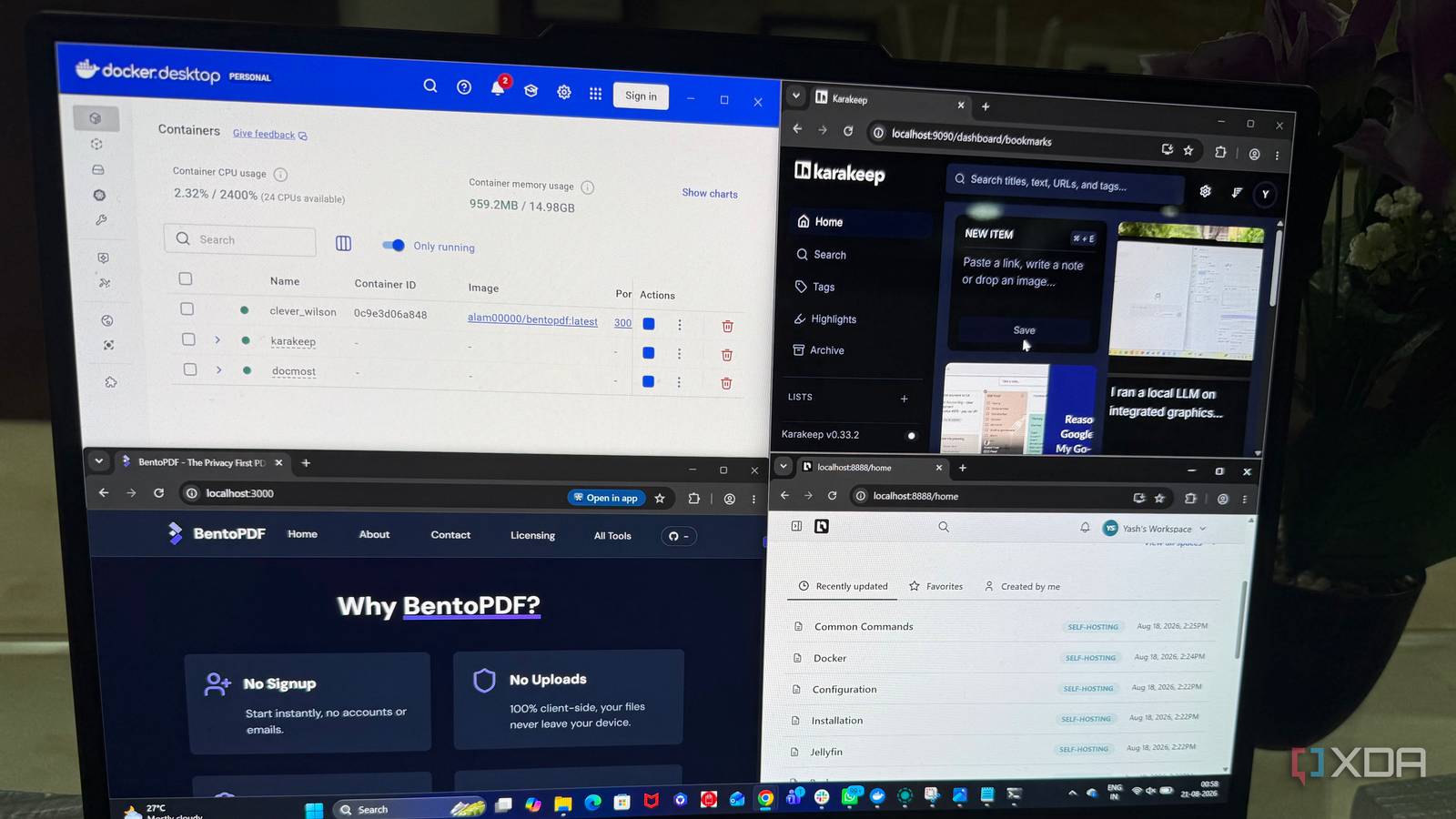
Published Aug 26, 2026, 7:01 PM EDT Beginning his professional journey in the tech industry in 2018, Yash spent over three years as a Software Engineer. After that, he shifted his focus to empowering readers through informative and engaging content on his tech blog – DiGiTAL BiRYANi. He has also published tech articles for MakeTechEasier. He loves to explore new tech gadgets and platforms. When he is not writing, you’ll find him exploring food. He is known as Digital Chef Yash among his readers because of his love for Technology and Food. I like self-hosting because it lets me build tools around the way I work instead of adapting to another service's limitations. Over time, my homelab has become more than a place to experiment with Docker. It now handles several everyday tasks and helps me stay productive without constantly adding new subscriptions. I don't self-host everything, but I've found a few containers that genuinely make my workflow easier while keeping more of my data and tools under my control. These are the ones that made the biggest difference. Paperless-ngx My document management stack Paperless-ngx is my go-to container for managing digital documents. I use it to store invoices, receipts, manuals, and other important files in one place. Instead of digging through folders, I can quickly find what I need with its powerful search. It also automatically organizes documents, which saves me time whenever I add something new. I like that everything stays on my own server, without needing another cloud storage subscription. For me, Paperless-ngx has replaced the need for a separate document management service and is one of the easiest ways I've found to keep my digital paperwork organized. Paperless-ngx Paperless-ngx is a self-hosted document management platform that helps you digitize a variety of document types. Vaultwarden My passwords, my server, my rules Keeping my passwords on my own server is one of the easiest ways I've cut another subscription. Vaultwarden works with the Bitwarden apps and browser extensions I already use, so the switch felt almost seamless. I can access my vault from my phone, desktop, and browser without changing my usual workflow. It also supports features like password generation and secure sharing, which cover everything I need for everyday password management. The lightweight setup runs comfortably in my homelab and requires little maintenance. For me, it delivers the convenience of a password manager without another monthly bill. Vaultwarden Key highlights Self-hosted Bitwarden alternative Vaultwarden is a self-hosted solution for storing paswords and credentials managed with Bitwarden. Karakeep My bookmarks and saved knowledge Karakeep is where I save things I find useful while browsing the web. I used to leave bookmarks scattered across browsers, making them hard to revisit later. Now, I can quickly save articles, guides, videos, and other useful links in one place. I also like adding notes and tags so I can give saved items some context instead of collecting a pile of random links. The interface stays simple, so saving something takes only a few seconds. Since Karakeep runs in my homelab, I don't need another paid bookmarking service. It has become my personal inbox for useful things I find online. Karakeep Karakeep is an open-source, self-hosted bookmarks manager that allows you to add bookmarks from any platform and categorizes them based on tags. Docmost My personal knowledge base I use this container as a simple place to keep information I regularly need to refer back to. Project notes, setup instructions, how-to guides, and other reference material all have their own pages. I like the wiki-style layout because it keeps everything structured without feeling complicated. Creating new pages is quick, and linking related information makes it easier to build a useful reference library over time. I also find it handy when I need to document something once and refer to it later instead of searching through old files or messages. It has gradually become my personal knowledge management. Docmost Docmost is an open-source, self-hosted collaborative wiki and knowledge-base. Immich My personal photo library Immich is the container I use for managing my growing photo collection. I wanted something that felt close to Google Photos without sending every picture to another company. I can upload photos from my phone automatically and browse them through a clean interface. The timeline makes it easy to jump back to older memories, while albums help me group photos when needed. I also like that Immich handles large photo libraries without feeling clunky. Since everything runs on my own server, I don't have to keep paying for extra cloud storage as my collection grows. It has become my everyday photo backup. Immich Key highlights Self-hosted iOS compatible Yes Android compatible Yes Immich is a self-hosted photo and video backup solution. BentoPDF My private PDF toolbox PDF tools are another area where I don't want to depend on a subscription. BentoPDF gives me a simple web interface for handling everyday PDF tasks, including merging, splitting, compressing, converting, and rotating files. What I like most is that the processing happens locally, so I can work with documents without uploading them to an online PDF service. I often use it for quick jobs where opening a full desktop application feels unnecessary. Since it runs as a Docker container, I can access the tools from any device on my network. It has replaced several small PDF utilities I used to rely on. BentoPDF BentoPDF provides fast, private, and free PDF tools. It processes files locally in your browser, ensuring privacy as your documents never reach their servers. It requires no account, offers all tools for free, and is built for speed. Firefly III My personal finance dashboard Keeping track of my spending used to mean checking different banking apps and spreadsheets. Firefly III gives me one place to manage that information. I can record transactions, organize them into categories, and see where my money is going without relying on a separate budgeting service. I especially like being able to create rules for recurring transactions, which cuts down on manual work. The reports also make it easier to spot spending patterns and keep an eye on my budget. Since it runs in my homelab, I don't need to pay for another personal finance app every month. It has simplified my money tracking considerably. Firefly III Firefly III is a free and open-source personal finance manager that can be self-hosted in Docker. The real savings go beyond $$$ I didn't set out to replace every cloud service I use. I simply wanted better control over the tools I rely on every day. These containers gradually replaced enough subscriptions to make a noticeable difference to my monthly spending. More importantly, I now have a setup that fits the way I actually work. The money saving is great, but the bigger win is knowing that I built a useful stack that I own, control, and can keep expanding without adding another monthly bill.
I save $100 every month with these 7 docker containers in my home lab
Full Article
Original Source
Read the full article at Xda-developers →KhanList aggregates and links to publicly available news content. We do not host full articles from third-party sources. Always verify important information with original sources.