
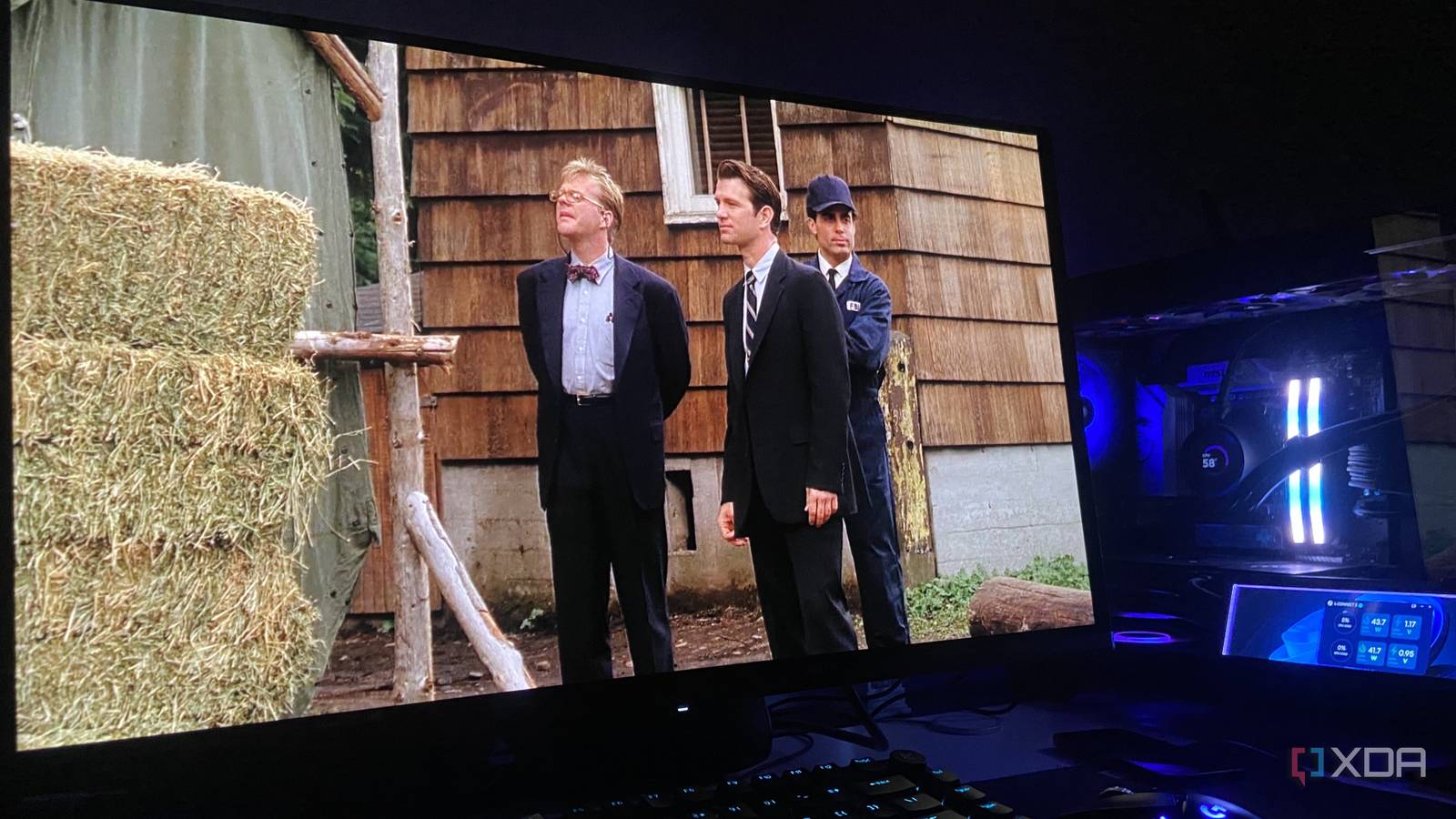
Published Sep 10, 2026, 6:00 AM EDT Abhinav pivoted from a career in banking to pursue his first love in writing. Even while working full-time, he continued contributing as an editor-at-large, a role he has held for more than 7 years. A lifelong tech enthusiast who has built three gaming and productivity powerhouse PCs since 2018, his passion for technology keeps him closely following the semiconductor industry, from NVIDIA and AMD to ARM. His MSc dissertation explored how artificial intelligence will reshape the future of work, reflecting his curiosity about the wider social impact of emerging technologies. You've probably heard a lot about Lossless Scaling and what it can do for older games, retro emulated titles, and games that don't support Nvidia or AMD's upscaling or frame generation technologies. By all means, it's an app that's primarily known for its frame generation layer, but part that often gets overlooked is the scaler that sits directly next to it, which can elevate how your older TV shows and movies look. I've recently taken to upscaling my old DVD box sets using this utility, and so far, it seems to work really well when the right toggles are used. It's simple, takes about a minute, costs you just $7 to upscale anything from your digital media library, and nothing gets re-encoded, because it's all happening on your GPU. Lossless Scaling makes a 480p source look less like a 480p source LS1 does a surprisingly good job with anime, but so does Anime4K The first thing I tried was Lossless Scaling's LS1 upscaler, using Dragon Ball Z: Tree of Life from a 480p DVD source. While it looks fine as it is at native, I couldn't help but notice that it got too soft on my 1440p OLED display. Anything that's animated automatically becomes an obvious candidate for Anime4K, which is designed for this specific kind of upscaling workload consisting of clean lines and flat colors, but I was curious enough to try LS1. After a little while of noticing almost no impact on the image quality, I realized that there was a trick to getting best results out of either. Lossless Scaling tends to work with whatever VLC is rendering, rather than grabbing the video's native resolution directly. So I had to set VLC's window to the video's native size and let Lossless Scaling handle the upscaling. With LS1 particularly, the difference wasn't night and day, but nonetheless, it was noticeable during playback. Edges got remarkably cleaner, finer details like character models seemed better defined, and of course, the footage finally arrived without some of the softness that becomes obvious when a 480p video is stretched across a 2K display. There are, of course, limitations to this approach when the source itself is this low-resolution. Neither Anime4K nor LS1 can recover the details that don't exist in the video in the first place, and pushing 480p video to 1440p gives the algorithm a lot of empty pixels to fill in. It allows me to smoothen the pace, too LSFG makes 24fps drama easier on the eyes When I loaded Twin Peaks: The Missing Pieces (2014) I had a slightly different approach in mind. On the 1080p Blu-ray rip, I used FSR with its sharpness slider pushed all the way up and let it handle the scaling. The result this time was a lot more subtle, but nonetheless noticeable around high-contrast edges where the extra sharpening imparted a clean, more defined appearance without looking excessively processed, as is usually the problem with upscaling from this resolution. Now, I must confess this isn't something a lot of purists would be interested in, but I like to enable LSFG at 2x, which takes the 24fps output to 48fps. This makes camera as well as character movements a lot smoother on a 240Hz OLED screen. I'd anticipated a lot of artefacts in the scenes that I tested, but during my 30-minute watch session, I was unable to find anything particularly off-putting. While remasters offer an image quality uplift, they can't change the original 24fps motion into something fluid. This does result in the highly unpopular soap-opera effect, though, so I understand those who do not belong to this camp and find any sort of motion smoothening on drama unwatchable. I'd rather upscale my shows myself than trust another AI remaster Sometimes, keeping the original is the safer bet There's a special reason why I would rather run this upscaling on my own GPU than wait for an official remaster, and you'd have to look no further than what Netflix did last year. In the remaster of A Different World, a 1987 sitcom, Netflix listed the show as HD, and granted, it was high-definition as promised. Problem is, a few viewers immediately took notice of what was wrong with it. The remaster was found interspersed with visual artefacts like malformed hands, garbled text, and frequent warped faces now and then, turning the show into a classic uncanny valley nightmare. The major problem that's associated with generative AI upscaling is the fact that it tends to predict details and patterns according to the data the specific model was trained upon, which is why something like cleaning up text in a frame becomes a gamble. You might get sharper letters, or you may end up with hieroglyphics where ordinary text used to be. The odds are overwhelmingly skewed towards the latter with most models. Lossless Scaling's LS1, Anime4K and FSR have a far lower probability of doing anything of that sort, majorly because they are reconstruction scalers that sharpen edges that already exist. This means that finer details such as text remain soft but otherwise rather legible. Don't give away your old DVDs just yet While I can't promise that Lossless Scaling would turn a 480p DVD rip into a 4K remaster, it certainly can make low-resolution footage considerably easier on your 4K display, without any horrifying, immersion-breaking AI interpretations getting in the way. As such, a $7 utility and about a minute of tuning can help you revisit your old classics without waiting for a carefully AI approximated version of a remaster to come along.
I run Lossless Scaling on old TV shows, and they look better than the official remasters
Full Article
Original Source
Read the full article at Xda-developers →KhanList aggregates and links to publicly available news content. We do not host full articles from third-party sources. Always verify important information with original sources.