
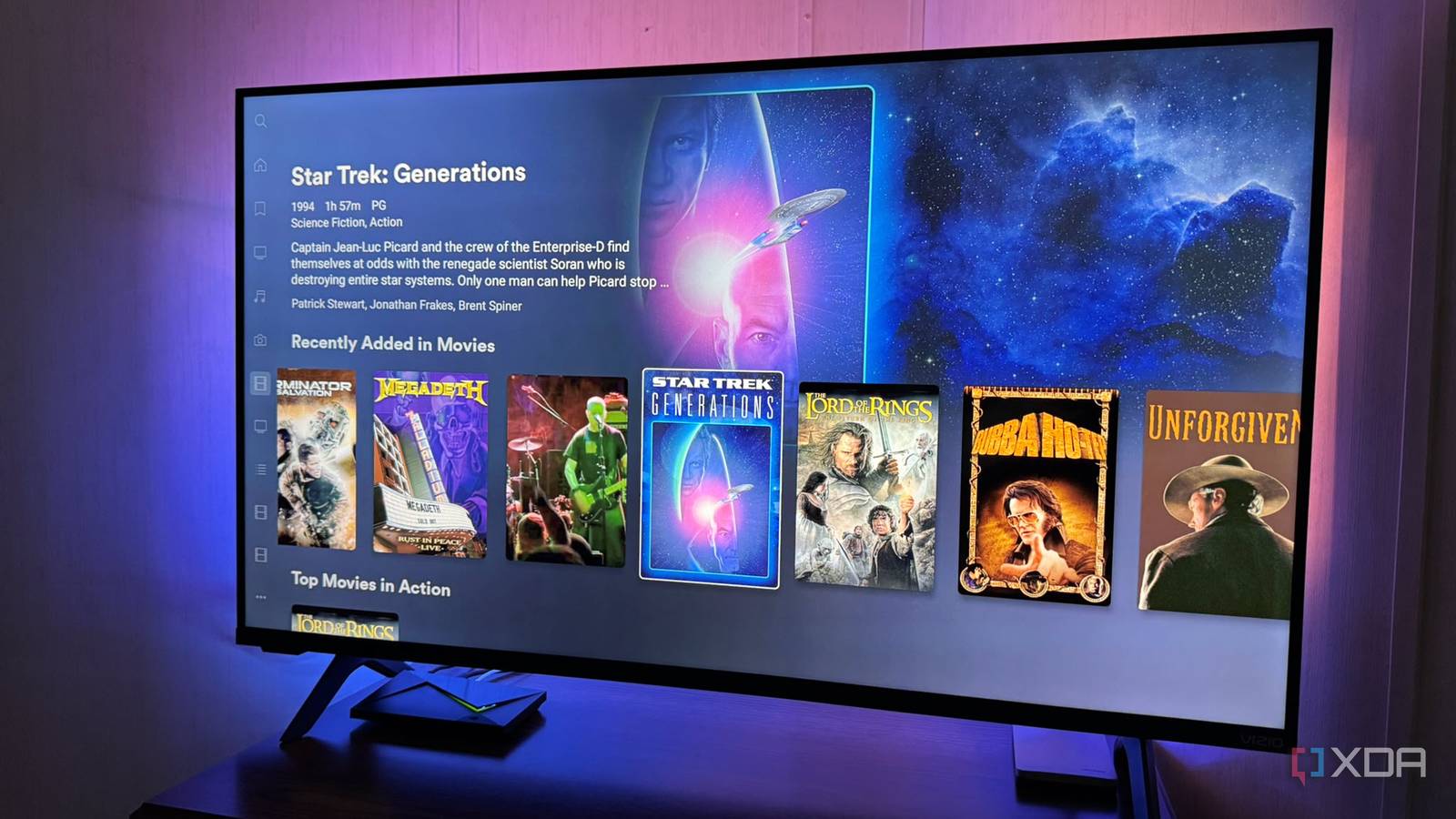
Published Nov 5, 2026, 8:31 AM EST Based in rural Minnesota, Brian Burgess worked in IT for 10 years before finding his passion for writing about consumer technology. Brian earned his degree in computer and network technology in 2000. He held various IT positions, including help desk support, router installations for IBM, database administration, and other associate network administration roles. He's been a personal technology journalist for 18 years and has written thousands of articles about Microsoft products and services, Android, iOS, streaming, and more. He has written for notable tech sites including XDA, InformationWeek, How-To Geek, Byte, groovyPost, and others. When he is away from the keyboard, you will hear him playing guitar, working outdoors, and watching Star Trek. I've been on a mission to get as much of my media that I own onto my self-hosted server platforms. I've mainly been concentrating on my standard Blu-ray and 4K Blu-ray discs. However, I came across a collection of DVDs that had been collecting dust. So, I figured I would rip them to add to my media library before they become unreadable. I have many 20-year-old movies (or older) on DVD that I had forgotten, and they're actually good flicks. So, I figured I should rip them to my media library. That lets me watch them on screens throughout my home before they rot. DVD lifespans vary wildly They can last multiple decades or only a few years You might have heard that optical media lasts up to 100 years. While that can be true for rewritable discs we've burned data on, it's not exactly true for factory-pressed DVDs or CDs. DVD movies you've bought can develop a phenomenon called "disc rot." It's an informal term for when the disc deteriorates and becomes unreadable — even without noticeable scratches or damage. The discs have several failure points, and "disc rot" covers a broad range of failures. They can develop reflective-layer corrosion from oxidation, which reduces the disc's metal layer's ability to reflect the disc reader's laser. Layer separation or delamination of bonded layers also interferes with reading. Poor manufacturing can reduce longevity when discs are exposed to high humidity, heat, dampness, and other elements. A factory DVD avoids recording dye, which sometimes contributes to CD/DVD-R failure; the data is molded into the plastic. So, if the bonded disc layers deteriorate, the disc becomes unreadable. Not all DVDs last only two decades and develop disc rot. Some last 50–100 years while others only 10. I have many that I know are well over 20 years old that read perfectly fine. But I have always stored them in a cool, dark, dry space. However, one I got from the budget bin (a well-known title for $2) years ago, which was really cheaply made, no longer reads, and I only played it once. Getting my DVD backed up before they die It is faster than a Blu-ray rip Knowing that my DVD collection is getting up there, and the uncertainty of their lifespan, I figured now is as good a time as any to start ripping them to my server. Not only do I have digital backups, but I can also watch movies I haven't seen in years anywhere in my home. Modern streaming devices and 4K TVs also upscale the file resolution. But results vary by device and set. On my Nvidia Shield TV Pro, eligible files gain advanced detail enhancement through AI upscaling for a sharper picture. But the Shield TV doesn't have to play a media file from Plex to use its upscaling; it can come from Emby, Jellyfin, or a local drive. Since DVDs have less data, I save them as MKVs without re-encoding. But I remove certain extras, unnecessary subtitles, and unneeded audio tracks, which saves a bit of space. Depending on how many discs are in your collection, you might want to use different ripping and encoding techniques. Also, when it comes to extras, I check to see what's included on the disc. I've found that many extras on old DVDs aren't included on Blu-ray or digital streaming versions. So, I keep the extra content I like and store it in a separate folder, separate from the feature movie. In fact, I've found some real gems while working with these old discs. Watching old DVDs from anywhere in my house It's enjoyable to watch my old movies, even with a grainier picture Once the ripping is done and the file is ready, I keep a backup copy on a local drive, and copies on my Plex and Jellyfin servers. Now, my DVDs are available throughout my home via multiple self-hosted server platforms. It's been fun reliving memories of watching older films. Some movies hold up on a 4K display. But others have too much of the grainy DVD look, even with the Shield's upscaling. So I put those on my list to eventually get on Blu-ray for a better viewing experience. Buying a digital version on streaming platforms isn't an option for these movies unless absolutely necessary. It's important that I own my media and not rent a compression-filled so-called 4K version. I still keep the physical discs in their cases in a cool, dry environment. But if one develops rot and is unreadable, I don't have to buy a new Blu-ray version or rely on streaming, where movies disappear. It's nice to have movies where I can control the elements better and their longevity. If a disk fails, I have a backup. Rip your DVDs now, so the movies live on One to two decades of longevity for factory-pressed media discs is an estimate, and many will last a lot longer. However, DVD rot is real, and if you have old discs you've been putting off ripping, and they haven't been stored well, now is the time to do it. I have old movies and shows to add to my library, plus I have live performances from bands and artists that simply aren't available elsewhere. Now they're preserved and easy to watch whenever I want.
I ripped my DVD collection before the discs started to rot, and now it streams to every TV in the house
Full Article
Original Source
Read the full article at Xda-developers →KhanList aggregates and links to publicly available news content. We do not host full articles from third-party sources. Always verify important information with original sources.