
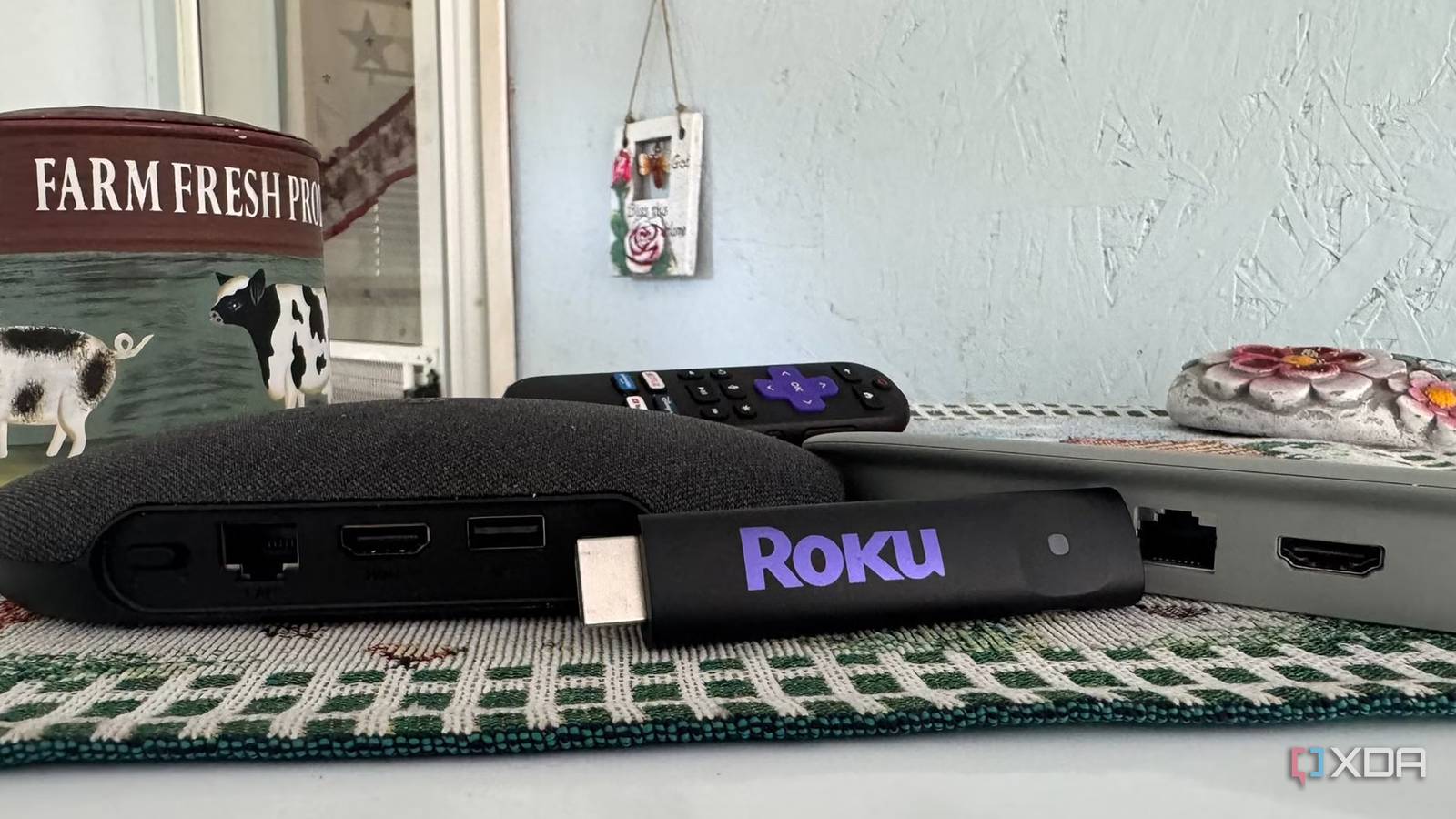
Published Sep 9, 2026, 6:00 PM EDT Based in rural Minnesota, Brian Burgess worked in IT for 10 years before finding his passion for writing about consumer technology. Brian earned his degree in computer and network technology in 2000. He held various IT positions, including help desk support, router installations for IBM, database administration, and other associate network administration roles. He's been a personal technology journalist for 18 years and has written thousands of articles about Microsoft products and services, Android, iOS, streaming, and more. He has written for notable tech sites including XDA, InformationWeek, How-To Geek, Byte, groovyPost, and others. When he is away from the keyboard, you will hear him playing guitar, working outdoors, and watching Star Trek. When streaming media services and devices became popular, Roku was my first choice. Even with the ability to sideload other apps on Fire TV devices, I stuck with Roku boxes and sticks since they were straightforward to use, my apps synced, and I was used to the experience. I still had a stick until retiring it in favor of an Android TV box. The number of ads on Roku is horrendous, and the platform offers no customization. I can also do a lot more with an Android/Google TV box than with the Roku OS. Roku lacks apps and customization options An Android TV box offers more While Roku has more than 40,000 apps in its store, that number still pales in comparison to the number available for Android TV. Between the official Play Store, alternative stores, and Android APKs available for sideloading from GitHub and other sources, the number of apps is in the millions. I can instantly customize the look and feel of Google TV with a few clicks using alternative launchers such as Projectivy, Arc, or Kyu. I also have access to a plethora of ways for managing my own media. Even phone apps that don't offer a TV-like viewing experience let me get things done that I can't on Roku. The locked-down Roku operating system leaves little room for interface customization, and it definitely doesn't allow you to remove ads. I can install themes, rearrange tiles, adjust the wallpaper, or change the screensaver, but the same blocky interface with the same ad annoyances always remains; just with a theme around it. For instance, I installed a Game of Thrones theme thinking it would revitalize my Roku, but it did nothing more than change the wallpaper and put borders around the blocky app tiles. Plus, since Fox's acquisition of Roku, ads have gotten worse, and the modern interface looks far worse than it did less than a decade ago. Kyu Launcher More than the home screen is locked down When I fire up my Roku stick and see the bombastic ads — namely the giant one on the home screen — I want to reach for the nearest custom launcher, as I mentioned above. Then I realize that Roku OS is a locked-down operating system, and I miss the openness and customizability of Android TV. Roku is locked down like Vega OS on new Fire TV sticks; there's no theming your way out of them either. Ads don't appear only on the home screen, either. I find advertisements for shows, other apps, products, and services in banners and boxes throughout the Roku experience. Sometimes ads are animated or video, so I have to watch a full commercial — sometimes with sound — at the top, bottom, or middle of the screen while I am simply trying to flip from one app to another. Sure, the default Google TV home screen is a mess and displays ads, but not throughout the entire experience like Roku does. Also, as I mentioned in the previous section, I can install a different launcher (whether in the app store or not) to remove ads on Android TV. Roku lacks storage and functionality I can do more with an Android TV box A Roku stick has around 4GB of free storage, which is enough for most essential apps, plus adding some of your own. Apps are small, but streaming apps' cache can add up quickly and make the Roku less responsive. Space can also be tight if I want to install a few hundred apps for testing. I found myself uninstalling apps a lot to free up space on my Roku stick. My Android TV box and Google TV Streamer, on the other hand, each have 32 GB of internal storage, which is enough to install a seemingly limitless number of apps and store a fair number of files locally. For instance, I can use an app like Downloader to download MP3s or other files, or send media directly from my PC or other devices using an app like LocalSend. I can then play those files directly with Kodi or VLC. An Android box also offers more functionality. My Google TV Streamer and budget Android box include an Ethernet port for better internet and LAN reliability. That is especially helpful when using self-hosted media servers like Plex or Jellyfin. My budget Google TV box also includes a dedicated USB port for external storage so that I can set up a local media player or a self-hosted server. I can do something similar with the Streamer, using a workaround with the USB-C power port. A Roku stick is Wi-Fi only, and there's no option to expand storage — let alone create a server from it. A Roku Ultra box has an Ethernet port and a USB port. It lets you play media files from an attached flash drive supported by Roku Media Player. However, if a file is unsupported, you can't install VLC or similar direct-play open-source apps on Roku. Google TV Streamer 4K I abandoned Roku to own my media experience on Android TV Since I have been getting into self-hosted media servers and clients more recently, and want a more customizable overall media experience, I have retired my Roku stick to my desk's junk drawer. I've realized that Roku's locked-down OS doesn't cut it for my streaming needs anymore. I can always gift the Roku stick to a friend or family member who wants Netflix and doesn't mind obnoxious ads. Whether it's the Google TV Streamer or a budget box, Android/Google TV is a far more flexible and forgiving platform.
I retired my Roku stick for an Android TV box, and I'm not going back
Full Article
Original Source
Read the full article at Xda-developers →KhanList aggregates and links to publicly available news content. We do not host full articles from third-party sources. Always verify important information with original sources.