
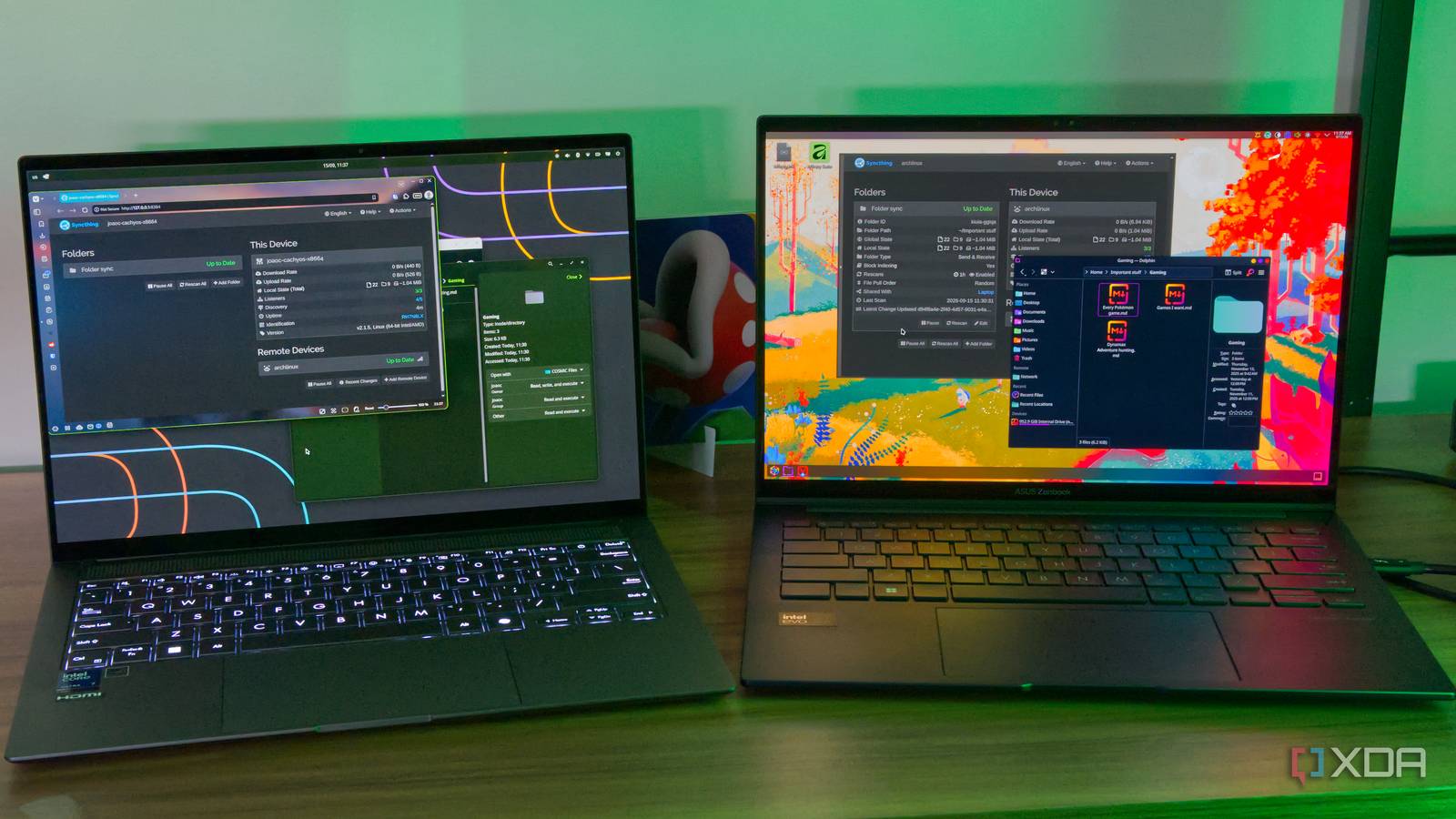
Published Sep 15, 2026, 2:00 PM EDT João has been covering the tech world for over 7 years, with a heavy focus on laptops and the Windows ecosystem. I also love all things tech and videogames, especially Nintendo, which he's always happy to talk about. Prior to joining XDA in 2021, he worked at Neowin: https://www.neowin.net/news/poster/jo%C3%A3o-carrasqueira/ One of the great things about cloud services is that, in addition to providing a backup of your most important files, they can make them accessible on all your devices in a seamless way. A service like OneDrive integrates right into File Explorer on Windows 11, so you can see your cloud files just as if they were stored on your computer. But what if you didn't need the cloud for that experience and you could do it yourself? It's actually much easier than you think, and you don't even need a NAS unit. All it takes is a spare laptop (or other PC) and Syncthing. Syncthing keeps my files in sync It's very easy to set up If you're not familiar with Syncthing, it's a beautifully simple piece of software that keeps files in sync across multiple devices. It doesn't require a dedicated piece of hardware like a NAS or anything, either. You just install the app on the devices you want to sync, and you're mostly good to go. The way it works is that you simply create a share in Syncthing on one of your devices, and when you do, it gives you a sharing code. You can then use that code to add the same folder on your other devices, and you can map that shared folder to a location of your choosing on your second device. From that point on, the contents of that folder are always kept in sync between the two devices without you needing to do anything manually. Just add or remove files from the folder that's being synced, and they will quickly be reflected on your other devices. Because this works entirely within your local network, it tends to be pretty fast, too. When I first heard of Syncthing, I was almost shocked at how easy it was to set up and how well it did its job. A spare laptop makes all the difference It's always working Syncthing works great, but the main notable limitation is that it won't work as well if you have two devices that aren't powered on at the same time. Changes to your synced folder on one PC won't be detected by another PC if that second computer is off, and if you turn off the first PC before turning on the second one, there's no time when the folders can sync. That's where the spare laptop comes in. Laptops are relatively low-power devices, so they can stay powered on without using too much energy. What I can do then is install Syncthing on this spare laptop, add it to the folder share, and just keep the laptop running in a corner of my house. Because this laptop is always powered on, it acts as a relay for all the changes I make to the synced folder on my other devices. What that means is that these other devices don't need to be powered on at the same time as each other; the changes will be synced to this spare laptop, and when a different device comes online, those changes are then pushed from the laptop to said device in a matter of seconds. It's surprisingly similar to using OneDrive or another cloud-based service. Save money on the cloud It doesn't have to be a laptop, either There are multiple reasons to get a cloud subscription, but they can become pretty expensive, and if you only want one in order to be able to access your files across devices, you can easily save that money with a solution like this. I used a laptop for my setup, but you can easily do the same thing by installing Syncthing on a desktop computer or even a NAS unit, so you can keep files in sync your way. Because it has a low-power processor, a laptop is a great candidate for this, but you can also use a mini PC and save even more power and space since there's no screen to account for. Set the power mode to battery saver (or similar setting on Linux), disable as many background services as possible, and you have a setup that costs nothing in terms of hardware or software, and it should only have a minimal impact on your electricity bill, too. You'll end up saving some money and all the files are directly in your control, never leaving your own network. What's more, you can set up multiple shares for different devices, all using the same laptop as a relay. If you want different files and folders that you want to be available on different devices, you can simply create multiple shares and have them all on that spare laptop, while only connecting the appropriate endpoints to each share. Syncthing is great There are plenty of free tools out there that can replace paid alternatives in one way or another, but many of them come with a learning curve that's often a deterrent to most people. Syncthing is one of those tools that's so impressively easy to use that I think everyone should give it a try. It can be incredibly useful and the time it takes to set up is no more than a few minutes in total. You can't say that about a lot of software. Syncthing
I replaced the cloud with a spare laptop and Syncthing, and now my files sync for free
Full Article
Original Source
Read the full article at Xda-developers →KhanList aggregates and links to publicly available news content. We do not host full articles from third-party sources. Always verify important information with original sources.