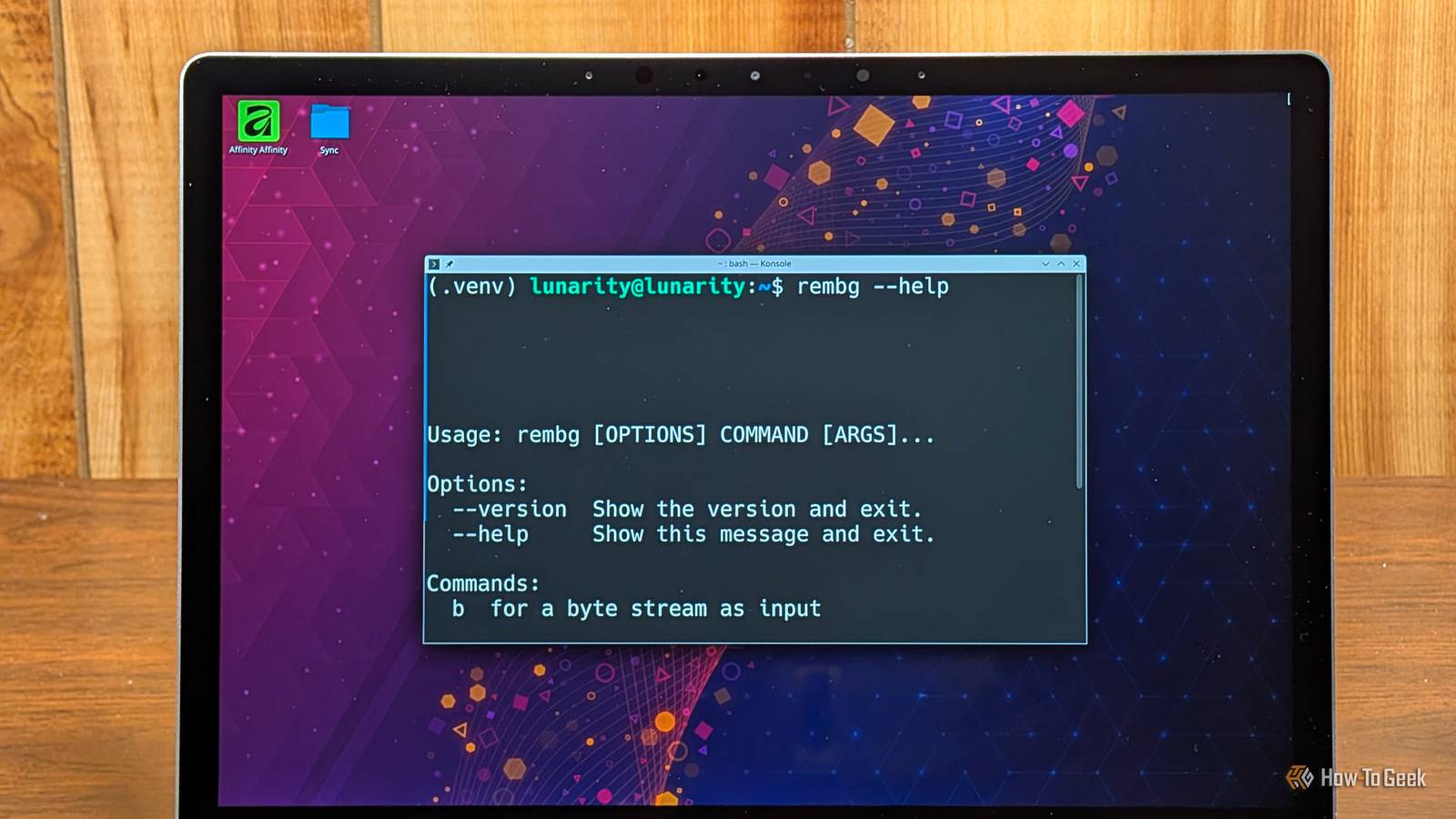
Published Aug 8, 2026, 12:00 PM EDT Nick Lewis is an editor at How-To Geek. He has been using computers for 20 years --- tinkering with everything from the UI to the Windows registry to device firmware. Before How-To Geek, he used Python and C++ as a freelance programmer. In college, Nick made extensive use of Fortran while pursuing a physics degree. Nick's love of tinkering with computers extends beyond work. He has been running video game servers from home for more than 10 years using Windows, Ubuntu, or Raspberry Pi OS. He also uses Proxmox to self-host a variety of services, including a Jellyfin Media Server, an Airsonic music server, a handful of game servers, NextCloud, and two Windows virtual machines. He enjoys DIY projects, especially if they involve technology. He regularly repairs and repurposes old computers and hardware for whatever new project is at hand. He has designed crossovers for homemade speakers all the way from the basic design to the PCB. Nick enjoys the outdoors. When he isn't working on a computer or DIY project, he is most likely to be found camping, backpacking, or canoeing. Photoshop's "Remove background" tool is great, but it comes with a pretty steep price. To use it, you need an active subscription. In this day and age, that isn't necessary. AI background removal is easy to do with open-weight AI models that you can run on your PC without any added costs. That is where rembg comes in. Rembg uses local AI to remove backgrounds None of your data leaves your PC Rembg is an open-source background remover that runs models locally to output a transparent PNG. It works by using an object detection model to produce a mask that separates the subject from the background, then applying that mask as an alpha channel. All of that sounds messy, but in more plain terms, it detects an object, draws a line around it, and then cuts out the background and leaves it transparent. If you ever watched a tutorial showing you how to isolate a subject manually in Photoshop, it is the same idea. Depending on your intended use and comfort level, you can use it in a few different ways. If you want speed and a hands-off approach, the command-line interface allows you to process a single file or an entire directory with a few commands. If you prefer a graphical interface, you can fire up a local web server that allows you to control the program through an interface in your browser. If you want something more complex, there is a Python API which lets you attach it to more complex automated workflows. One of the more interesting—and useful—features is the ability to swap models. Lighter, general purpose models are fast and efficient, which means they'll run on almost anything, but they can struggle with fine detail. Heavier, more complex models do better with hair, transparent or semi-transparent objects, but they take longer to run and require more memory. Free and open-weight beats the Photoshop button every time When you compare the two, rembg has three distinct advantages: cost, privacy, and scale. There are no subscriptions with weird cancellation terms, no credit systems, and no per-image quotas. The cost savings alone are significant. The big practical advantage is its ability to batch process files. That is a huge advantage if you do a lot of work that requires isolating a subject. Photoshop is mostly designed for one image at a time. If you have 200 product photos to process, doing it in Photoshop is going to be a lot of very tedious clicking. Even if you use Photoshop's batch capabilities, the setup is going to be more involved than the single command the job requires in rembg. Privacy is another major factor. Because everything exclusively runs on your machine, sensitive photos never leave your PC. Once the initial model is downloaded, you can operate entirely offline. For clean subjects with well-defined edges, the output is indistinguishable from what you'd get out of Photoshop. Photoshop does have an on-device mode, but if I'm dealing with something confidential, I prefer to use an application that can't upload the image to the internet if I misclick in a drop-down menu. If your Photoshop subscription exists mostly for this function, rembg makes it easy to give it up. Rembg has a few drawbacks Keep an eye on your licensing Credit: Hannah Stryker / How-To Geek Rembg isn't a perfect replacement for every scenario. Photoshop is still better when it comes to extreme detail. If your work requires that level of precision, a paid cloud remover or a more sophisticated workflow in ComfyUI is a better bet. Perhaps more importantly, rembg lacks manual repair tools. Photoshop lets you paint a mask using Select and Mask; rembg just gives you the result. To fix an error manually, you need to open the image in GIMP or Krita to touch up the edges. There is also a licensing trap you must avoid. While the tool itself is open source, some model weights carry non-commercial licenses. Just because the software is FOSS doesn't mean every downloadable model is free for commercial use. Be very sure to double-check that you don't accidentally violate a license agreement. Photoshop is great for delicate work; rembg is great for bulk operations If you work a ton of demanding subjects, keep your Photoshop subscription. But if you've been using Adobe as a one-click cutout tool, you should try rembg. It is also important to note that many "AI features" in modern subscription software can be replaced with open-weight models if you're willing to figure out which models work for your workflow. If you have a complex workflow, I'd recommend trying ComfyUI. The things you can accomplish with a gaming GPU and open-weight models go toe-to-toe with "premium" AI offerings. Huggingface has several pre-built workflows that can do any number of things.
I replaced Photoshop's AI background remover with this free open-source alternative
Full Article
Original Source
Read the full article at Howtogeek →KhanList aggregates and links to publicly available news content. We do not host full articles from third-party sources. Always verify important information with original sources.