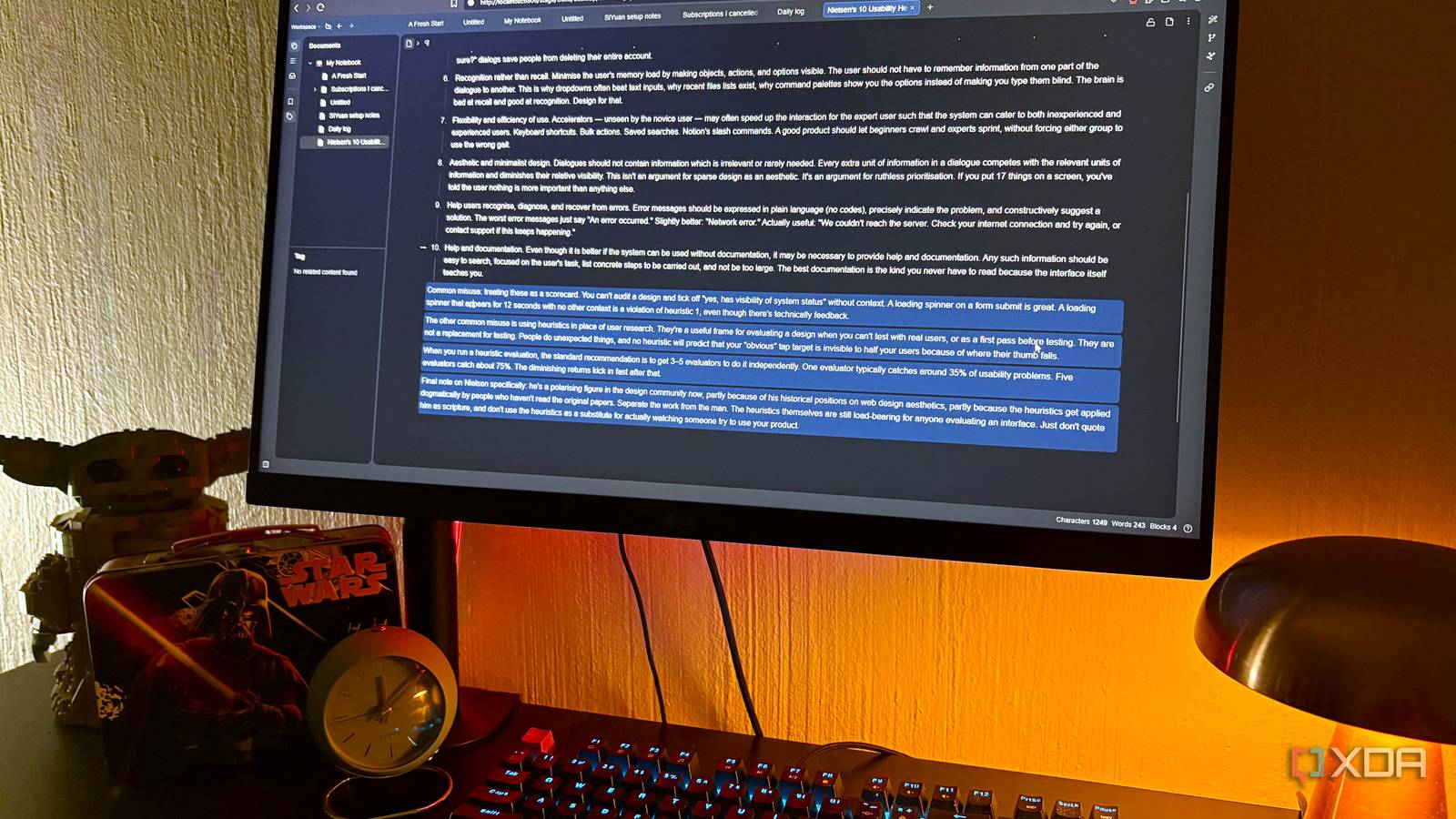
Published Aug 10, 2026, 4:00 PM EDT Nolen began their writing career in 2019, with three years dedicated to editing the Creative section at MakeUseOf. Their expertise lies at the crossroads of technology and creativity, covering areas like photography, video editing, and graphic design. Outside of work, you'll often find Nolen diving into a good book, writing their own stories, or playing video games. Note apps are in a category that have a weird way of stacking up. You start with one for documents in the Google ecosystem, then you need another one you can share with a team, and another one for journaling, and the list keeps going. Soon enough, you end up with a massive pile of apps, and if you paid their subscriptions, a big monthly bill. So, I set out to replace them all with one unified tool that handles all the same tasks under one roof, but that also doesn't want a subscription or my data. And I've found the perfect tool for the job, called SiYuan. Where my notes actually live now One Docker container is doing the job of the app I used to recommend SiYuan is an open-source self-hosted knowledge management app that's been around for a few years but doesn't get talked about nearly as much as it should. It runs in Docker, and it took me about five minutes from pulling the image to having it in my browser at localhost. There's a desktop app too if you'd rather skip the container step, but I already had Docker running for other stuff. What sold me pretty quickly is that it works the way I already think about notes. In other words, it has block-based editing that feels a lot like Notion, a slash menu with headings, templates, embeds, databases, and an AI assistant, just to name a few. Every block gets a permanent ID, which means I can reference or embed a specific paragraph from one doc inside another and have those references survive if I later restructure the notebook. Notion has synced blocks too, but they're tied to page structure, so a big reorganization tends to break things you have to go back and re-link. I keep a daily log going with what I worked on and what's next, and the bidirectional links between docs actually work locally without a sync subscription attached. There's also a global graph view showing how everything connects, which is similar to how Obsidian's Graph view does it. Of course, because I'm self-hosting it, everything lives on my PC without an account attached, and nothing has to leave the container unless I export it out (export options include Markdown). SiYuan has a paid tier, but it's only for their hosted sync, which I don't really need. It actually helps me remember things The feature I didn't know I was buying separately I was clicking around the block menu on a heading in one of my docs, saw "Flashcard" sitting there in the list, and it turned out it has spaced repetition built in. This means it has recall functions in the notes without needing a plugin or a separate tool. The way it works is you take a block that has something in it worth quizzing yourself on, highlight the parts you want hidden as the answer, and add the block to a deck from the block menu. It uses FSRS, which is the same modern algorithm Anki finally switched to a while back. So I'm not getting some watered-down take on spaced repetition, I'm getting the real thing running against my actual notes. Anki is free on desktop and free on Android, but on iOS the official app is a $25 purchase, which sure, it's better than a subscription, but it's still a paywall between me and using the same deck across all my devices. SiYuan just doesn't have that problem because it's my server, plus the same block that's part of my study material is also part of the doc I originally wrote it in. My use case for the flashcards is mostly for design terminology I keep having to re-look-up while writing, which isn't a med student's flashcard load, but plenty for this to replace dedicated paid tools like Anki. What happens to everything I clip and annotate The browser extension that finally made web clipping usable Evernote used to be where anything I meant to read later ended up, along with screenshots and PDFs I needed to mark up for work. But the free version has become heavily restricted, it's practically just a demo now, so I eventually gave up on it. But the need to store resources never went away, I just ended up moving them to browser bookmarks. SiYuan has an official browser extension for Chrome, Edge, and Firefox that clips whatever's on the page into whichever notebook I've set as the target. I hit the shortcut and the article shows up as an editable doc. Because the clip comes in as regular blocks, I can annotate it or pull pieces of it into whatever else I'm writing later. PDF annotation works similarly. I drop a PDF into a doc, mark it up, and the highlights become linkable references I can pull into other documents. That's a feature Evernote locks behind its Advanced plan at $249 a year, and I get it here for the cost of running Docker. The stack collapses when you find the right tool I'm not going to pretend SiYuan is a perfect one-for-one replacement for any of the three. Someone deep in Notion databases or someone with years of Anki decks is going to find things they miss. But the subscriptions were mostly covering tasks I could do in one place and on my own machine for free. SiYuan
I replaced Notion, Evernote, and Anki with one Docker container, and I'm not paying for notes again
Full Article
Original Source
Read the full article at Xda-developers →KhanList aggregates and links to publicly available news content. We do not host full articles from third-party sources. Always verify important information with original sources.