
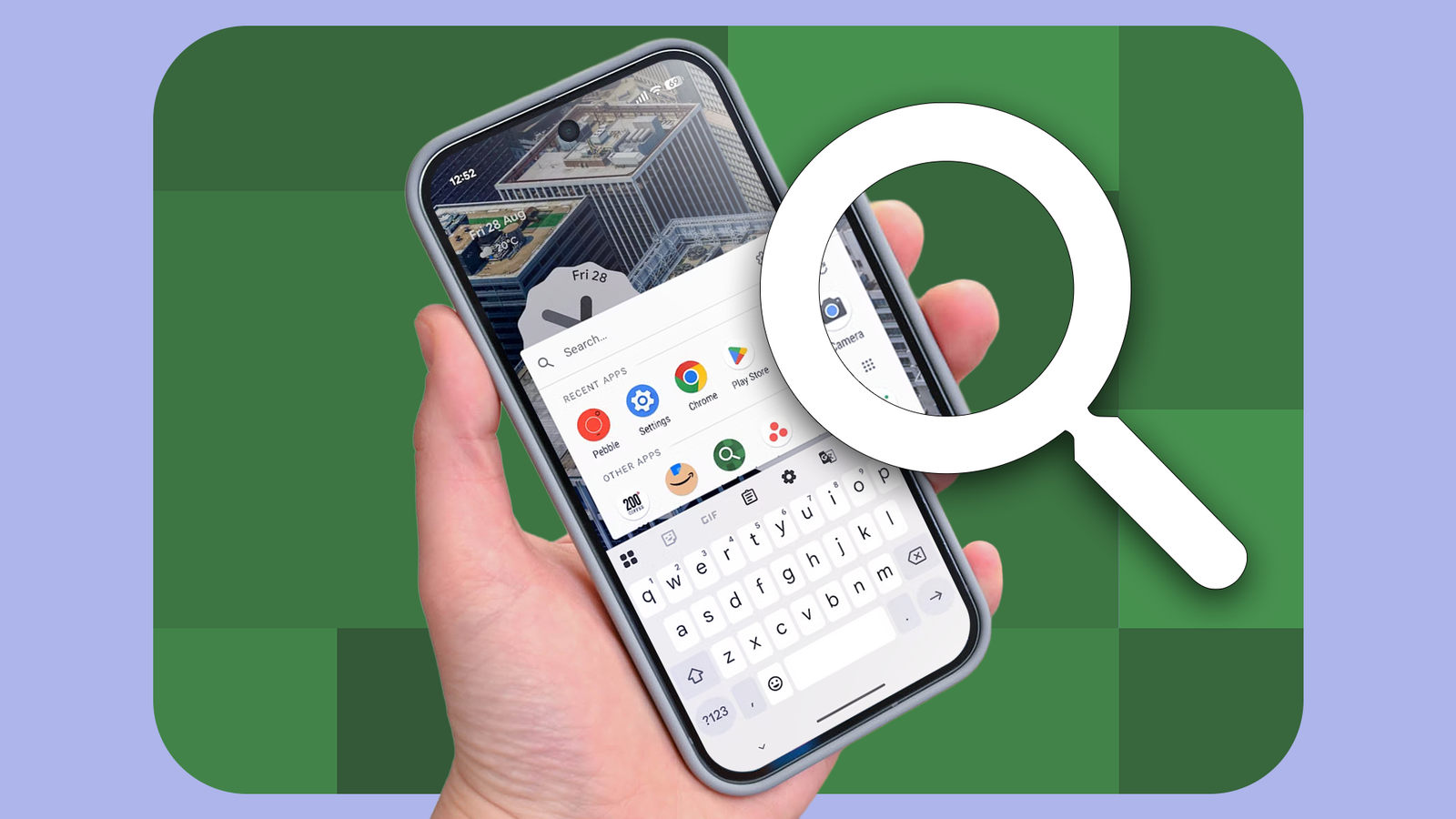
Published Aug 30, 2026, 10:15 AM EDT Jon Gilbert is a Features Writer for Android Police. I've covered Android since 2021, focusing on writing features and guides about Android apps and features that directly affect users. I've attended CES to uncover powerful hardware that isn't dominated by Google like the Mudita Kompakt. I trawl through Android news daily, hunting for stories that have real-world consequences. I hold a BA in History & Classics. I have plenty of ways to search for apps on my Google Pixel phone. I can check my home screen, open the app drawer, or use the search bar. Of these options, the search bar is usually the quickest, but it has one big problem. When I search for an app, I want to search for apps. I don't want suggestions, Google Search results, or anything else. I want to find and open the app I want as quickly as possible. Yes, the Pixel Launcher's search function is versatile, but use this third-party app instead. App Search is the perfect app No catch, just a brilliant app It's rare to find an app like App Search. It has one job (helping you find and launch apps), and it does it perfectly. It asks for no permissions and collects no data. It has no ads and is completely free. So what do you get in return? A lightning-fast search app that's packed with useful tools. Here's how it works. I open the app, enter my search query, and select the app I want. Simple, but there's so much more. App Search opens in a single window that shows my apps, a search bar, and a settings button. It's useful out of the box; even before we dive into the settings, it's an instant win. It's faster, less bloated, and easier to use than my Pixel's search bar. While it's technically less versatile, it's better at doing the simple job of launching the apps I want. But here's how I turn it from useful to necessary. Gesture controls paired with App Search are a match made in heaven The quickest way to find apps Every Android phone ships with a variety of gesture controls, so your experience may differ depending on your device. On my Pixel, there are a variety of gesture controls, but two are relevant here: Quick Tap and Press and hold power button. Quick Tap lets me open any app by tapping twice on the back of my phone. Useful, and a quick way to open App Search. But it's not the gesture I use. Press and hold power button either opens the power menu or my digital assistant. Here's the trick: App Search has a toggle that tells Android that it's a digital assistant, thereby letting me bind it to this gesture. So with a quick button press, I can open App Search without adjusting my grip. So now we have an app search tool that opens faster than Google Search and is better at finding what I want. But the magic doesn't stop there. App Search is packed with an absurd number of options As any programmer knows, a search tool is not a simple program. There isn't a best way to search for something because optimal search depends on the context of the parameters and the user. App Search provides a wealth of tools to let everybody find their perfect way to search for apps. For example, I selected the option to only match terms from the beginning to avoid unrelated partial matches. I don't need fuzzy search, so I kept that disabled. Another useful tool auto-launches an app if it's a perfect match and/or the only result. I enabled both these options to launch apps quicker. Remember how I complained about Pixel Launcher's search bringing up too many results? Searching for search results and contacts is still an option, but it's disabled by default. If I wanted, I could make App Search have nearly the same functionality. There are plenty more options, including settings to fine-tune the color, size, and layout of the search window. Too many to list here, but I must mention the option of T9 search, which sent me back to my pre-smartphone days. App Search is the app I didn't know I needed It's now an essential part of my Android experience I've used App Search for a week now, and I can't believe I didn't discover it earlier. It's become the default way I search for apps on my phone. I haven't found my optimal settings yet; there are too many combinations. But I've found my favorites, and it's clear that this is the search tool that Pixel Launcher wished it had. My favorite feature is the auto-launch option. Without missing a beat, App Search will launch the exact app I'm searching for. It feels like magic, but it's such a simple tool I can't believe it's not baked into Android. Replacing utilities is a rewarding experience Android phones are useful out of the box, but they only become great when you dive into third-party utilities on the Play Store. I've been using App Search alongside Side Dock, a floating window reminiscent of Edge Panels on Samsung's One UI. Both App Search and Side Dock are cleaner, faster, and more useful versions of the tools they replace. It makes me wonder how many more Pixel features I can replace.
I replaced my Pixel's search bar with a free app that does one thing perfectly
Full Article
Original Source
Read the full article at Androidpolice →KhanList aggregates and links to publicly available news content. We do not host full articles from third-party sources. Always verify important information with original sources.