
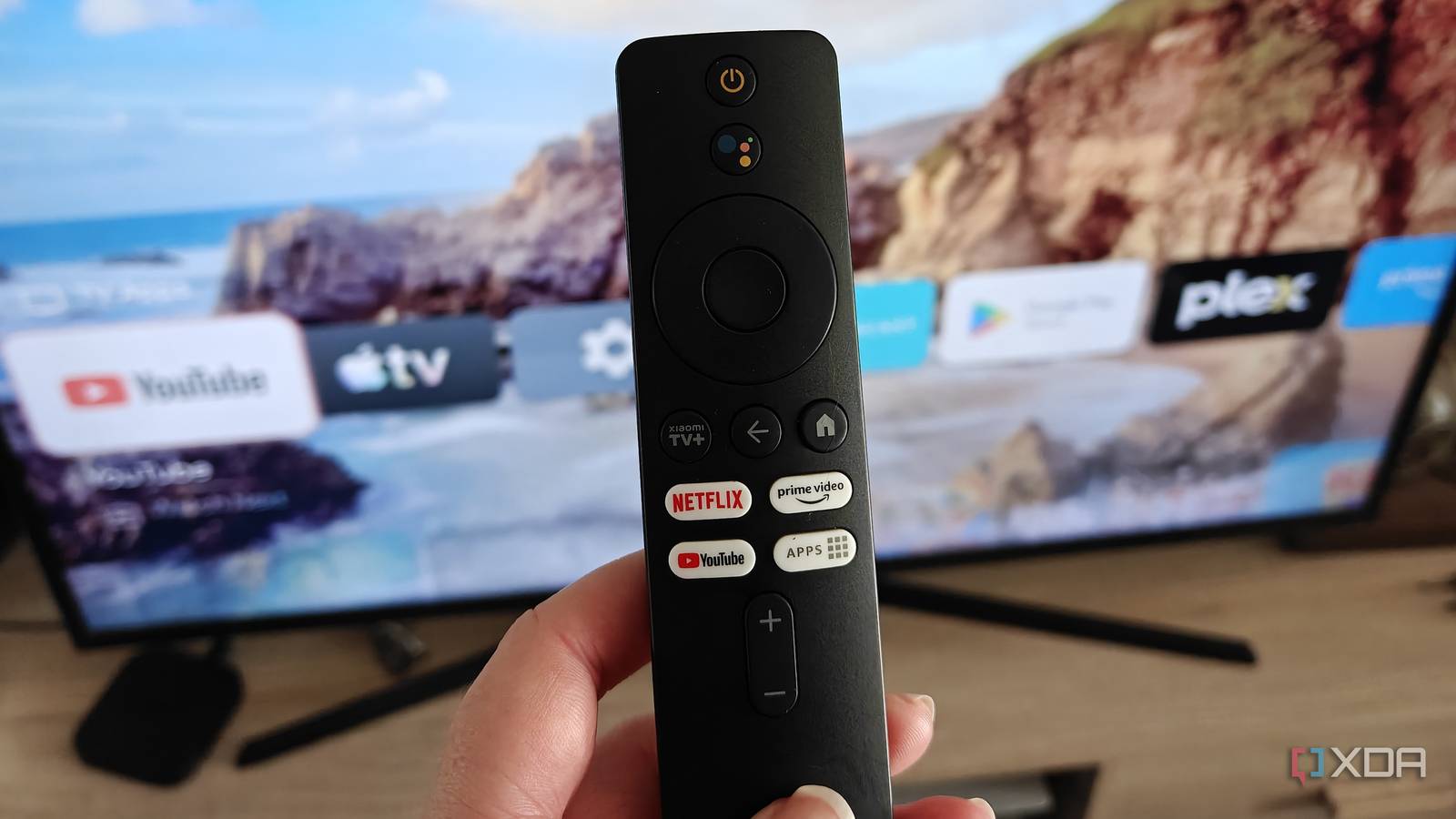
Published Sep 16, 2026, 3:00 PM EDT Megan is a Software Writer at XDA Developers who has been writing about consumer technology since 2016. With a postgraduate degree in New Media journalism, she has always been passionate about diving deep into topics and writing about them in a way that makes them easier to understand for everyday consumers. She runs her own blog called Tech Valkyrie and has contributed to Tom's Guide and Android Authority. She also worked at MakeUseOf as a Lead Editor. In her spare time she plays video games and geeks out about the latest tech. While I prefer using my Google TV box over my smart TV's apps, that doesn't mean Google's platform is flawless. For some time, I've been toying with the idea of trying out a third-party launcher to replace my home screen. When I finally did, I ended up with an optimized experience that proved far less distracting — letting me get to the apps I want to use faster. I no longer have to sift through recommendations and promotions, and can focus on simply watching what I want to. It started out as an experiment, but this is now the setup I want to stick with. My Google TV home screen was overwhelming Irrelevant content took up the most space While I'm lucky that I don't receive ads on my Google TV home screen, I still found the default screen overwhelming. The largest element was content recommendations from apps I use. However, these recommendations didn't feel tailored to me— they seemed aimed at promoting whatever latest series certain streaming services had launched. I'm pretty picky about what I watch, so I'm not about to jump into a random series just based on a home screen recommendation. So I always scrolled past these suggestions to get to my apps. The app selection section also wasn't optimized, however. Apps were displayed by install date, meaning pre-installed apps I never used usually took up the first few slots. If an app wasn't on my TV remote, I usually had to click past multiple icons to get to what I really wanted to use. I could have adjusted my settings, but even just accessing the settings menu was confusing. This menu was buried, with different cog icons for my home screen menu versus my Google TV settings. This also made it hard to access the Play Store. Overall, I wasn't a fan of the UI. Projectivy Launcher helped me make everything simpler No more buried items When it came to selecting a launcher, I went with Projectivy Launcher because it's the one I hear most often recommended by colleagues. It also doesn't require me to sideload apps on my Google TV. I downloaded it from the Google Play Store and followed the setup prompts. This also required me to give it certain accessibility and notification permissions from my settings menu. However, the overall process was relatively simple. Once that was done, I could start setting up the home screen I wanted. This included selecting my wallpaper source (Reddit), choosing which apps to display, and adjusting UI settings. Some options, like themes, require a premium purchase. However, just using the free settings, I got the setup I wanted. This included a much simpler home screen and an easier way to access my settings. I can still get content recommendations from my streaming apps, but these aren't the primary element of my home screen. And if Google ever introduces ads for my account, my new home screen will avoid them. I can keep the features I still want My Google Photos screensavers and casting features remain intact When I switched launchers, I was a bit concerned that I would lose certain features built into Google TV. But Projectivy just replaced my home screen. This meant that features I love, like my Google Photos screensavers, still work. These screensavers are one of my favorite Google TV features even though they have nothing to do with streaming. They let me select specific albums from Google Photos to appear after a certain amount of time. This includes a lot of photos of my cats and places I've visited. The Chromecast functionality of my TV box also still works perfectly. While a launcher on Android smartphones can change a significant number of your device's features, Projectivy on Google TV focuses on your home screen. However, you can also set up additional features like starting your favorite app on launch and custom icons. In some ways, it has made certain features easier to use. Since my settings menu is no longer buried, I can access my Wi-Fi settings and the Play Store much more easily. This makes it far less frustrating when I need to reset my TV box's Wi-Fi connection or restart the device. Get a simpler home screen, while keeping essential functionality I thought I would have to make certain sacrifices when I switched over to Projectivy Launcher, but overall the experience has been completely positive. I get the benefits of a simpler home screen without bloat, while still keeping the Google TV features I like. Using the launcher also hasn't affected my TV box's performance, which works the same as before. If you're tired of the home screen that comes with your Google TV device, I suggest trying Projectivy or another launcher to switch things up. Projectivy Launcher
I replaced my Google TV's home screen with a free launcher, and I don't want to go back
Full Article
Original Source
Read the full article at Xda-developers →KhanList aggregates and links to publicly available news content. We do not host full articles from third-party sources. Always verify important information with original sources.