
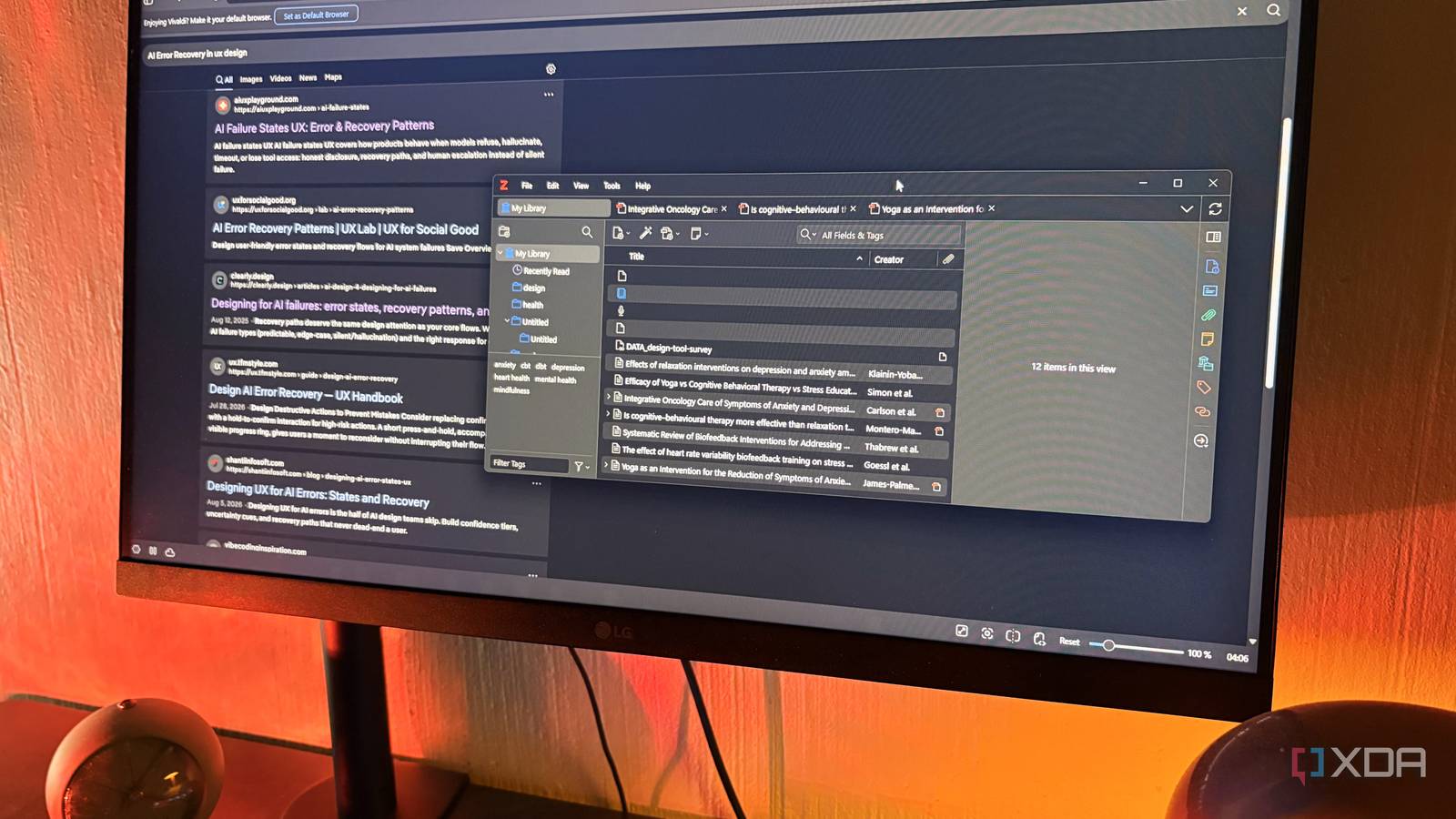
Published Sep 21, 2026, 12:31 PM EDT Nolen began their writing career in 2019, with three years dedicated to editing the Creative section at MakeUseOf. Their expertise lies at the crossroads of technology and creativity, covering areas like photography, video editing, and graphic design. Outside of work, you'll often find Nolen diving into a good book, writing their own stories, or playing video games. To anyone who barely touches AI in their day-to-day, this probably seems a little dramatic. But if you're wired into an AI stack or have it in some corners of your workflows, going a week without it lands pretty close to going a week without the internet. It's beyond the point of being inconvenient and can actually become disorienting, or at the very least more time-intensive. Claude gets more of my typing than Google does these days, but it goes beyond Anthropic; I've probably tested each tool under the sun at this point. So there's AI in my browser, AI parked in my Obsidian vault, an AI generating quick diagrams for me, and AI accelerating my designs. You forget what it's like to have a productive day without AI, so I set out to make myself remember. Calling the replacements "dumb" is unfair to them, because all of these tools are highly capable, but AI has pretty much claimed the word "smart" for itself now. So dumb it is, I guess… Want to stay in the loop with the latest in AI? The XDA AI Insider newsletter drops weekly with deep dives, tool recommendations, and hands-on coverage you won't find anywhere else on the site. Subscribe by modifying your newsletter preferences! Vivaldi is the browser that flat-out refuses to add AI Back to the basics: scrolling and actually clicking the links Vivaldi is a Chromium-based browser from a team led by a former Opera co-founder, and it comes packed with tab stacks, workspaces, a built-in notes panel, plus mail, calendar, and a feed reader. Basically a productivity super-app dressed up as a browser. The reason it's here though is that Vivaldi's leadership has publicly pledged to keep AI out of the browser entirely, framing forced AI integration as a privacy problem instead of a feature. This makes it the ultimate browser for an AI-free workflow, given you use a search engine that also lets you turn off its AI features - I stuck with DuckDuckGo. After making the switch, two things vanished for me at once: The AI summary at the top of every search result, and my reflex of opening Claude, Perplexity, or even the Brave AI chat when something felt like deeper research. My questions went into a regular search bar and I had to scroll and click the links like it was 2020. The first couple of days my eyes automatically kept skimming an AI summary that wasn't there, but I eventually started noticing things AI summaries have been flattening. Dates got way more specific, and sources actually contradicted each other instead of being squeezed into an on-the-fence synthesis. I don't tend to refer to AI content as "slop" because that skips over the necessary nuance of the tech, but it would appear that a lot of the AI overviews were bordering on SEO slop. The takeaway that transfers even if you don't switch browsers: pick a research question every day and force yourself to click through a few real sources before you let AI touch it, because that source-vetting muscle comes back fast. Vivaldi's tab stacks helped a lot with grouping tabs per question, which makes the slower workflow more bearable. Zotero actually organizes my research Turns out sorting your own sources teaches you what's in them Zotero is a free, open-source reference manager from a nonprofit (Digital Scholarship). It runs on all the usual desktop platforms and works offline, and the trick with it is a browser connector that grabs the full bibliographic record of whatever you're looking at with one click. That covers articles, PDFs, books, even regular webpages - and the sources organize into collections and tags. There's also a built-in PDF reader with a proper annotation setup that can extract your highlights into their own notes. It's been forever since I spun up Zotero. These days I just dump everything and anything into my Obsidian vault and let an AI agent handle the sorting for me thanks to a couple of skills I set up - usually Claude Code, but also AnythingLLM and Antigravity. For this week, no AI was allowed near the source material, so it was just me, a browser connector, and a collections panel against the world. The thing I actually gained was knowing what was in my own research. When you hand organizing off to an LLM, you skip the part where reading and sorting force you to remember what is actually inside a source. Filing things into collections and adding my own tags meant I could recall specifics a week later. The takeaway here is that if an AI is organizing your research, you might be paying a comprehension tax down the line. Zotero SiYuan was my writing space of choice Because my Obsidian vault is basically an AI project at this point SiYuan is a local-first, self-hostable personal knowledge management app with a block-based WYSIWYG Markdown editor. It's got block-level references and backlinks, an outline view, hierarchical tags, a database view, and PDF annotation. I've been loving this app after testing it out as an Obsidian alternative lately, so I already had a working install and knew my way around it. SiYuan stores documents as .sy JSON files in a workspace folder, not as plain .md files, though it exports cleanly to standard Markdown as well as Word, HTML, and PDF, so there is a bit of a tradeoff compared to Obsidian. So why not just use Obsidian? Because my vault is inseparable from AI at this point. It's wired into every single agentic tool I've tested, and I even have a couple of duplicate vaults specifically for each one. I don't even really have an Obsidian workflow anymore because my agents handle the formatting and admin for me. Siyuan gave me an open floor to get back into old-school note-taking. I really like the block-level references; I could point a paragraph in a draft at a specific research note without pulling the whole note in, which is much closer to how I already think when doing a project or research. The outline view also kept me oriented in longer notes, whereas I'd normally just ask Claude to give me a quick overview. This isn't necessarily about switching to SiYuan specifically, but about separating your AI-wired workspace from your thinking one, even if it just means spinning up a second Obsidian vault with nothing plugged into it. SiYuan Excalidraw is a hand-drawn whiteboard that makes wireframing feel authentic A slower workflow can make you a better planner Excalidraw is an open-source, browser-based virtual whiteboard with a hand-drawn visual style and an infinite canvas. There's real-time collaboration so it's great for solo and team users, export to PNG, SVG, and JSON, plus a self-hostable Docker option if you want your own instance. The hosted version at excalidraw.com works offline as a PWA and autosaves to browser storage, so clearing your cache wipes anything you haven't exported. It's been in my stack for a while now, ever since one of my favorite UX design YouTubers put me onto it for low-fidelity sketching and planning. Lately though, I've been letting AI handle a lot of this stage in the design process for me. For starters, nothing comes close to NotebookLM's Mind Maps. And then Claude's inline visuals, artifacts, as well as Claude Design have been handling the rest. Excalidraw replaces all of it, so I was back to creating everything manually. Any diagram, wireframe, or mind map now had to be sketched by hand, whether for a basic article outline or an elaborate design project. Drawing something yourself, even if it's mostly clicking around on shapes and arrows, is closer to using your hands than typing a prompt, and it made me commit to structural decisions I'd been letting AI make for me - much as I don't want to admit it. When you have to place a box, you have to know why it goes there, whereas AI diagram tools let you skip that step and hand you something that looks decisive without actually being so. Excalidraw I'd been outsourcing more of my tasks than I'd realized I thought I'd race back to my usual setup at the end of the week, and instead I noticed how often the first move on anything mildly annoying or time-consuming had been typing at Claude and going with whatever came back. Claude is already back in my tabs, but the point of this was to reconsider whether AI is even necessary before handing off every productivity task to it. Turns out it's not.
I replaced every AI tool in my workflow with a dumb alternative for a week, and I feel smarter for it
Full Article
Original Source
Read the full article at Xda-developers →KhanList aggregates and links to publicly available news content. We do not host full articles from third-party sources. Always verify important information with original sources.